Hostinger Reach is a beginner-friendly, AI-enhanced email marketing platform fully integrated into the Hostinger ecosystem.
Requirements to generate an AI email template with AI
If you’ve completed all the steps below:
Then, you’re ready to generate your first email template!
To generate an email template with AI, you can follow the steps below:
-
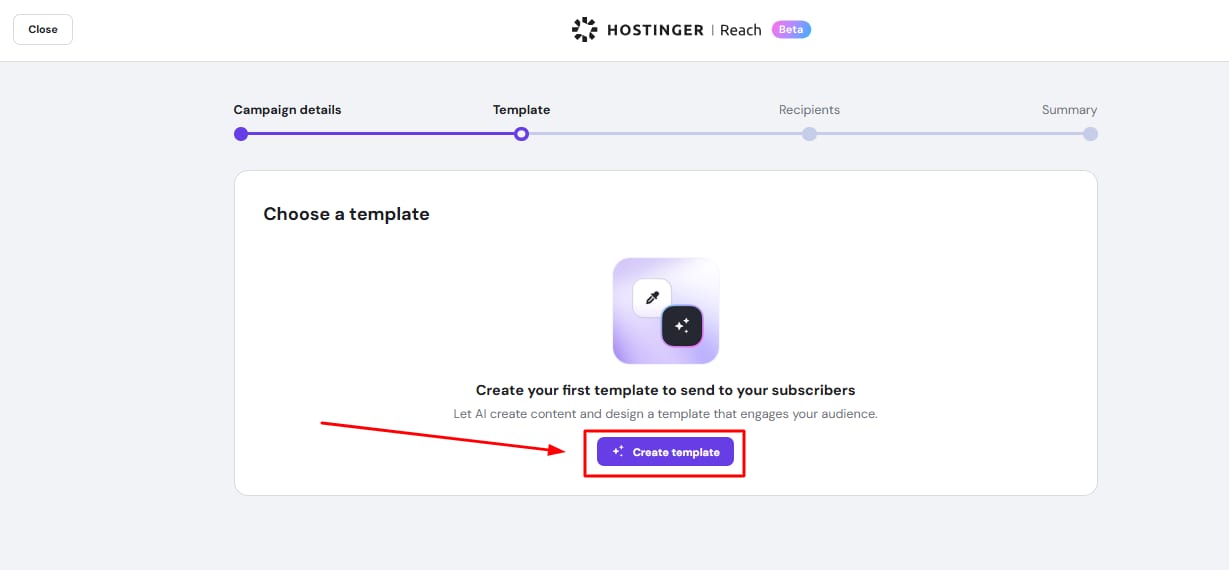
Click Create template.

- When you generate an email template using AI, Reach automatically creates custom images that match the content and context of your email. These AI-generated images replace generic stock photos, resulting in visuals that are more relevant to your campaign.To modify an image after generation:
- In the AI chat, type a prompt describing the change you want(e.g., “change the background to a forest scene”). The AI will regenerate the image based on your request.
- To replace an image manually, switch to Edit Mode, right-click the image, and select Change image. You can upload from your device, search Unsplash, or paste an image URL.

-
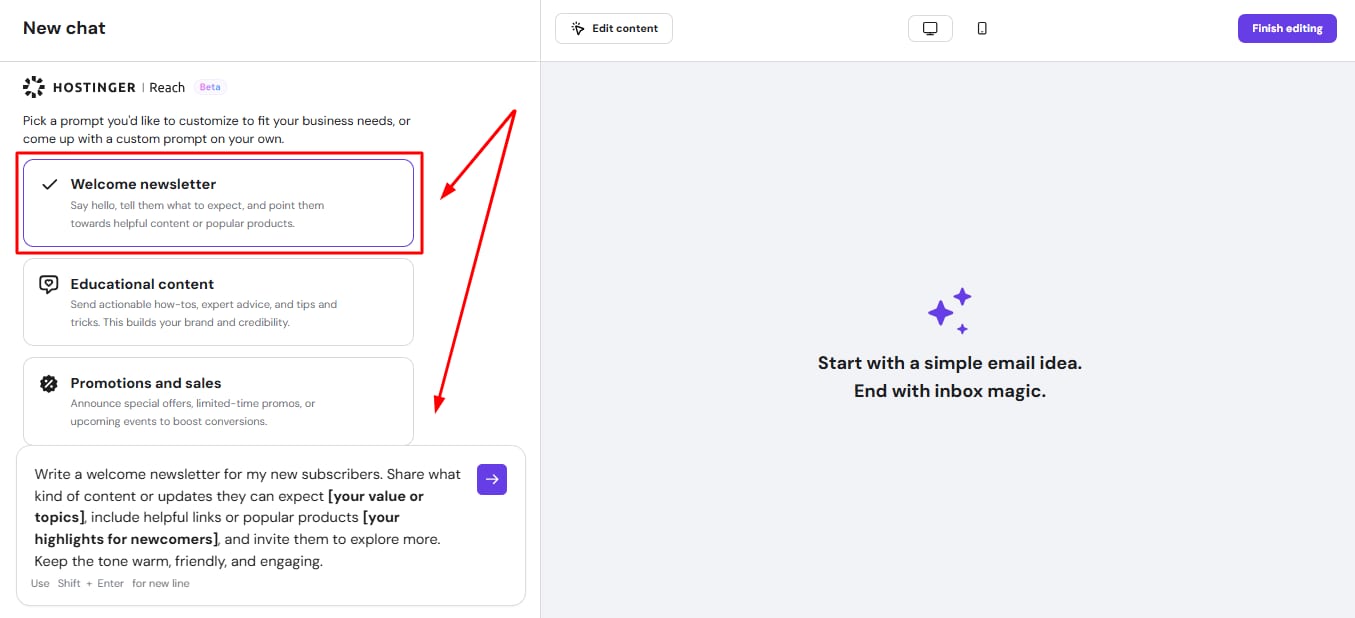
Replace placeholders (like [your business name]) with real information.
-
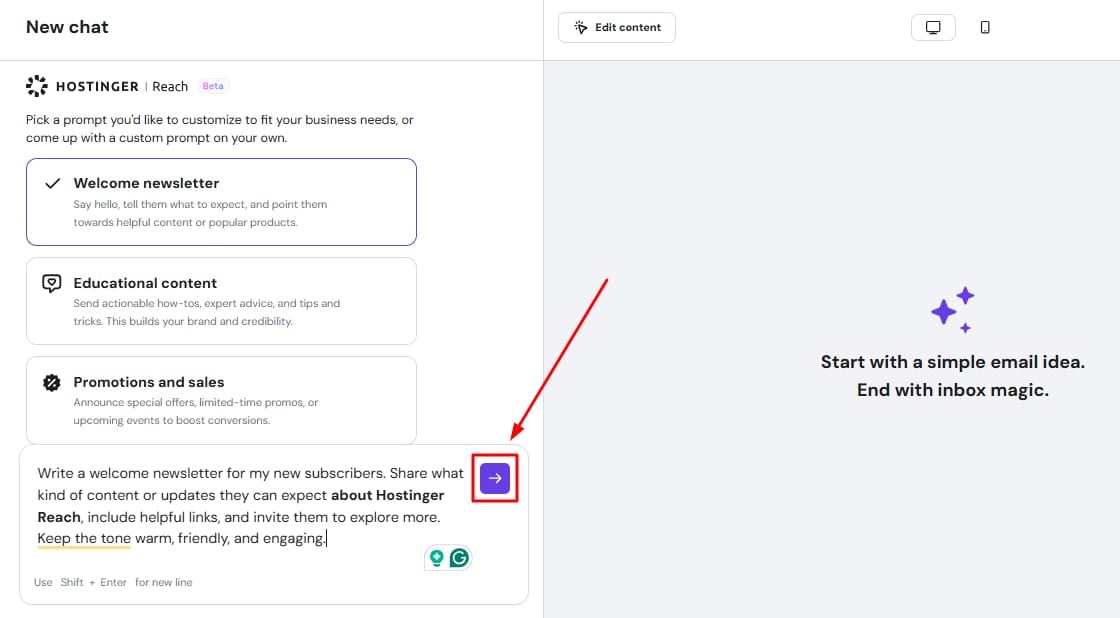
Click the arrow button to generate your email.

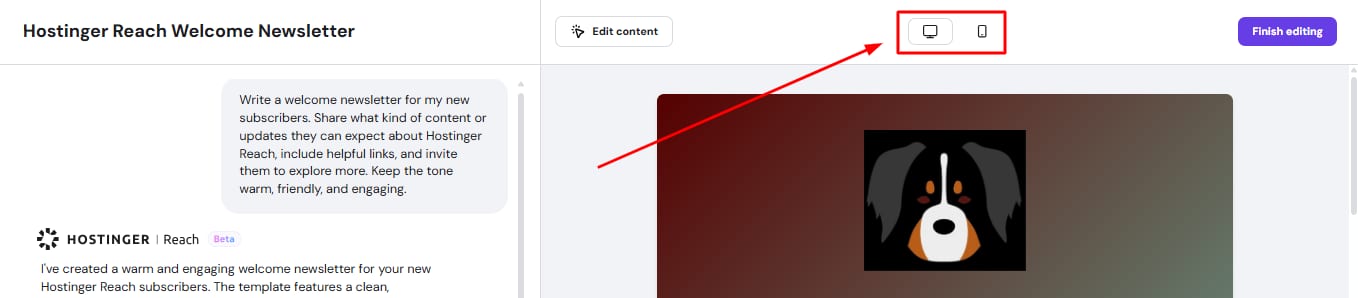
You’ll see a desktop and mobile version. You can keep asking the AI to change the layout and the content until you’re happy with the email.
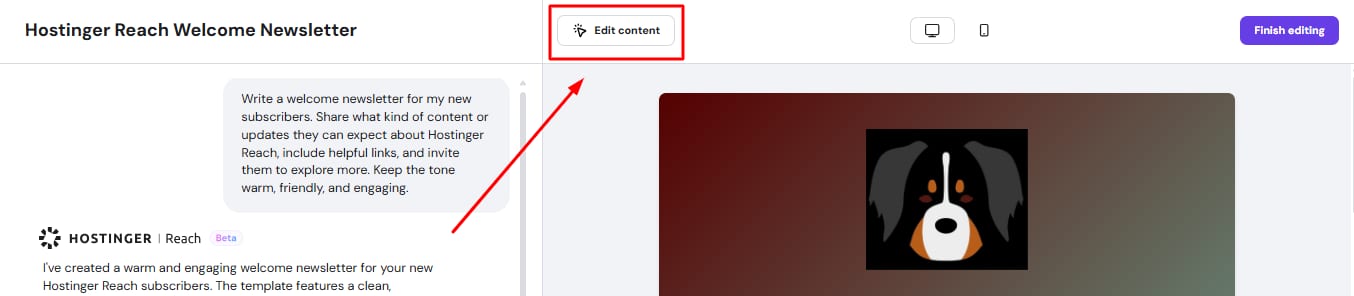
Note: For small tweaks just before you’re ready to send, click Edit content. You can change images (using your own or stock images), edit the text, and the buttons.
Click Save changes and Back to chat when you’re done.
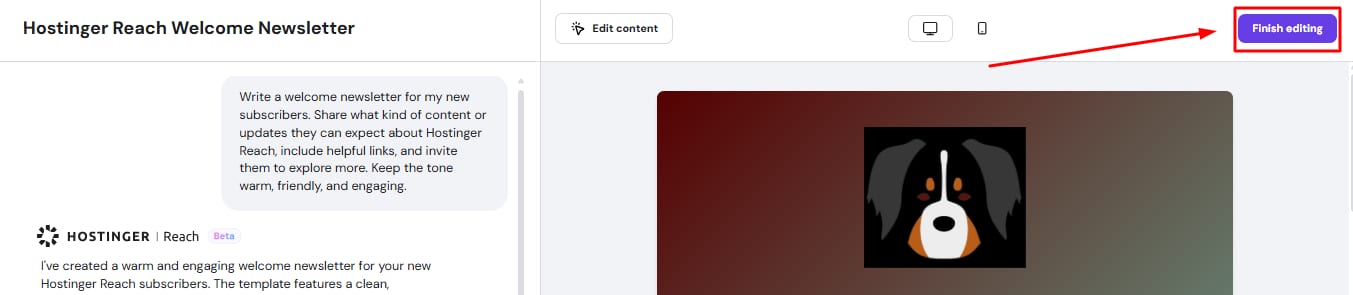
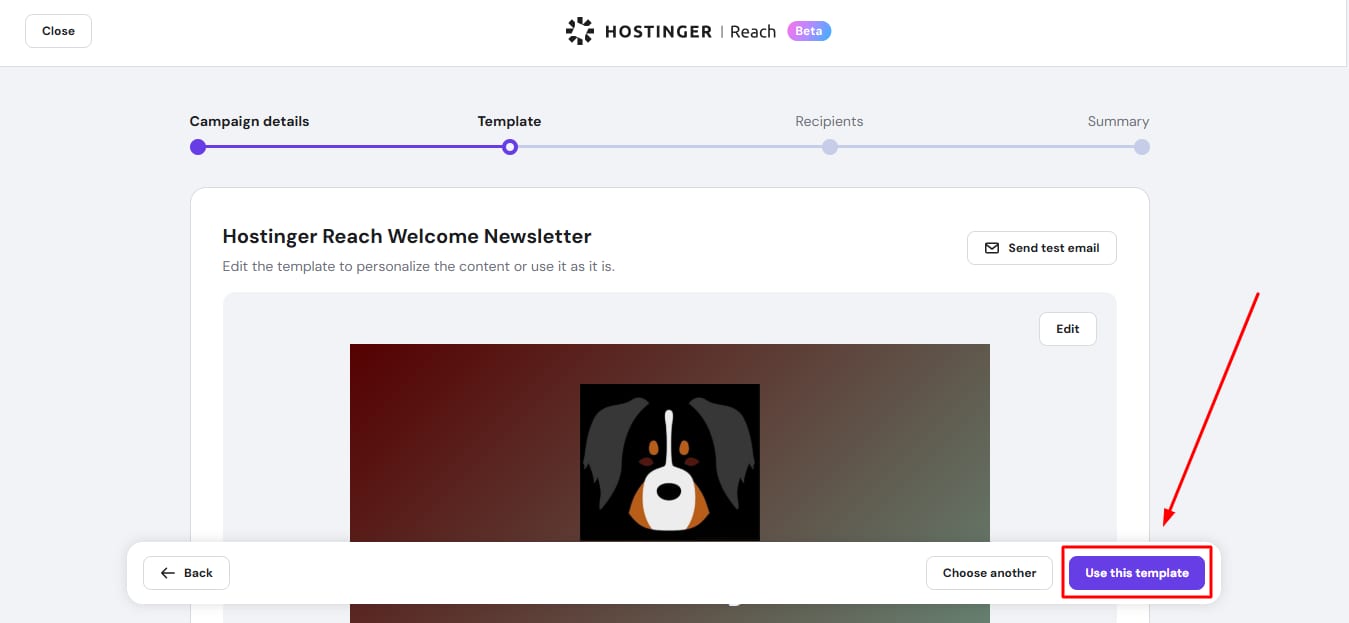
5. Click on Finish editing. Then, return to the template list and click Use this template.
You can find all the step-by-step instructions on how to get started with Reach here.