12 best Softr alternatives
May 15, 2026
/
Larassatti D. & Dainius K.
/
15 min Read
Softr is a popular no-code platform that lets users quickly build web apps, particularly custom business tools such as sales CRMs, client portals, and knowledge bases. That said, Softr may not be the right fit for everyone, especially for users who need more design flexibility, mobile app support, AI-powered development, or better scalability.
Some of the best Softr alternatives include Hostinger Horizons for AI-powered no-code or low-code development, Adalo for mobile apps creation, Bubble for advanced customization, and Noloco for internal tools and client portals. Others, like Webflow, Replit, and Lovable, cover design-forward sites, code-friendly environments, and automated workflows.
Here’s a quick comparison of the top Softr alternatives, their key features, and ease of use:
| Platform | Best for | Pricing |
| Hostinger Horizons | Building and launching web apps for multiple use cases quickly and easily, without any coding or through vibe coding | Starting at $6.99/month. Free trial period and 30-day money-back guarantee available |
| Webflow | Marketing sites and brand experiences where design quality is the priority | Freemium. Paid plans start at $14/month |
| Glide | Operational business apps like CRMs, portals, and dashboards built on existing data | Freemium. Paid plans start at $19/month |
| Bubble | Complex web apps that need advanced backend logic and custom workflows | Freemium. Paid plans start at $29/month |
| Replit | Developers and technical founders who want AI-assisted coding with full codebase access | Freemium. Paid plans start at $18/month |
| Stacker | Teams building internal tools and client portals on top of existing spreadsheet data | Starting at $29/month. Free trial period available |
| Airtable | Teams that need powerful relational databases and structured data collaboration | Freemium. Paid plans start at $20/seat/month |
| Lovable | Going from idea to a production-ready MVP quickly, with full code ownership | Freemium. Paid plans start at $25/month |
| Betty Blocks | Enterprises needing structured development workflows and multi-environment deployment | Starting at €1,500/month |
| Adalo | Publishing true native iOS and Android apps without writing code | Freemium. Paid plans start at $36/month |
| Froala | Creating apps that need embedded rich text editing features | Starting at $629/year or at $1,889/lifetime. Free trial period available |
| Noloco | Agencies running projects, clients, and workflows in a single connected platform | Freemium. Paid plans start at $49/month |
1. Hostinger Horizons
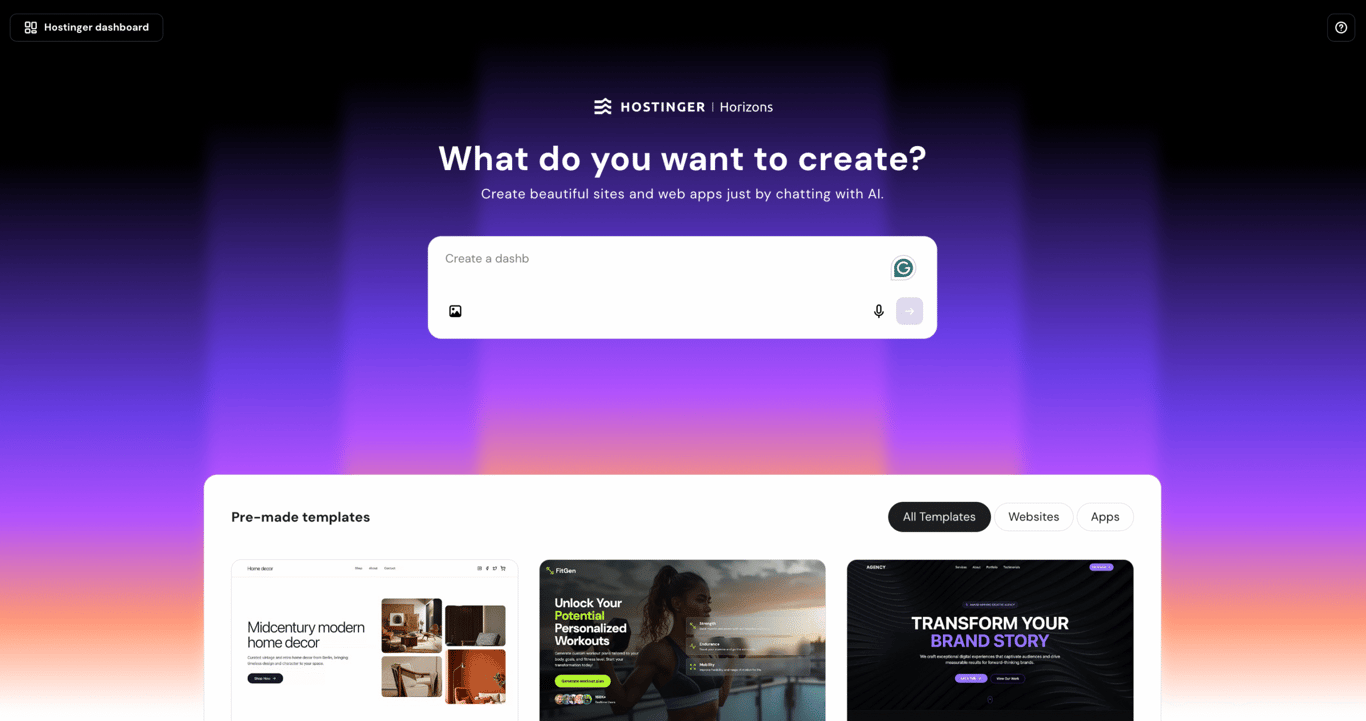
Hostinger Horizons is perfect for those who want fast, AI-assisted web app development without getting bogged down by technical details. Whether you’re building your first app or just looking for a faster solution to build web apps, you can get one up and running quickly.
With this web app builder, you can simply describe what you want in the chat, and the AI develops it instantly. It covers a wide range of apps, including online stores, internal dashboards, and SaaS.
Hostinger Horizons includes a built-in backend with user authentication, file storage, and automated emails from day one. On top of that, the ecommerce engine and search engine optimization (SEO) features are built in, making it reliable for online selling and enhanced online discoverability.
The integrated AI assistant, Kodee, is also accessible within the Hostinger Horizons interface, helping you craft more effective prompts so you can make better use of your AI credits. It also serves as an on-demand guide, helping you quickly navigate the platform and understand its features without needing to search for documentation.
Get started with a free trial, or unlock more monthly AI credits with paid plans starting from $6.99/month. Each plan includes hosting and a mailbox, and you’ll get a free domain when you subscribe to the Starter plan or higher with annual billing.
Hostinger Horizons pros
- No coding needed, simple interface, making it highly beginner-friendly and easy to get started with
- Comes with a built-in backend functionality that handles authentication, data storage, and automated emails
- Includes a native ecommerce engine, allowing you to build fully functional online stores with Stripe payment support
- Offers built-in SEO tools to help improve your website or web app’s visibility on search engines
- Multiple editing options (prompt-based, visual editor, and code editor) give you flexibility in how you want to refine your app
- An all-in-one platform with hosting, domain, and email included, so you don’t need additional third-party services
- Enables rapid prototyping with real-time AI suggestions and one-click publishing to get your app live quickly
- Backed by a 30-day money-back guarantee, as long as you use fewer than 30 AI credits
Hostinger Horizons cons
- Limited customization for complex enterprise-level apps
- Fewer third-party integrations, but many features are already available built-in.
2. Webflow
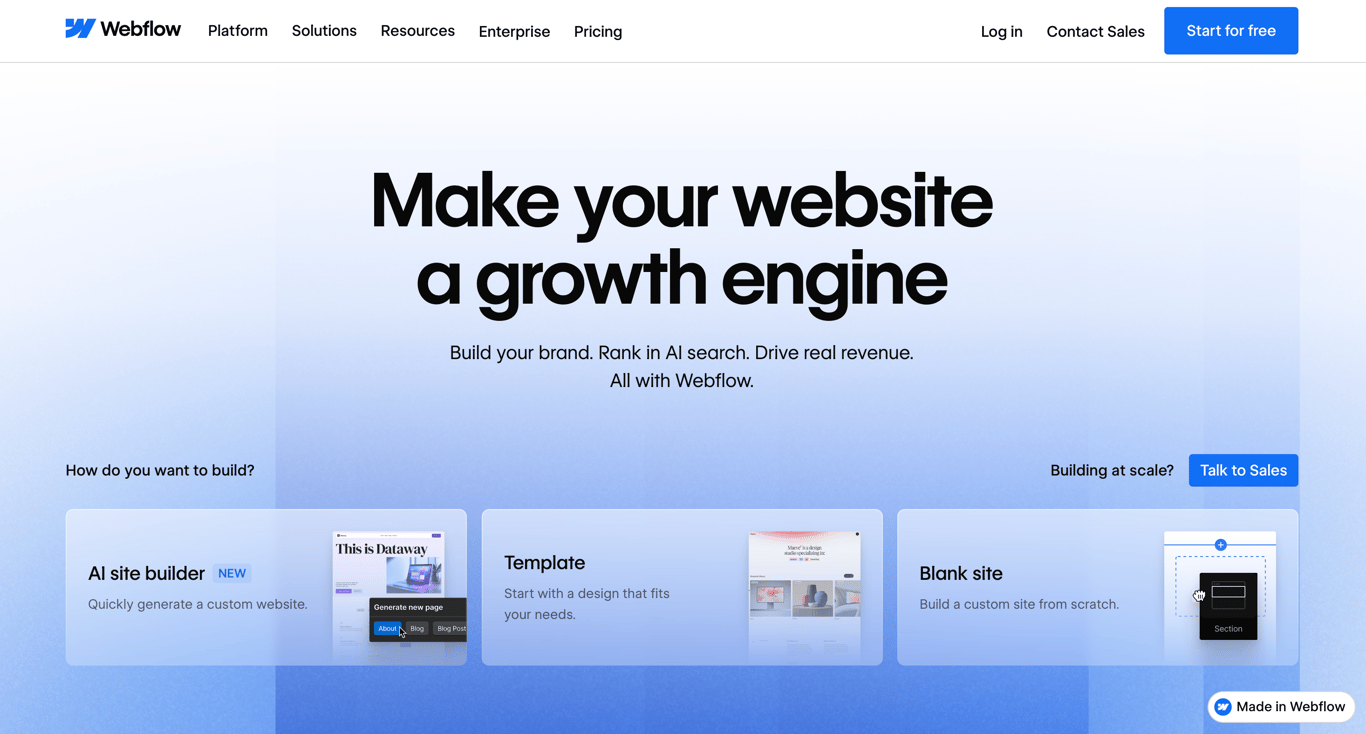
Webflow is a strong Softr alternative if design quality is your top priority. Its visual CSS editor gives you pixel-level control over every element – typography, spacing, animations, and interactions – without requiring code. While Softr also supports customization, its component-based system is more structured and comes with limitations.
This makes Webflow a better fit for marketing websites, brand-driven experiences, and content-heavy projects where visual polish matters as much as functionality. The building process is also streamlined with Webflow AI, which can assist with layout generation, metadata, and full-stack app creation through Webflow App Gen.
Webflow’s built-in content management system (CMS) makes it easy to manage dynamic content such as blog posts, directories, and product listings. On top of that, its SEO capabilities are more advanced than Softr’s.
Given its wide range of features, Webflow’s pricing structure can feel a bit complex. For most general use cases, the Site plans (starting at $14/month) are a practical starting point. These plans cover hosting and include basic collaboration features.
If you need more advanced capabilities, such as staging, code export, or access to the code editor, you’ll need to upgrade to a Workspace plan, which starts at $19/month. You can also purchase add-ons to expand features or add more team seats as needed.
Webflow pros
- Exceptional design flexibility with pixel-level control
- Built-in SEO tools covering meta tags, sitemaps, redirects, and schema markup
- Webflow AI is included on all plans, with App Gen for full-stack web app creation
- Clean code output with fast load times
- Large template marketplace and active developer community
- The ability to launch a two-page website for free under the webflow.io subdomain
Webflow cons
- Steeper learning curve than other similar no-code tools to Webflow, as the interface relies heavily on CSS concepts
- Complex pricing structure that can add up quickly, especially for teams managing multiple sites
- Not ideal for data-heavy applications that require advanced backend logic
3. Glide
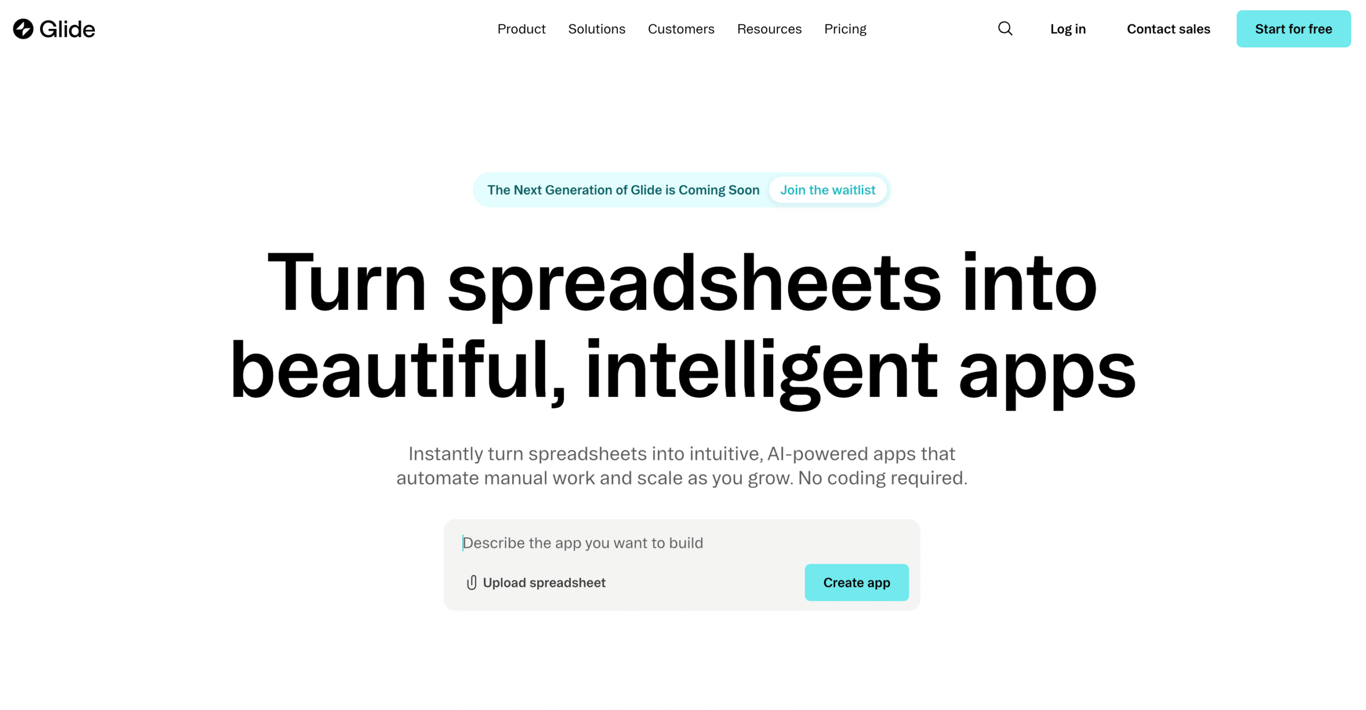
Glide is a great platform for building AI-powered business apps if you don’t necessarily need Softr’s broader app-building surface area. Its templates and use cases are built around streamlining how teams work, rather than how apps look.
The platform connects directly to Google Sheets, Airtable, Excel, and SQL databases, so if your data already lives in any of those tools, you can build a working app on top of it without migrating anything.
Glide AI is available only on paid plans, allowing you to add workflow automations, including time-based and webhook triggers that let the app automatically react to data changes. Apps are built mobile-responsive by default and can be deployed as progressive web apps (PWAs), so users can install them directly on their mobile devices. However, this means they remain containerized web apps rather than native mobile apps.
Glide offers a free plan for testing and personal use. Paid plans start at $19/month for individual users, while dedicated business plans start at $199/month. Feature differences lie in API access and the ability to use external data sources, like Airtable or Google Sheets, instead of Glide’s built-in database.
Each plan also includes usage-based credits that are consumed when syncing or updating data via API calls. This also means you’ll be charged more if you run out of the databse update credits.
Glide pros
- Purpose-built for operational business apps like field sales, CRMs, portals, and dashboards
- Seamless integration with Google Sheets, Airtable, Excel, and SQL databases
- Easy to use with a visual drag-and-drop interface
- Pre-built app templates let you launch quickly without starting from scratch
- Responsive apps can be deployed as PWAs for direct device installation
Glide cons
- More focused on internal business tools than general-purpose app building
- Apps are delivered as PWAs, so they can’t be directly published to the App Store or Google Play
4. Bubble
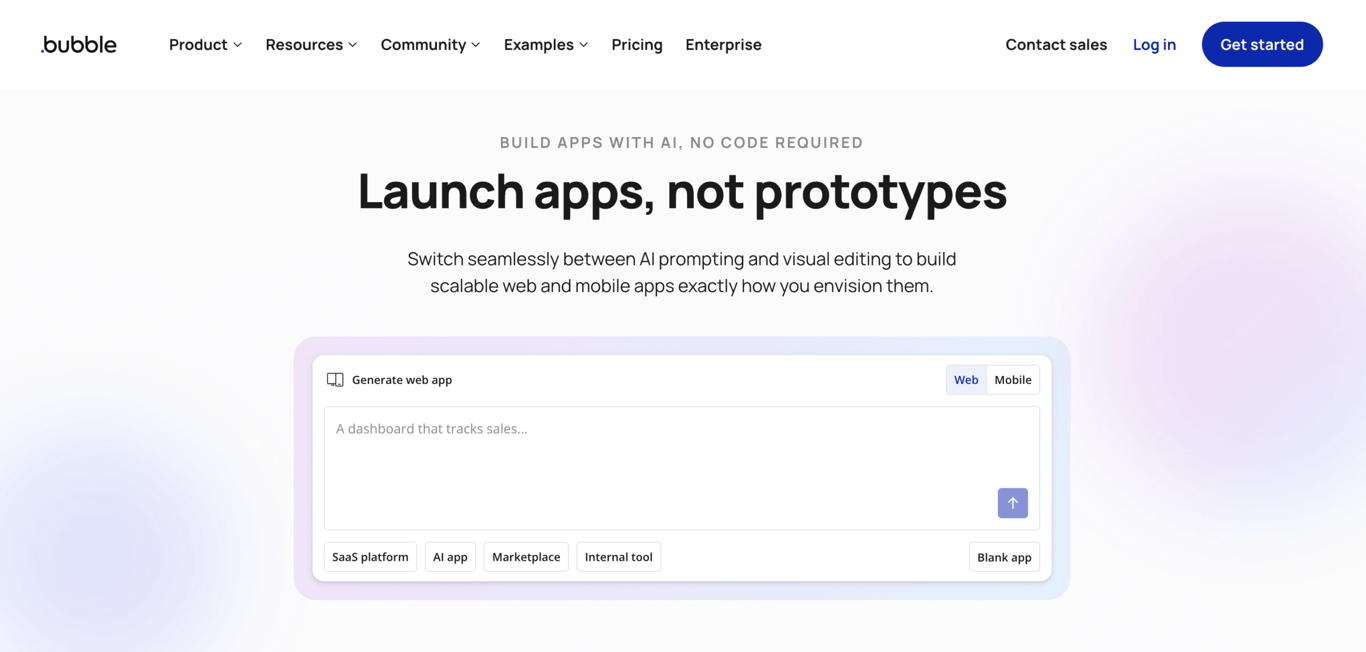
Bubble is the right Softr alternative if your app needs advanced backend logic and complexity.
Softr is built for apps that display, filter, and manage data, so it handles permissions, portals, and workflows well. Bubble goes further with custom backend logic, complex multi-step workflows, dynamic pricing engines, real-time features, and fully custom data relationships.
Even though Bubble is also a no-code app builder, it has a steeper learning curve due to its advanced customization options, complex workflow logic, and database structure. This requires users to think more like a developer when building apps.
The platform also supports native mobile app development through separate Mobile and Web & Mobile pricing tracks. It implements a workload-based pricing model where every database query, workflow execution, and API call consumes workload units. Costs scale with how heavily your app is used.
Bubble offers a free plan with access to the full visual builder for testing and prototyping. Paid plans start at $29/month for Web plans and $59/month for Web & Mobile plans.
Bubble pros
- High level of flexibility and customization for building complex web apps
- Full control over app functionality, workflows, and design
- Native mobile app support via separate mobile pricing tracks
- Ideal for building large-scale, dynamic applications and SaaS products
- Large plugin ecosystem and active community for extending functionality
- Free plan includes full access to the visual builder, database editor, and workflow engine for prototyping
Bubble cons
- Steeper learning curve for beginners compared to Softr or other alternatives to Bubble
- Workload-based pricing can lead to unexpected costs as your app scales
5. Replit
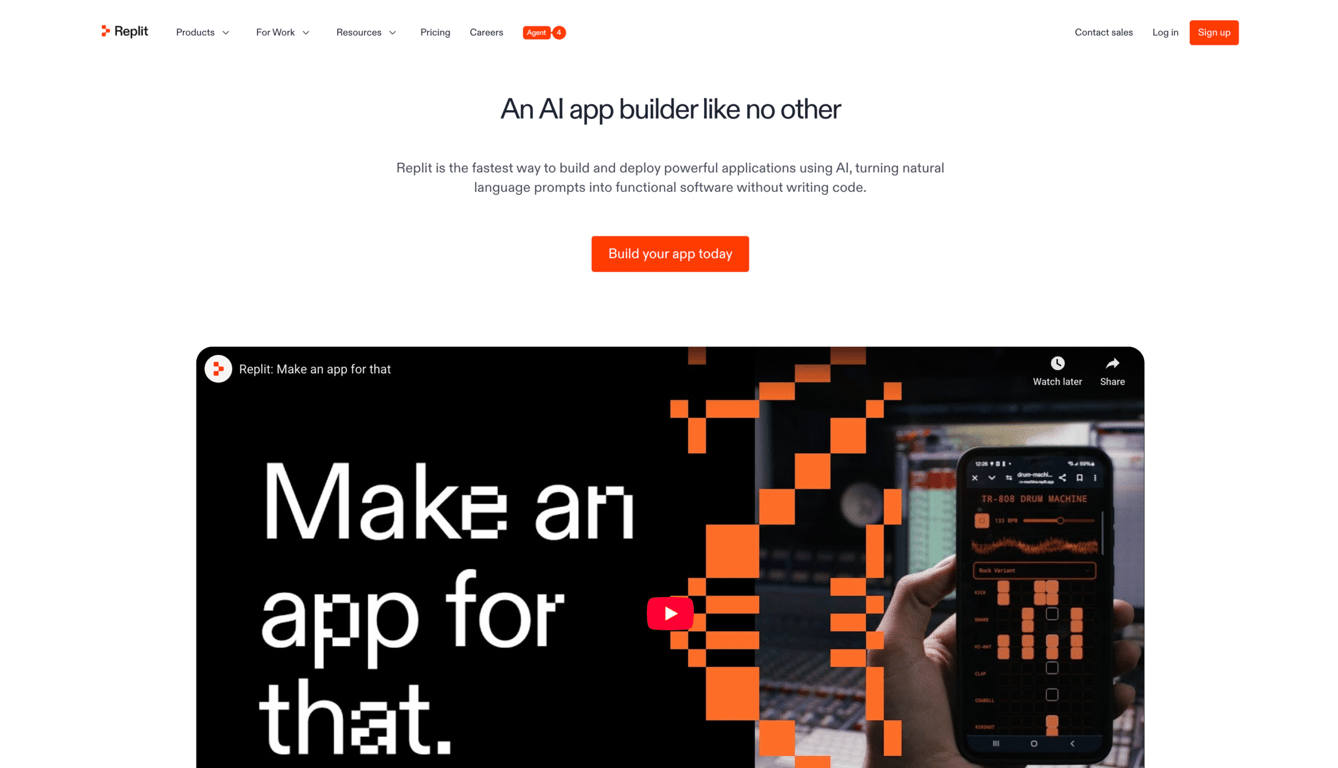
Replit gives you a full browser-based development environment where you can build apps with AI assistance, then review, edit, and extend the generated code directly.
While Softr offers a visual interface with a Vibe Coding block for adding custom code, the level of control is more limited than Replit’s. That makes it a better fit for developers or technically comfortable founders who want speed without giving up access to the underlying codebase.
Replit Agent can generate multi-file apps from a plain-language prompt, while still giving you full access to the code to review, edit, and extend at any time. It supports over 50 programming languages, including Python, JavaScript, and HTML.
You can use Replit for free with limited daily Agent credits, while the premium plans start at $18/month. Each paid plan includes a set amount of credits consumed based on how you use the platform – AI generation, hosting, database operations, and more. Because this is a usage-based model, costs can be unpredictable with heavier builds or intensive debugging sessions.
Replit pros
- Supports both code-based and no-code development, suitable for a wide range of users
- Replit Agent lets users build apps and refine features using natural language prompts
- Real-time collaboration is excellent for teams working on shared projects
- No local setup required, as everything runs in the browser, including deployment
- Supports over 50 programming languages, from Python and JavaScript to HTML and more
- Economy and Power modes for more control over AI credit usage and costs while using Replit Agent
Replit cons
- Better suited for users with some coding experience than complete beginners
- Credit-based pricing can lead to unpredictable costs with heavy Agent use
6. Stacker
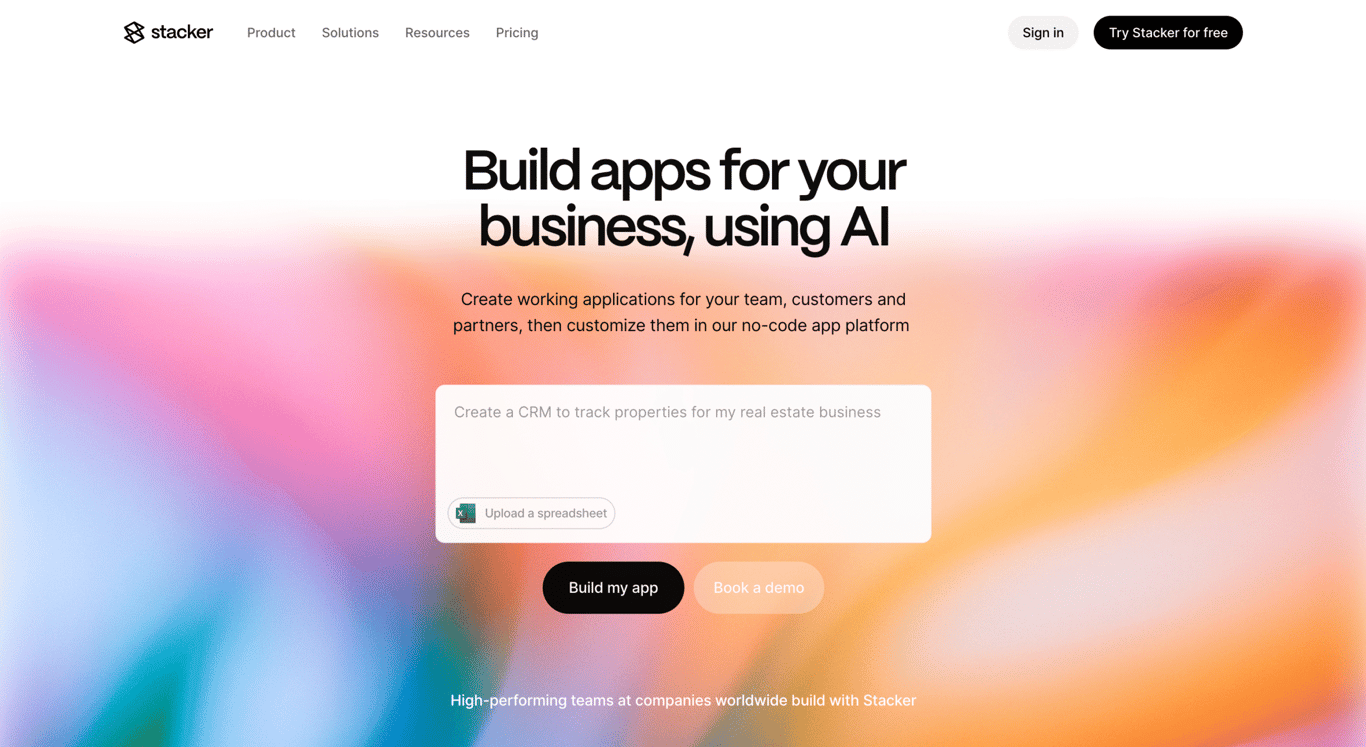
Stacker is a more focused Softr alternative for teams that need a clean, data-driven internal tool or customer portal. The platform lets teams turn existing data into structured, secure apps quickly – whether that’s an internal operations tool, a CRM, a process tracker, or a branded portal for customers and vendors.
Where Stacker stands out is its AI-assisted app creation. You can upload a spreadsheet, and Stacker generates a working app from it directly. From there, you can customize the layout and views using a drag-and-drop editor interface.
Action buttons let you automate repetitive tasks with a single click, which is practical for teams managing high volumes of repetitive processes. In-app comments and notifications also keep teams and clients in sync without leaving the platform.
Stacker’s portals are fully brandable with a custom domain, logo, and brand colors. Data connections to sources like Airtable, Google Sheets, and others are available on the Plus plan and above. Stacker offers a 14-day free trial, with pricing starting at $29/month.
Stacker pros
- AI-assisted app creation from a spreadsheet upload, with no manual configuration needed
- Fully brandable customer portals with custom domain, logo, and brand colors
- Action buttons automate repetitive tasks like record updates and notifications in one click
- Role-based permissions for controlling data access across internal and external users
- SOC 2, ISO 27001, and GDPR certified for teams with data security requirements
- In-app comments and notifications keep teams and clients in sync without switching tools
Stacker cons
- More suited for internal tools than customer-facing web apps
- Less customization than fully flexible platforms like Bubble or Replit
7. Airtable
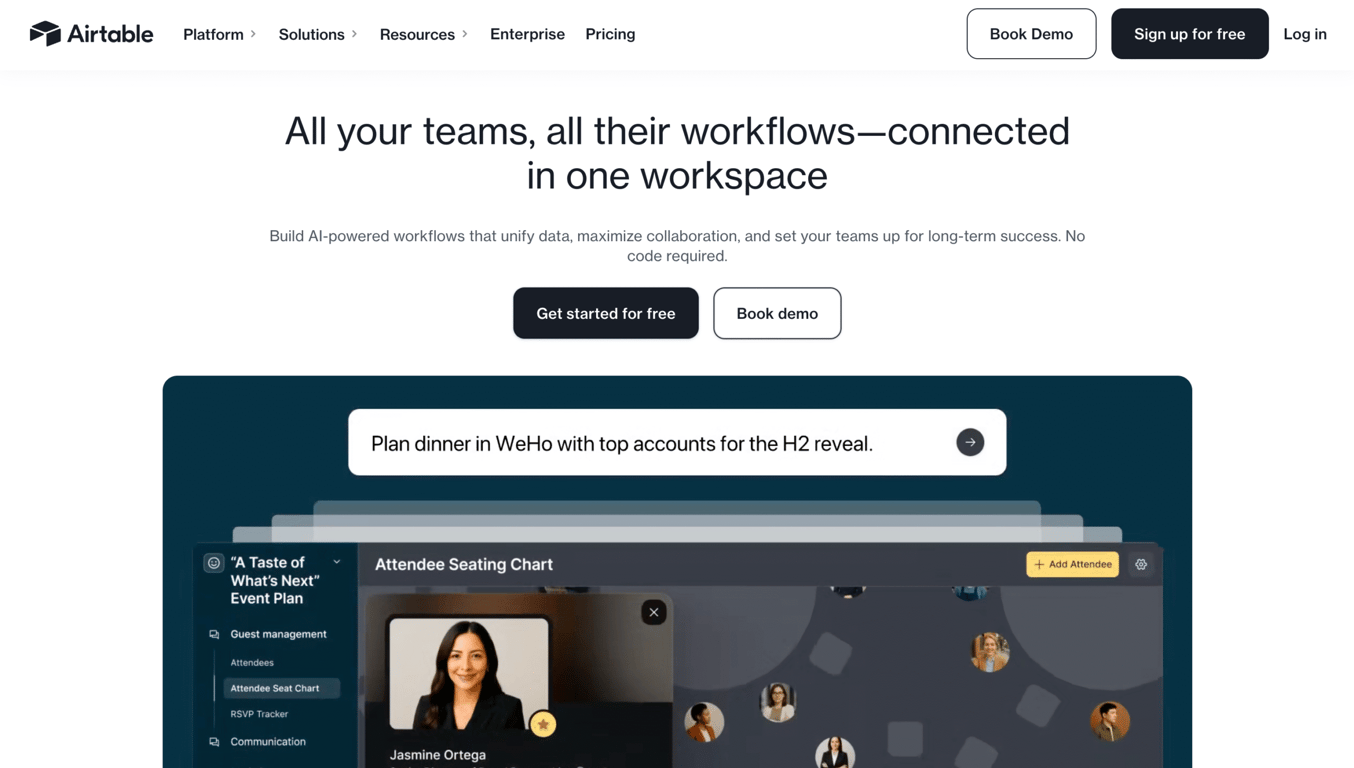
Airtable is a strong Softr alternative for managing and organizing data, rather than building a polished app on top of it. This platform keeps things closer to the database itself, making it a better fit for teams who primarily need to store, edit, and collaborate on structured information.
The Interface Designer lets teams create filtered views and basic dashboards without leaving the platform, but design options are limited compared to dedicated app builders. Paid plans include Airtable AI, which can summarize records, generate field content, and automatically categorize data.
Airtable offers a free individual plan with basic features, while paid team plans start at $20/seat/month and unlock automations, integrations, and expanded storage.
In terms of scalability, Airtable databases are capped at 50,000–125,000 records per base, depending on your plan. If you need higher limits, you’ll have to upgrade to an Enterprise plan with custom pricing.
Airtable pros
- Powerful relational database and spreadsheet functionality combined
- Interface Designer lets you build data views and dashboards without leaving the platform
- Airtable AI assists with content generation and data categorization on paid plans
- Extensive automation capabilities for connecting workflows across tools
- Integrates with hundreds of third-party apps, including Slack, Salesforce, and Google Workspace
- Flexible to support use cases from simple project tracking to complex CRM systems
Airtable cons
- Base record limits can restrict scalability for data-heavy operations
- API rate limits can cause sync delays when integrating with third-party tools
- Less suited for building polished, user-facing apps compared to other Airtable alternatives
8. Lovable
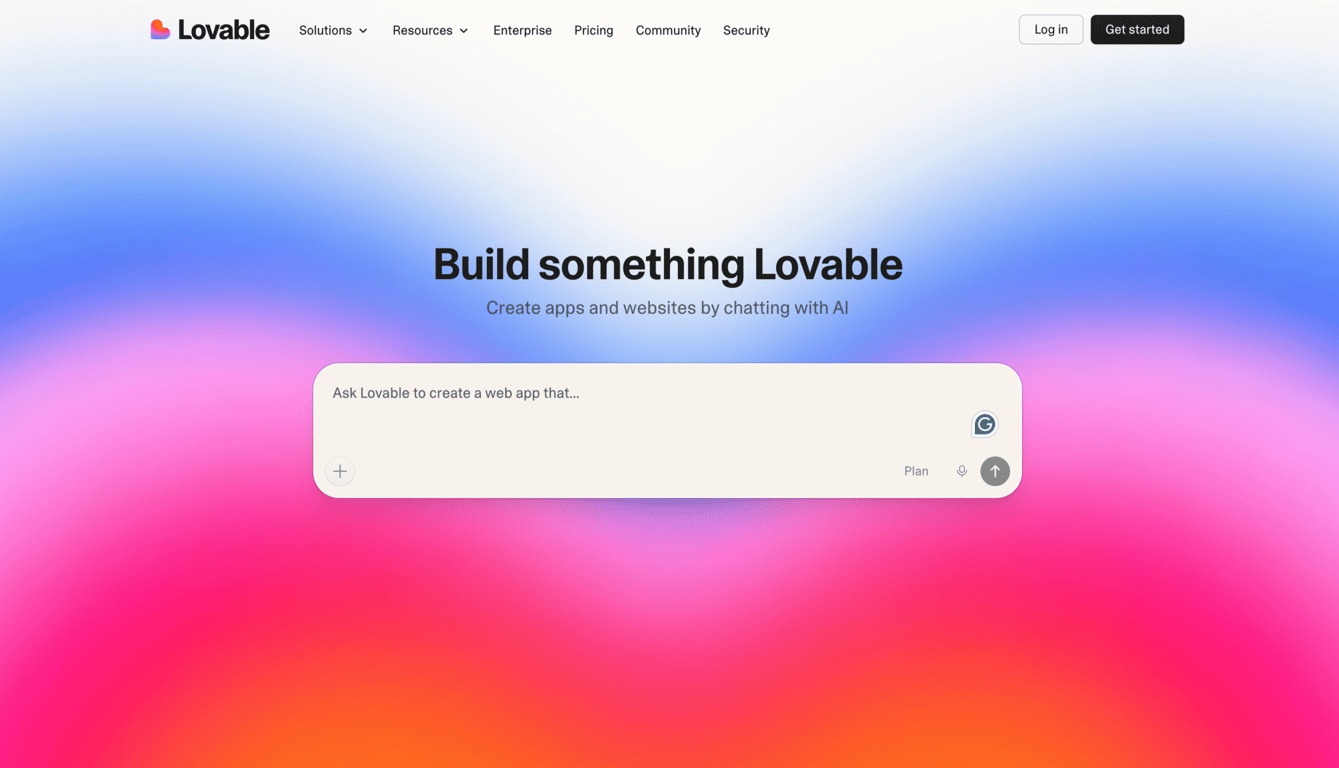
Similar to Softr, Lovable lets you build full web applications through prompting, but the way you refine and control the app is quite different. Softr relies on pre-built blocks and a visual interface, while Lovable takes a prompt-first approach, using a conversational AI agent to generate a production-ready app.
Instead of assembling components manually, Lovable writes the entire application for you from everyday language prompts. It provides integration with Supabase to add a backend, enabling features such as user authentication, role-based access, and real-time data without additional setup.
Lovable also has a design-focused output, making it well-suited for customer-facing products. You can further refine the result using its visual editor, which offers granular control over layout and design.
Additionally, the generated code is syncable to GitHub, giving you full ownership of the codebase and the flexibility to continue development outside the platform.
Overall, Softr is better for structured, visual building, while Lovable is ideal if you want to move quickly from idea to a scalable product or minimum viable product (MVP) with minimal setup and full code ownership.
Lovable offers a free plan with limited usage, including up to five AI credits per day, capped at 30 credits per month. Paid plans start at $25/month, increasing your monthly credit allowance to 100 and unlocking features like private projects and the ability to remove Lovable branding.
Lovable pros
- GitHub sync means you own your code and can build on it outside the platform
- Supabase backend handles multi-user authentication and real-time data out of the box
- Credit rollover on paid plans means unused credits carry forward to the next month
- Built-in Stripe integration for payment processing, making it practical for SaaS and ecommerce projects
- Generated code uses standard React and TypeScript, so any developer can read and extend it
Lovable cons
- Focuses on React and Supabase stack. Check out other Lovable alternatives for more flexible infrastructure needs
- Pricing can be steeper than similar multi-purpose no-code builders like Hostinger Horizons for basic use cases
9. Betty Blocks
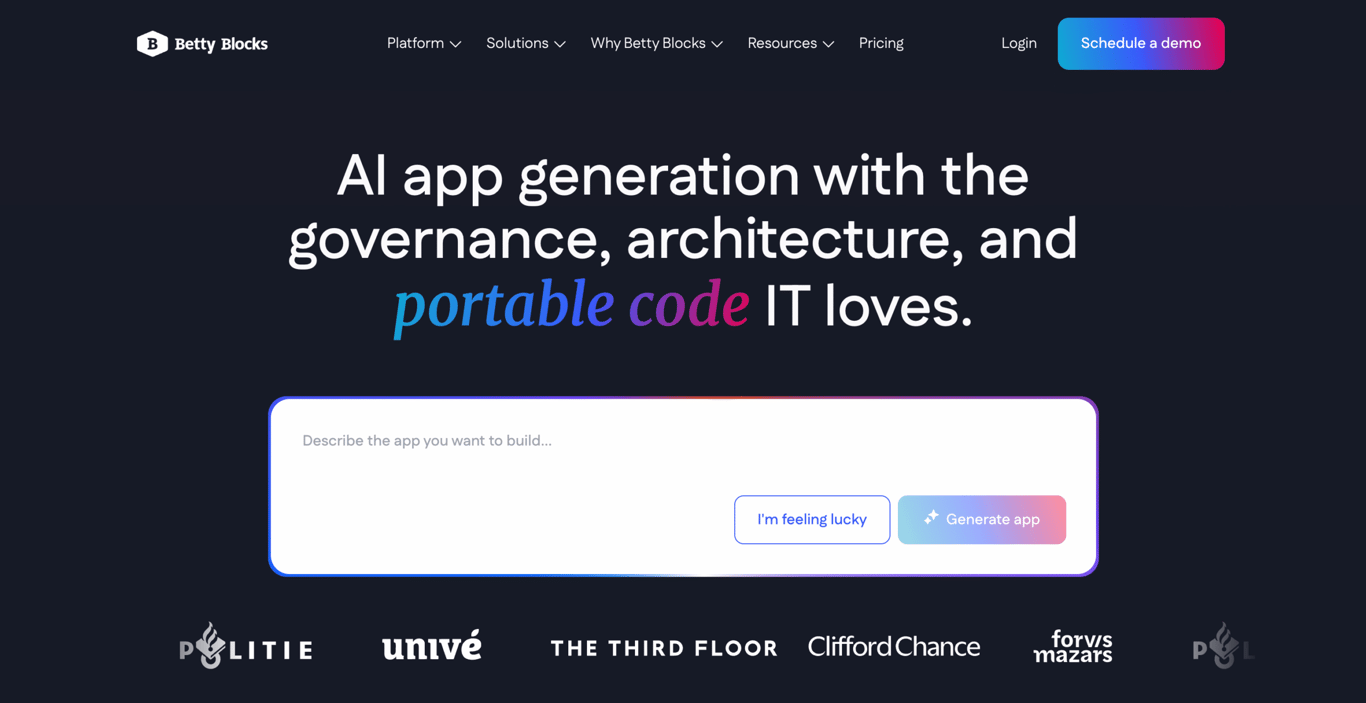
Betty Blocks is the right scaling option when your organization has outgrown Softr’s capabilities. Softr serves enterprises well for portals and internal tools, whereas Betty Blocks is built for organizations that need a structured development process with separate environments for development, testing, acceptance, and production (DTAP).
Betty Blocks is a low-code platform, meaning non-technical users can build with drag-and-drop blocks, while developers can also add complexity and custom logic using code when needed. That flexibility makes it suitable for IT teams and business units working together on the same project.
The platform’s AI features include AI app generation from a text prompt, an AI agent builder for automating workflows, and Betty Solutioneer for generating business process models from prompting.
Betty Blocks also claims a no-vendor-lock-in guarantee, so everything you build remains yours, even if you leave the platform. On-premises hosting is available on the Enterprise plan, which matters for organizations with strict data residency requirements.
Regular paid plans start at €1,500/month (~$1,760/month), while the Enterprise plan offers more flexible LLM usage, customized user permissions, and 100 GB of file storage at custom pricing. Note that pricing is in euros, so the equivalent cost in USD will vary.
Betty Blocks pros
- Low-code/no-code hybrid, enabling non-technical users and developers to work on the same platform
- AI app generation, AI agent builder, and Betty Solutioneer for requirements engineering
- Multi-environment deployment (DTAP) for enterprise-grade development workflows
- Betty Blocks Open guarantees no vendor lock-in, so everything you build remains yours
- On-premises hosting is available on the Enterprise plan for strict data residency needs
- ISO and SOC 2 certified with enterprise governance controls and SSO/SAML support
Betty Blocks cons
- Steep pricing plans make it inaccessible for small businesses or solo builders
- More complex setup compared to simpler and general-purpose platforms like Softr or Hostinger Horizons
10. Adalo
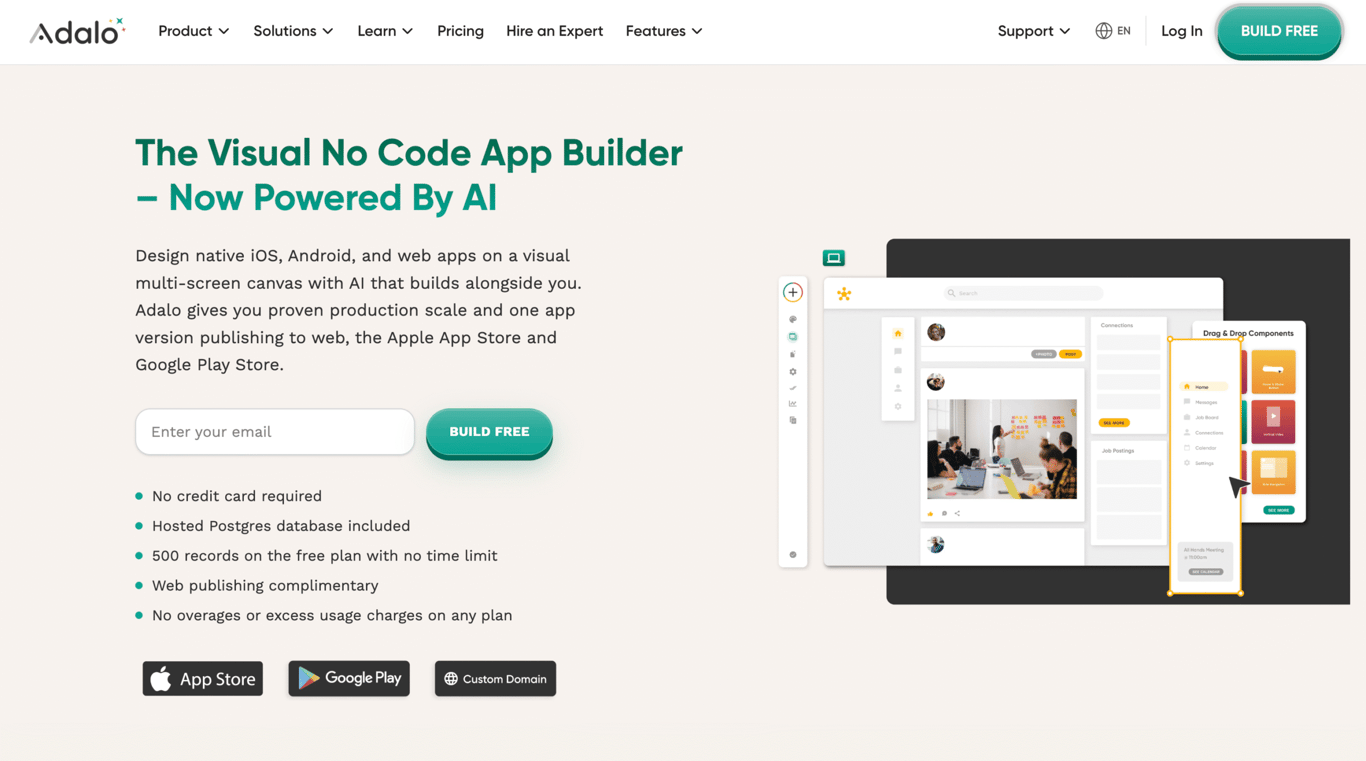
Adalo stands out if your goal is to publish a true native mobile app. While Softr apps are responsive and can be installed as PWAs, they still run in the browser. Adalo, on the other hand, compiles your app into native iOS and Android apps from a single codebase and handles App Store and Google Play submissions for you.
The visual builder shows your entire app structure at once, making it easier to navigate than tools that focus on a single screen at a time. Adalo also includes an AI assistant, Ada, across all plans – helping you generate app foundations, add new features through prompts, and identify performance issues before they impact users.
For integrations, Adalo connects with tools like Zapier, Make, Xano, and external APIs via custom actions.
A free plan is available for testing purposes with up to 500 records per app. If you want to publish the app, paid plans start at $36/month, with higher tiers unlocking additional features. Enterprise options are available through Adalo Blue with custom pricing.
Adalo pros
- True native iOS and Android apps from a single codebase
- Ada AI assistant included on all plans at no extra cost
- Unlimited database records on all paid plans with no usage-based charges
- X-Ray identifies performance issues before they affect users
- Free forever plan available for building and testing before committing to a paid tier
Adalo cons
- Higher entry pricing than simpler web-only platforms
- Adalo does not let you export your app’s code
- Visual workflows limit complex branching, custom algorithms, and advanced API handling
11. Froala
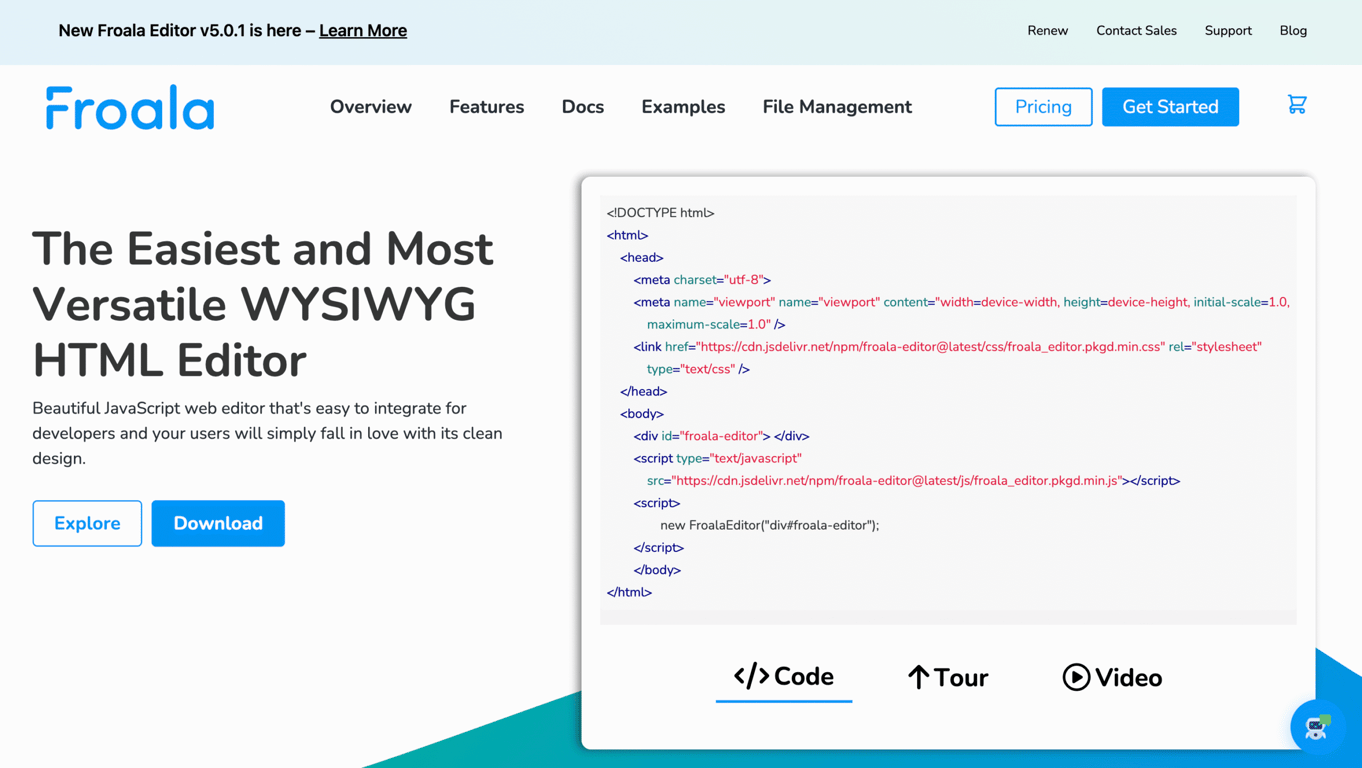
Unlike other tools on this list, Froala isn’t an app builder. It’s a lightweight, what-you-see-is-what-you-get (WYSIWYG) editor that you embed into an existing web app. This makes Froala a good alternative to use when your app needs advanced content editing beyond what Softr currently offers. It integrates with major frameworks such as React, Angular, and Vue and includes 100+ features and 30+ plugins out of the box.
While Softr lets you display and manage data, its native editing capabilities are limited. Froala is a better platform if you need to create an app where users can write and format rich content directly in your app, such as internal wikis, proposal builders, or document editors.
The editor is designed for performance and flexibility, with fast load times, inline editing (for users to edit content directly on the page), and support for 30+ languages. Built-in Filestack integration also handles file uploads, CDN delivery, and image transformations seamlessly.
Froala offers a free trial, with paid plans starting at $629/year or at $1,889/lifetime. Do note that Froala’s pricing may vary, so it’s best to check the official site for the latest details.
Froala pros
- Lightweight WYSIWYG editor with fast load time
- Integrates well with various frameworks, like React, Angular, Vue, and more
- Unlimited editor loads and users on all plans, regardless of traffic
- Native Filestack integration for file uploading, CDN delivery, and image transformations
- The editor interface supports 38 languages, making it suitable for international teams
Froala cons
- A developer component, not an app builder, requiring an existing project to integrate into
- Implementation requires heavy developer involvement
12. Noloco
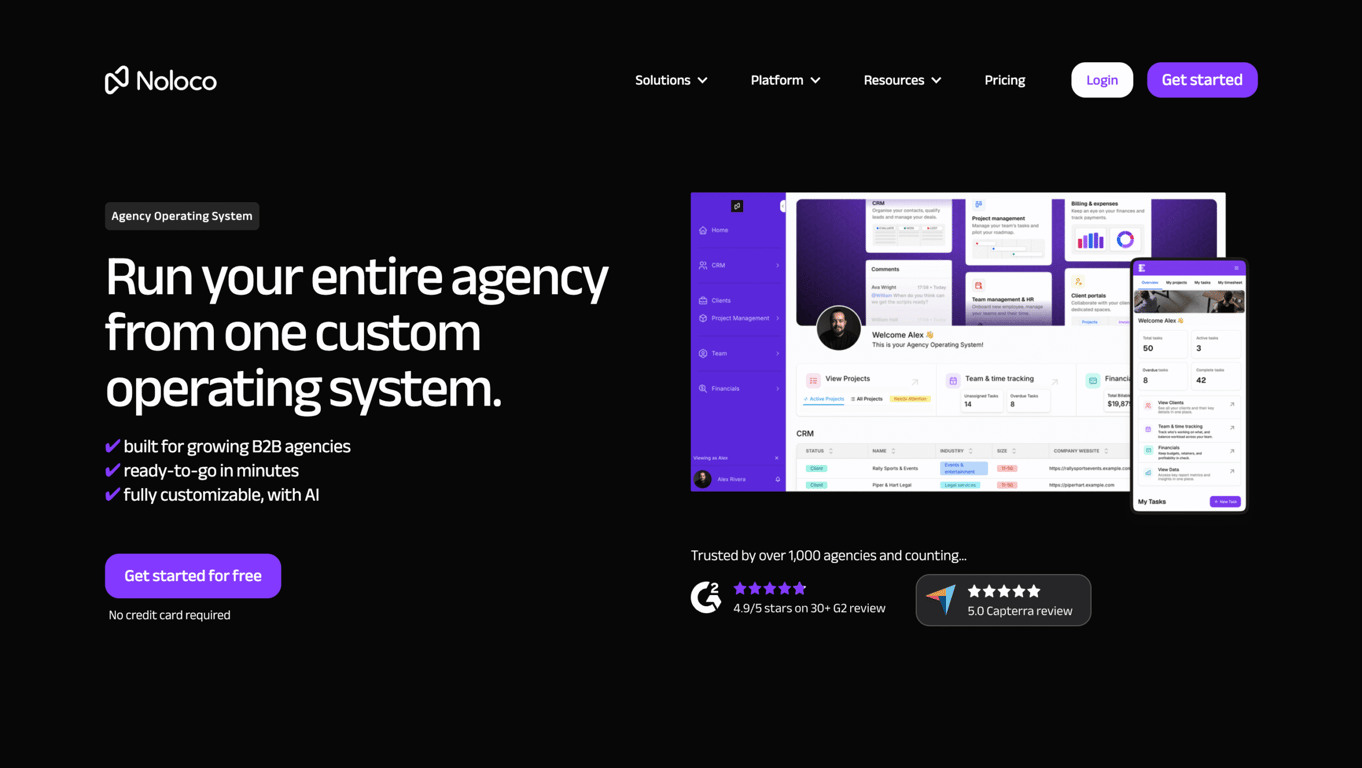
Noloco is built for agencies that want to run their entire operation in a single integrated platform. While it overlaps with Softr on internal tools and client portals, Noloco goes further by positioning itself as an all-in-one system that combines project management, CRM, and operational workflows in a single app.
Like Softr, Noloco connects to multiple data sources, including Airtable, Google Sheets, HubSpot, and SQL databases. It also supports record-level permissions, so you can control exactly what each user can see or edit, which is especially useful for agencies managing multiple clients in a shared workspace.
Beyond data management, Noloco includes built-in tools for running day-to-day operations. Its AI assistant, Nola, helps generate and customize apps, while automation features, dashboards, and in-app comments support workflows, reporting, and collaboration. You can also create fully branded client portals with custom domains and access apps as PWAs.
Noloco offers a free plan for up to 3 members, 7 clients, and 2,000 records. The lowest tier plan starts at $33/month to unlock more seats and rows. If you need more advanced features, such as custom code, record-level permissions, and a custom domain, you’ll need a higher-tier plan that starts at $99/month.
Noloco pros
- Purpose-built Agency Operating System for monitoring projects, clients, billing, and portals in one place
- Record-level permissions for granular data access control across multiple clients or teams
- Connects to multiple data sources, including Airtable, Google Sheets, HubSpot, SQL databases, and more
- Nola AI assistant builds and customizes apps from a plain language description
- Action buttons and workflows automate repetitive tasks without external automation tools
- Branded client portals with custom domain, real-time updates, and role-based access
Noloco cons
- Primarily optimized for agencies and internal tools, less suited for large-scale public-facing apps
- Design flexibility is more limited compared to fully visual builders
How to choose the best Softr alternative?
Keeping these factors in mind can help you narrow down the platforms that best fit your needs:
- Be clear about what you’re building. A client portal, an internal tool, a public web app, and a native mobile app are all different products. While many Softr alternatives support multiple app types, some platforms are better suited to specific use cases. For example, Bubble offers greater flexibility for building fully custom apps with complex backend logic, while Airtable is a better fit if your priority is data organization.
- Consider who will use the app. Internal tools prioritize speed and functionality, while customer-facing apps require stronger branding, access controls, and a better user experience. Platforms like Glide and Stacker are optimized for internal use, while Webflow is better suited for external-facing products.
- Be honest about your technical comfort level. Most platforms available today offer AI-assisted workflows with minimal to no coding, though they vary in complexity. For instance, Hostinger Horizons is the fastest and easiest to start, while Bubble and Replit offer more control but come with a steeper learning curve.
- Match the platform to your scale. Free and entry-level plans work well for prototyping and testing, but costs can increase as you grow. Tools with usage-based pricing, like Bubble or Replit, tend to have unpredictable costs at scale. For enterprise needs with compliance requirements, Betty Blocks is the most suitable option, though the pricing is quite steep.
How can I leverage no-code tools to build a successful startup?
No-code and AI-powered tools have significantly lowered the barrier to building software. This means solo founders, small business owners, or even career switchers can now launch a working product by learning as they build real software – often starting with small, practical projects.
To approach it, first, get clear on what you’re building and who it’s for. The best ideas come from real pain points – either your own or something you’ve observed. If you’re still exploring, focus on practical, in-demand categories rather than inventing something completely new. Our list of software startup ideas can be a good starting point for brainstorming.
Once you can envision the kind of product you want to create, pick a no-code tool that matches your actual capacity. This is because different tools serve different stages.
AI builders like Hostinger Horizons or Lovable help you get something working quickly from a prompt, while platforms like Bubble or Replit offer deeper code-level customization.
Got the perfect tool in check? Focus on creating a simple version that solves one core problem first. This could be a basic internal tool, a client-facing portal, or even a semi-manual workflow supported by software.
Keep it small enough that you can build it in days or weeks. You can build a simple prototype or a more functional MVP, depending on the kind of product and business model you aim to build.
Once that’s done, validate if your startup idea actually has a market demand. Share your product with a small group of target users and observe how they interact with it. Where do they get stuck? What do they ignore? What do they actually find useful?
Your first version won’t be perfect – these early MVP examples of products that are now used by millions are much simpler than you’d expect. You’ll need to collect feedback to guide what you improve next. Add features only when users clearly need them, not because they seem nice to have.
As your product becomes more complex, you may outgrow your initial setup. That’s when you can move to more flexible platforms or extend your app with custom code. With the range of low to no-code tools offering accessibility to build software, you can start small, validate quickly, and figure things out as you go.
All of the tutorial content on this website is subject to Hostinger's rigorous editorial standards and values.

Larassatti Dharma is a content writer with 4+ years of experience in the web hosting industry. She has populated the internet with over 100 YouTube scripts and articles around web hosting, digital marketing, and email marketing. When she's not writing, Laras enjoys solo traveling around the globe or trying new recipes in her kitchen. Follow her on LinkedIn

Dainius Kavoliunas is the Head of Product for Hostinger Horizons, with a passion for building innovative solutions. As an expert in product management, he combines deep expertise in UX, experimentation, and data analysis with a technical background to lead product strategy and build strong teams. He is particularly excited about the practical applications of AI and its potential to transform how we work and live. Follow him on LinkedIn.