12 best Airtable alternatives for databases, projects, and custom apps
May 18, 2026
/
Larassatti D.
/
13 min Read
Airtable is a popular tool for organizing data, managing projects, and building lightweight internal workflows. It combines the simplicity of spreadsheets with database features like linked records, custom views, dashboards, and automations.
However, Airtable may not be the best fit for every team. You might need an alternative if you want more control over the interface, lower pricing, better scalability, self-hosting options, or features that go beyond tables and dashboards.
The right Airtable alternative depends on what you want to build. Some tools are better for database management, others focus on project tracking, and some let you create fully customized internal tools or web apps.
These are the best Airtable alternatives compared:
| Need | Best option |
|---|---|
| Closest Airtable replacement | Baserow, NocoDB, Stackby, Grist |
| Project management | ClickUp, Monday.com, Smartsheet |
| Docs + lightweight database | Notion, Coda |
| Custom web app | Hostinger Horizons, Lovable, Replit |
| Free/simple spreadsheet alternative | Google Sheets |
In this guide, we’ll compare the best Airtable competitors by use case, features, pricing, and limitations so you can choose the right tool for your team.
1. Baserow
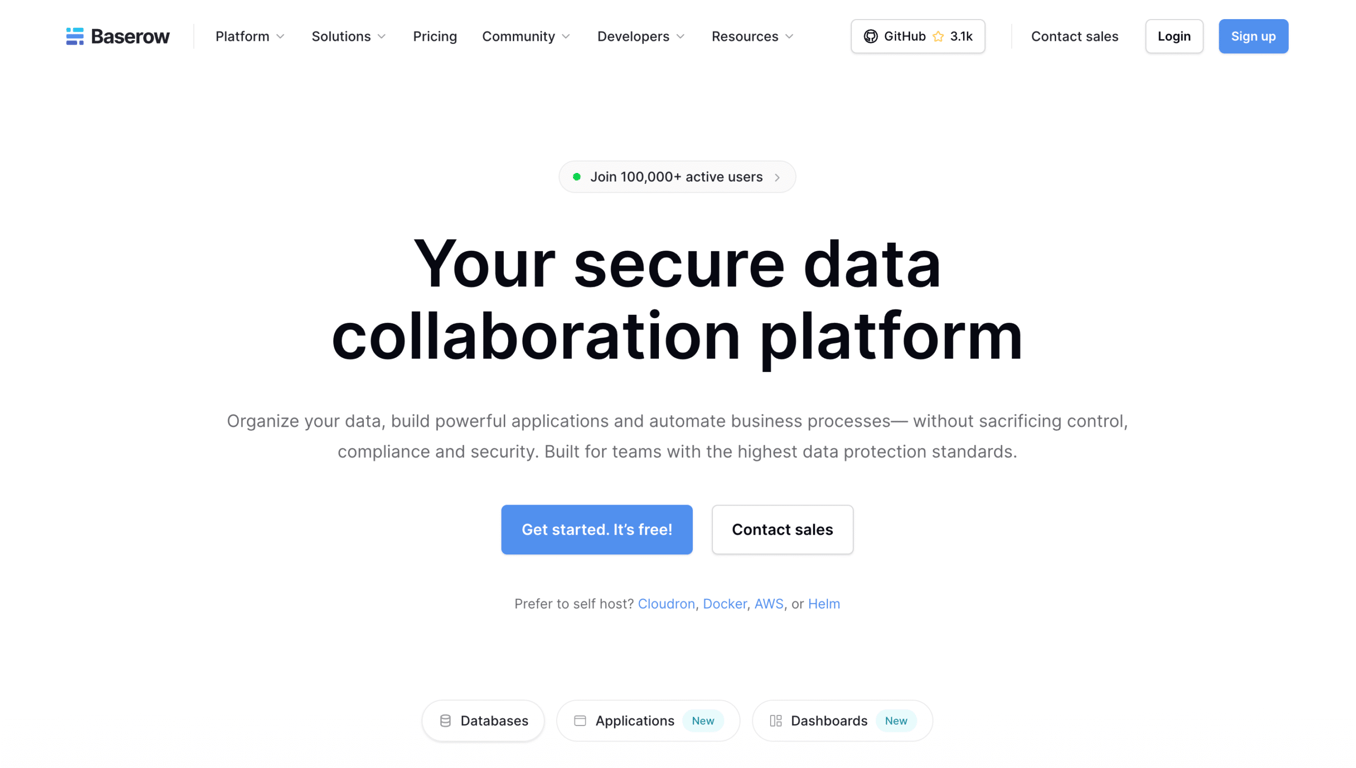
Baserow is an open-source Airtable alternative, providing a no-code database platform with full data ownership and control. It’s perfect for non-technical users who need a familiar, spreadsheet-like workspace with deeper control and customization. With no record caps or API limits, Baserow suits growing teams that value collaboration and scalability better than Airtable.
Baserow key features
- Fully open-source and extensible. Baserow’s open-source model allows you to self-host the entire platform, customize it through plugins, and maintain complete control over your data.
- All-in-one no-code workspace. Unlike developer-oriented tools, Baserow offers a polished spreadsheet-style UI, user management, and collaboration features right out of the box, making it more approachable for non-technical users.
- Predictable scaling for large datasets. Baserow supports unlimited rows and tables with transparent, record-independent pricing.
Baserow limitations compared to Airtable
While Baserow covers the essentials, it lacks the depth and polish of Airtable’s automation tools and marketplace extensions. Setting it up on your own server also adds some operational overhead, which is great for control, but less convenient if you want an out-of-the-box SaaS experience.
Baserow pricing
Baserow offers two pricing schemes:
- Self-hosted. You can use Baserow’s open-source version for free, with unlimited databases and storage. However, to unlock advanced features like AI tools, dashboard visualizations, and data export, you’ll need to upgrade to one of their paid tiers – Premium ($10/month), Advanced ($18/month), or Enterprise (custom pricing).
- Cloud-hosted. Baserow’s hosted version also includes a free plan, but with limited row and storage capacity. The paid plans consist of Premium and Advanced (excluding Enterprise), with the same pricing, but different feature packages compared to the self-hosted versions.
2. NocoDB
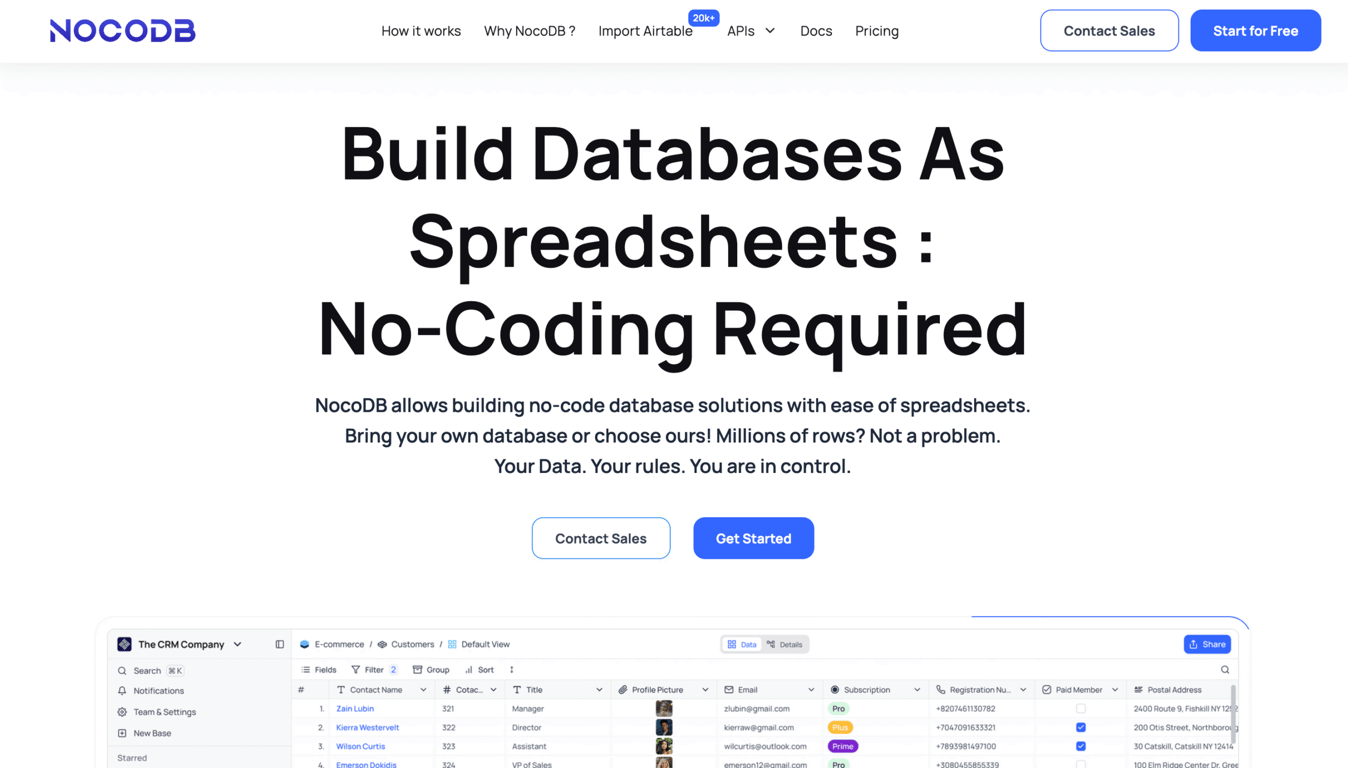
NocoDB is another Airtable database alternative, offering an open-source data management layer that instantly converts your existing SQL databases into a visual workspace. It’s built for developers and data teams who prefer keeping their data where it already lives while gaining no-code views, APIs, and automations.
NocoDB key features
- SQL-to-spreadsheet conversion. NocoDB connects directly to existing databases (MySQL, PostgreSQL, MariaDB, and others), instantly creating a spreadsheet-style interface without data migration.
- Developer-first and API-rich. Ideal for technical teams, NocoDB exposes REST and GraphQL APIs, webhooks, and automation triggers, making it easy to integrate with existing systems or workflows.
- Customizable open-source stack. Built for teams managing their own infrastructure, NocoDB provides granular control over permissions, scalability, and deployments across on-premise or cloud environments.
NocoDB limitations compared to Airtable
Self-hosting NocoDB gives you full control, but it also means extra setup and maintenance compared to Airtable’s plug-and-play nature. Its cloud version simplifies deployment, yet free tiers come with limits on users and rows.
NocoDB pricing
NocoDB offers two pricing schemes:
- Self-hosted. NocoDB’s open-source version is entirely free to self-host, giving you full access to unlimited storage and users. However, advanced features such as form configurations and AI functionality are only available in the cloud-hosted version or the Enterprise plan (custom pricing).
- Cloud-hosted. NocoDB Cloud offers a free tier with usage limits. Paid plans scale up to three different packages (starting from $12/seat/month), each adding higher record/API limits, webhook runs, storage, advanced security, branding, and support.
➡️ You can self-host Baserow or NocoDB by installing a Docker instance on Hostinger’s VPS, starting as low as $6.49/month.

3. Notion
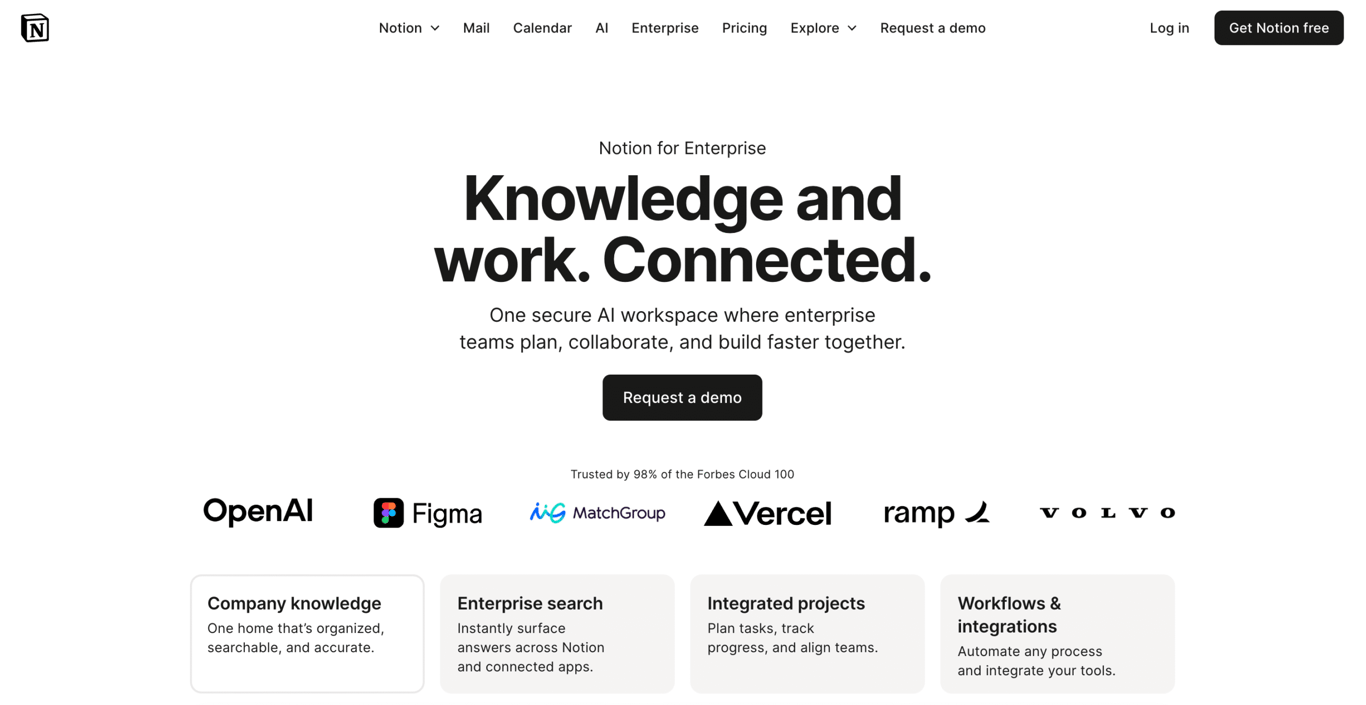
Notion is an Airtable alternative for teams and creators who prefer content-first workflows. It’s one of the most versatile workspace tools, combining notes, tasks, and structured data within customizable pages and interconnected blocks. This makes the tool ideal for integrating documentation and databases into a single environment.
Notion key features
- Unified docs and database. Notion blends rich document editing with database tables, making it easier to combine narrative content and structured data.
- Flexible block-based UI. You can mix text, images, tables, boards, and more within the same interface – ideal for knowledge work and simple workflows.
- Lightweight relational views. While not as powerful as a complete database, Notion supports different views (list, board, gallery) for managing items in a visually friendly way.
Notion limitations compared to Airtable
Notion is less powerful for handling scale-heavy relational data, automating complex workflows, or integrating with external databases. Airtable, on the other hand, offers more built-in grid manipulations and automation capabilities for data workflows.
Notion pricing
Notion can serve as a free Airtable alternative for personal use, offering basic blocks and limited storage. To access advanced tools like team workspaces, admin controls, and unlimited file uploads, paid plans start at $10/user/month.
Other tools like Notion
If you’re looking for tools similar to Notion, read this article on platforms that serve as Notion alternatives.
4. Stackby
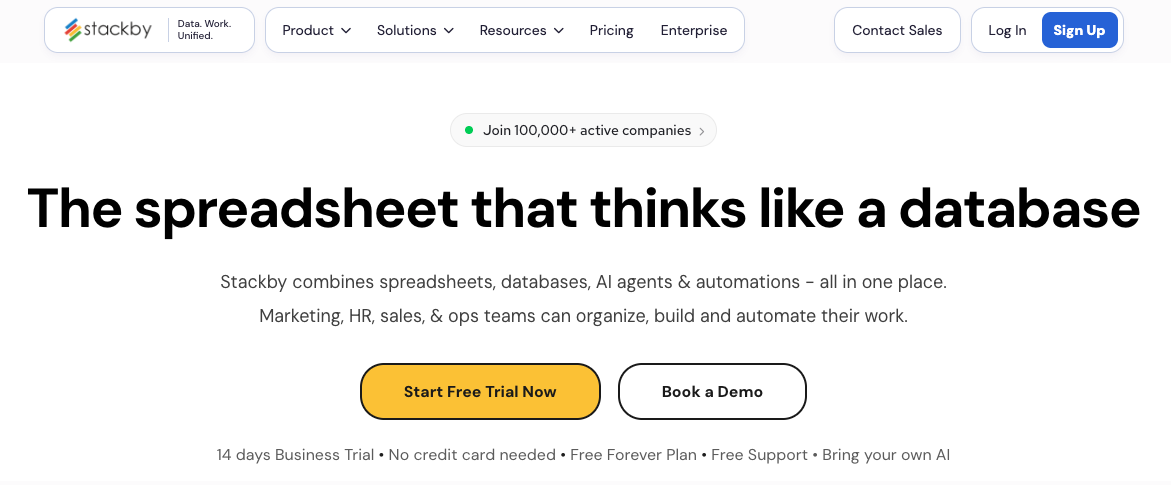
Stackby is a no-code database platform that combines spreadsheets, databases, and workflow automation. It’s one of the closest Airtable alternatives for teams that want a familiar table-based workspace, but with more built-in connectors and a lower-cost setup.
Stackby works well for managing CRMs, content calendars, product roadmaps, marketing campaigns, inventories, and project trackers. Its main advantage over Airtable is its native API connector columns, which let you pull data from external tools directly into your tables without relying as much on third-party automation platforms.
Stackby key features
- Spreadsheet-style database management. Stackby offers a familiar grid interface with views, formulas, filters, forms, checklists, reminders, and collaboration tools, making it easy for teams to organize structured data.
- Built-in API connectors. Stackby includes native API connectors that can bring data from external services into your tables. This is useful for marketing, sales, reporting, and operations teams that need to work with live data from different tools.
- Templates for common workflows. Stackby offers 300+ templates for use cases like project management, CRM, content planning, inventory tracking, product development, and team operations.
Stackby limitations compared to Airtable
Stackby is a strong Airtable alternative, but Airtable still feels more polished in areas like interface design, advanced views, marketplace extensions, and overall ecosystem maturity. Stackby may also have a learning curve if your team wants to use its API connectors or more advanced workflow features.
If you want a refined, widely adopted database platform with a large app ecosystem, Airtable may still be the better fit. If you want a more affordable Airtable-like tool with built-in connectors and flexible templates, Stackby is a practical option.
Stackby pricing
Stackby offers a free plan for individuals or small teams that want to test the platform. Paid plans unlock higher limits, more collaboration features, advanced views, automations, and API connector usage.
Its paid plans are generally positioned as a more affordable alternative to Airtable, especially for teams that need multiple users, external collaborators, or several database workflows. Check Stackby’s pricing page before publishing, as plan names, limits, and prices can change.
5. Grist
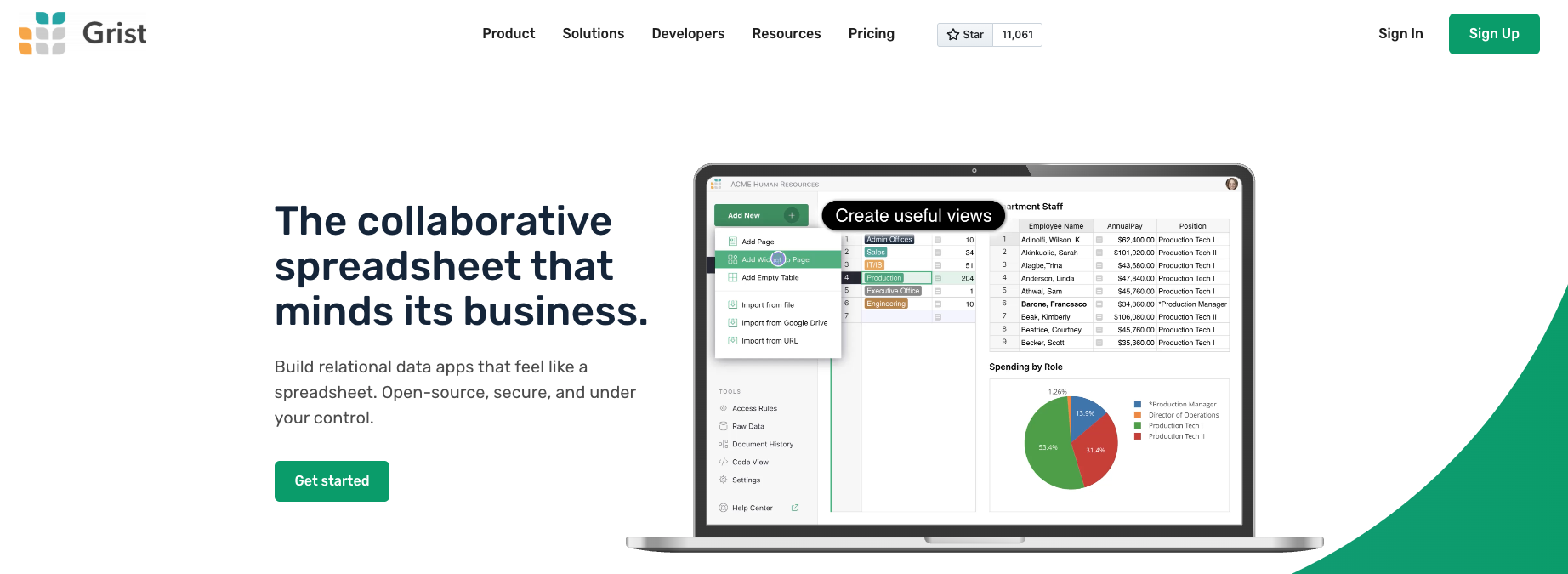
Grist is an open-source spreadsheet-database hybrid built for teams that need more structure than a traditional spreadsheet, but more flexibility than a standard database tool. It combines spreadsheet-style editing with relational database features, custom layouts, formulas, and granular access controls.
Compared to Airtable, Grist is a better fit for users who work with complex data, need detailed permission settings, or want the option to self-host. It’s especially useful for finance, operations, research, inventory management, and internal reporting workflows.
Grist key features
- Spreadsheet-database hybrid. Grist lets you work with data in a familiar spreadsheet-style interface while adding relational database features like linked records, structured tables, and custom views.
- Powerful formulas and data logic. Grist supports Python-based formulas, making it useful for teams that need more advanced calculations, data transformations, or conditional logic than basic no-code tools usually provide.
- Granular access control. Grist allows you to control access at a detailed level, including row and column permissions. This is useful when different users need to see or edit only specific parts of a dataset.
Grist limitations compared to Airtable
Grist is powerful, but it can feel less beginner-friendly than Airtable. Its interface is more focused on structured data and advanced spreadsheet logic, so users who mainly want visual project boards, polished templates, or simple automations may find Airtable easier to use.
Grist also has a smaller ecosystem than Airtable, with fewer templates, integrations, and marketplace-style extensions. If your team depends on a large app ecosystem and ready-made workflows, Airtable may still be the more convenient option.
Grist pricing
Grist offers both hosted and self-hosted options.
Self-hosted. Grist has an open-source Community edition that can be self-hosted for free, making it a good option for individuals, technical teams, and organizations that want more control over their data and infrastructure. Grist also offers self-managed deployment options for Enterprise plans.
Cloud-hosted. Grist’s hosted version includes free and paid plans. Paid plans unlock higher limits and more advanced collaboration features. Check Grist’s pricing page before publishing, as plan names, limits, and prices can change. :contentReference[oaicite:1]{index=1}
6. Zoho
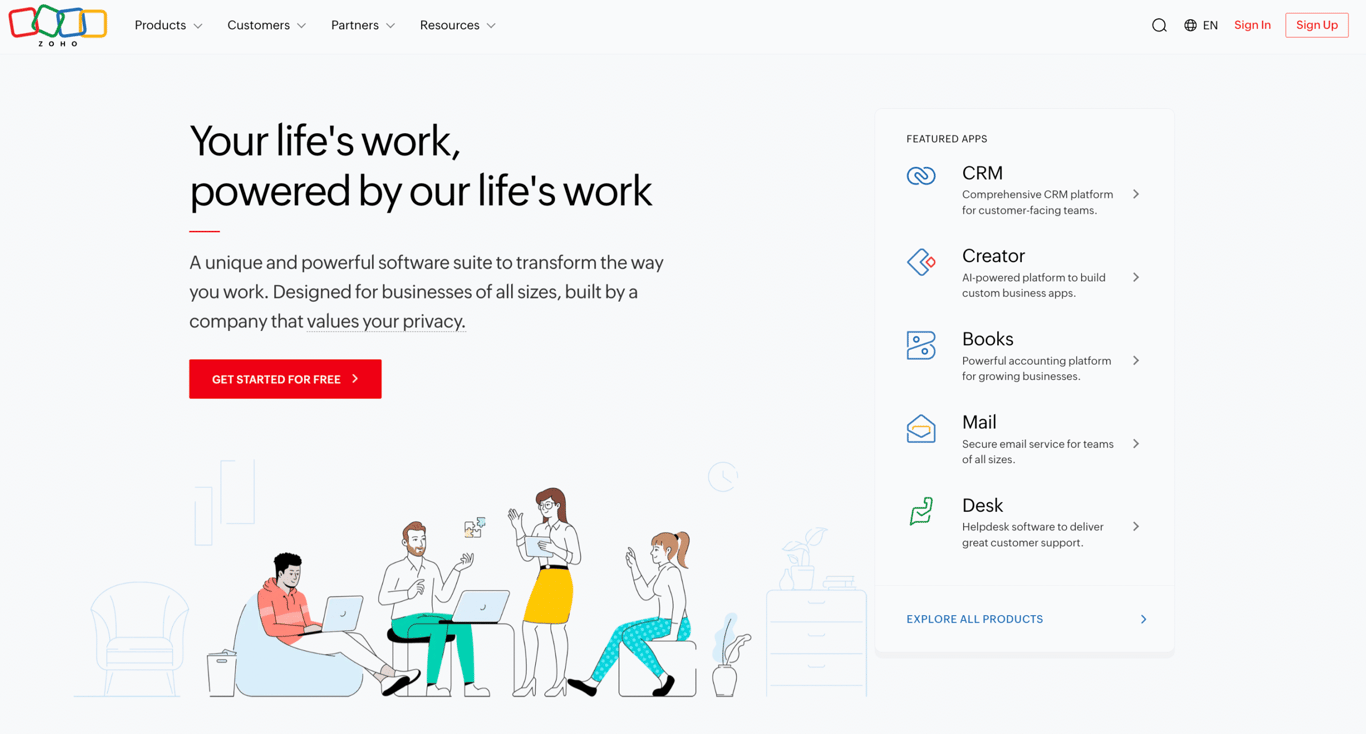
Zoho is a comprehensive suite of business applications designed to manage everything from CRM and finance to HR and marketing. The Zoho Creator product is similar to Airtable. It lets businesses build custom workflows and leverage AI-powered insights through Zia (Zoho’s AI assistant), all under one vendor with enterprise-grade support.
Zoho key features
- Integrated business suite. Zoho offers a comprehensive business ecosystem – including CRM, Books, Billing, and more. While Zoho Creator functions similarly to Airtable, it gains additional value from its deep integration with other Zoho products, making it ideal for teams already using or planning to adopt the Zoho stack.
- AI-powered insights. Zoho leverages Zia across its product suite to provide predictive analytics, anomaly detection, and workflow suggestions.
- Scalable for enterprise apps. You can build complete workflows, user roles, permissions, and deploy apps across teams, not just manage records.
Zoho limitations compared to Airtable
Zoho can be more complex to learn and is more app-centric. For quick and lightweight record management or creative teams, Airtable is a simpler option to adopt.
Zoho pricing
Zoho pricing varies based on the tools and features you choose. The platform offers a wide suite of applications, each with its own pricing tier. For the Zoho Creator product, pricing starts at $8/user/month.
Replicate Zoho automations with n8n
Explore our guide to create n8n workflow alternatives to Zoho tools and discover flexible automation options for your team.
7. Smartsheet
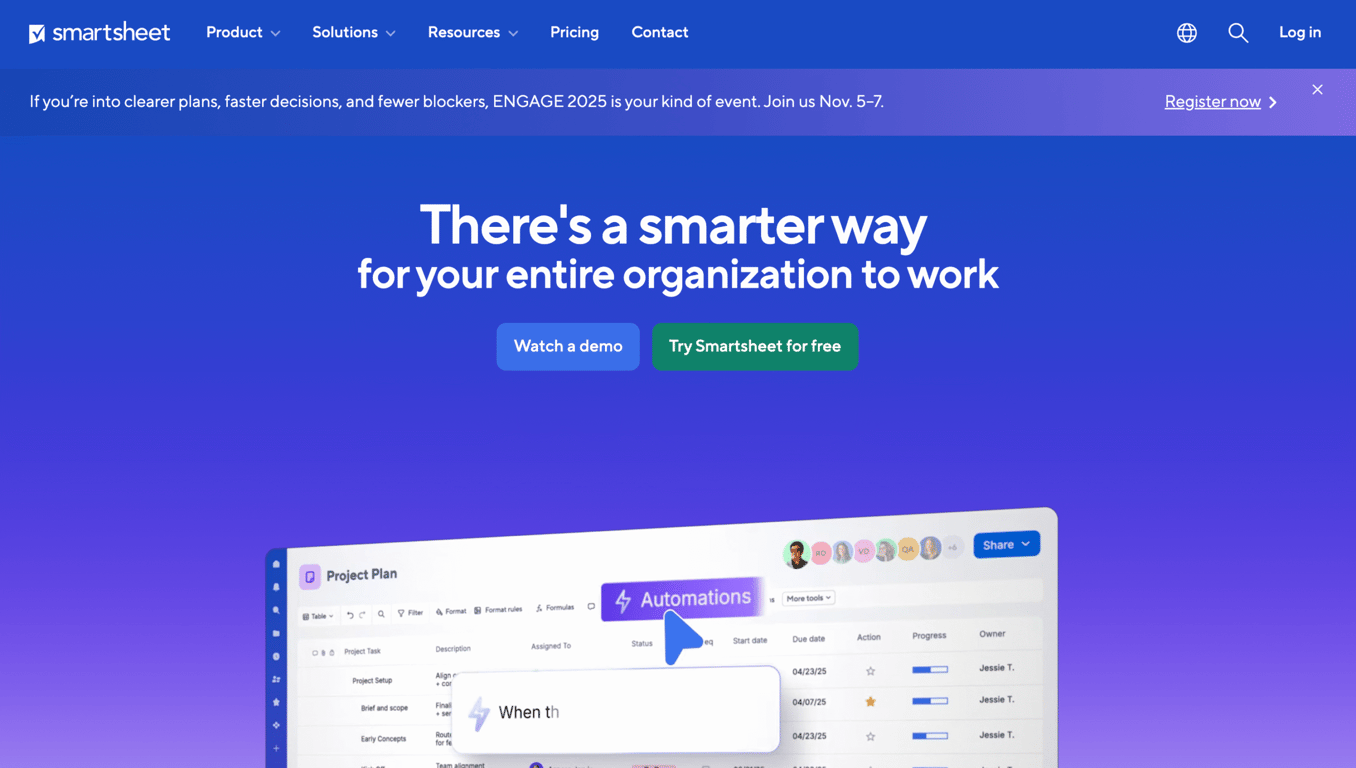
Smartsheet is a spreadsheet-based work management platform built for enterprises that need more control and structure than Airtable. It’s designed around execution rather than experimentation, prioritizing project tracking, advanced reporting, and team governance.
Smartsheet key features
- Spreadsheet-style work management. Smartsheet offers a familiar sheet UI with added project management features.
- Enterprise automation and reporting. Strong automations, approvals, dashboards, and enterprise-grade controls are built into the platform.
- Process-centric design. You design workflows around tasks, timelines, and dependencies rather than purely around relational records as you might in Airtable.
Smartsheet limitations compared to Airtable
Unlike Airtable’s flexible, colorful grid-database views, Smartsheet feels more like a structured spreadsheet. It’s powerful, but less customizable for teams that rely on visual organization or building lightweight apps.
Smartsheet pricing
Smartsheet offers a 30-day free trial with limited features and collaborators. The lowest-tier plan charges $9/user/month, which includes unlimited sheets and 250 monthly automations.
8. ClickUp
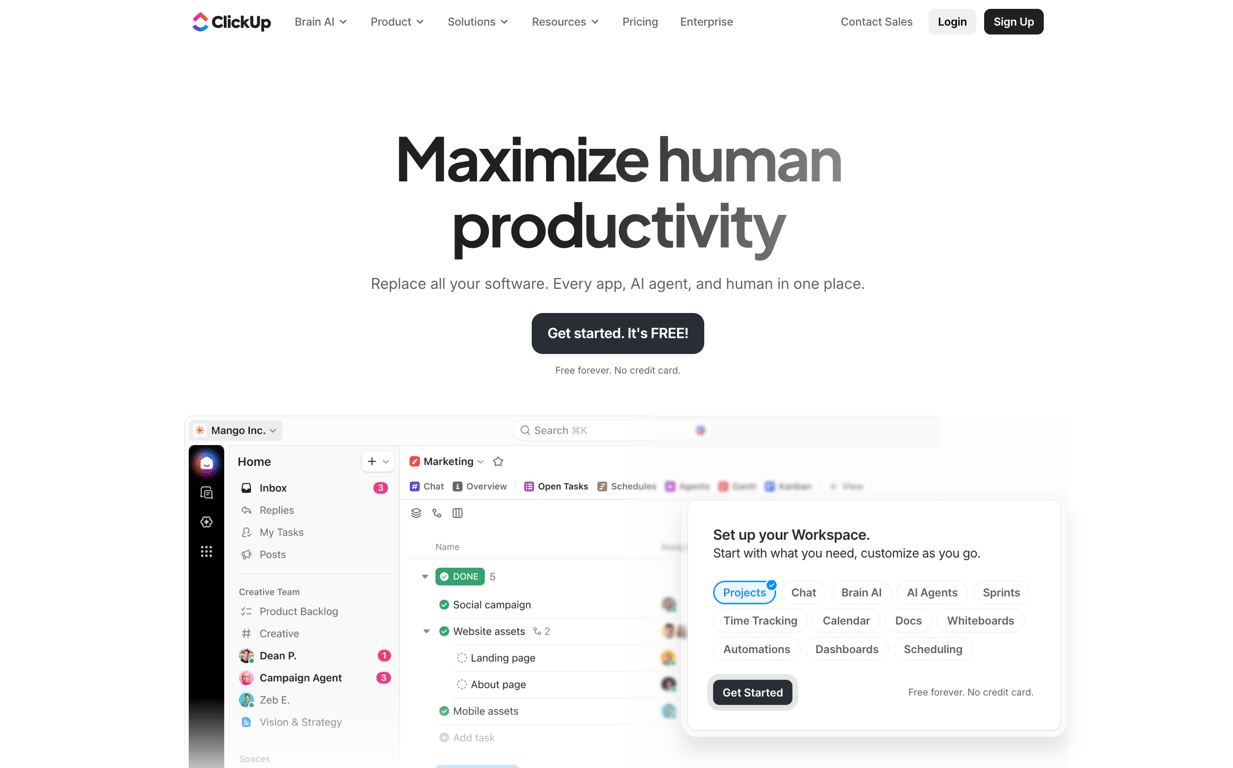
ClickUp focuses on managing tasks and workflows, providing a productivity-first alternative to Airtable’s database-centric model. It centralizes everything teams need to get work done – from tasks and goals to documents and dashboards. For this reason, ClickUp excels in execution-heavy environments such as software development, creative production, or agency workflows.
ClickUp key features
- Work OS with multiple view types. ClickUp supports tasks, docs, table view, board view, and Gantt – offering both database-style views and task-centred workflows.
- Unified workspace for teams. It brings together chat, documents, tasks, goals, and views, reducing the need for tool switching during collaboration.
- Customization and automations. You can define custom fields, views, and statuses, and automate specific workflows, making it suitable for both project and data management.
ClickUp limitations compared to Airtable
ClickUp is primarily built around task management rather than a full-fledged database app. If your workflows rely heavily on data linking, automation, or app-style functionality, ClickUp lacks the database flexibility of Airtable.
ClickUp pricing
ClickUp offers a generous free plan with features that are strong enough to cover basic task and project management features. For more advanced functionality, their paid plans start from $7/user/month, unlocking additional AI features, automations, dashboards, and advanced reporting.
9. Monday.com
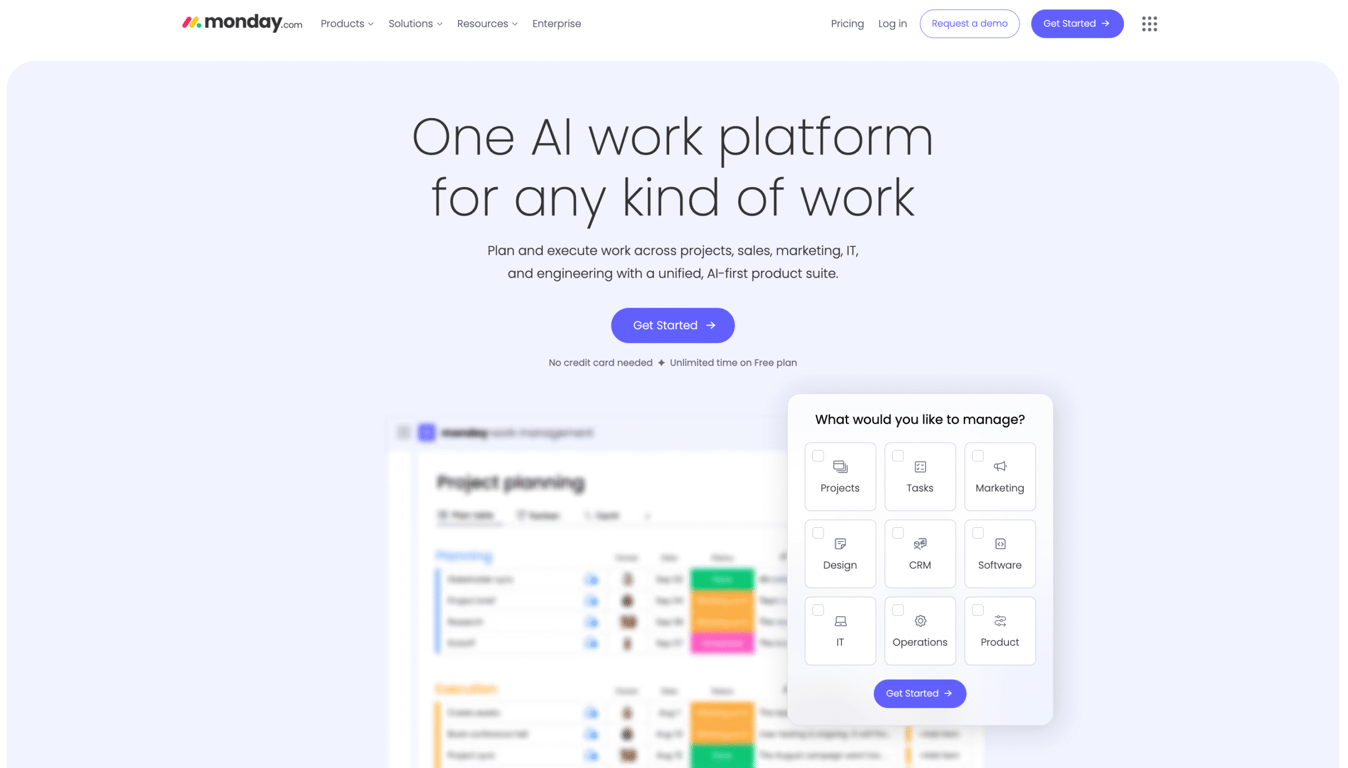
Instead of emphasizing complex data linking like Airtable, Monday.com shines in building and automating structured workflows. Its board-based system and native automations make it easy to build repeatable business processes with minimal manual effort.
Monday.com key features
- Visual workflow builder. Monday.com lets you build boards, automations, and dashboards visually, making it easy to see the overview of your project’s progress.
- Strong collaboration and tracking features. It emphasizes team communication, status tracking, dependency management, and cross-team visibility.
- Modular structure for different use-cases. From CRM to project tracking to operations, you can adapt the platform via modules and templates.
Monday.com limitations compared to Airtable
Monday.com’s record caps and board-based structure can feel restrictive if you’re managing vast amounts of interconnected data. Airtable enables more granular record linking, custom field types, and database-style filtering.
Monday.com pricing
You can use Monday.com for free to create up to three boards and docs, with a maximum of two users. To unlock unlimited boards and tasks creation, automation, and integration, Monday.com pricing starts at $12/seat/month.
Airtable alternatives for building custom apps
Some Airtable alternatives don’t replace Airtable with another database platform. Instead, they help you build a custom app around your workflow.
These tools are better suited for teams that need a branded CRM, client portal, inventory system, approval workflow, or internal dashboard that ready-made database tools can’t fully support.
10. Hostinger Horizons
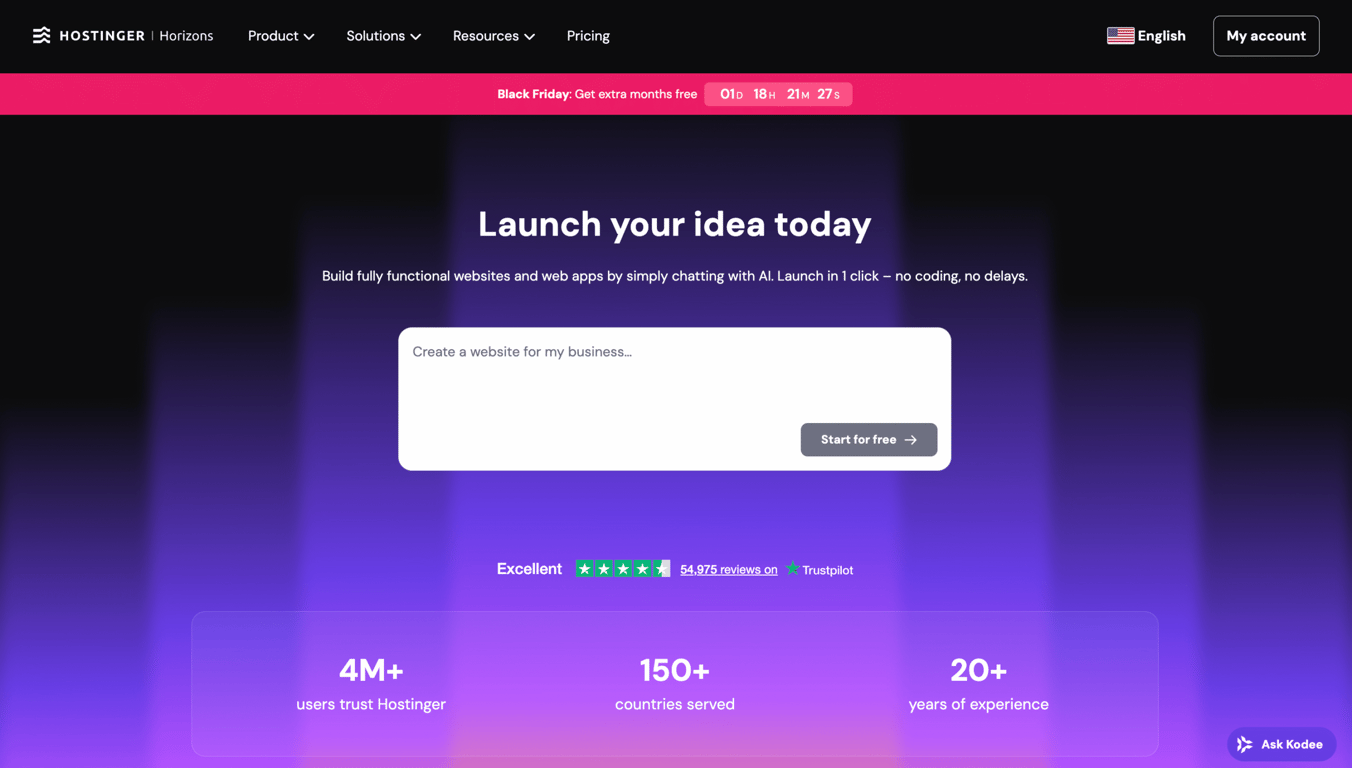
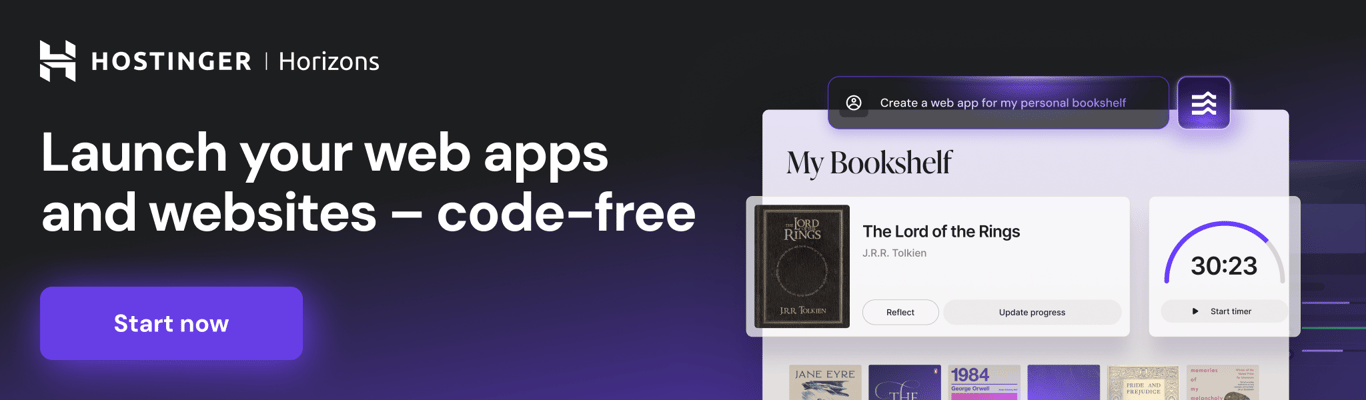
Hostinger Horizons is an AI-powered app builder that takes customization beyond Airtable’s relational database model. With the Horizons AI App Generator, you can design, build, and deploy fully tailored web applications that match your specific business needs.
It also has a built-in backend system that lets you add user authentication, store data and files, and send automated emails – all without connecting any external tools or writing a single line of code.
Perfect for entrepreneurs, small teams, and creators who want branded work operating systems or specialized workflow apps, Hostinger Horizons uses AI to generate your frontend, backend, and database. Simply describe what you need, and the AI tool builds it for you. After tweaking it to your preference, deploying your web app within Hostinger’s ecosystem only requires a single click.
Hostinger Horizons key features
- AI-driven full-stack app generation. Hostinger Horizons generates complete applications (frontend, backend, and deployment infrastructure) from conversational prompts. Unlike Airtable’s database-first approach, you’re building custom web applications tailored to your exact specifications.
- Integrated development environment with templates. Access an AI-assisted code editor and ready-to-use templates that let you design, customize, and deploy apps quickly. Instead of organizing data in spreadsheet-like views, you’re creating fully branded user experiences.
- All-in-one business infrastructure. Hostinger Horizons goes beyond app building by integrating hosting, custom domains, webmail, and email marketing in one platform. This eliminates the need to piece together multiple services – everything you need to launch and scale your web app lives in one ecosystem.
Hostinger Horizons limitations compared to Airtable
Hostinger Horizons focuses on building custom web apps with pages, UI components, and custom logic for your business needs. If you need advanced database management features like multiple data views, complex formulas, deep collaboration features, and spreadsheet-style organization – Airtable remains the stronger choice.
Hostinger Horizons pricing
Hostinger Horizons offers a 7-day free trial with a five-message daily limit. To keep building after the trial, you can upgrade to the paid plans, starting at $19.99/month.
11. Lovable
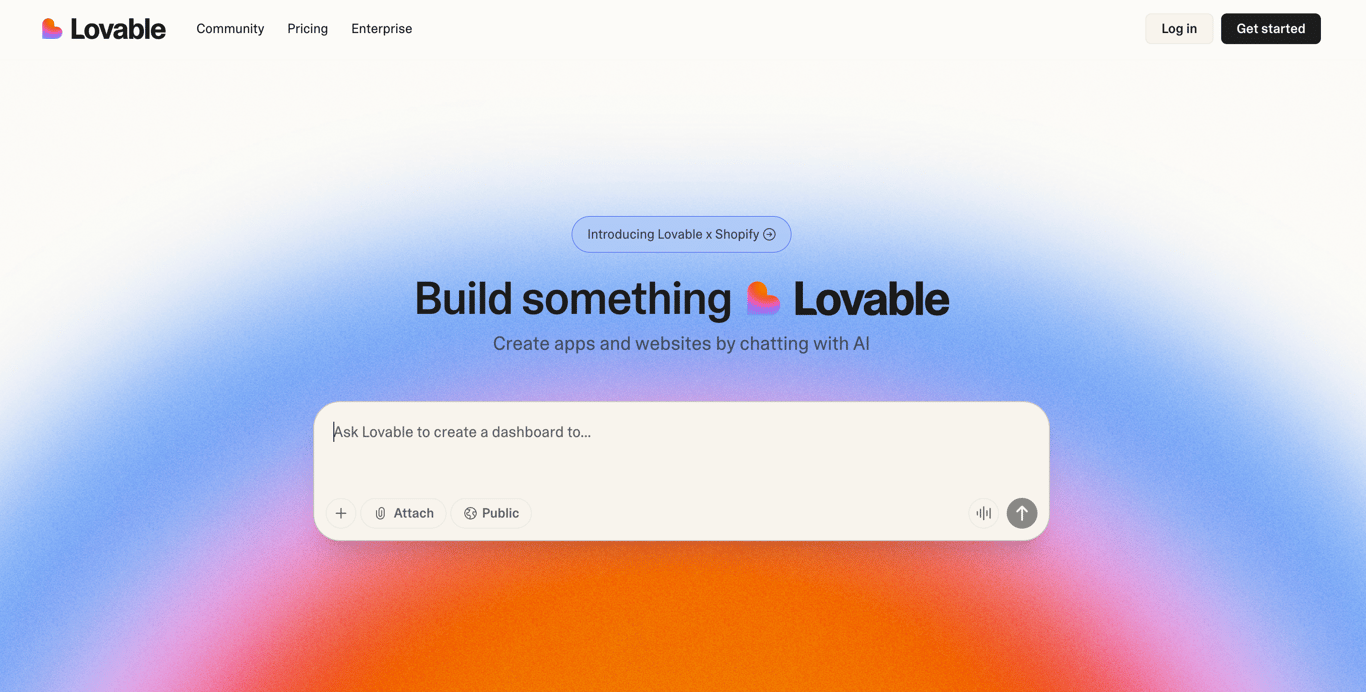
Lovable is another no-code app builder that lets anyone create fully functional web apps by writing AI prompts. While Airtable helps you organize and visualize data, Lovable enables you to create custom applications with built-in logic, automation, and a personalized interface. It’s ideal for users who’ve outgrown spreadsheet-style tools and want to build tailored workflows or client-facing apps effortlessly.
Lovable key features
- Prompt-to-app generation. AI web app builders like Lovable allow you to describe the type of solution you want for your business, and they will automatically generate the code.
- Low-code workflow. Designed for non-developers and creatives who want a faster path to shipping a custom web app without heavy manual coding.
- Community-supported. Lovable has an active community of creators and developers who share tips, templates, and best practices for rapid app generation.
Lovable limitations compared to Airtable
Lovable isn’t built for relational record management at scale, so it may produce code that needs refinement for complex, enterprise data rules.
Lovable pricing
There’s a free plan that allows you to use Lovable with five daily AI credits (limited to 30 credits monthly). Premium plans start from $25/month to unlock the permission to create private projects, remove the Lovable badge from your project, and receive 100 AI credits.
12. Replit
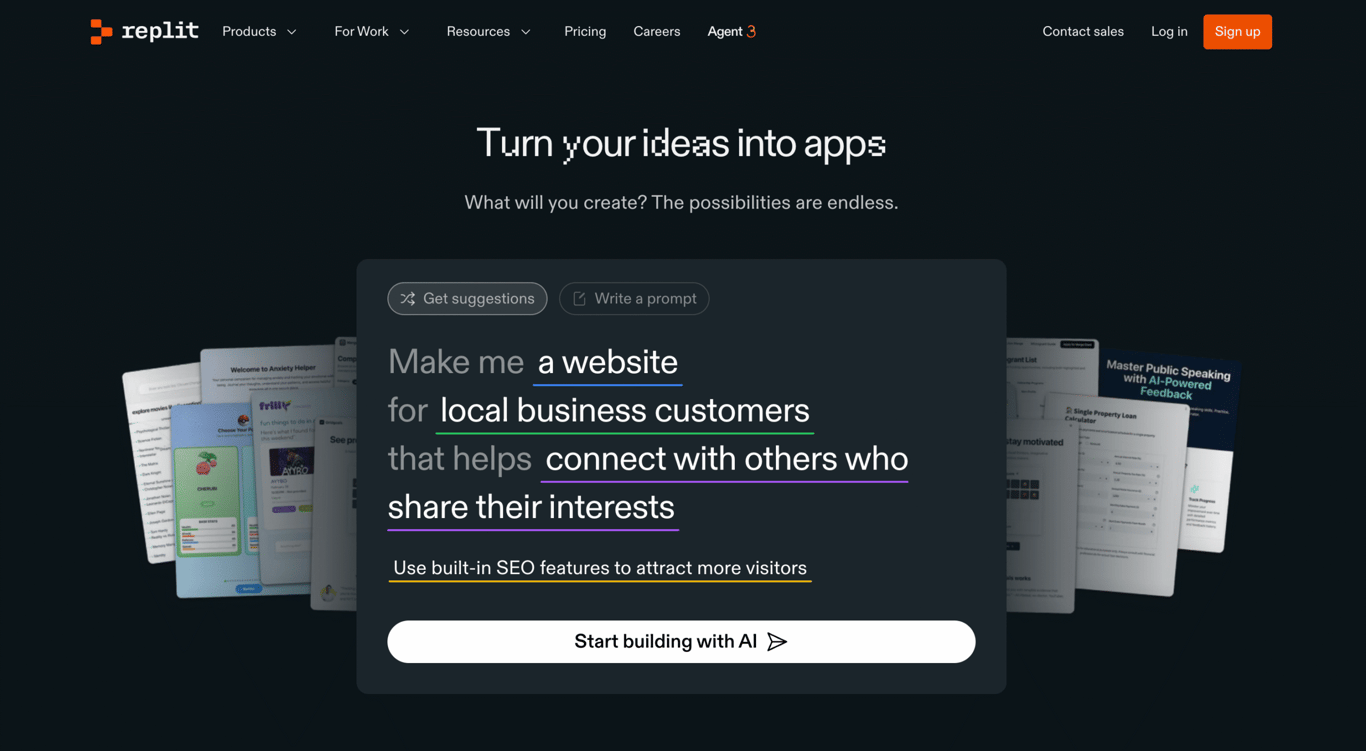
Replit is a cloud-based integrated development environment (IDE) with built-in AI assistants (called Replit Agents) for developers who want full coding control. Although it’s known as one of the popular tools for creating custom apps with AI, Replit remains a code-first platform where AI doesn’t significantly replace the development process. It’s ideal for technical teams building custom Airtable alternatives with complete flexibility over architecture, integrations, and functionality.
Replit key features
- Professional cloud IDE with instant deployment. Replit combines a full-featured code editor, real-time collaboration tools, and one-click deployment.
- AI-powered coding acceleration. Replit Agents assist with code generation, debugging, and architecture decisions.
- Maximum technical flexibility. Building with code gives you complete control over custom logic, API integrations, database architecture, and complex workflows that visual builders can’t easily replicate. Perfect for teams with specific technical requirements.
Replit limitations compared to Airtable
Replit is fundamentally a code-first platform. Therefore, you still require basic programming skills to effectively leverage it for data-centric projects. Airtable, by contrast, is almost instantly usable for anyone familiar with spreadsheets.
Replit pricing
You can use Replit for free with limited Replit Agent usage, and you’re only allowed to create public apps. If you want to upgrade, the pricing plans start at $20/month.
➡️ Find other tools like Replit to build your business’s custom web app.
How to choose the best Airtable alternative to manage my projects?
When deciding on an Airtable alternative that better suits your needs, first determine the type of tool:
- Custom app builders (Hostinger Horizons, Lovable, Replit). Best when pre-built tools don’t fit your unique workflow and you want complete control over your interface, branding, and functionality. Requires more setup time but delivers exactly what you envision.
- Ready-made database platforms (Baserow, NocoDB, Smartsheet, Zoho Creator). Best when you need structured data management similar to Airtable, with tables, views, and relationships ready to use immediately.
- Work management platforms (Notion, ClickUp, Monday.com). Best when you need project tracking, task management, and team collaboration alongside database features – ideal for operational teams managing multiple workflows.
Use this table to compare different types of Airtable alternatives and find the best fit for your team:
| Feature/priority | Database platforms | Work management tools | Custom app builders |
| Flexible data views | ✅ | ⚠️ Limited | ⚠️ Limited |
| Project and task tracking | ⚠️ Limited | ✅ | Can be built according to your needs |
| Custom UI and functionality | ❌ | ❌ | ✅ |
| Best for | Structured data organizations | Project progress visualization and team coordination | Building apps tailored for your business needs |
Can I vibe code a database or a web app?
Yes, you can leverage vibe coding to build a database, in the sense of doing it intuitively without writing extensive code. Here are the best approaches depending on your needs:
- No-code database building. Airtable, Baserow, or NocoDB let you create and manage databases through spreadsheet-like interfaces. You can set up tables, link records, create views, and build workflows without touching SQL. Perfect for content management, project tracking, or simple data-driven apps.
- More powerful backend needs. Supabase and Firebase provide production-ready databases with built-in authentication, APIs, and real-time features. While they require some technical setup, their interfaces are beginner-friendly, and you can connect them to any frontend. Great when you need scalability, user authentication, or API access.
- AI-assisted development. AI coding tools like Claude or GitHub Copilot can help you generate database schemas, write SQL queries, and set up backends from natural language descriptions. Ideal if you want to learn while building, or need custom functionality.
What are the most common mistakes to avoid when building a web project?
Now that you know your database options, here are the mistakes to avoid when building your web app with AI-powered or low-code tools:
- Not defining your app’s purpose clearly. Always specify what your project does and list the core features you need.
- Skipping technical requirements. Be explicit about how users will interact with data and what security measures you require.
- Prioritizing design over functionality. Strike a balance between aesthetics and essential features, such as input validation, user permissions, and data processing.
- Repeating the same prompts without refinement. Learn from each AI output, incorporate feedback, and adjust your instructions to address specific issues before moving forward.
➡️ Read our full guide on the common mistakes to avoid when building a web app with Hostinger Horizons.
Where Airtable alternatives fit into modern web development
Modern organizations are moving beyond traditional database tools toward platforms that offer interactive interfaces, AI-assisted workflows, or full-stack web project capabilities. Recent software development trends indicate that by 2026, 75% of new apps will be built using low-code/no-code platforms, and 4 out of 5 companies are already considering low-code approaches strategically important.
If you’re managing or building data-related projects, your requirements likely extend beyond basic databases to include:
- Rich interactivity, not just passive data views
- AI-driven automation, including natural-language prompts and dynamic logic
- The ability to deploy parts of your system as a web project or mini application
- Flexibility to choose between ready-made solutions or fully custom-built workflows
While Airtable continues to innovate with new features, many teams may require more flexibility, specialized functionality, or different pricing models than a single SaaS platform can offer.
All of the tutorial content on this website is subject to Hostinger's rigorous editorial standards and values.

Larassatti Dharma is a content writer with 4+ years of experience in the web hosting industry. She has populated the internet with over 100 YouTube scripts and articles around web hosting, digital marketing, and email marketing. When she's not writing, Laras enjoys solo traveling around the globe or trying new recipes in her kitchen. Follow her on LinkedIn