Offering discounts in your online store can help if you need to:
-
Attract new customers
-
Increase sales
-
Improve customer loyalty
-
Clear out inventory
To add a discount, go to the store management area → Products, and open the preferred product. Then, in the product management area, scroll down to find the Discount price field. Here, insert a lower than the regular price and save the changes:

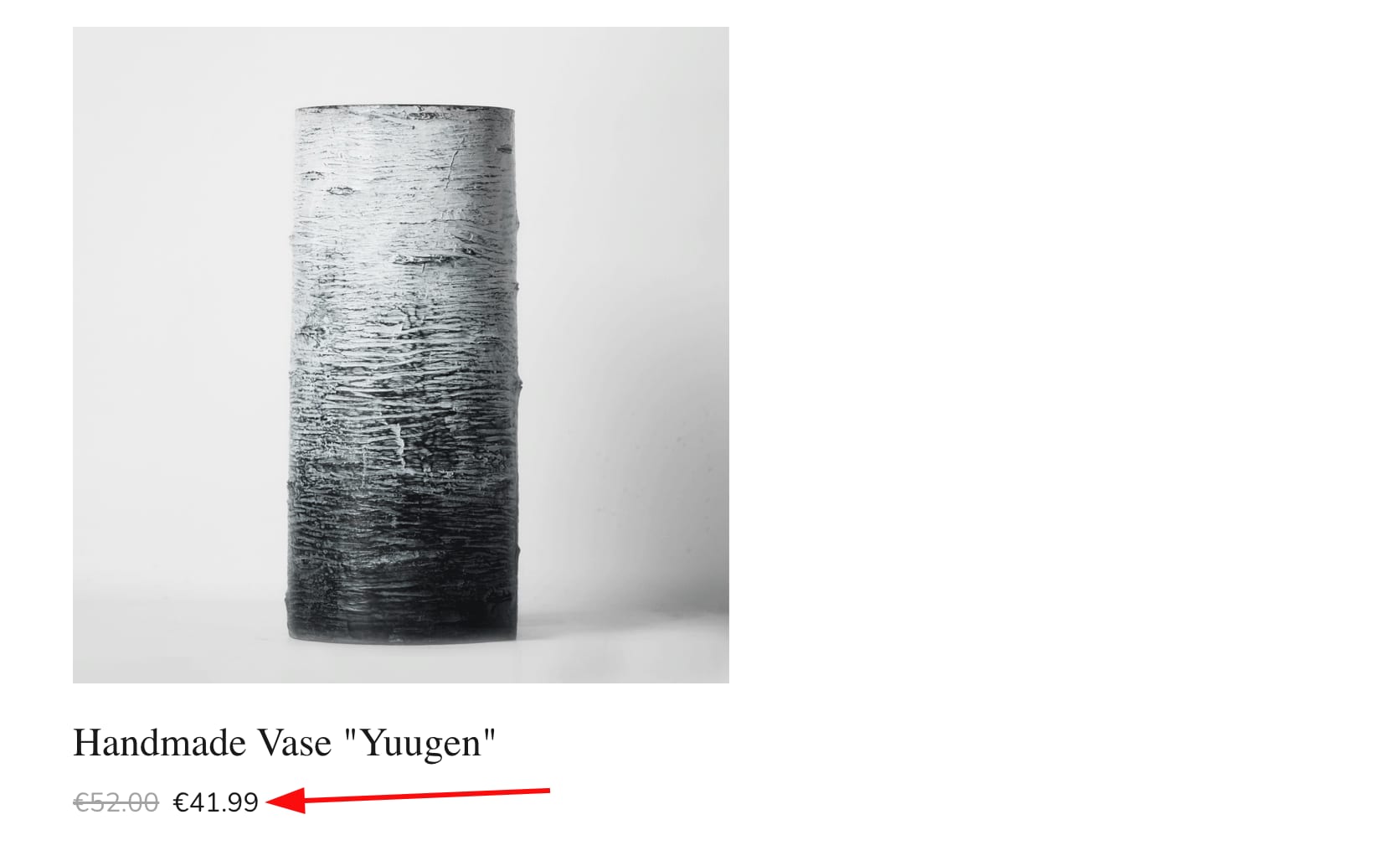
The sale price will automatically be displayed next to the crossed-out regular price:
You may also create discount codes that your clients can use at the checkout.