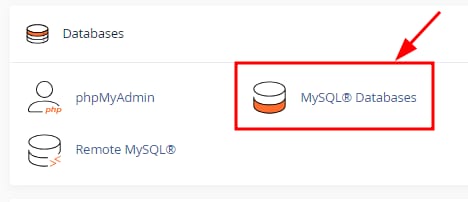
You can change your database’s password by navigating to your cPanel account and selecting MySQL® Databases section:
Once there, scroll down to the bottom of the page to find the Current Users section. Locate your database user and click on Change Password next to it:

Enter the database password twice and click on Change Password. You can use the built-in password generator feature to ensure you’re creating a strong password.
That’s it! Now you know how to change your database password on cPanel.
If your MySQL® Databases section appears empty, make sure to create a MySQL database and assign a user first 💡