If you’re looking to launch an eCommerce website, Hostinger offers a wide selection of scripts that you can install in just a few clicks.
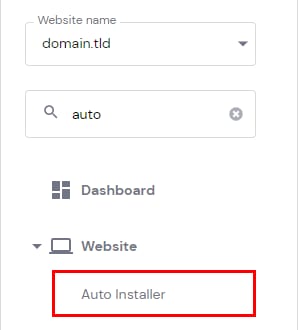
To get started, go to hPanel Websites page → Manage next to your site → Website → Auto Installer on the sidebar.
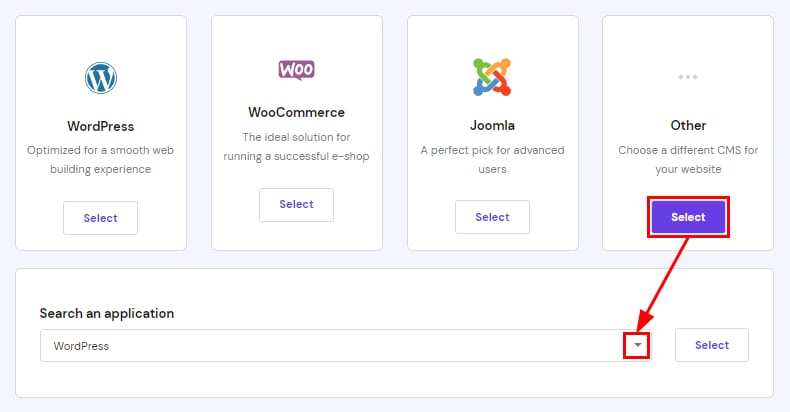
Select Other, and use the search bar to find the popular eCommerce scripts, such as PrestaShop, Abante Cart, osCommerce, and many more.
On WordPress-based websites, you can easily create an online store using the WooCommerce plugin. For detailed steps, check out this this tutorial: How to set up eCommerce on WordPress.
See how to make an eCommerce website with WordPress and WooCommerce step by step:
If your desired script isn’t available in the Auto Installer, you can install it manually via SSH on Premium plans and above if your plan meets the script’s resource requirements. Some scripts require additional permissions or server-level access that aren’t available on shared or cloud hosting plans. In such cases, using a VPS is recommended.