13 best Klaviyo alternatives compared
Jul 14, 2026
/
Simon L.
/
17 min Read

Klaviyo is a marketing automation tool built for ecommerce businesses. It connects store data to email, SMS, customer profiles, and automated flows, enabling brands to target shoppers based on behavior and purchase history.
Many users look for Klaviyo alternatives because the platform can become expensive and difficult to manage as they grow. Klaviyo’s free plan supports up to 250 profiles and 500 monthly email sends, while paid plans scale by active profiles, emails sent, and selected channels.
Klaviyo’s Profile and Email plans are based on the number of active profiles and emails sent during the billing cycle. Suppressed profiles do not count toward Klaviyo’s billing profile count, so list management can affect what users pay.
Some users may prefer tools with simpler dashboards, guided setup, or AI-assisted campaign creation.
Our top picks for the best Klaviyo alternatives are:
- Best for simplicity – Hostinger Reach, ideal for business owners who want AI-assisted email creation without Klaviyo’s ecommerce-heavy setup.
- Best for ecommerce – Omnisend, a close alternative to Klaviyo offering SMS and web push features in one platform.
- Best for multichannel marketing – Brevo combines email, SMS, WhatsApp, CRM, and chat tools, with pricing that scales primarily by email volume rather than by the number of stored contacts.
- Best for creators – Kit is built for bloggers, podcasters, and course sellers who want to grow and monetize their audience.
- Best for beginners – MailerLite, useful for those who need a clean interface, basic automations, and a free plan for small lists.
- Best for advanced automation – ActiveCampaign, a strong option for CRM and customer journey automation.
- Best for value – Moosend, useful for accessing automation features at a lower entry price.
1. Hostinger Reach
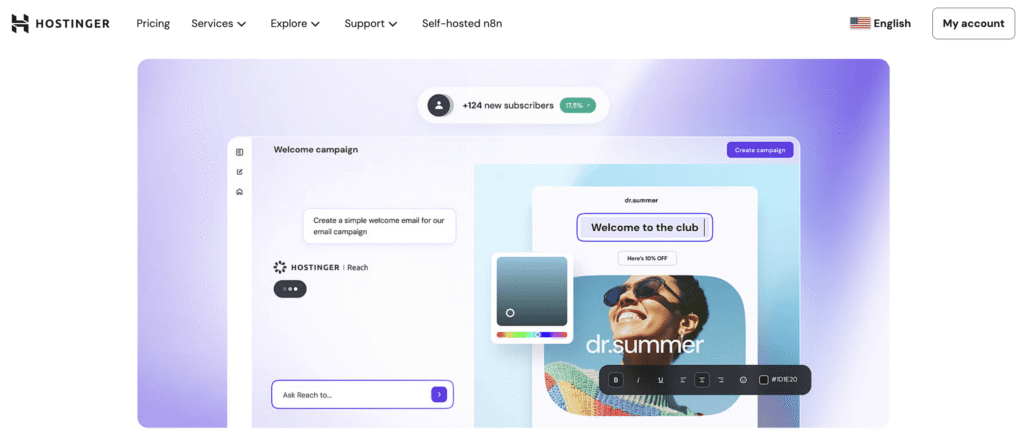
Hostinger Reach is an AI-powered email marketing tool for users who want to create and send professional campaigns without building complex ecommerce flows. Compared to Klaviyo, it is better suited to small businesses that value speed, simplicity, and guided campaign creation.
Instead of starting from a blank campaign, users can describe their goals and let Hostinger Reach use AI to automate the design and writing process.
It allows business owners to reduce the time typically required for segmentation and design, enabling them to launch professional campaigns faster.
Key features of Hostinger Reach:
- AI email creation – Describe your idea and the AI email marketing tool generates a professional layout, writes the copy, and even suggests smart subject lines.
- Conversational AI segmentation – Instead of building complex Boolean logic filters like in Klaviyo, you can simply chat with the AI to describe the contacts you want to reach, and it will build the segment for you based on their details and activity.
- Seamless integrations – It offers a dedicated plugin to sync leads from WordPress sites hosted with Hostinger. It automatically pulls new form submissions from Hostinger Website Builder with a one-click domain connection for existing users.
- Brand consistency – Your logo, brand colors, and social links are applied to every email template to keep campaigns consistent.
- Ecommerce automations – Set up abandoned cart reminders and post-purchase follow-ups for WooCommerce and Hostinger Website Builder stores. Each flow runs independently once activated.
- Pre-send optimization – Before every send, Reach can help check your email for spam-related issues and optimize the subject line before it reaches inboxes.
Limitations of Hostinger Reach:
- Less ecommerce data depth – It doesn’t offer the same level of historical purchase data as Klaviyo, making it less suitable for ecommerce stores that require complex behavioral triggers.
- Fewer integrations – Its third-party integration ecosystem is smaller compared to Klaviyo’s broader library of connections.
Hostinger Reach pricing:
Hostinger Reach is more accessible for users with small lists than Klaviyo, offering a free option and low-cost paid tiers.
- Free plan – Available for one year with up to 100 recipients/month and 200 emails/month, and 10 extra AI credits each month.
- Paid plans – The 0-500 recipient tier includes 500 recipients/month and 3,500 emails/month. It costs $1.000/month on a 24-month term, $2.49/month on a 12-month term, or $5.99/month on a month-to-month plan. All paid plans come with 24/7 support and a 30-day money-back guarantee.
2. Omnisend
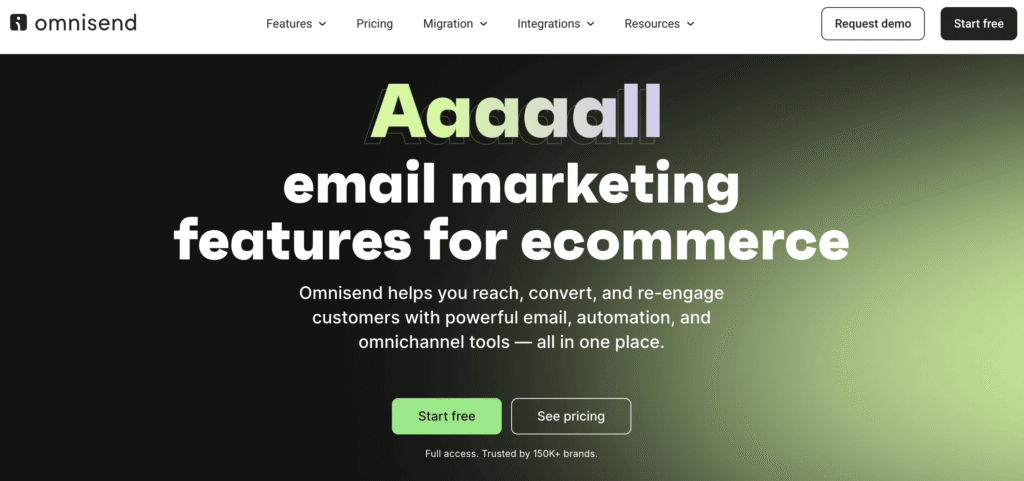
Omnisend is one of the closest Klaviyo alternatives for ecommerce brands. Like Klaviyo, it supports ecommerce email automation, but it also adds web push notifications and plan-based SMS access.
It lets online stores combine email, web push, and automation workflows on a single platform. SMS is available on the Pro Plan as an add-on with volume-based pricing.
Key features of Omnisend:
- Unified workflows – Build automation flows that combine email and web push notifications, with SMS available as a Pro add-on.
- Ecommerce product picker – Display products directly from your store into your emails, and build product-focused campaigns more quickly.
- Support access– Omnisend includes 24/7 support and live chat even on lower tiers.
- AI assistant – Manage your account through a conversational AI interface. Check campaign performance, create segments, and build campaigns without navigating dashboards.
Limitations of Omnisend:
- Design flexibility – The email builder, while functional, may offer less design freedom for custom layouts compared to design-focused tools.
- Data depth – While great for ecommerce, Omnisend is less focused on advanced customer data modelling and predictive ecommerce analytics than Klaviyo.
Omnisend pricing:
Omnisend’s paid tiers scale by contact count and sending limit. Paying three months upfront saves 30%.
- Free plan – Up to 250 contacts, 500 emails/month, and 500 web push notifications, with access to core tools including campaigns, forms, automations, segmentation, and reporting.
- Standard plan – Starts at $16/month. Email sends are capped at 12 times your list size, including web push.
- Pro plan – Starts at $59/month and includes unlimited emails and push notifications. SMS is available as an add-on with volume-based pricing starting at $0.007/SMS.
3. Brevo
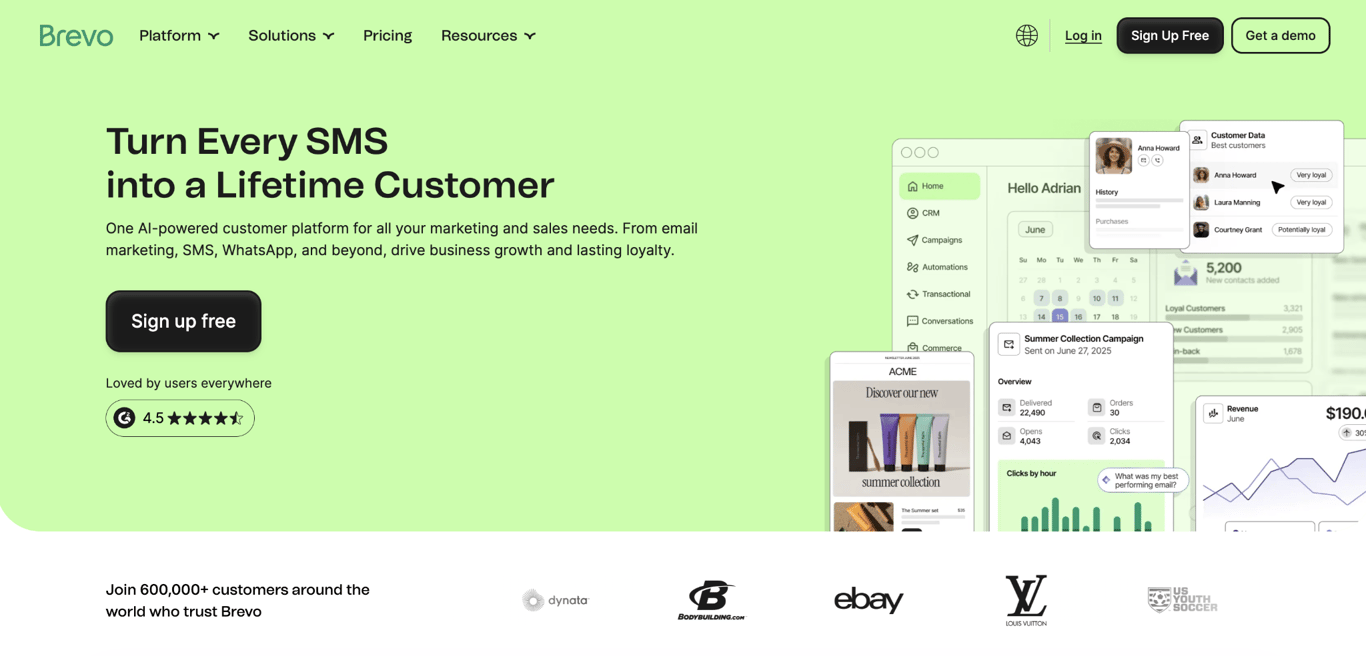
Brevo is a multichannel marketing platform that combines email, SMS, WhatsApp, CRM, chat, and transactional messaging tools. Compared to Klaviyo, Brevo is broader, making it useful for businesses that want multiple customer communication channels on a single platform.
Its major difference from Klaviyo is pricing: Brevo charges based on the number of emails you send, not the number of contacts you store.
Key features of Brevo:
- Volume-based pricing – You can store up to 100,000 contacts on the free plan and send up to 300 emails/day. You only pay for the emails you actually send.
- Multichannel messaging – Manage email, SMS, WhatsApp campaigns, transactional messaging, and CRM contact data from one platform.
- Marketing automation – Build multi-step workflows triggered by subscriber actions, purchases, or custom events. Free users can automate up to 2,000 contacts, while unlimited-contact automation starts on Standard.
- AI assistant– Brevo includes Aura, its AI-powered assistant, with AI features such as send-time optimization and AI segmentation available on higher tiers.
Limitations of Brevo:
- Daily sending cap on free plan – The free tier limits you to 300 emails per day, which can slow down campaigns if you need to reach your full list at once.
- Advanced features need higher tiers – A/B testing, landing pages, and AI send-time optimization and advanced reports start on Standard, while WhatsApp campaigns, AI segmentation, and advanced data features are on Professional.
Brevo pricing:
Brevo charges based on email volume and contact storage limits rather than active profile count, making it more flexible than Klaviyo for businesses with large lists that send emails less often. You can save 10% on yearly billing.
- Free plan – Up to 100,000 contacts and 300 emails/day. Includes email and SMS campaigns, transactional email and SMS, drag-and-drop editor, templates, basic reporting, forms, Aura AI, and marketing automation for up to 2,000 contacts.
- Starter – $8.08/month if you pay yearly and $9/month for a monthly subscription. Removes the daily sending cap and starts at 5,000 emails/month.
- Standard – The most popular plan at $16.17/month with annual billing, or $18/month for a monthly subscription. Adds A/B testing, marketing automation, landing pages, and AI send-time optimization.
- Professional – $449.08/month with annual billing, or $499/month for a monthly subscription. For teams that need WhatsApp, web and mobile push notifications, contact scoring, AI segmentation, and phone support. Starts at 150,000 emails/month.
- Enterprise – Custom pricing for companies with 1M+ contacts needing custom sending volumes, advanced security, and dedicated support.
4. Campaign Monitor
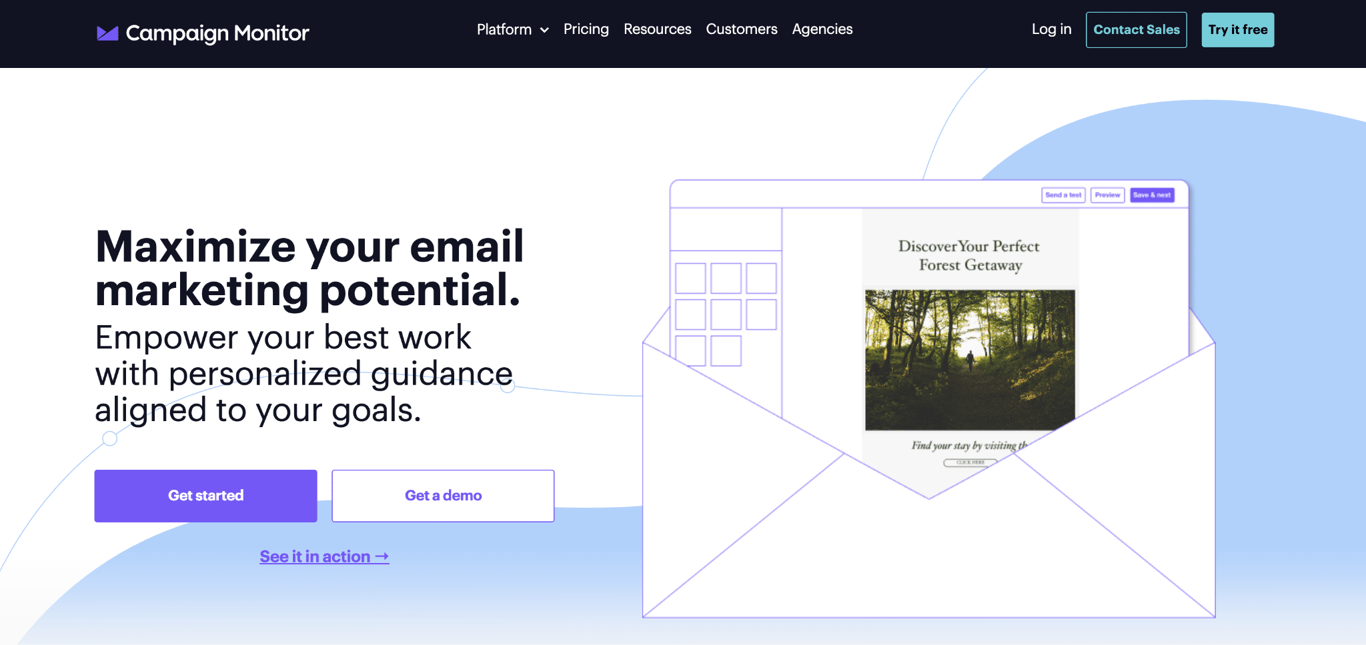
Campaign Monitor is built for brands and agencies that need polished email designs. While Klaviyo prioritizes ecommerce behavior data, Campaign Monitor focuses on design quality, template control, and multi-client management.
If design consistency matters more than ecommerce automation, Campaign Monitor offers tools like section locking, branded templates, and white-label client dashboards.
Key features of Campaign Monitor:
- Premium email templates – Over 100 customizable, responsive designs for polished brand campaigns.
- Email section locking – Lock specific sections of a template so team members or clients can edit content without breaking the layout.
- Agency tools – Manage multiple client accounts and campaigns from one dashboard with private labeling, markup billing, and individual API keys per sub-account.
- AI tools – AI Email Booster reviews your campaigns and suggests improvements, while Segment Mapper builds audience segments from plain-language prompts.
Limitations of Campaign Monitor:
- Limited automation depth – The builder handles standard sequences and prebuilt journeys, but lacks the ecommerce behavior depth that Klaviyo offers.
- No free plan – They offer a 30-day free trial but no free plan. The Lite plan starts at $13/month, or $11.70/month with annual billing, and caps send volume at five times your subscriber count.
Campaign Monitor pricing:
Campaign Monitor is pricier than many alternatives, but the design and agency features may suit teams that depend on polished emails. You can get 10% off by paying yearly.
- Lite – Starts at $13/month for 500 contacts, or $11.70/month with annual billing. Covers the basics, but caps send volume at five times your subscriber count.
- Essentials – Starts at $31/month for 500 contacts, or $27.90/month with annual billing. Unlocks unlimited sends, priority support, unlimited automated emails, inbox preview, and unlimited access to AI-powered email features.
- Premier – Starts at $171/month for 500 contacts, or $153.90/month with annual billing. Adds phone support, send-time optimization, engagement segments, and section locking.
- Enterprise – Custom pricing for high-volume teams that need a dedicated account manager and enterprise-grade security.
5. Kit (formerly ConvertKit)
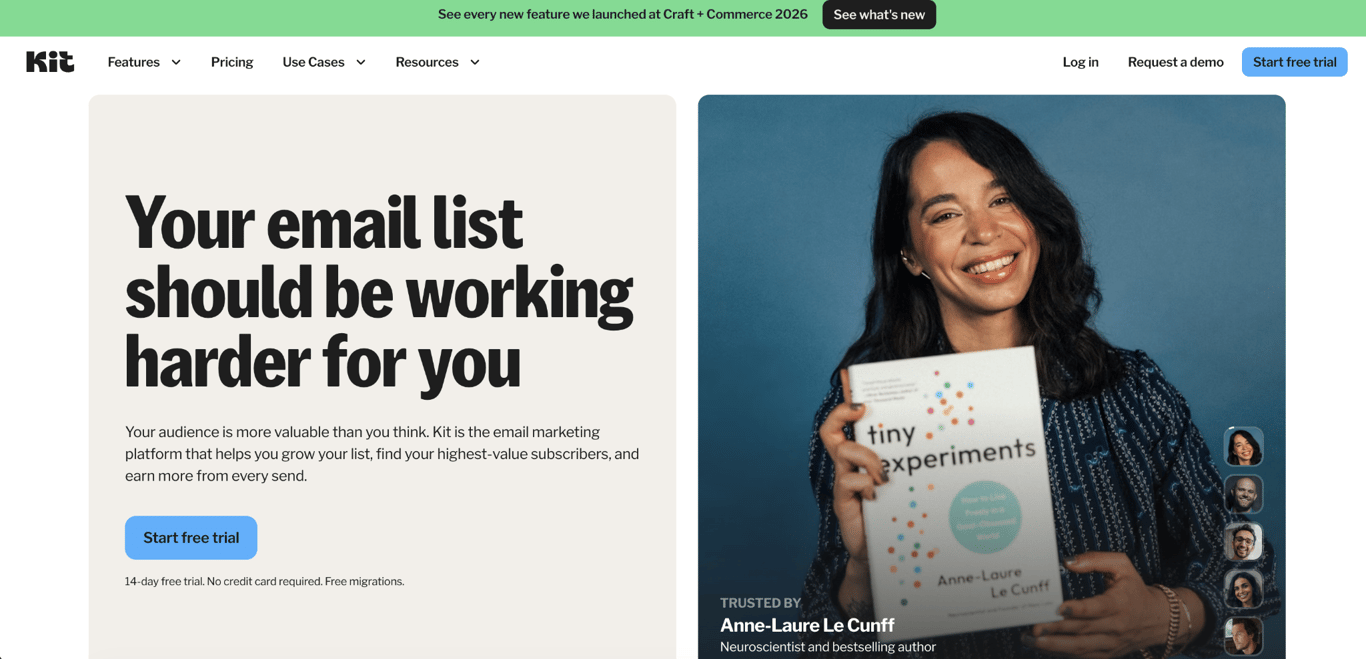
Kit is an email marketing platform built for creators, including bloggers, podcasters, YouTubers, and course sellers. Compared to Klaviyo, which is designed around ecommerce purchase data, Kit is designed to grow and monetize an audience through content.
It won’t give you the same ecommerce depth as Klaviyo, but it lets you sell digital products, run paid newsletters, and grow your list through a built-in creator recommendation network.
Key features of Kit:
- Built-in commerce – Sell digital products, paid newsletter subscriptions, coaching packages, sponsorships, and tip jars directly through Kit. Digital products and subscriptions carry a 3.5% + $0.30 fee per sale.
- Creator Network – A recommendation system where creators promote each other’s newsletters to their subscribers. A free, built-in growth channel for Kit users
- Visual automation builder – Build email sequences and automations based on subscriber actions, tags, and purchases.
- SMS marketing – Available on paid plans, letting you reach subscribers through text alongside email from the same account.
Limitations of Kit:
- Limited email design – Kit is built for creator-style emails rather than highly designed promotional campaigns. The template library is small, and the editor doesn’t support free-form layouts or advanced drag-and-drop design.
- Expensive as you grow – At larger list sizes, Kit’s subscriber-based pricing can become more expensive than simpler newsletter tools.
Kit pricing:
Kit’s pricing is subscriber-based, with unlimited email sends across all plans. Paying yearly gets you two months free.
- Newsletter (free) – Up to 10,000 active, unique subscribers with unlimited broadcasts, landing pages, and forms. You can sell digital products, but automations are limited to one basic visual automation and one email sequence.
- Creator – $33/month gets you 1,000 subscribers, unlimited visual automations, unlimited sequences, SMS marketing, subject line A/B testing, apps and integrations: 14-day free trial, no credit card required.
- Pro – $66/month for creators who need engagement analytics, deliverability reporting, subscriber engagement scoring, a newsletter referral system, and unlimited users.
6. MailerLite
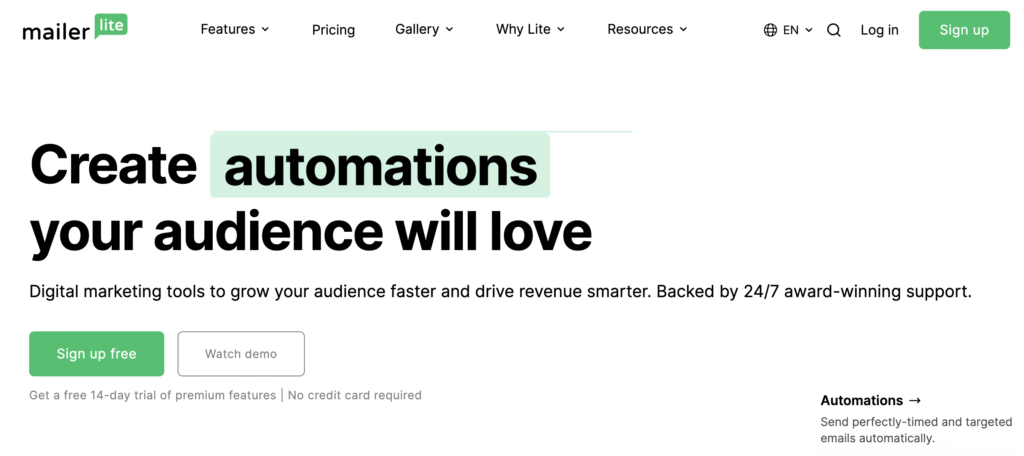
MailerLite is an email marketing platform known for a clean interface and a beginner-friendly campaign builder. Compared to Klaviyo, which emphasizes deep analytics and complex flow builders, MailerLite is simpler and less ecommerce-heavy.
It is a useful choice for content creators, bloggers, and small businesses that do not need the depth of Klaviyo’s ecommerce-focused analytics and automation.
Key features of MailerLite:
- Drag-and-drop editor – Build campaigns with reusable content blocks, templates, and dynamic content options on supported plans.
- Monetization tools – Sell digital products, manage paid newsletter subscriptions, and offer booking through the platform using Stripe integration
- Lead generation suite – Create signup forms, landing pages, websites, and pop-ups to grow your list.
- AI writing assistant – Paid plans include an AI tool that drafts email copy inside the editor, helping you write campaigns faster without switching to a separate tool.
Limitations of MailerLite:
- Limited ecommerce automation – While it handles basic sequences well, it lacks the complex ecommerce behavior tracking and purchase-data depth that Klaviyo offers.
- Account setup can be slow – MailerLite reviews new accounts before granting full sending access, which can delay setup for some users.
MailerLite pricing:
MailerLite is more accessible than Klaviyo for small lists and uses a simple pricing structure based on subscriber count. Annual plans cost 10% less.
- Free plan – Up to 250 subscribers and 2,500 emails/month for two users, with access to automations, forms, and one landing page. You can also try the premium features for 14 days.
- Comfort plan – Starts at $12/month with the full toolset for solopreneurs and small teams, including templates, dynamic emails, auto-resend, multivariate testing, smart sending, and AI writing.
- Power plan – Starts at $25/month with unlimited user seats, monthly emails, automations, forms, digital products, booking, multiple automation triggers, partner discount, and 24/7 live chat support.
7. Moosend
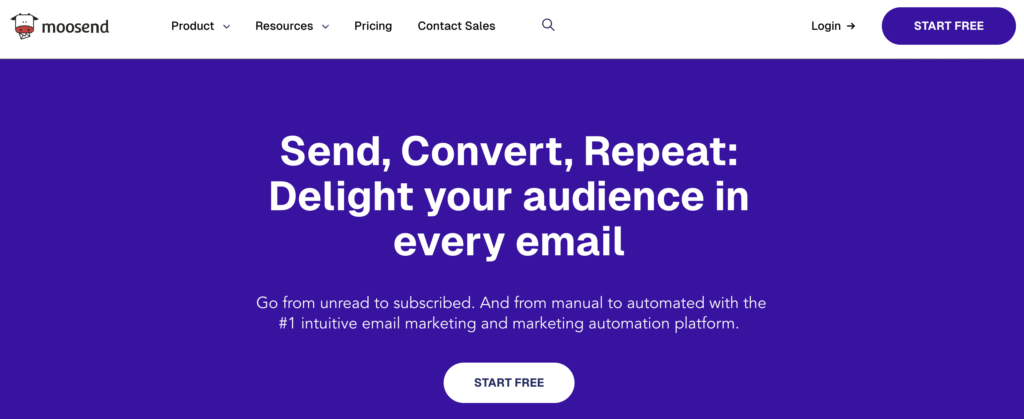
Moosend is a Klaviyo alternative for businesses that want the automation capabilities of services like Klaviyo but cannot afford its higher pricing.
It is useful for small and midsize businesses that want to move from manual newsletters to automated campaigns without adopting a more ecommerce-heavy platform.
Key features of Moosend:
- Visual automation editor – Offers a drag-and-drop workflow builder with pre-made automation templates, helping automate repetitive email tasks.
- AI-enhanced content – Includes an AI writer to help draft copy and offers customizable email templates.
- Growth tools – Includes built-in subscription forms and a landing page builder to help you capture leads, reducing the need for separate tools to grow your list.
- Ecommerce product recommendations – Add product suggestions to emails based on ecommerce data, similar to Klaviyo.
Limitations of Moosend:
- Native integrations – While it connects to major tools like WooCommerce, its native integration list is not as deep as Klaviyo’s ecommerce integration ecosystem.
- Mobile app – The mobile management options are limited compared to competitors that offer full mobile CRMs.
Moosend pricing:
Moosend has a lower-priced entry plan, offers a 30-day free trial, and a subscriber-paid plan. Annual billing gives a 20% discount, while biannual billing gives a 15% discount.
- Free trial – 30 days with access to Pro features, unlimited email sends for up to 1,000 contacts, no credit card required.
- Pro plan – Starts at $9/month for up to 500 subscribers. It includes unlimited email sends, automations, landing pages, forms, and core email marketing tools.
- Moosend+ – A custom plan that includes all Pro plus selected Enterprise add-ons such as transactional emails, dedicated IPs, and audience discovery. You choose the add-ons, and the pricing adjusts accordingly.
- Enterprise – Custom pricing for larger teams that need advanced support, deliverability services, and enterprise-level account options.
8. Mailchimp
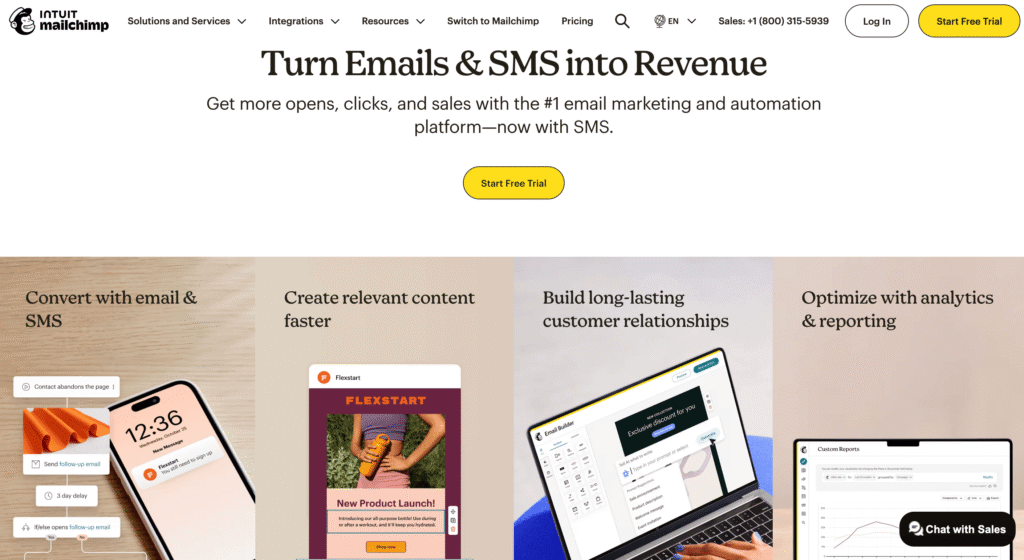
Mailchimp started as a simple newsletter tool, but has evolved into a broader marketing platform under Intuit.
It offers a range of tools that extend beyond email marketing to include social media scheduling, postcard design, and website building. In contrast, Klaviyo is more focused on ecommerce customer data and owned-channel messaging. When comparing Mailchimp and Klaviyo, the main trade-off is between Mailchimp’s broader marketing toolkit and Klaviyo’s deeper ecommerce automation.
Key features of Mailchimp:
- Integration library – Connects with hundreds of tools.
- AI-powered creative tools – Intuit Assist drafts full email campaigns, generates subject lines, and creates brand assets for channels like Facebook and Instagram. Availability depends on the plan, country, language, and rollout status.
- Cross-channel management – Unlike Klaviyo, which is more focused on ecommerce email and SMS, Mailchimp lets you manage social media ads and organic posts alongside your email campaigns from one dashboard.
- SMS marketing – Send text message campaigns alongside email from the same account. SMS is available as an add-on on all paid plans.
Limitations of Mailchimp:
- Ecommerce limitations – While it integrates with online stores, you won’t get the same ecommerce customer profile depth and purchase-based automation that you do in Klaviyo.
- Billing for unsubscribes – Mailchimp pricing is based on stored contacts and send limits, so you should archive contacts you no longer want to count toward billing. Klaviyo billing is based on active profiles and emails sent, while suppressed profiles do not count toward the billing profile count.
Mailchimp pricing:
Mailchimp has a tiered pricing structure based on the number of contacts, features, and monthly send limits. Its entry-level plans may be easier e for non-ecommerce businesses to start with than Klaviyo, but costs can rise as contacts and features increase.
- Free plan – Up to 250 contacts and 500 sends/month with a daily limit of 250. Includes a limited selection of templates, one-click automated welcome email, basic reporting, landing pages, and forms.
- Essentials plan – Starts at $13/month for 500 contacts with a monthly send limit of 10 times your contact limit. It includes features such as A/B testing, scheduled emails, SMS add-on access, and 24/7 email and chat support.
- Standard plan – Starts at $20/month for 500 contacts, with a monthly send limit of 12 times your contact limit. Adds more advanced automation and optimization to Essentials.
- Premium plan – Starts at $350/month, with the base price including 10,000 contacts, and a monthly send limit of 15 times your contact limit. Built for larger teams that need advanced testing, more seats, phone support, and priority support.
9. Drip
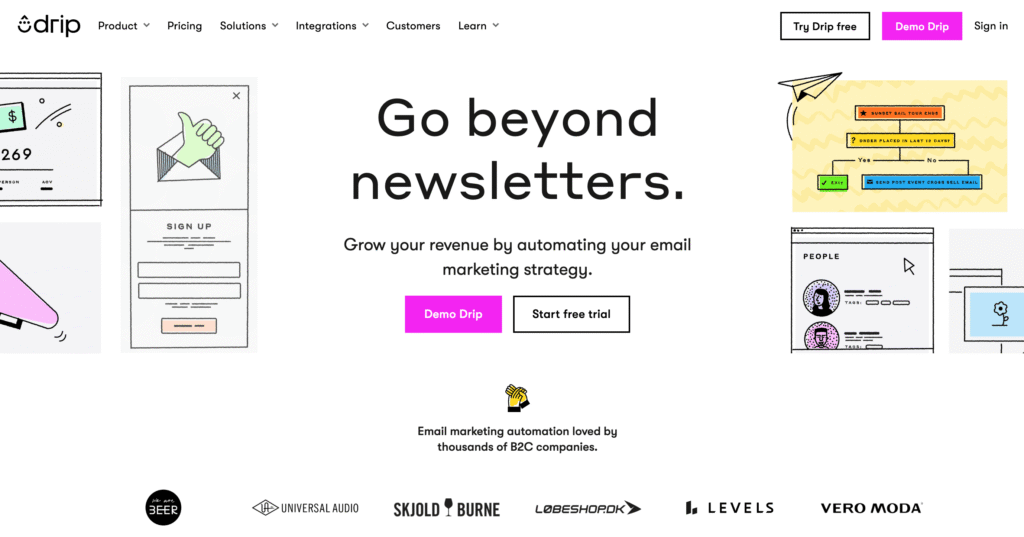
Drip is an ecommerce marketing platform for independent brands that want email automation, on-site campaigns, and revenue attribution.
It offers a more visual approach to data than Klaviyo, making it a useful alternative for ecommerce brands that want automation and segmentation without the need for Klaviyo’s deep analytics environment.
Key features of Drip:
- Visual workflow builder – Known for its visual automation maps, Drip lets you build sequences using templates such as welcome series and abandoned cart.
- On-site campaigns – Use pop-ups, slide-ins, and on-site forms to collect leads and connect them to email campaigns.
- Deep segmentation – Tag and segment users based on specific actions, engagement, and ecommerce activity
- Revenue attribution – Email and automations can be connected to purchase data, so you can see how much revenue each campaign or flow generated.
Limitations of Drip:
- Template library – The overall selection of pre-designed email layouts may feel smaller than design-focused tools like Mailchimp or Campaign Monitor.
- Learning curve – The interface may feel more visual than Klaviyo, but mastering the tagging logic and automation rules still requires a learning curve compared to simpler tools.
Drip pricing:
Drip uses a pricing structure based on list size, with the entry tier including most core features.
- Free trial – 14 days to test Drip with no credit card required.
- Paid plans – Starts at $39/month for up to 2,500 contacts, unlimited email sends, and on-site campaigns, dynamic segments, and up to 50 workflows. Pricing increases as list size and send volume increase.
10. ActiveCampaign
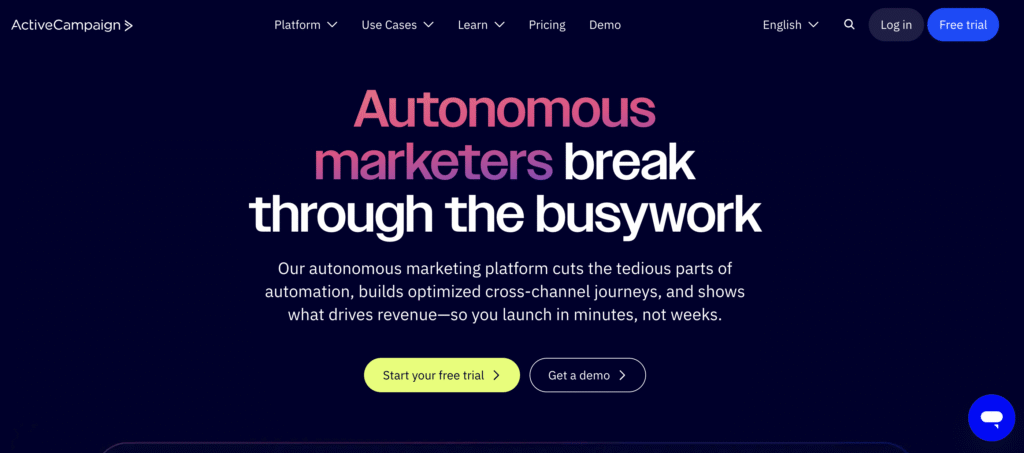
ActiveCampaign is a strong Klaviyo alternative for businesses that need broader customer journey automation.
Compared to Klaviyo, ActiveCampaign connects email marketing with customer journey automation, CRM tools, ecommerce integration, and SMS add-ons.
Key features of ActiveCampaign:
- Active Intelligence – The tool uses AI agents and a conversational interface to build complex workflows, write content, and suggest the best time and channel to message a customer.
- Built-in CRM – Includes standard CRM and ecommerce integration on Starter, with more advanced automation and segmentation features on higher plans. SMS is available as an add-on.
- Support and onboarding – Offers support, onboarding resources, automation recipes, and migration options depending on the plan.
- Predictive sending and content – Higher-tier plans include more advanced personalization and automation tools, such as predictive and conditional content options.
Limitations of ActiveCampaign:
- Overwhelming for simple needs – If you just want to send a newsletter or a simple welcome series, this tool may be too complex for that.
- Ecommerce setup – While powerful, setting up ecommerce data can require more configuration than Klaviyo’s ecommerce native workflows
ActiveCampaign pricing:
ActiveCampaign offers tiered pricing based on features and contact count. Compared to Klaviyo, it is a better choice for teams that need CRM-connected lifecycle automation rather than ecommerce-only email and SMS flows.
- Free trial – 14 days to test the platform before upgrading
- Starter – Starts at $15/month for 1,000 contacts. Covers email marketing, limited segmentation, standard CRM and ecommerce integrations, and five actions per automation.
- Plus – Starts at $49/month. Adds more advanced segmentation, automation actions, landing pages, standard CRM and ecommerce integration, and SMS as an add-on.
- Pro – Starts at $79/month. Adds premium ecommerce integration, predictive and conditional content, advanced contact management, advanced flows, and three users.
- Enterprise – Starts at $145/month. Built for larger teams that need premium segmentation, custom objects, SSO, a dedicated account team, and five users.
11. GetResponse
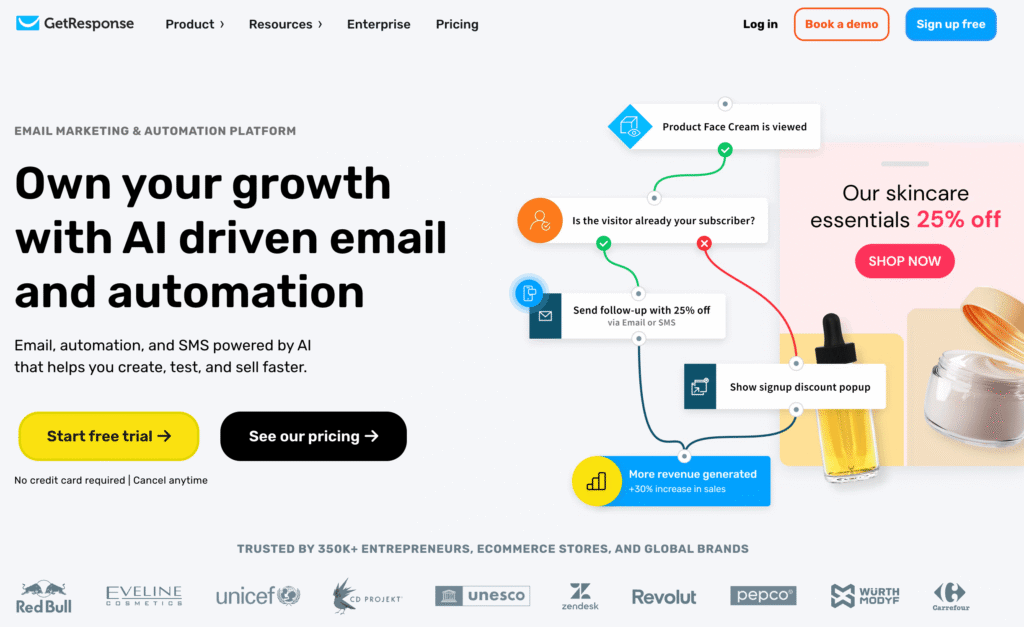
GetResponse is a great Klaviyo alternative for businesses that want to consolidate their tech stack.
It is useful if you need one tool fo for email, webinars, and course hosting, making it much broader in scope than Klaviyo.
Key features of GetResponse:
- Webinars and course creation – Unlike Klaviyo, which is more focused on messaging and ecommerce automation, GetResponse includes webinar and course creation features on higher plans.
- Automated sales funnels – Features a funnel tools that help connect landing pages, signup forms, automations, and ecommerce campaigns.
- Unlimited sending – Even on the entry-level plans, GetResponse offers unlimited monthly email sends and AI-powered content generators.
- AI tools across the platform – Includes AI-powered email generation, subject line writing, landing page creation, and course building. Available on all paid plans, though Starter limits each AI tool to three uses.
Limitations of GetResponse:
- Ecommerce depth – While it has ecommerce tools, the customer profile and purchase-based analytics are less ecommerce-specific than Klaviyo.
- Broad feature set – Because GetResponse covers many use cases, some specific features, like ecommerce automation, might feel less specialized than a dedicated tool.
GetResponse pricing:
GetResponse includes unlimited monthly email sends on every paid plan and an 18% discount for annual billing.
- Free plan – Up to 500 contacts and 2,500 newsletter sends/month. Includes basic email marketing and landing pages, but adds GetResponse branding to everything you send.
- Starter – Starts at $19/month, or $15.58/month with annual billing for AI-powered email marketing and unlimited monthly email sends. Includes landing pages, signup forms and pop-ups, a welcome email series, and one custom automation workflow.
- Marketer – Starts at $59/month, or $48.38/month with annual billing. Includes unlimited automation workflows, advanced audience segmentation, abandoned cart recovery, sales funnels, promo codes, revenue reports, and unlimited web push notifications.
- Creator – Starts at $69/month, or $56.58/month with annual billing. Adds webinars, online course creation for up to 500 students, and premium newsletter subscriptions to Marketer features.
- Enterprise – Custom pricing for large teams. Adds SMS marketing, mobile push notifications, AI product recommendations, transactional emails, premium priority support, and unlimited users, among other features.
12. Pipedrive
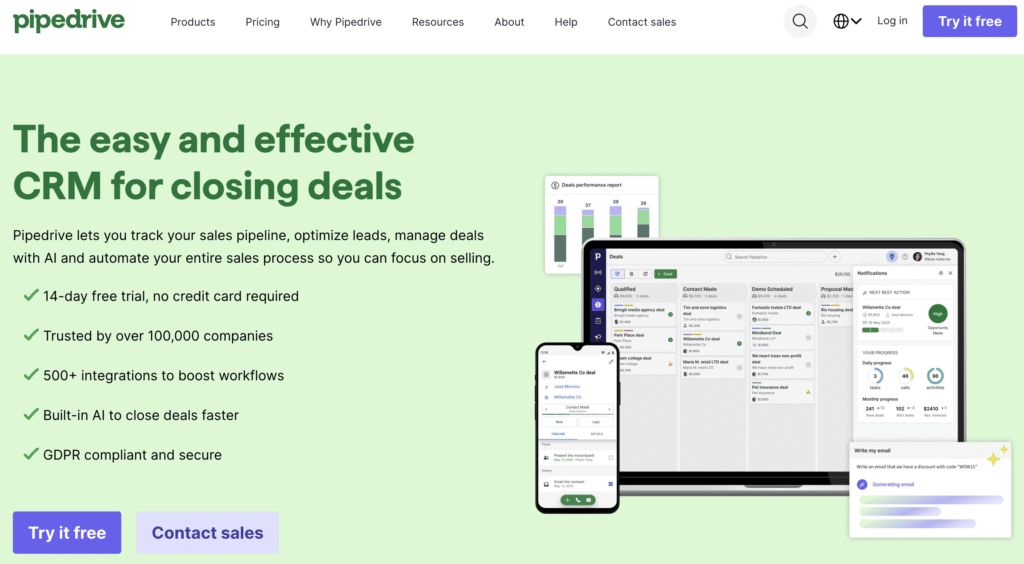
Pipedrive is primarily a sales CRM, but its Campaigns add-on makes it a useful alternative to Klaviyo for B2B companies.
While similar to Klaviyo in that it sends mass emails, Pipedrive is fundamentally different: it is built for sales teams closing high-ticket deals, not ecommerce stores managing carts.
Choose Pipedrive if sales reps, calls, meetings, and deal follow-ups matter more than abandoned cart flows or product recommendations.
Key features of Pipedrive:
- Sales integration – Email activity, such as opens and clicks, is visible to sales reps, helping them time their follow-up calls when a prospect engages with an email.
- Visual pipeline management – Its core strength is its visual pipeline for managing sales stages. You can filter and segment contacts based on where they are in the deal cycle.
- Campaign editor – Offers email campaign tools, templates, scheduling, and reporting inside the CRM.
- AI-powered sales assistant – Pipedrive includes AI-powered sales tools to support reporting, email work, and deal management, depending on the plan.
Limitations of Pipedrive:
- Not for ecommerce – Lacks cart abandonment flows, product feeds, or transactional ecommerce triggers like Klaviyo.
- Basic automation – While efficient for sales, the marketing automation logic is more limited than Klaviyo’s ecommerce behavioral flows.
Pipedrive pricing:
Pipedrive’s pricing is different because you pay for the CRM license plus the marketing add-on. For B2B teams, this can consolidate sales and email campaign management in one platform
- Free trial – 14 days, no credit card required.
- CRM plans – Has four tiers. Lite starts at $14/seat/month with annual billing. Growth starts at $39/seat/month, Premium at $59/seat/month, and Ultimate at $79/seat/month. Annual billing can save up to 42%
- Campaigns add-on – Starts at $13.33/month. It adds email marketing campaign tools to Pipedrive, including campaign sending, templates, and performance tracking.
13. Postscript
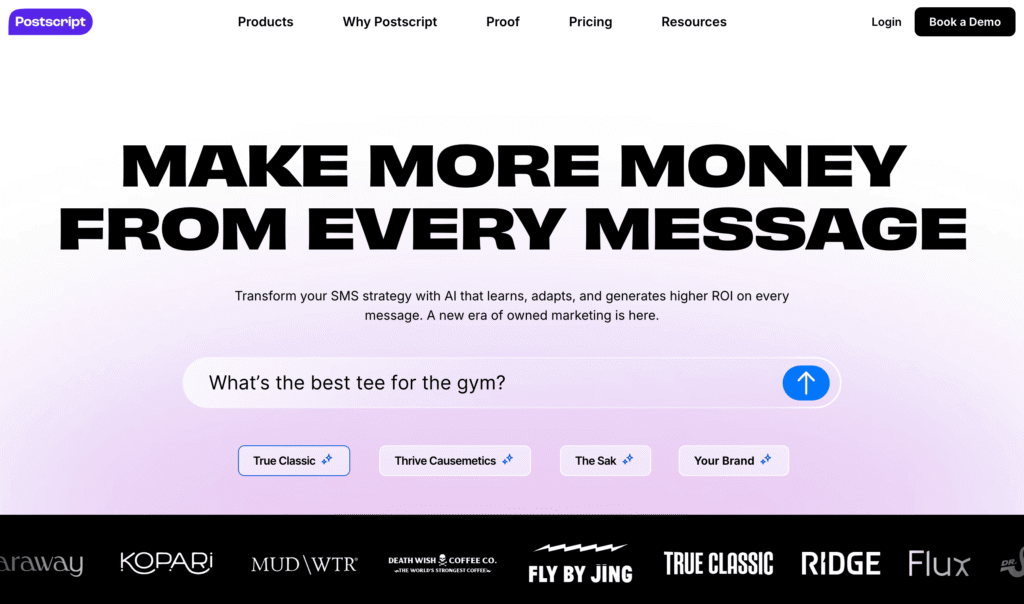
Postscript is an SMS marketing platform for ecommerce stores. It allows for specific, conversational text marketing.
Because Postscript does not send email, most brands would pair it with a separate email marketing tool. It is an alternative to Klaviyo’s SMS features, not a full replacement for Klaviyo.
Key features of Postscript:
- Conversational SMS – Unlike standard broadcast tools, Postscript is designed for two-way conversations with customers, making it useful for ecommerce brands that want SMS to function as a conversation channel rather than a broadcast channel.
- Safe send – Includes built-in features that help you manage message frequency and avoid over-texting customers.
- Shopify-specific – Built for Shopify stores, ensuring deep integration with store data. This enables list-growth features like Onsite Opt-ins.
- AI shopping assistant – Customers can text your store and get AI-powered replies that answer questions and suggest products based on your store data.
Limitations of Postscript:
- No email – It is SMS-focused. You cannot send emails with Postscript, so you will need a separate tool for email campaigns.
- Shopify focus – It is built for Shopify brands, whereas Klaviyo works with other ecommerce platforms.
Postscript pricing:
Pricing is based on the plan tier, SMS/MMS usage, and carrier fees. The Starter plan includes $100 in credits for the first 30 days.
- Starter – No monthly fee, but requires a $49 minimum spend. You pay $0.009/SMS and $0.045/MMS plus carrier fees. Good for testing or low-volume stores.
- Growth – $100/month with lower per-message rates ($0.008/SMS, $0.03/MMS). Adds unlimited opt-in keywords and live chat support.
- Professional – $500/month with lower message rates($0.007/SMS, $0.024/MMS), plus carrier fees. Adds enhanced analytics, API access, and priority support. It is the most popular plan for on Postscript.
- Enterprise – Custom pricing. Adds an onboarding specialist, custom product recommendations, and data warehouse push.
How to choose the best tool for email marketing?
To choose the best email marketing tool, identify your primary business needs and your technical comfort level. Instead of looking for the tool with the most features, look for the one that improves your specific workflow without adding unnecessary complexity.
- Consider your business type – If you run a high-volume ecommerce store, consider data-heavy tools like Omnisend or Drip. If you need email alongside SMS and WhatsApp, Brevo covers those channels. If you are a service business or creator, prioritize ease of use with Hostinger Reach, MailerLite, or Kit.
- Evaluate your “Time-to-Send” – Test how long it takes you to create a campaign in a trial. A powerful tool is less useful if it takes you a long time to design one email.
- Check the integration ecosystem – Ensure the tool connects to your website builder or CRM without adding third-party setup.
- Analyze scaling costs – Look at the price increase for 5,000 and 10,000 subscribers, not just the price for your current list size, so you can plan for future growth.
How to get the most out of your email marketing platform
To get the most out of your email marketing platform, move beyond sending campaigns to building systems. The real value of these tools lies in the automated flows that support engagement, retention, and sales.
Start by setting up a basic welcome sequence and an abandoned cart flow. These two automations support new subscribers and customers who are already close to making a purchase.
Once your basics are running, use your platform’s data to clean your list regularly. Removing inactive subscribers can improve engagement signals and reduce monthly costs on platforms that bill based on active profiles or stored contacts.
Finally, automate your emails using AI tools to speed up copy and design, ensuring you stay consistent. Hostinger Reach builds this into every step – describe your campaign idea, and it helps create the layout, copy, and subject line for you.
For more strategies on improving your open rates and engagement, check out our guide on best email marketing practices.
All of the tutorial content on this website is subject to Hostinger's rigorous editorial standards and values.


Simon is a dynamic Content Writer who loves helping people transform their creative ideas into thriving businesses. With extensive marketing experience, he constantly strives to connect the right message with the right audience. In his spare time, Simon enjoys long runs, nurturing his chilli plants, and hiking through forests. Follow him on LinkedIn.