The “Ubuntu 24.04 with Sim” VPS template comes with Sim Studio pre-installed, providing a user-friendly web interface to build and deploy AI agent workflows. With Sim’s Figma-like canvas, you can easily create agentic workflows, write evaluations, and deploy AI agents that automate tasks – no manual coding required.
Accessing the Sim Web Interface
Once your VPS is deployed, you can manage your Sim instance directly from hPanel without using SSH:
- Go to your VPS dashboard in Hostinger’s hPanel.
- Click the Manage App button.
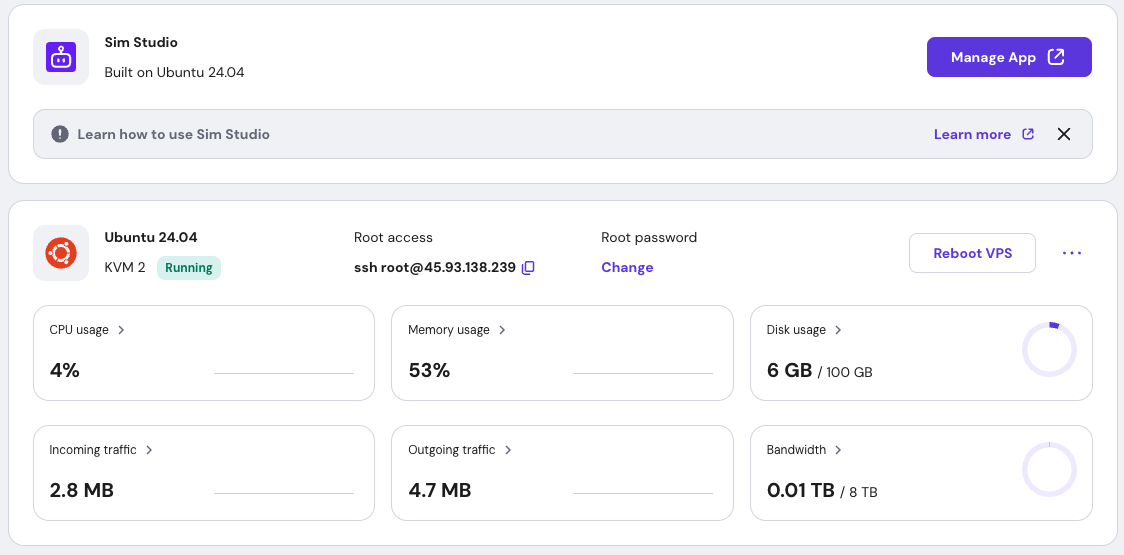
This will open the SIM login page in your browser.
Logging In
On the login screen, click the ‘Create Account’ button and fill in the required fields.
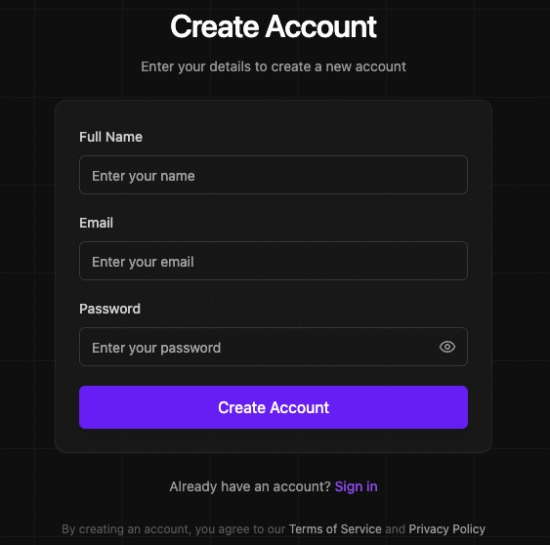
Once registered, you’ll see your Sim management dashboard.
Building workflows
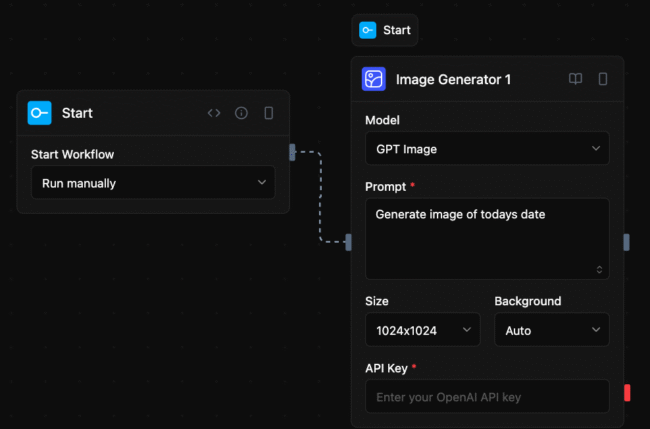
Creating workflows in Sim is a visual and intuitive process. Start by clicking the “New Workflow” button in the dashboard. This opens a blank canvas where you can begin building your automation. Blocks are the fundamental building blocks of workflows, representing tasks such as fetching data from an API, sending an email, or processing information. Drag and drop nodes from the node panel onto the canvas to get started.
Environment variables
When you deploy Hostinger’s “Ubuntu 24.04 with Sim” template, every Sim setting is handled the same way Docker handles it – through environment variables declared in the Compose file that launches the container.
You can easily edit them by navigating to your VPS >> Docker Manager >> Edit Sim >> YAML Editor section.
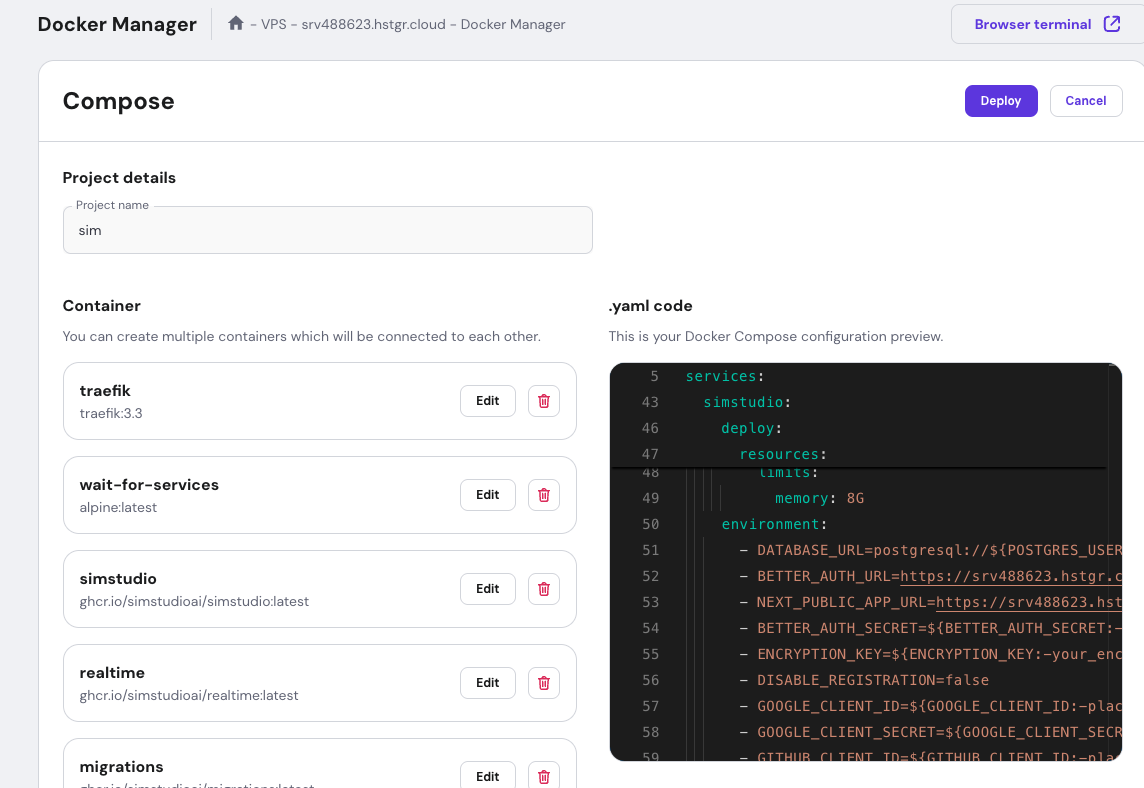
After adjusting them, just hit deploy to save the changes.
If you would like more details and advanced usage, you can visit the official sim documentation.