With Hostinger Reach, you can duplicate any section in your email template with just one click, helping you build layouts faster and keep your emails consistent without extra effort. Instead of recreating the same sections again and again, simply duplicate an existing one and adjust it to your needs. This makes designing emails smoother, especially when working with repeated layouts or similar content.
How to duplicate sections in email templates
To duplicate an element in your email:
-
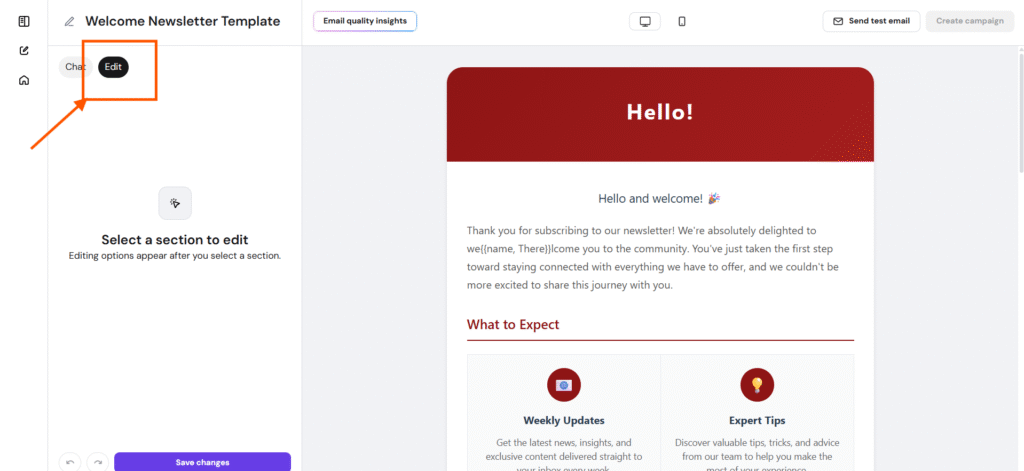
Open an email template in the Reach email editor and click Edit
-
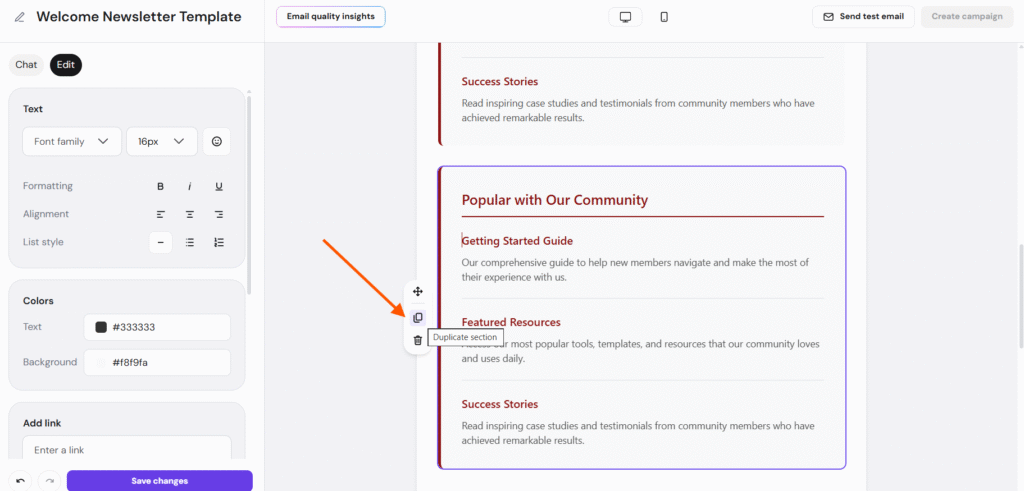
Select any section or element and click Duplicate
-
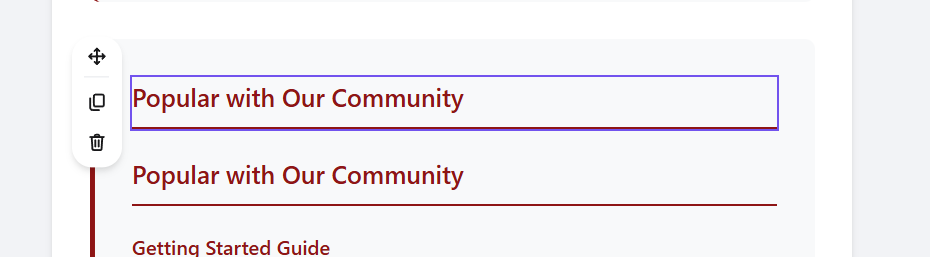
The selected element will be duplicated instantly
This way, you can duplicate sections without much effort and focus more on your message, not the layout.