Hostinger Horizons includes a built-in analytics tool that provides detailed insights into your website traffic. Monitoring these metrics helps you tailor your content effectively to suit your visitors’ needs.
Before you start
To access your Hostinger Horizons website analytics, ensure the following requirements are met:
- A published website: Your web application must be live to collect data.
- Data aggregation: Initial data becomes available 60 minutes after your first publication.
Check website traffic
The traffic data in your dashboard is automatically updated every 24 hours. To enable analytics and get your website’s traffic overview, follow these steps:
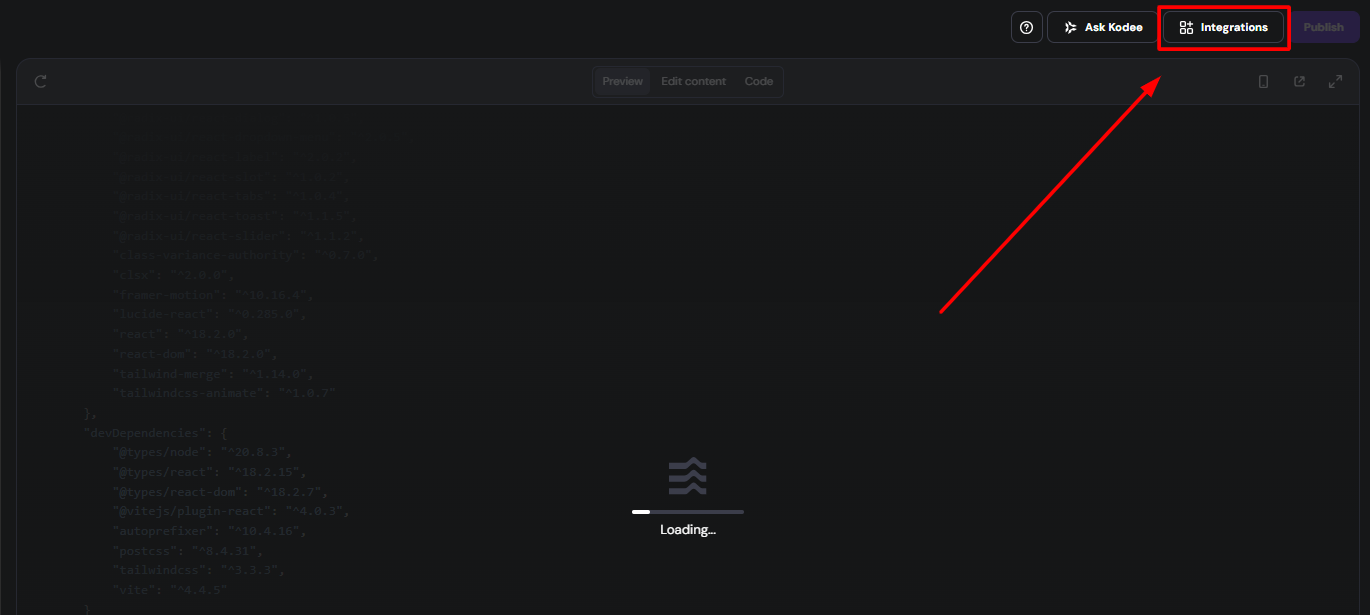
- Open your Horizons project and click on Integrations in the top-left corner.
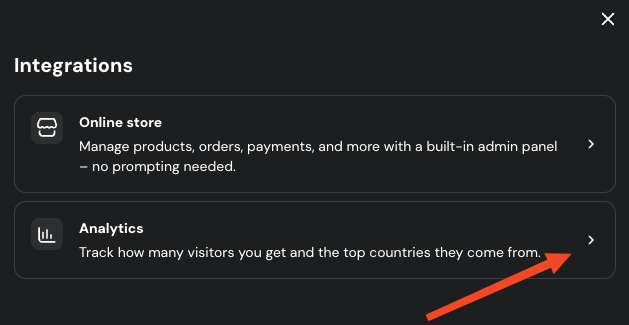
- Select Analytics
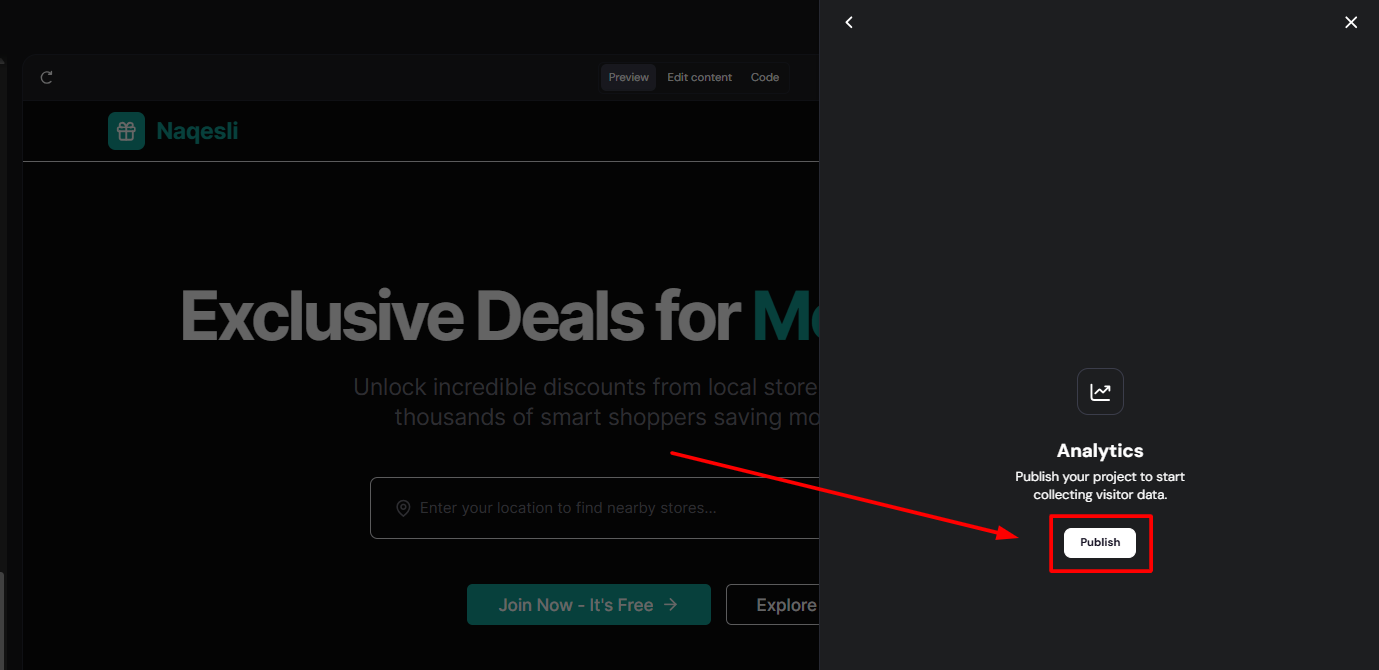
- If your website is not yet published, a message will appear requesting you to publish it.
- Once published, the Analytics section displays your traffic details, including visitor numbers and primary traffic sources.
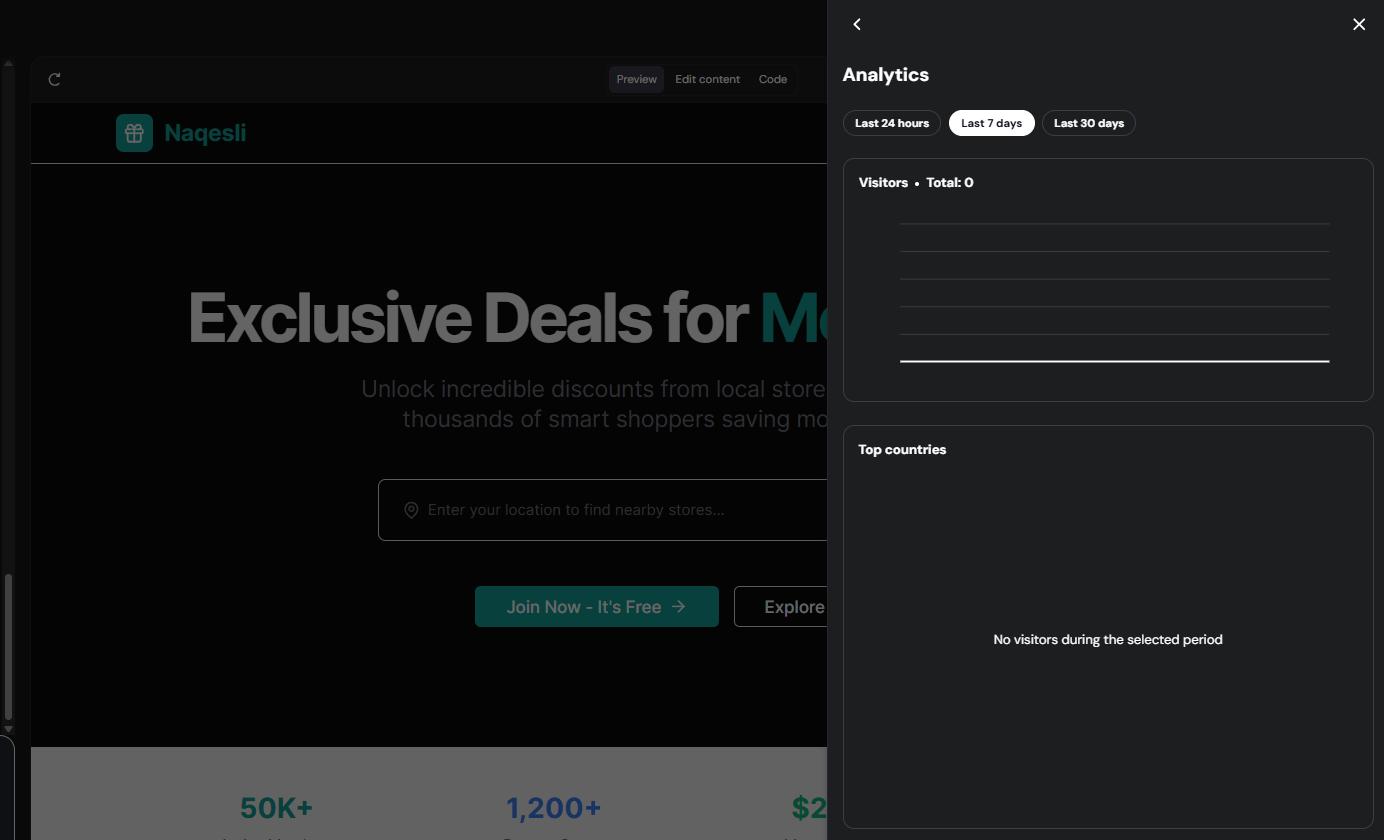
You can filter the data by selecting specific time periods and view the main countries visiting your web application.
NOTES
- The built-in analytics tool provides a high-level overview of your essential traffic metrics. For further data insights, you can enable integration with Google Analytics. Refer to this guide for more details: How to use integrations.
-
To review information regarding your platform’s registered users or other backend data, access the Data section of your project: How to access your Hostinger Horizons project data.
Reviewing your Hostinger Horizons analytics allows you to track growth and visitor behavior directly from your dashboard. This data helps you make informed decisions about your site’s content and marketing strategy.