This guide explains how to connect a Supabase project to a Node.js application hosted on Hostinger.
Before we start, ensure:
-
You already have a built Node.js application
-
Your database is hosted on Supabase (third-party provider)
When using a third-party database provider (like Supabase), Hostinger supports Node.js applications to connect to externally hosted databases such as:
-
PostgreSQL
-
MySQL
-
MongoDB
Steps to connect Supabase database to Node.js website
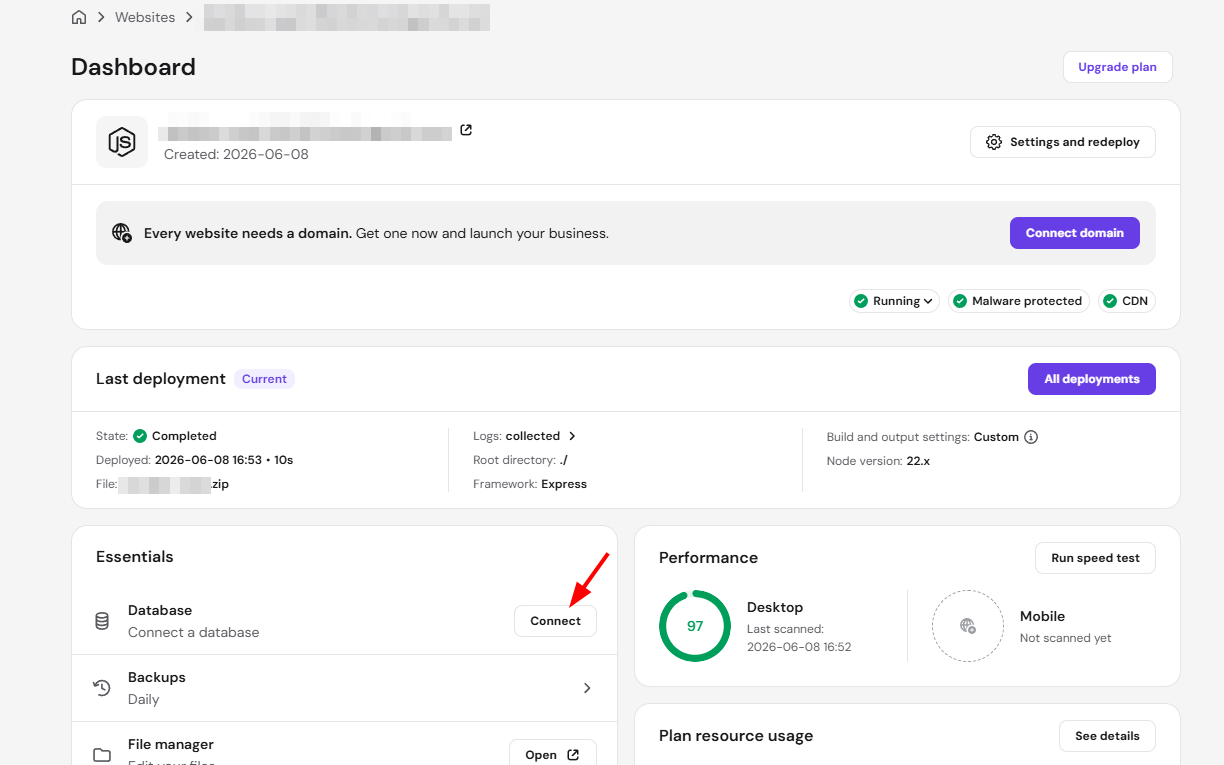
- In hPanel, go to your Node.js application dashboard
- Under the Essentials section, find Database and click Connect
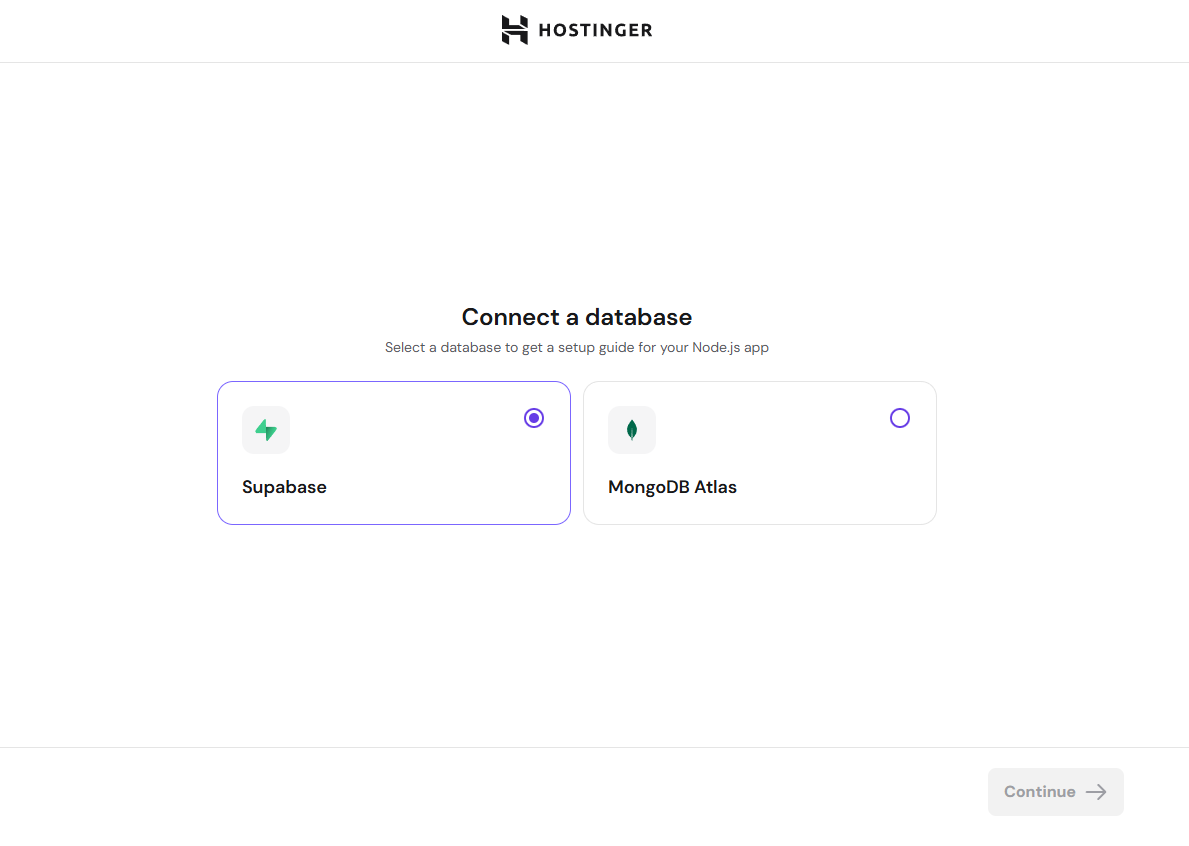
- Select Supabase and click Continue
- You will be redirected to Supabase to sign in to your account
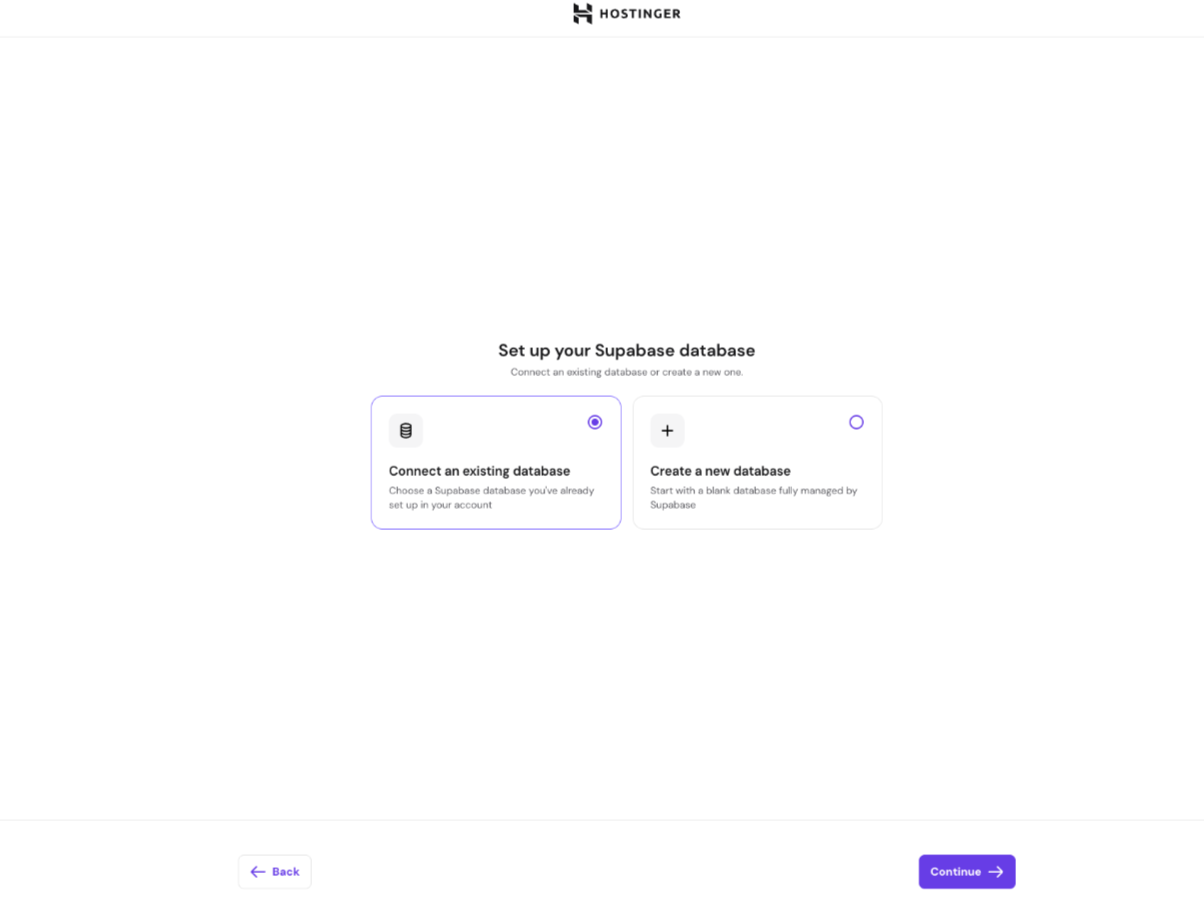
- Once authorized, choose to either Connect an existing database or Create a new database
- If connecting to an existing database, select it from the list of your Supabase projects and click Continue
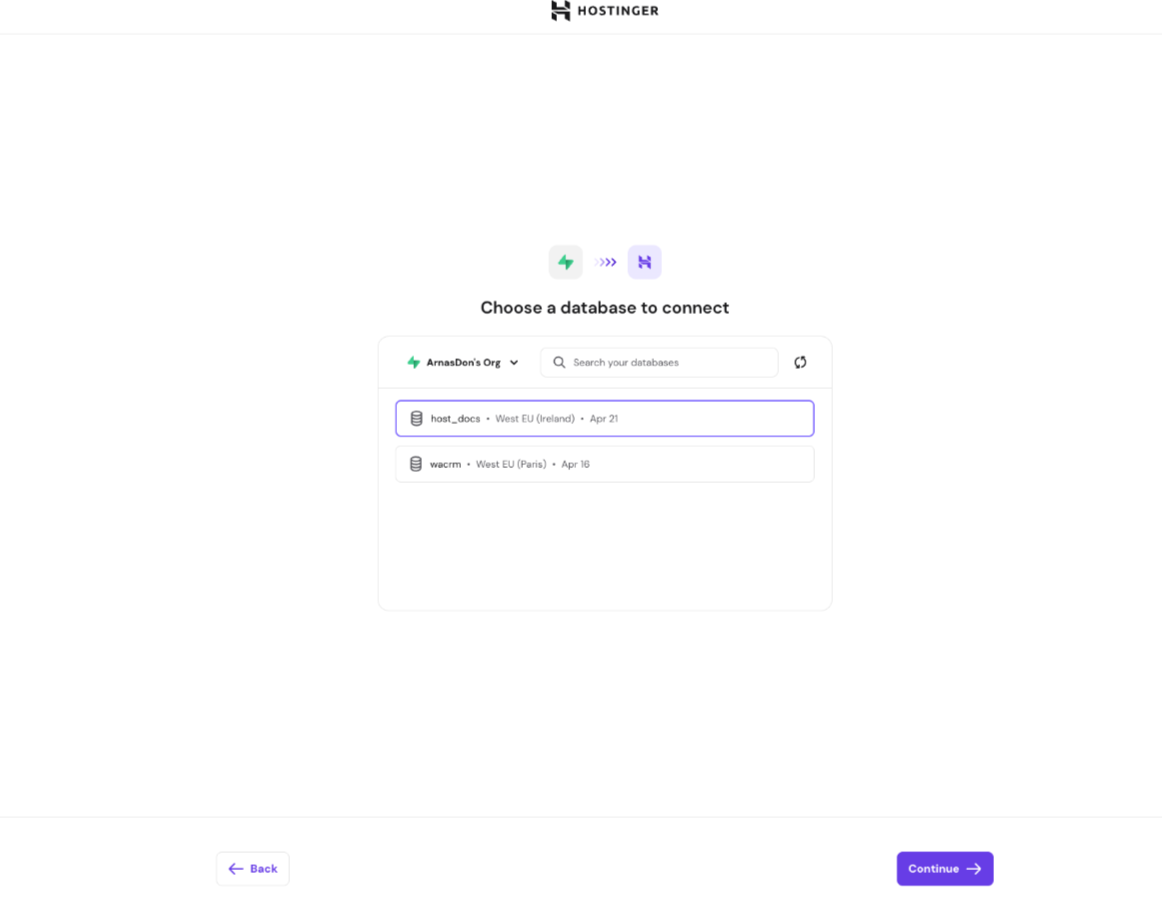
- Hostinger will automatically retrieve the required environment variables and apply them to your next deployment
Note: Hostinger does not make any code changes to your application. Your website’s code and structure must already support the database you are connecting to. A reminder of this is also shown during the onboarding flow.
Congratulations, you’ve successfully connected your SupaBase external database to your Hostinger Node.js application.