In Hostinger’s hPanel, you may create a preset of a WordPress website that could be re-used multiple times to create new websites for your clients. This way, you can set up a website with just a few clicks without the need to install and activate the same plugins and themes for each new website again and again.
The following will give you a step by step guide you how to create a new preset using WordPress Add-on:
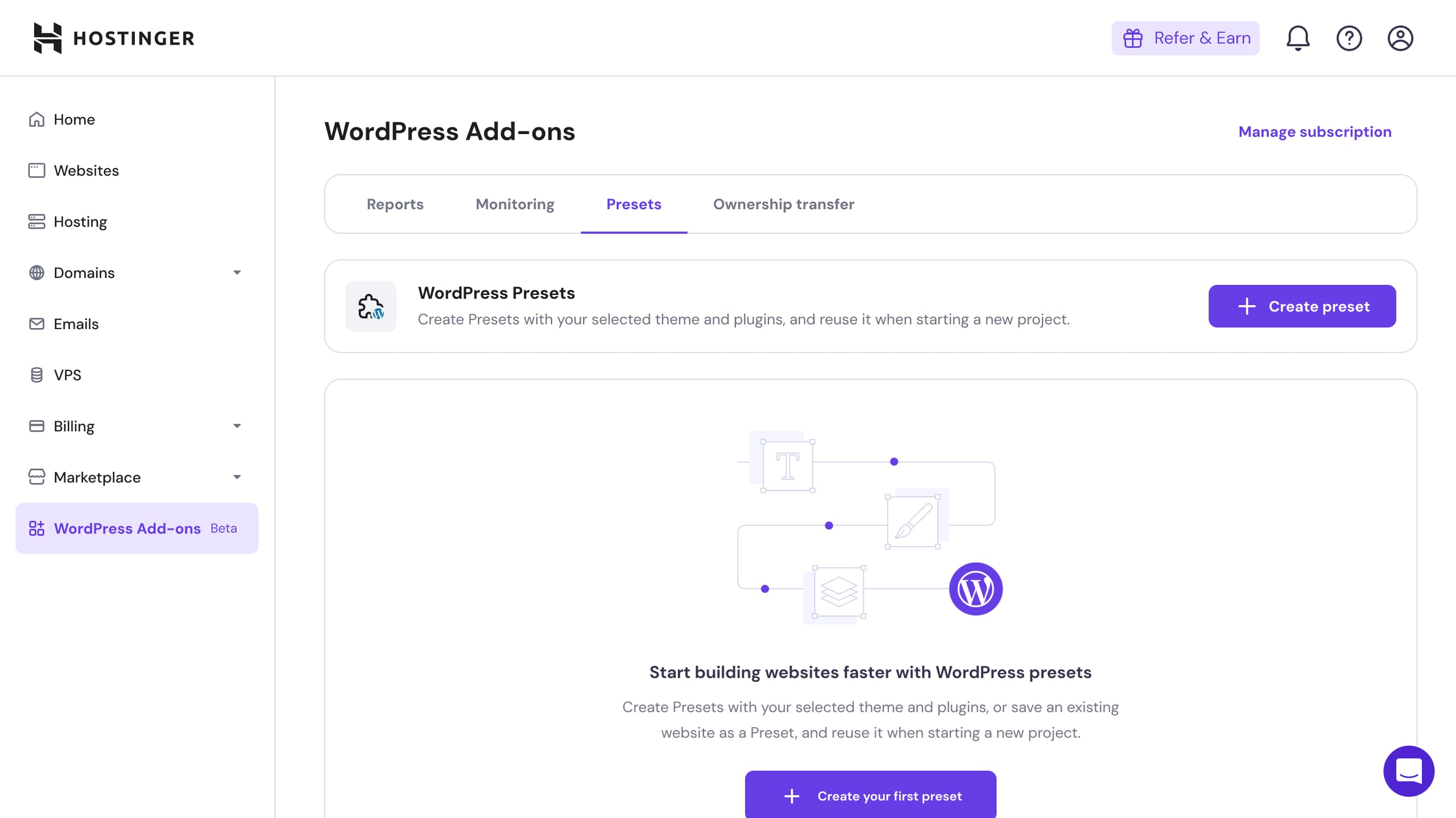
Step 1 – Login to hPanel. Once logged in to your Hostinger account, you will find quick access sections on the left sidebar. Click on WordPress Add-ons and navigate to the Presets tab.
Step 2 – You will see below screen with Create your first preset button. Click on the button to proceed.
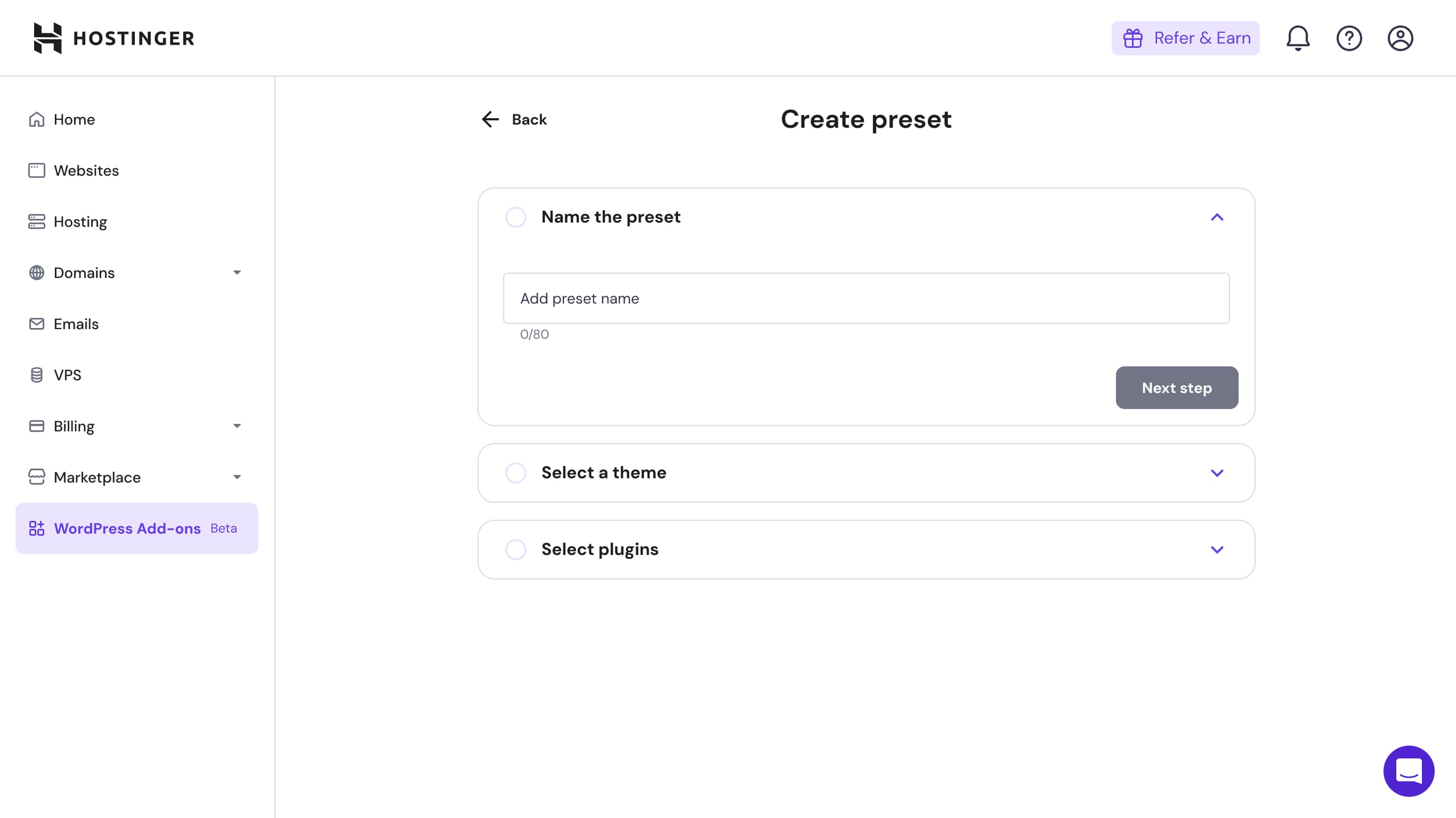
Step 3 – Now you will need to fill in the name of the Preset, select a theme and plugins you want to add to it. Once you have filled all the details, click on Save Presets to save your selection.
The saved Preset would appear as shown below.