By default, Add to bag buttons are visible in the single-product sections and on product pages. You can also use Add to bag buttons as individual website elements and easily link them with your products.
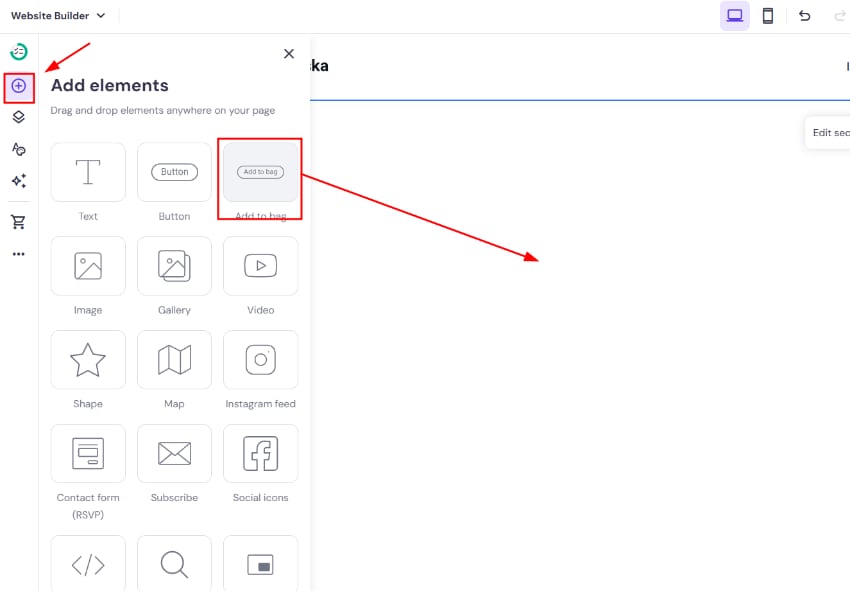
Expand the Add elements panel on the left, find the Add to bag button, and drag and drop it anywhere on your page:
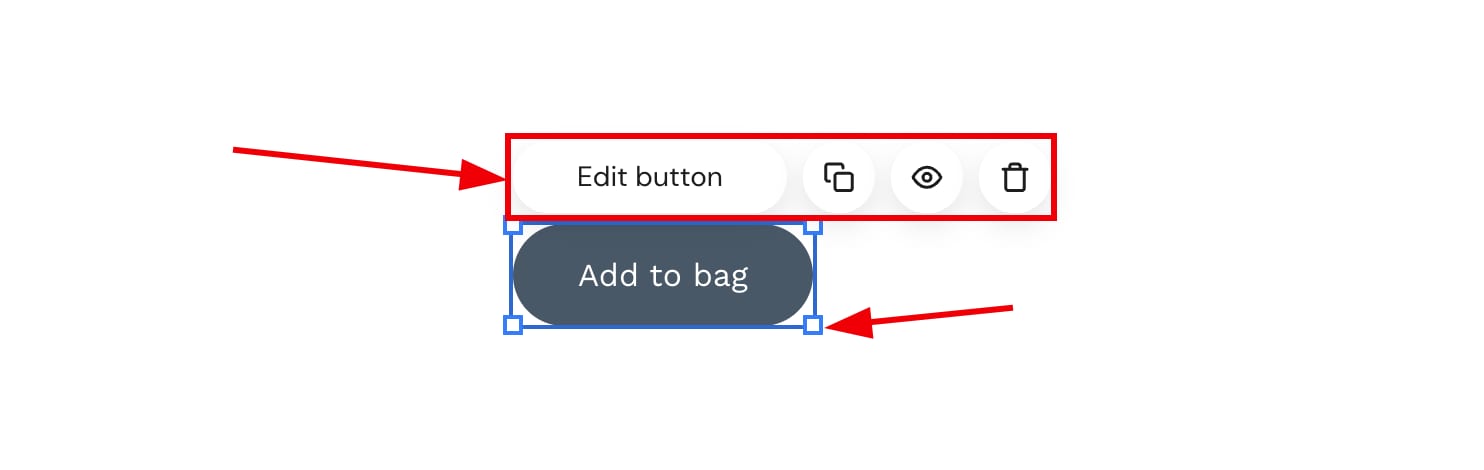
Click on a button to see more options (edit, duplicate, hide, delete, resize):
Click Edit product to open its settings:
|
Product |
General |
Style |
|
Link the button to your product |
Rename the button |
Change the button style:
|