Product options are supported for the following product types:
-
Physical
-
Service
-
Donation
One product can have up to 50 variations. To create product variations, you simply need to specify all your product options by following the steps below👇
1. In your store management area go to Products, and click on a product you want to add options to (or create a new product).
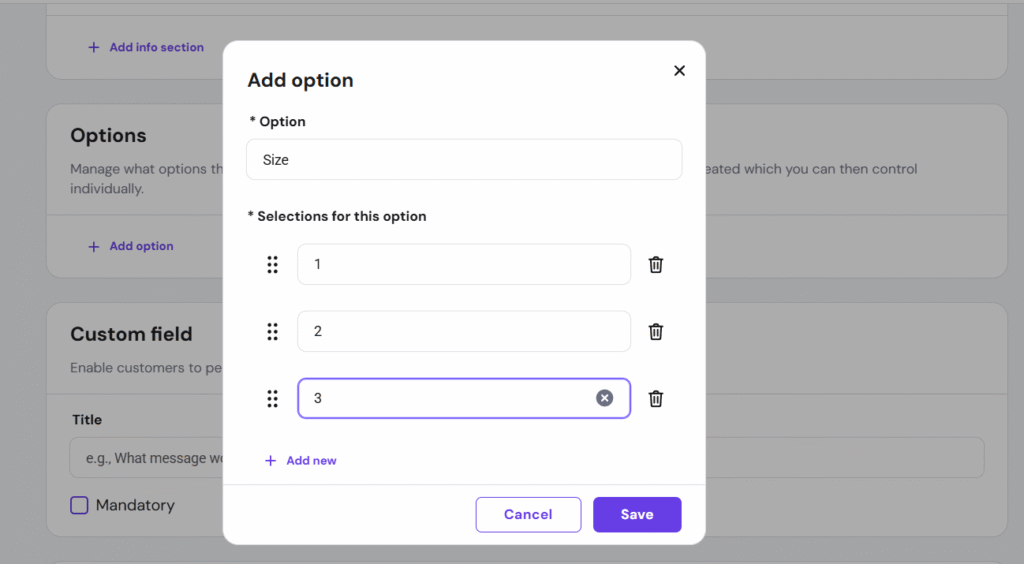
2. In the Options section, click Add option and specify the following:
-
Under Option, insert the title of the option type, e.g., Size, Color, Material, etc.
-
Under Selections for this option, list all the available options, e.g., if the option type is Color, the selections could be Red, Green, Blue, etc.
Once you’re done, click Save:
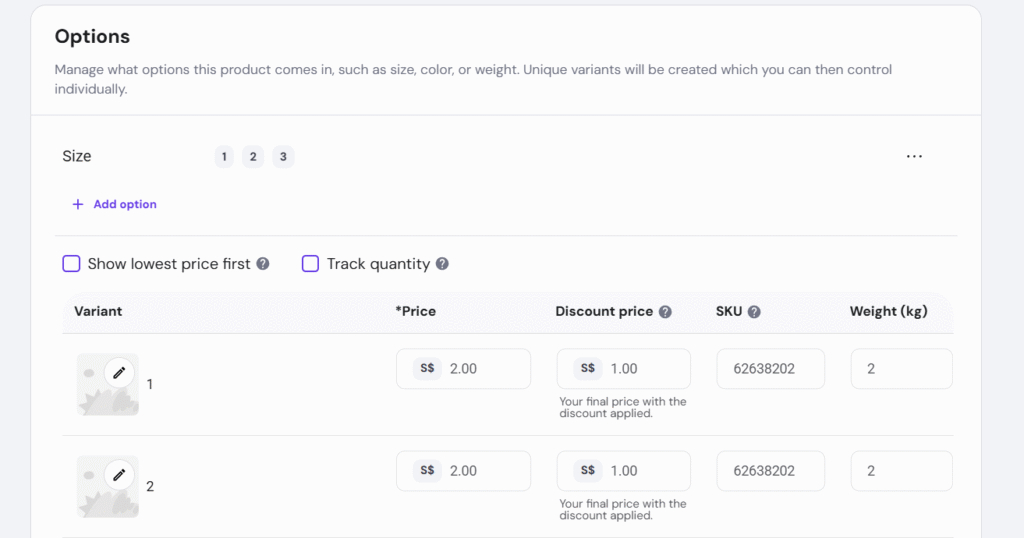
You can easily add more option types by clicking Add option. The store will automatically create product variations using all the option types and selections of your product:
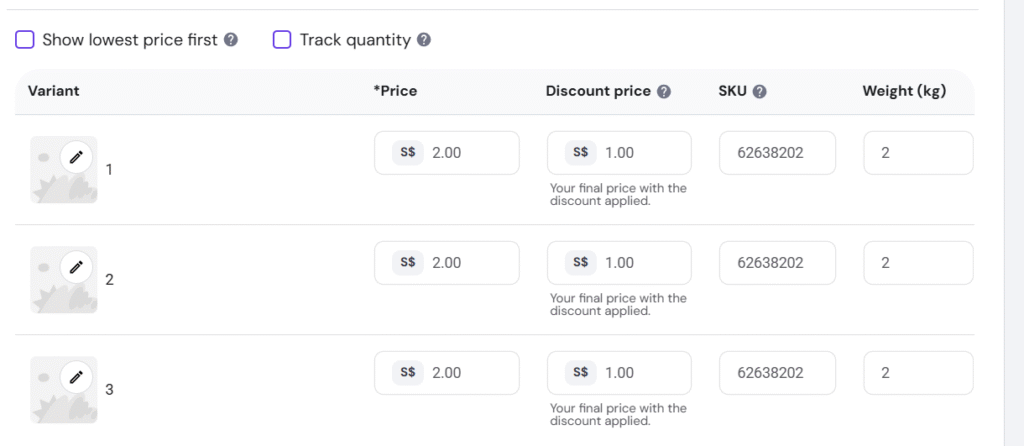
3. The details (image, price, sale price, SKU, weight, stock quantity) for each product can be edited individually:
And that’s it!