If you use Titan Email, you can easily create an email signature via webmail.
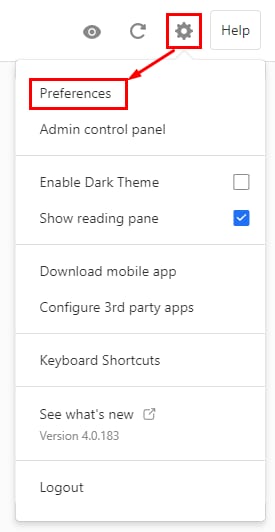
To do so, log in to your Titan Email account, click on the gear icon in the top-right, and choose Preferences:
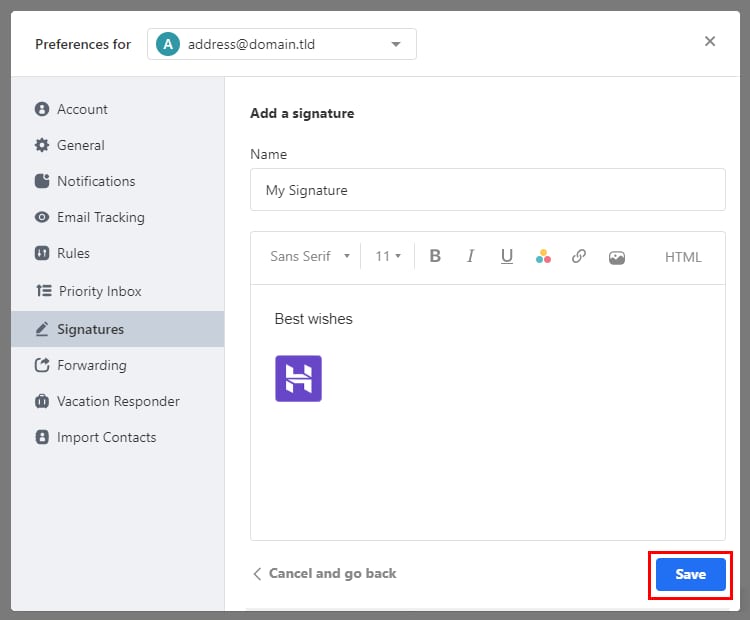
Click on Signatures and then on Add a signature. Assign a name to the signature, and add the content. Once you’re satisfied with the result, click on Save:
That’s it! From now on, the newly created signature will be automatically added to all of your messages ✍️