An email alias is an alternative name for your email account.
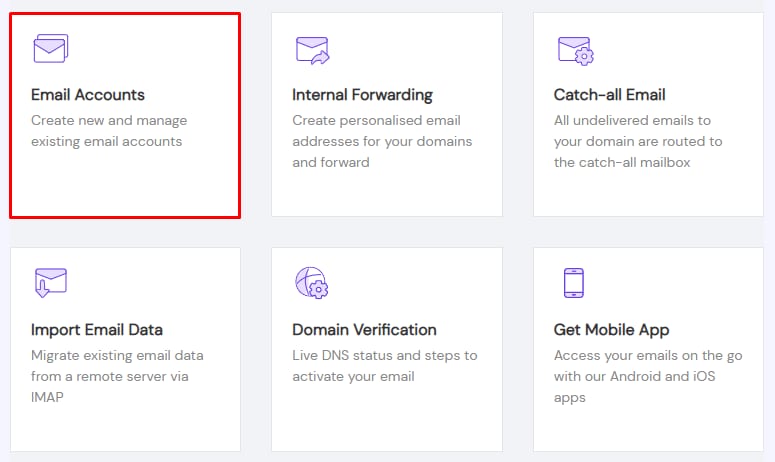
To create an alias for your emails with Titan Email, open the Emails section, click on Manage next to the domain in question, and go to Email Accounts:
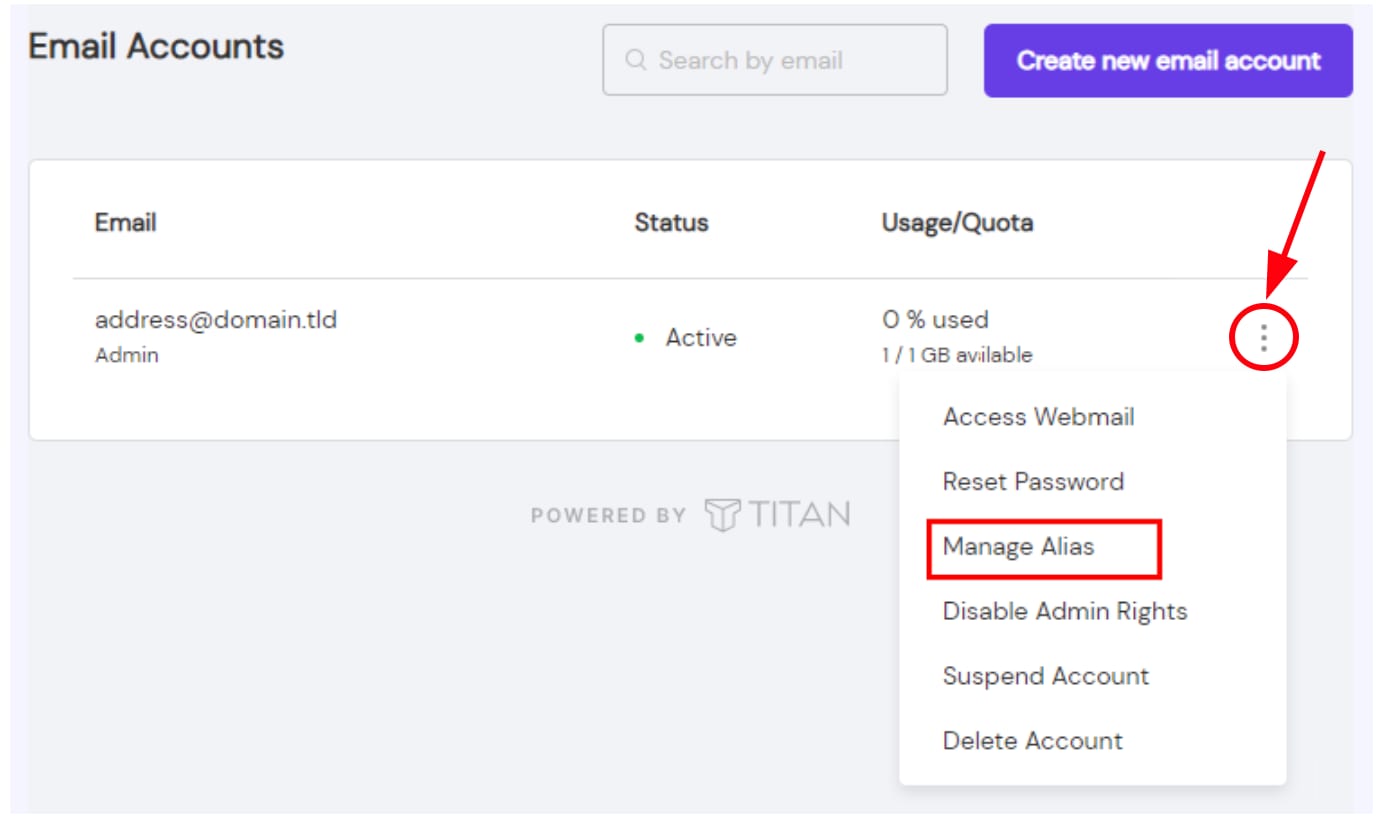
Click on the ellipsis button ⋮ and choose Manage Alias:
Click on Add new alias to enter a display name that will be shown as the sender and the alias for the email address:
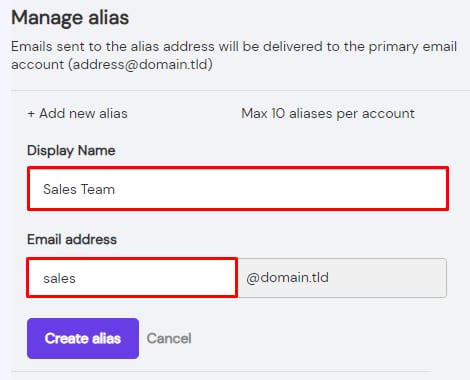
Finally, click on Create alias.
And that’s it! Now you will be able to receive email using this alias.
If you also want to send emails using the alias and you use the free Titan Email service included in your hosting plan, consider upgrading it 💡