Since Cloudflare serves cached versions of your website, changes you make during development may not appear right away.
To bypass the cache, you can enable Development Mode. This feature disables caching for 3 hours, allowing you to make changes and view them in real time.
How to enable development mode
Log in to your Cloudflare Dashboard and select your domain. There you will find two alternative methods to activate it:
-
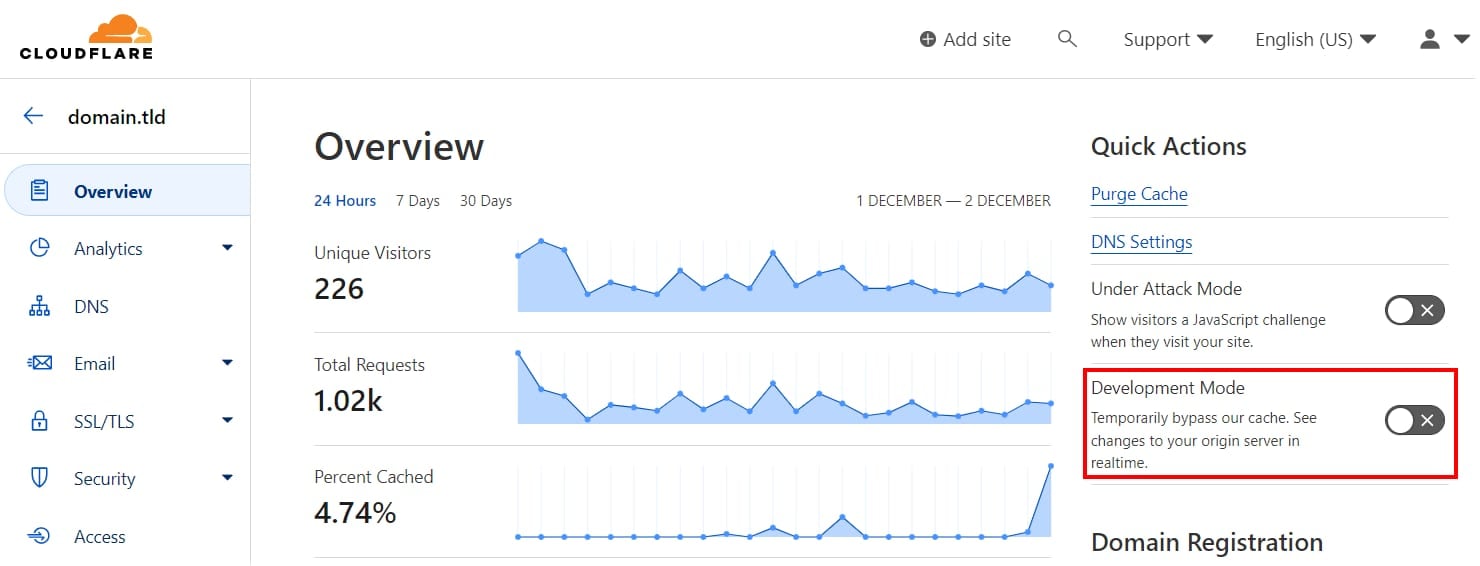
On the Overview tab, click on the Development Mode toggle:
-
Or, from the Caching tab, click on Configuration:
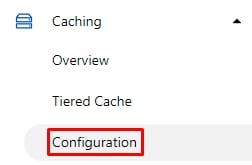
Once there, scroll down to Development Mode and toggle it to On:
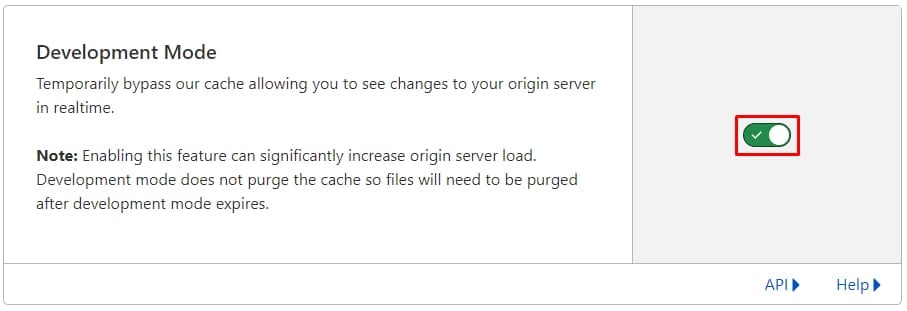
That’s it, Development Mode is now active. If you need to bypass the cache for more than 3 hours, create a rule in Cloudflare Cache Rules.
Additional resources