Sometimes, a malware infection or an accidental system file deletion can deem your VPS unusable. In case restoring a backup is not an option, you can access your VPS using the Emergency mode as a last resort option to retrieve your data from a corrupted or broken VPS (note: Emergency mode will not help retrieve backups in an expired VPS plan).
To enable it, navigate to the VPS section of your hPanel and click on Manage next to your chosen server. Next, open the Settings page:
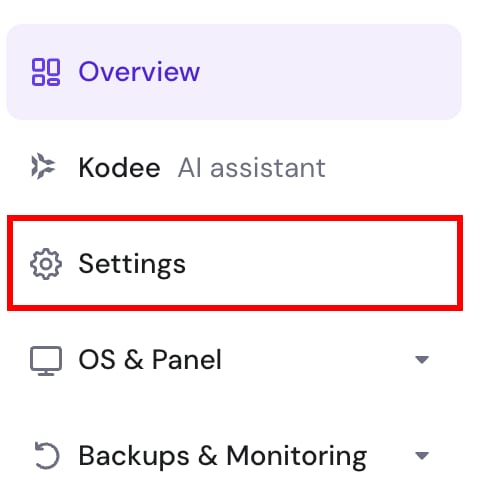
Once there, go to the Emergency mode tab and click Turn on Emergency mode:

Wait a few minutes for the emergency mode to fully activate. Once enabled, you will be able to access your server files under the /mnt directory either through FileZilla or a web-based file manager with the access provided.
Emergency mode will stay active for up to 24 hours.
In case you also have databases, refer to this guide: How to Recover MySQL Databases From MySQL Data Files in VPS.