The following error message in the Console may be cause to switch to a different Java version:
Exception in thread "main" java.lang.IllegalAccessError: class cpw.mods.modlauncher.SecureJarHandler (in unnamed module @0x2a79781f) cannot access class sun.security.util.ManifestEntryVerifier (in module java.base) because module java.base does not export sun.security.util to unnamed module @0x2a79781f
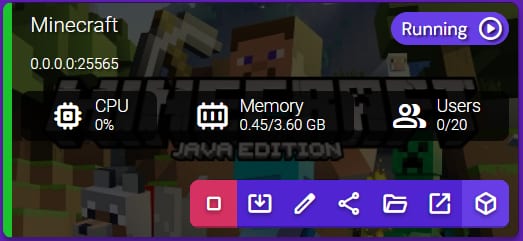
You can easily change it by double-clicking the instance to Manage it:
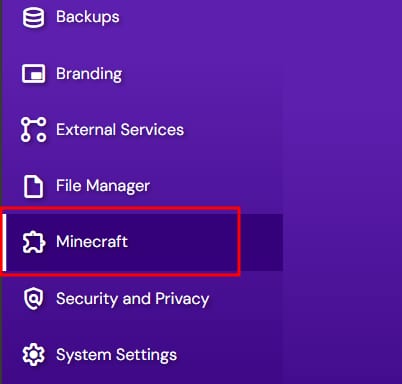
Then, select Configuration and scroll down to select Minecraft:
Finally, specify the needed version in the Java and Memory section:
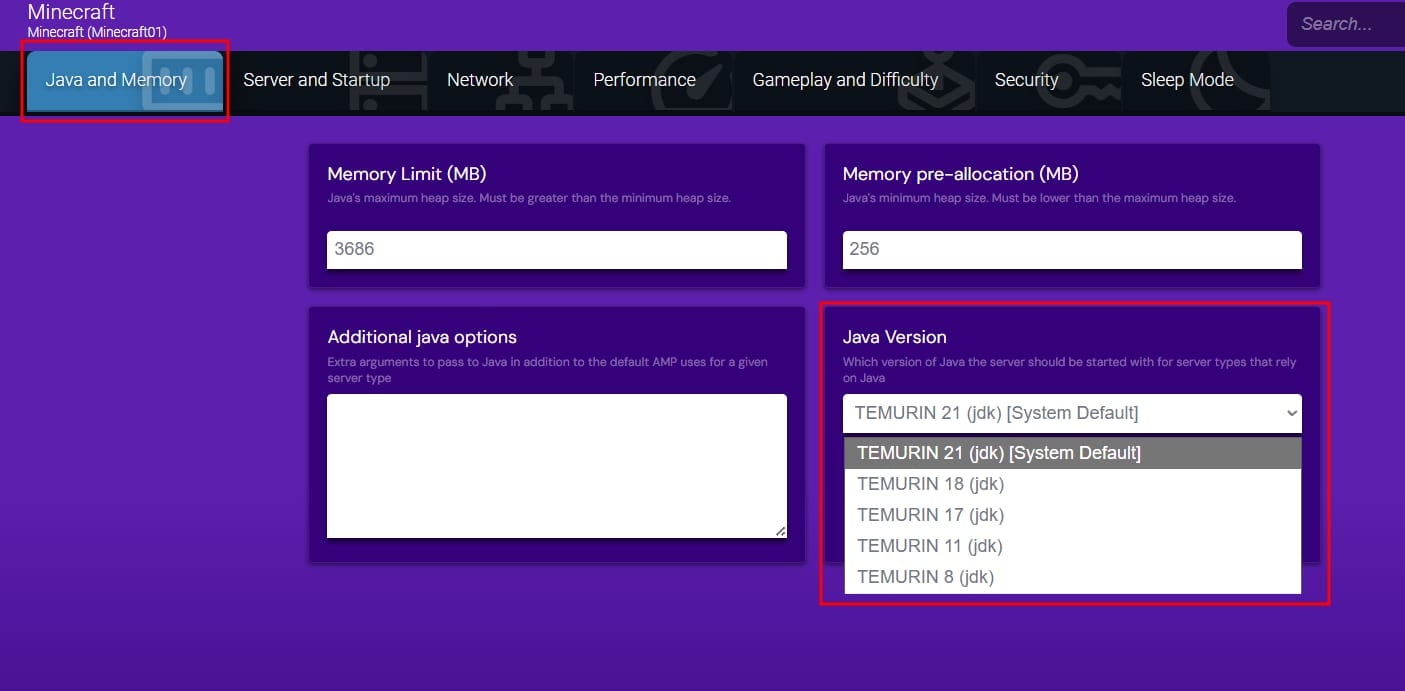
You can choose between various Java versions in case a Minecraft plugin or server JAR requires a special environment 😊