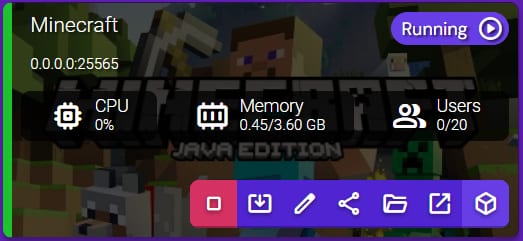
In order to allocate more RAM to your Minecraft server, first select your Instance and double-click to Manage:
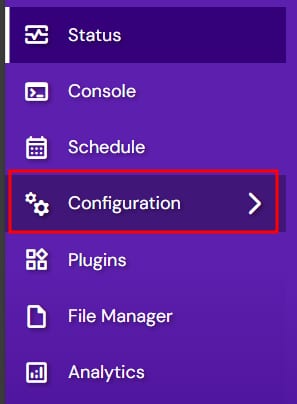
From there, navigate to the Configuration section:
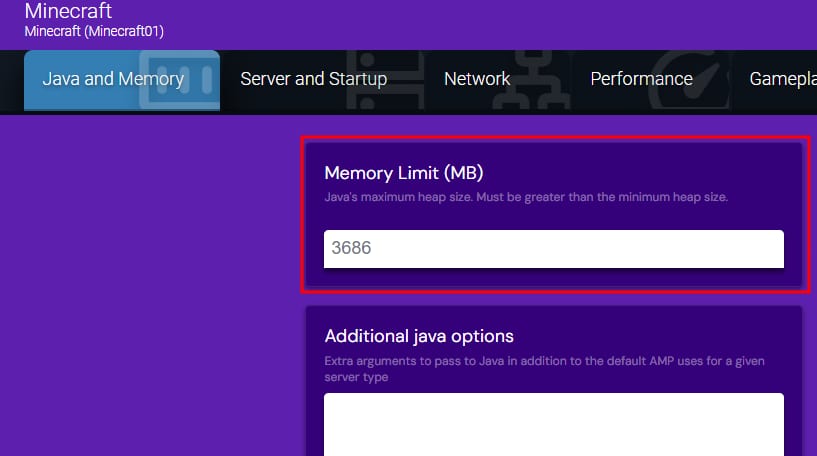
Then, navigate to the Minecraft section on the left sidebar and select Java and Memory on the top bar. You can change the Memory Limit (MB) here:
NOTES:
-
You can’t set up more memory than your plan provides
-
We recommend allocating at least 512 MB of the provided RAM to prevent server crashes and instabilities. For example, if your VPS has 2 GB of RAM, the maximum setting for Memory Limit should be 1536 MB. In case you need more memory – consider an upgrade
- After the Game Panel plan upgrade, you need to adjust the Memory Limit (MB) manually by following the steps in this article.