Editing your server.properties file allows you to change all the settings for your Minecraft server.
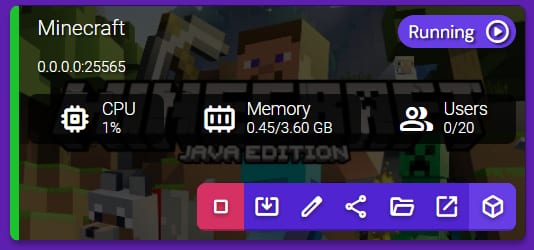
To edit it, click on the Manage button for your Minecraft server instance:
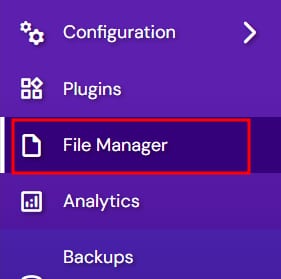
Select File Manager:
Double-click on the server.properties file to open the Text Editor window, where you will be able to edit all the needed parameters. Once you’re done, click Save:
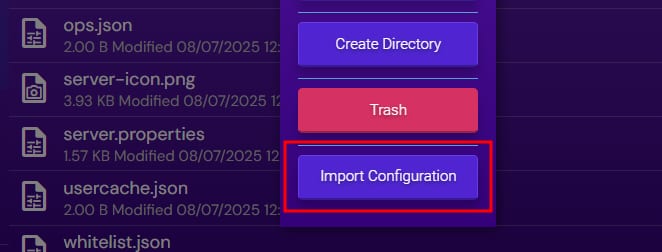
Now, just right-click the server properties file and select Import Configuration:
That’s it! Now you know how to edit the hidden settings on your Minecraft server 😊
NOTE:
-
If the settings are not imported, they are lost upon server restart