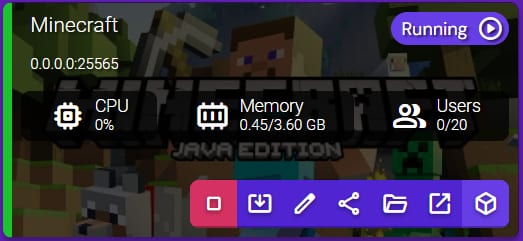
You can easily edit your Minecraft server settings by selecting your Instance and clicking on Manage:
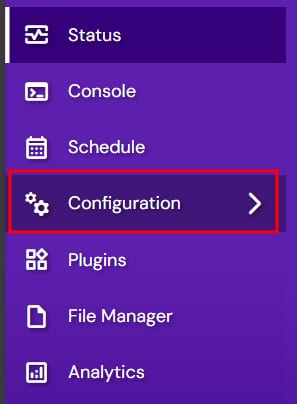
Once there, select Configuration from the left side menu:
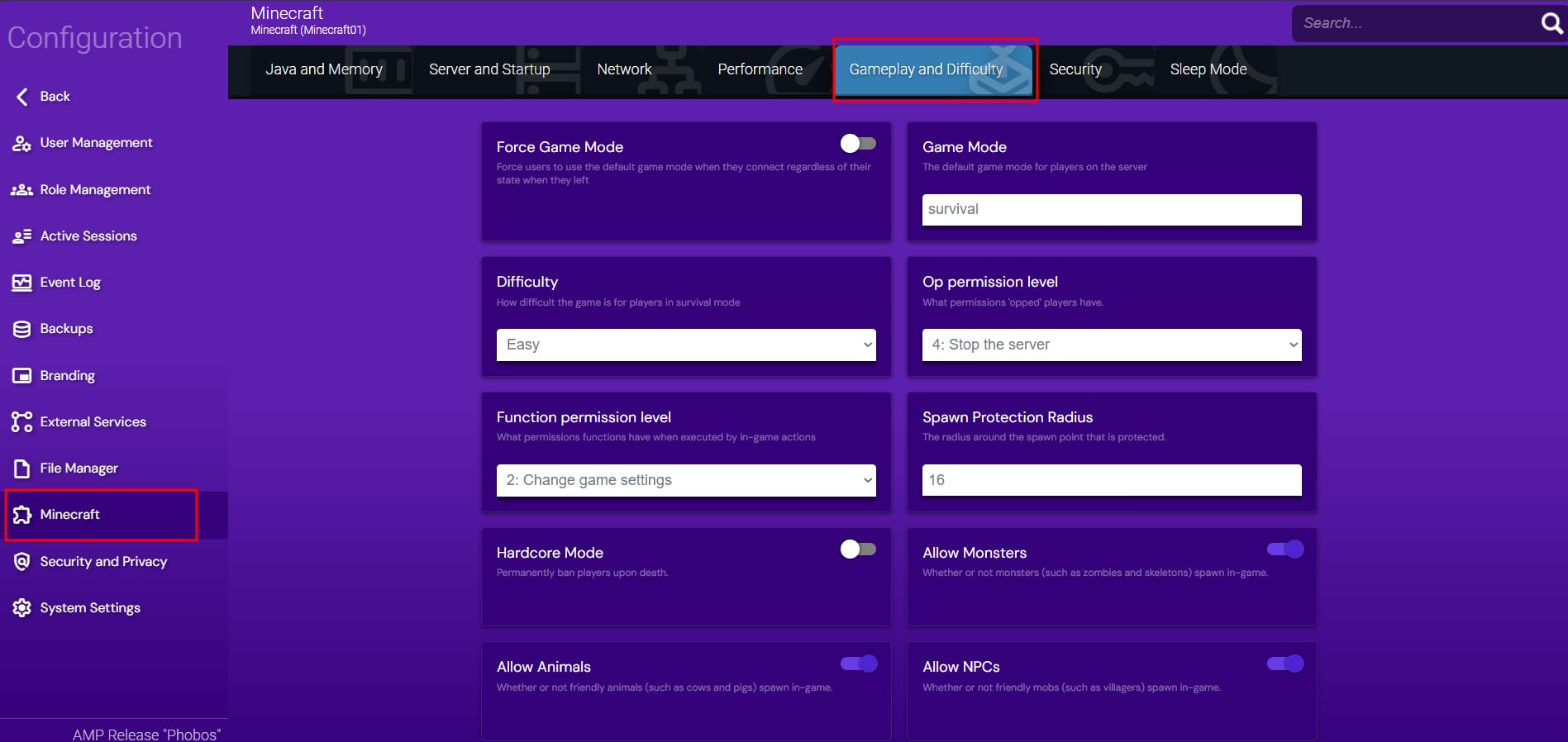
In the Minecraft section, you will be able to edit settings such as:
-
Difficulty
-
Game Mode
-
Spawn Monsters
-
Spawn NPC
-
Server Type (Official, CraftBukkit, Spigot, Paper, Forge, and many more)
After changing any of these settings, make sure to restart your server.
💡Learn more about the different server commands by checking this video!