Our VPS templates provide different ways to log in, and some of them use the non-secure HTTP protocol. For this reason, browsers might prevent you from reaching the login page, showing an error message like this:
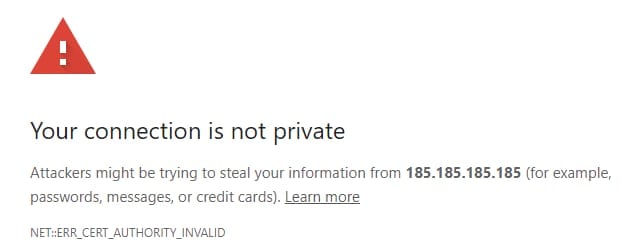
To fix it, follow the steps below corresponding to your browser:
Use these bypasses only for websites you trust, such as your own VPS. Never use it on third-party sites.
Chrome
Below the error message, click on Advanced and select Proceed to [your-vps-ip] (unsafe). In case the Proceed button does not appear:
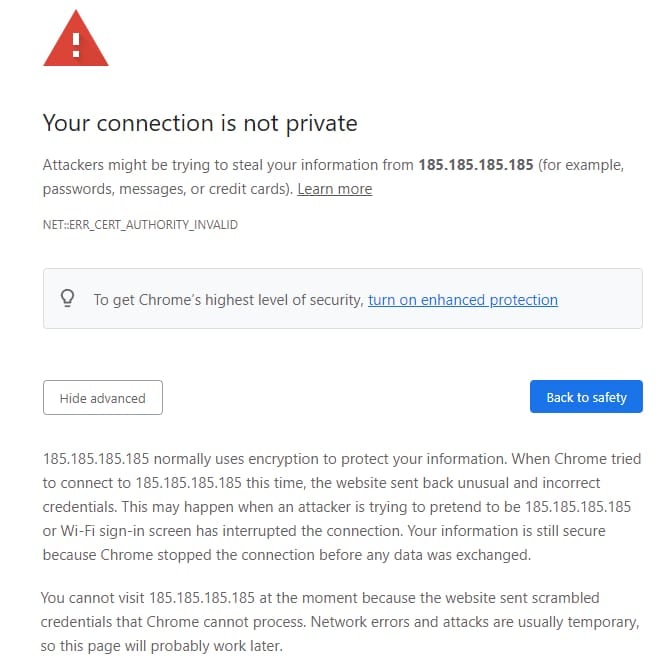
Click a blank space anywhere on the page and type in thisisunsafe on your keyboard. You should be redirected to the panel login page after that.
Firefox
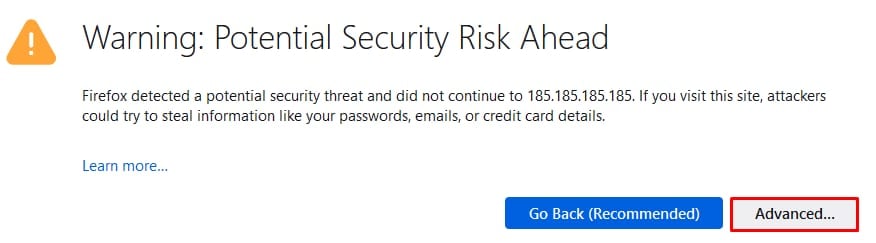
Below the warning, select Advanced:
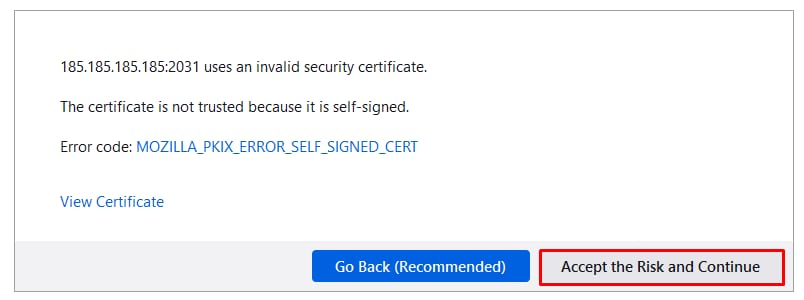
Click Accept the Risk and Continue:
Safari
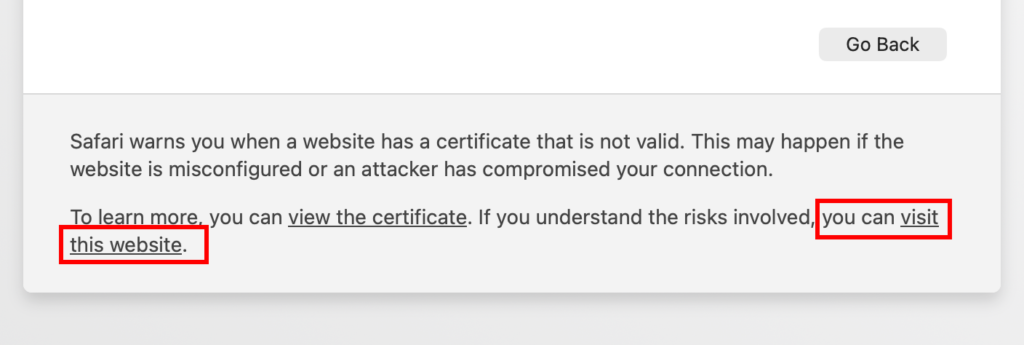
Below the error message, select Advanced:
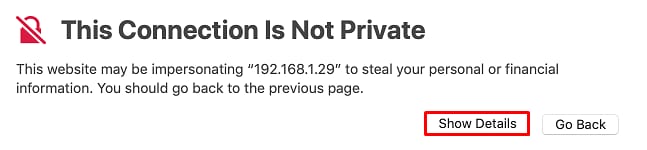
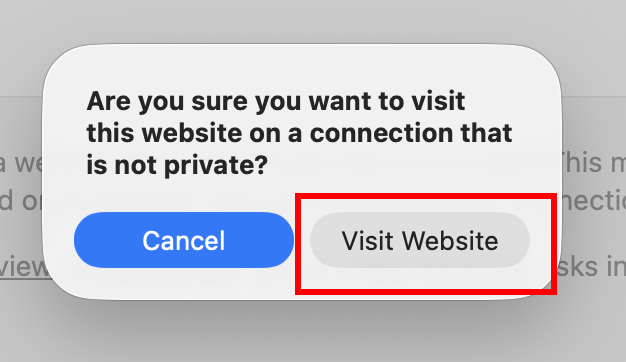
And then click visit this website: