The Performance and Structure sections of GTmetrix provide you with the following:
Performance
It contains a comprehensive explanation of each metric and its recommended values. To see more information, enable Metric details:
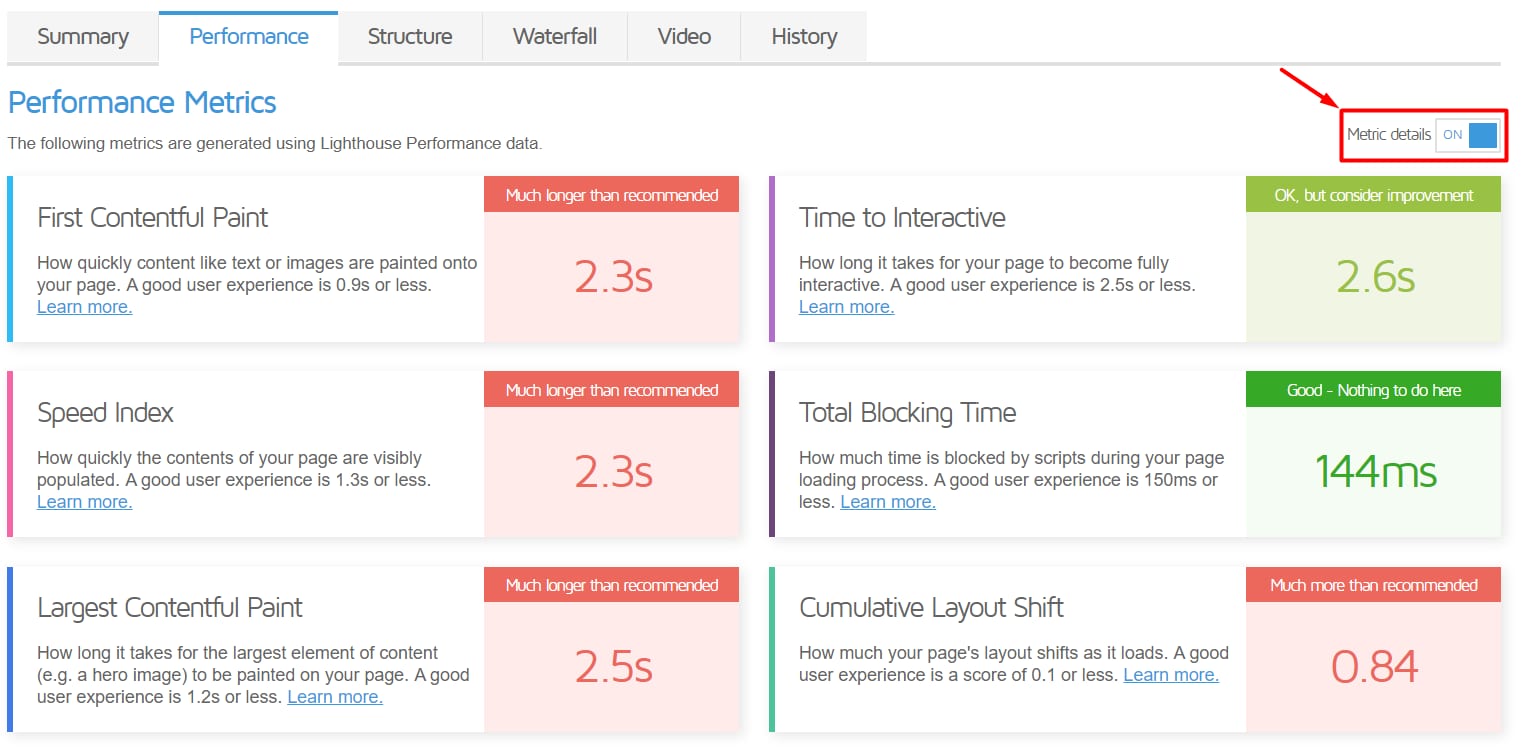
You can use the information from this page to identify the key metrics of your website’s performance and what you can improve following the recommendations in the Structure tab.
Structure
The Structure section contains the full list of potential issues that may be affecting your website’s performance. We recommend addressing High and Medium issues first while leaving Low ones for the end.
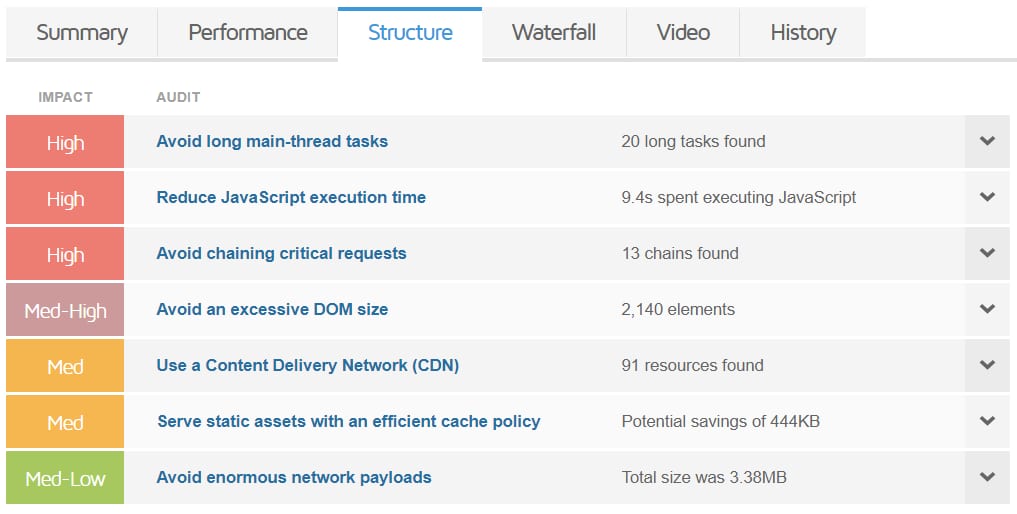
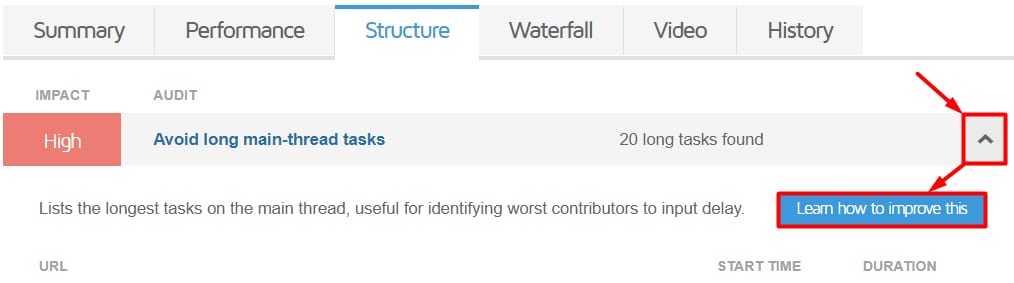
Clicking on the downward arrow next to an issue will display more details. From there, you can click on Learn how to improve this for suggestions on how to fix it:
In case you are using WordPress, you can refer to these tutorials for tackling the most common optimization issues:
Here are some tutorials for other Content Management Systems or custom websites:
-
If you have a VPS, check this tutorial as well: Supercharge Your SQL Queries for Production Databases