How to Assign a Login Page to a Domain Instead of IP at CyberPanel

How to log in to your CyberPanel with a domain name instead of IP

Updated 2 weeks ago

Before assigning the IP address to a domain name, make sure that the domain is added to your CyberPanel.

As soon as the desired domain is added to the panel, in the Available functions section click on SSL and choose Hostname SSL:

CyberPanel hostname SSL option highlighted in available functions menu

Choose the domain name and click on Issue SSL:
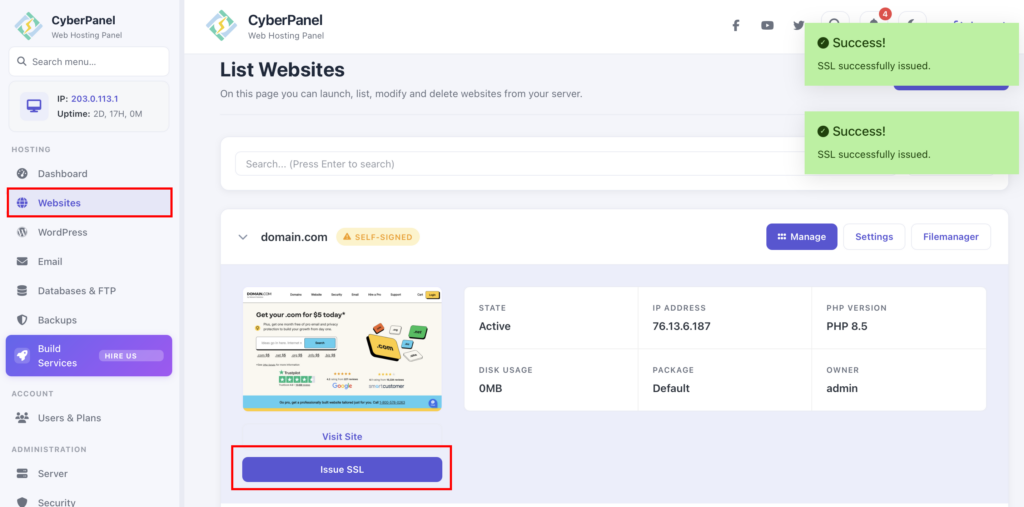
CyberPanel SSL page with domain.tld selected in the website dropdown and an Issue SSL button below

That’s it! The hostname SSL is issued to the website and now you can access CyberPanel at https://domain.tld:8090, replacing domain.tld with your domain name.