Server icon
A server icon is an image in PNG format, which must be within the 64×64 pixel size limit. You will need to name it server-icon.png and upload it to the main folder your server:
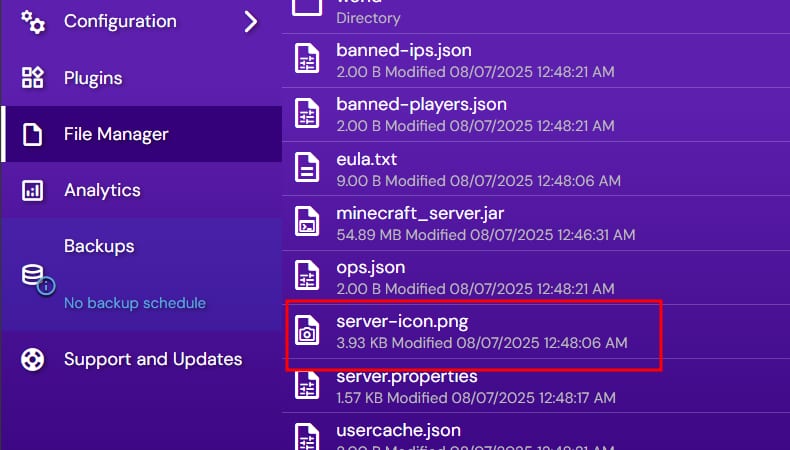
Once that’s done, you will see that your server icon has been updated:

Message of the day
The MOTD can be updated easily through Game panel. Log into Game Panel, select Manage on your instance, and open the Configuration → Minecraft → Server and Startup menu. There, you will see the option to update MOTD:
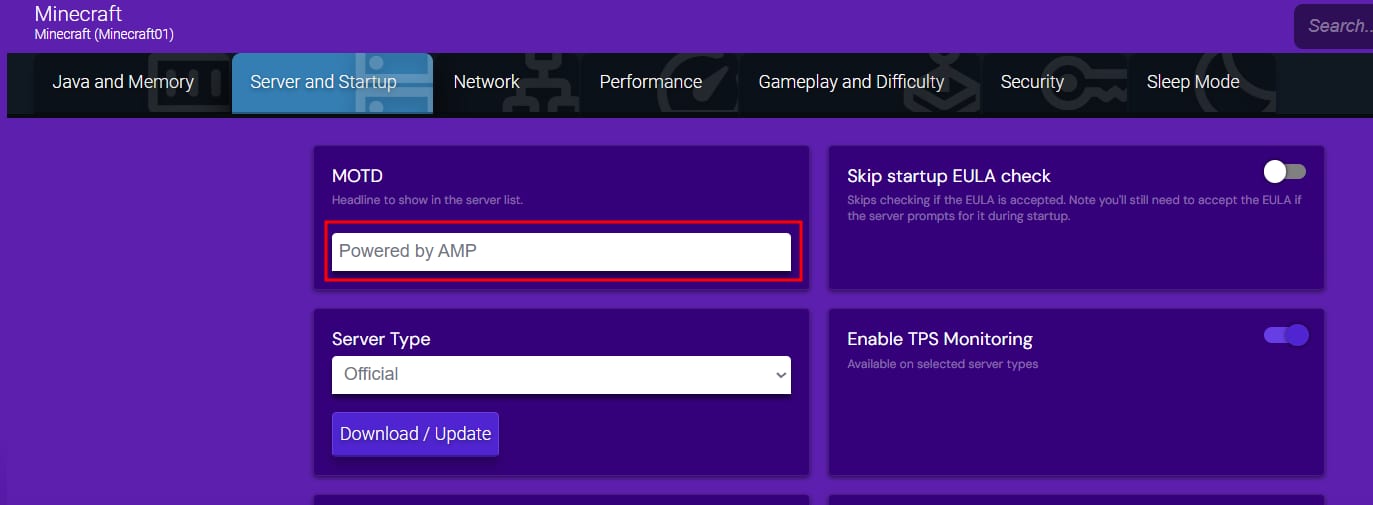
Once you change it, this text will get updated:

That’s it! Now you know how to change your server icon and MOTD 😊