A catch-all email is a powerful tool that allows you to catch any messages sent to misspelled or invalid email addresses.
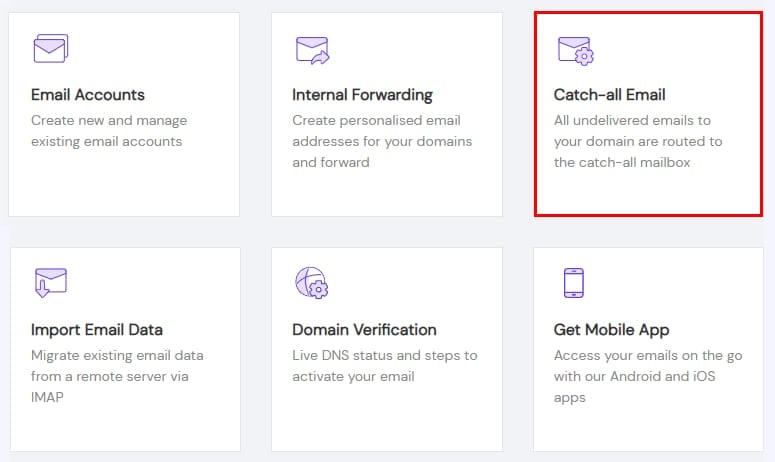
To start catching all the emails that are being sent to your domain, navigate to the Emails section, click on Manage next to the domain name in question, and select Catch-all Email:
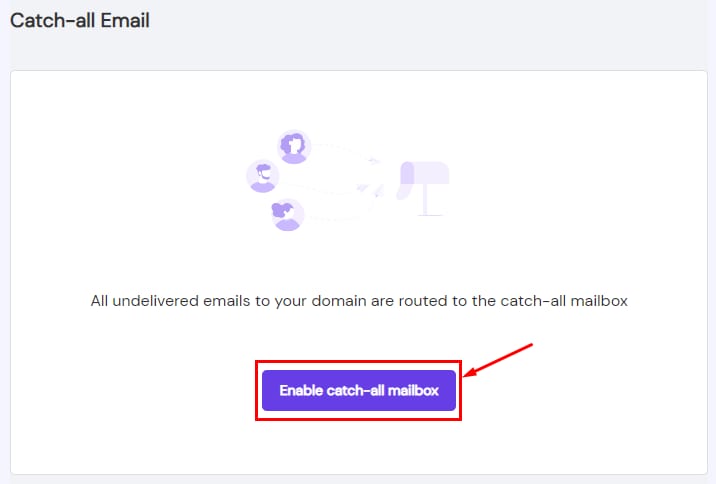
Then, select Enable catch-all mailbox:
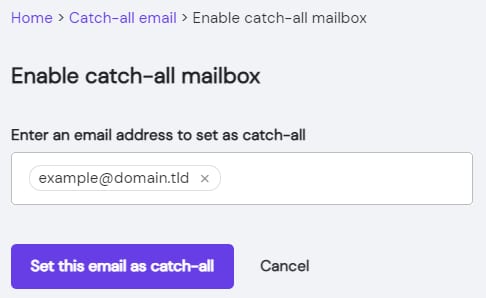
Finally, specify the email address that you want to set as a catch-all, and click on Set this email as catch-all:
That’s it! The catch-all mailbox is now active for your domain 😊