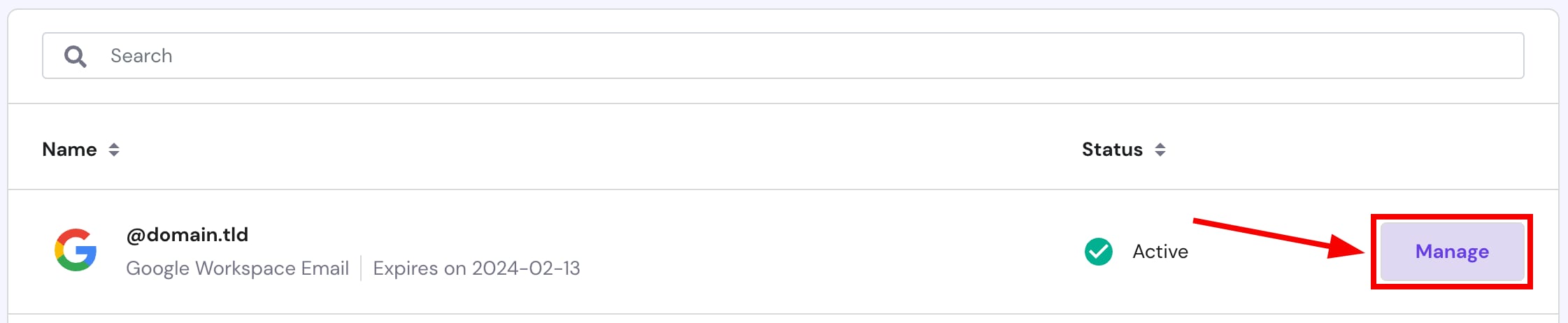
You can renew your Google Workspace email plan at any time. To do so, go to the Emails section, and click on Manage next to the service in question:
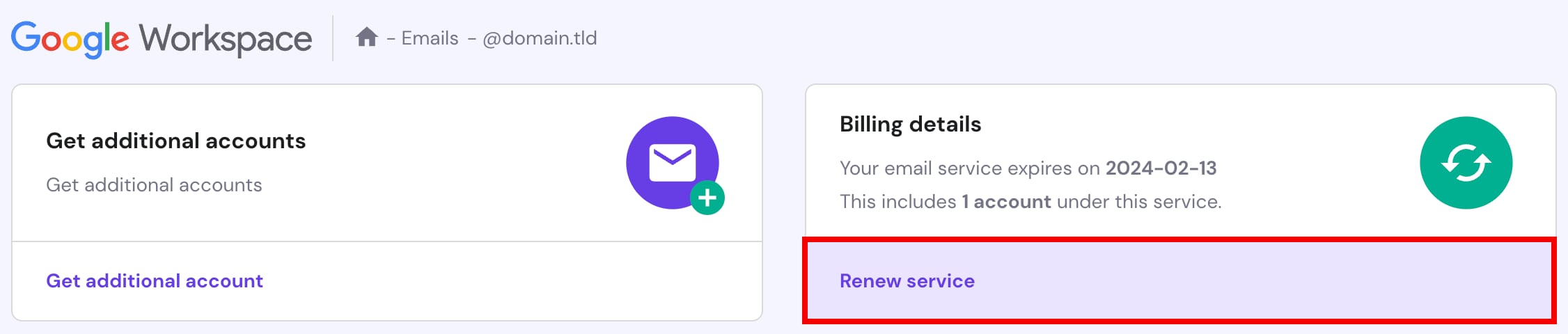
Then, click on Renew service:
Finally, proceed with the payment. And that’s it! 😊
NOTES
-
If your Google Workspace plan is expired, you may purchase a new one