Understanding server firewalls
A firewall is a network security system that monitors and controls inbound and outbound server traffic. It establishes a barrier between a trusted internal network and untrusted external traffic, making it an essential security layer for any server connected to the internet.
Setting up a server firewall
You can configure a firewall using built-in Hostinger tools or set it up manually depending on your operating system or control panel.
-
Hostinger Managed VPS Firewall: For an automated setup, you can manage traffic rules directly from your account. Follow the instructions in the guide on How to use a managed VPS firewall at Hostinger.
-
Manual Setup: If you prefer configuring rules yourself, refer to the official documentation for your specific setup:
How to reset the firewall
If you have issues connecting to your server, and you have set up a firewall, you can regain access by resetting your firewall. Navigate to the VPS dashboard and click on Manage next to the desired server.
Next, open the Settings page from the sidebar:
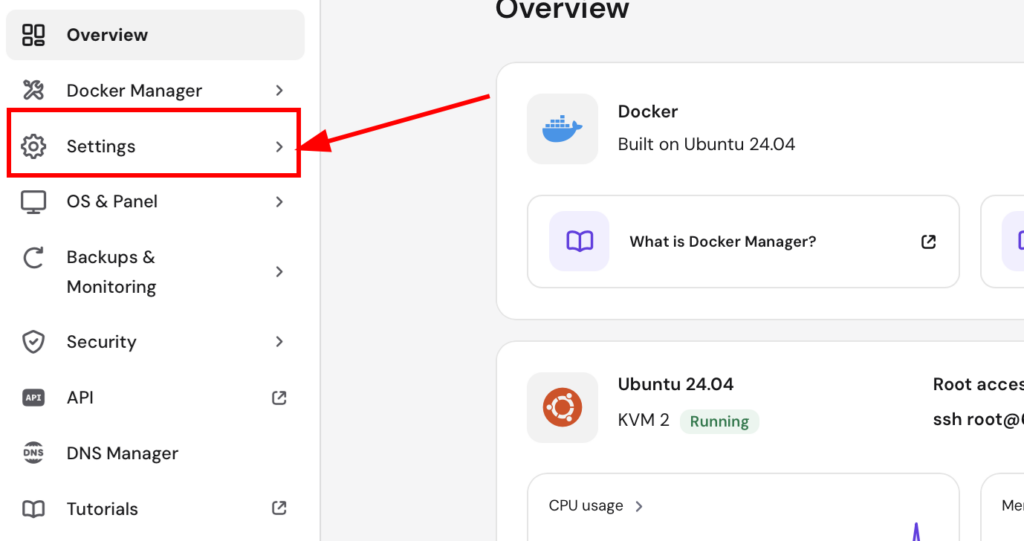
On the Main settings tab, locate the Reset firewall configuration option and click on the Reset button:

Wait a few moments for the process to complete and try connecting again.