To add your Hostinger Email account to your Notes application, make sure to install a profile first.
After this, open this profile in Settings → Accounts and check the Notes switcher:
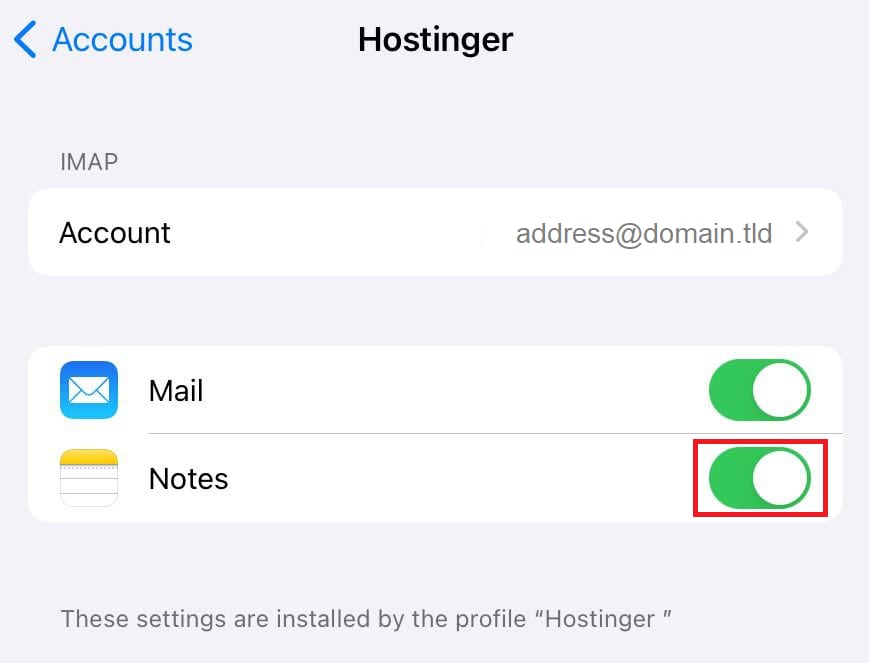
That’s it! Your email account’s profile is successfully added to your Notes application 😊