SSH access is available for shared cPanel hosting plans, and you can connect easily connect to it using the native cPanel Terminal.
First, to enable SSH access, log in to your Hostinger account, navigate to the Home page of your hPanel, and click Manage next to your cPanel plan.
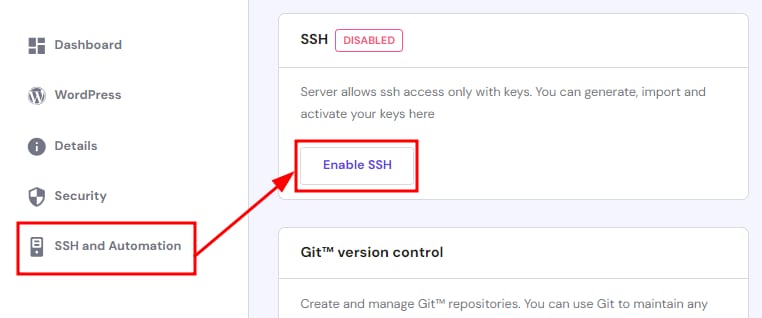
On the sidebar, select SSH and Automation, and click on Enable SSH:
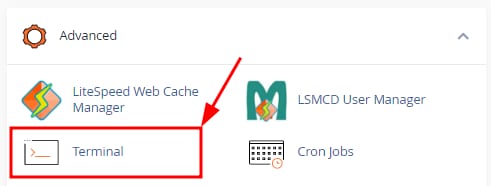
Next, go to your cPanel and scroll down to the Advanced tab, or use the search bar to find the Terminal:
If you get a warning click to proceed, and you will reach the command line:
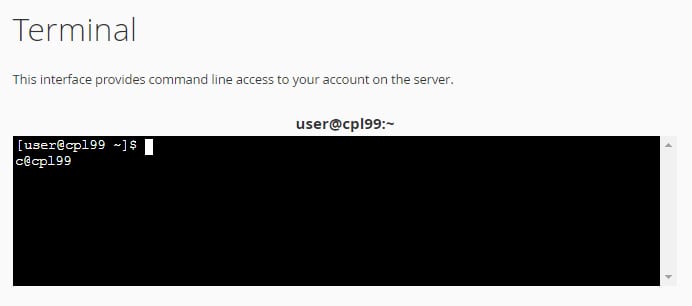
Here you will be able to use SSH commands to manage your account 😊