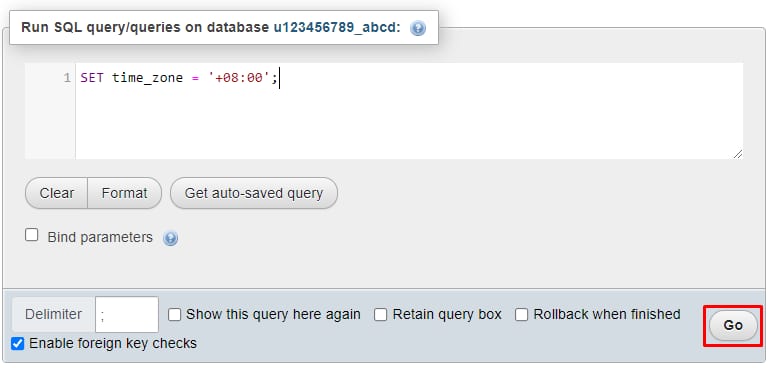
You can easily set the time zone of your database session by using an SQL command in phpMyAdmin. Just open your database using phpMyAdmin and go to the SQL section:

Once there, insert the following command:
SET time_zone = '+hh:00';
Replacing +hh with the UTC timezone. For example, UTC-03:00 would be:
SET time_zone = '-03:00';
Next, click on the Go button to apply the changes:
That’s it! You have successfully changed the time zone for the current MySQL session on your database.
NOTES:
-
After the current session ends, the time zone will be changed to the default one (UTC+00:00). Alternatively, you can use the PHP date_default_timezone function to set your website’s timezone
-
If you need to permanently change your global server timezone, you can consider a VPS plan