phpMyAdmin is a powerful tool to manage your database’s content. Here’s how to access phpMyAdmin:
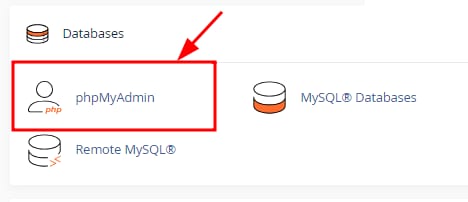
Log in to your cPanel and navigate to phpMyAdmin:
Once there, you will find the list of all of your current databases:
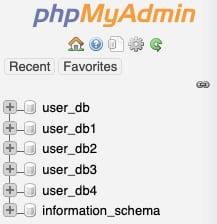
Click on the desired database to display its tables and management options.
That’s it! Now you know how to open a database via phpMyAdmin on cPanel 😊