You can renew your Titan Business or Titan Enterprise Email plan at any time by navigating to the Billing section of hPanel.
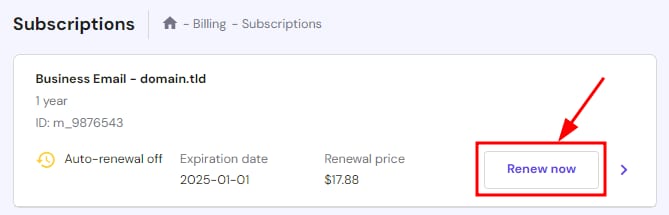
On the Subscriptions page, locate your Titan Email subscription. Next, click on Renew now:
You will be presented with a pop-up window where you will be able to select your renewal period and payment method:
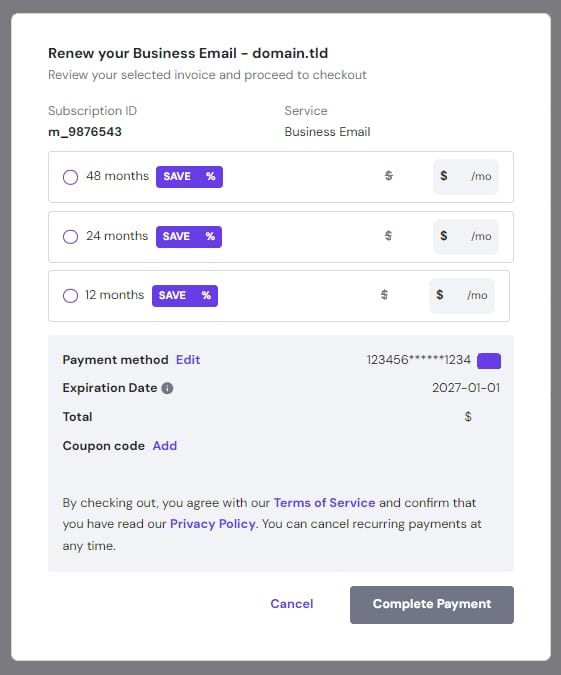
When all is good to go, click on Complete Payment to proceed and all your mailboxes will be updated to the new expiration date.
If your Titan Email plan has expired, you may purchase a new one.