If your hosting plan is Web Premium or greater, you can access your hosting via SSH. The SSH access type is restricted to your home directory and below.
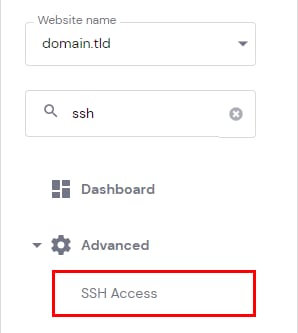
To establish an SSH connection, first, you will need to enable it by heading to Websites → Dashboard and searching for SSH Access on the sidebar:
On the SSH status, click on Enable:
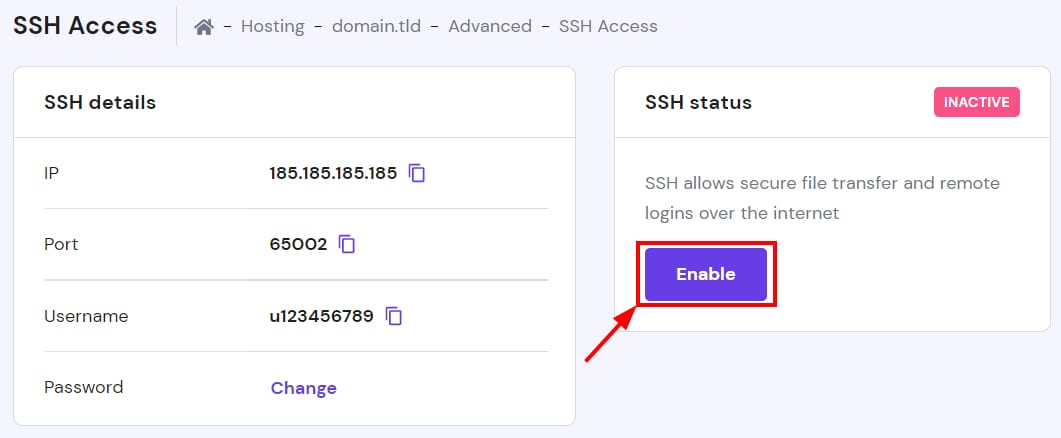
That’s it! Now you will be able to connect to your account using SSH.
If you have a Single hosting plan and you definitely need SSH access, you can consider upgrading your hosting plan 🚀