Hotlink protection prevents your media content from being used on other websites by hotlinking it, which consumes your bandwidth.
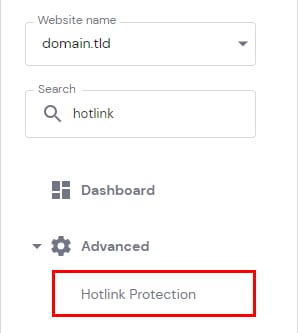
To enable it, open your Websites → Dashboard → Advanced→ Hotlink Protection on the sidebar and click on it:
Then, choose which types of files you would like to protect (or select * to choose all).
You should also specify where all the requests to your restricted files will be redirected. It can be either a specific page of your website or any other website.
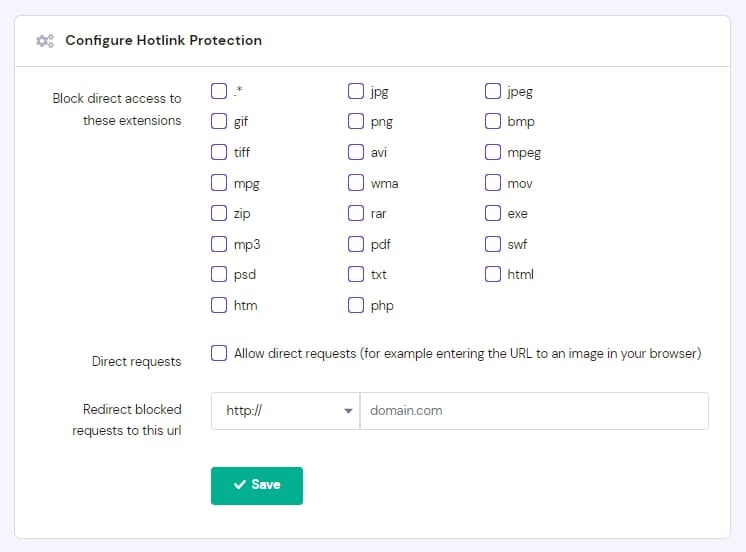
Click Save to apply the changes.
To modify the current hotlink protection settings, make the desired changes and click Save. To completely disable hotlink protection, click Reset.
Additional Resources
-
There are other options to enable hotlink protection (via .htaccess, plugins, CDN) – to learn more about them, refer here: Hotlinking: what is it and why is it bad?