Learn how to quickly download your website or database backups from the hPanel section of your Agency plan.
Step 1 – Select the website in your hPanel select the website for which files you want to download on the left side menu:
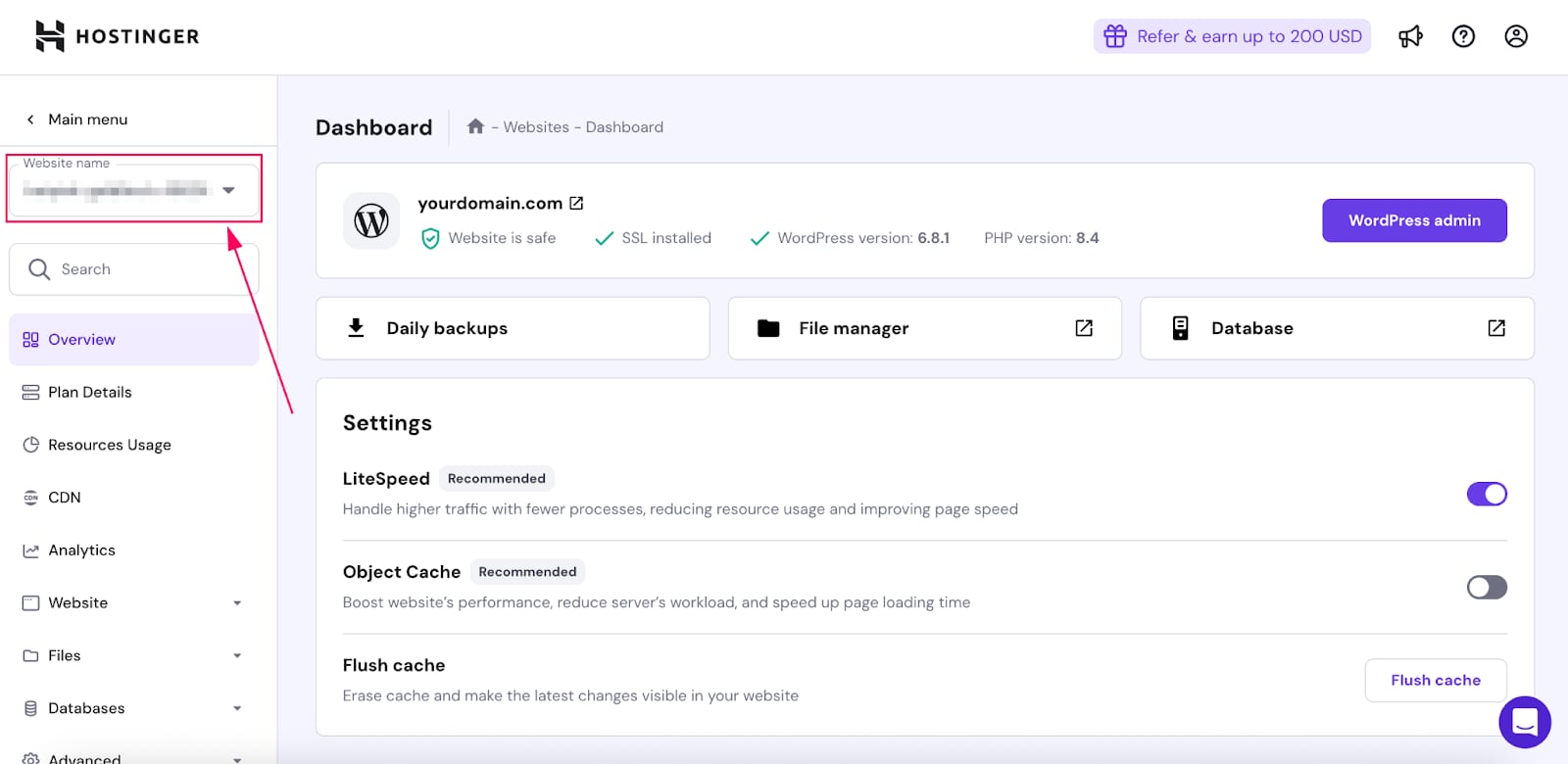
Step 2 – Click on Daily Backups:
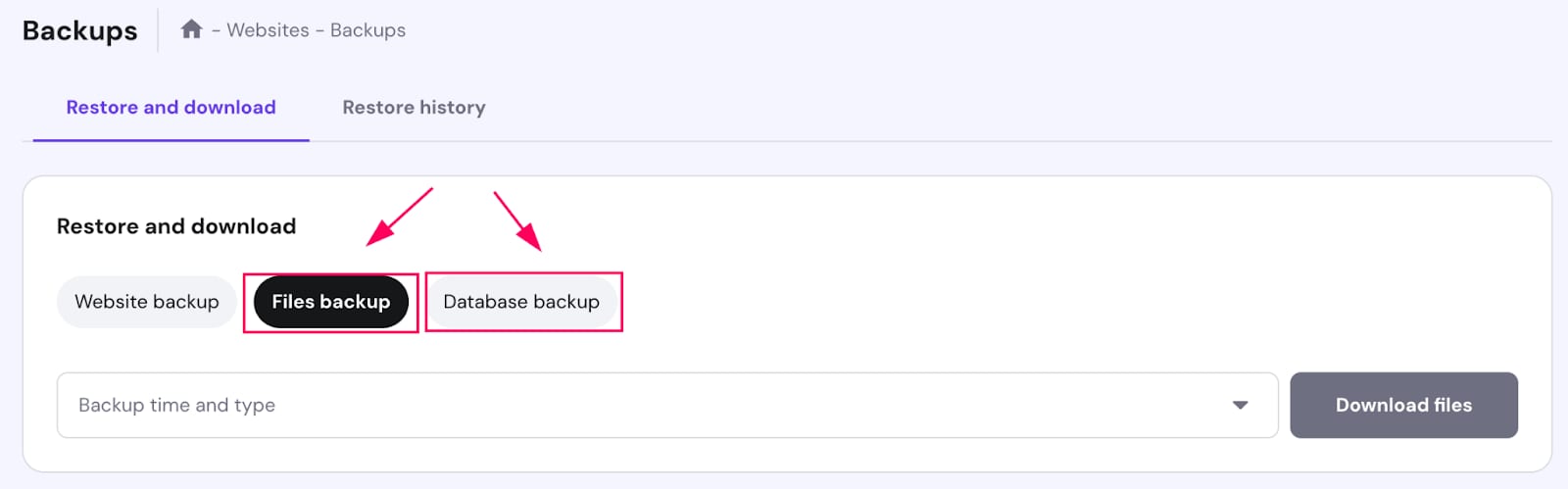
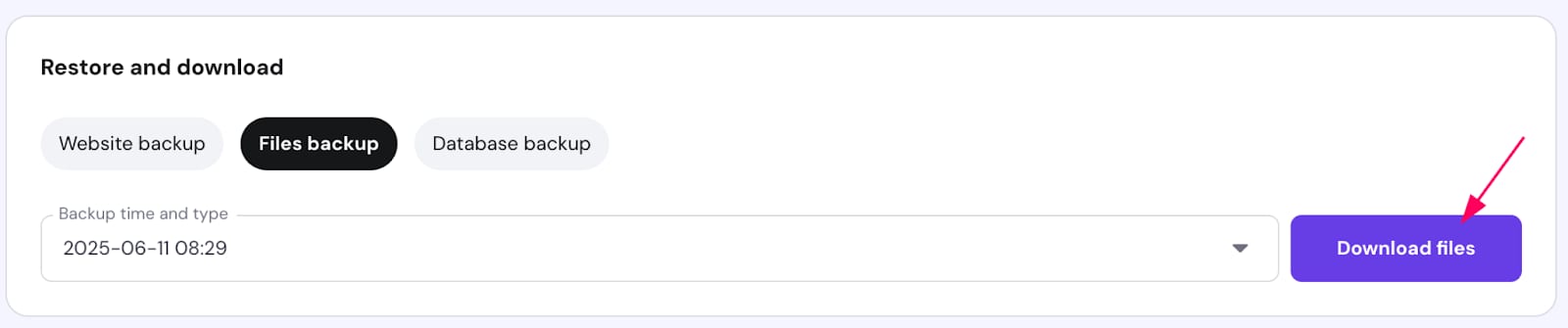
Step 3 – Navigate to the drop down and select the data and click on Download files or Download database:
Step 4 – A progress bar will display the file preparation:
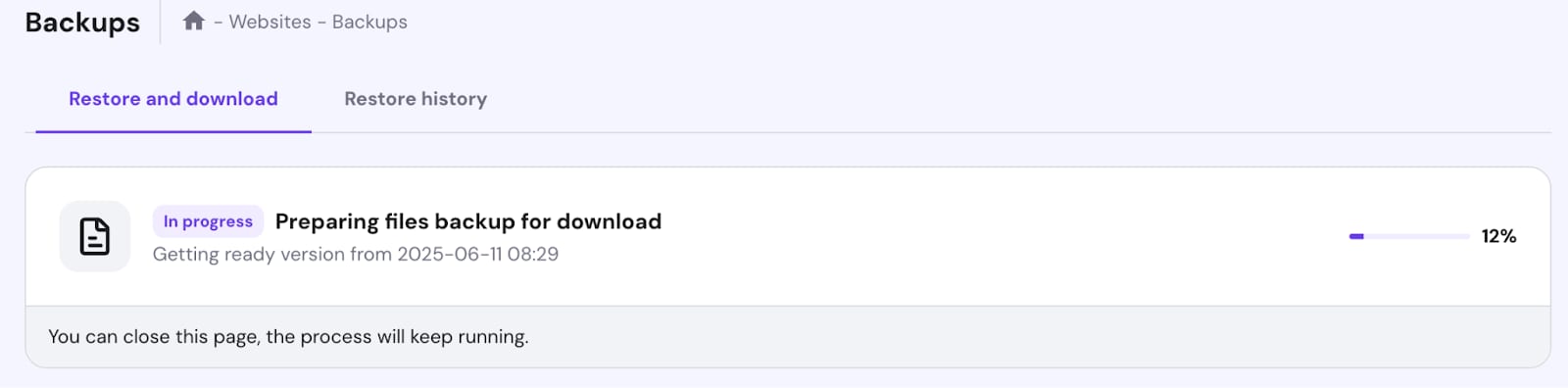
Once it reaches 100% you will be able to download the backups to your local device.