Hostinger Reach is a beginner-friendly, AI-enhanced email marketing platform fully integrated into the Hostinger ecosystem.
To get started with Hostinger Reach:
-
Visit the Hostinger Reach page and click Start for free or Choose plan:
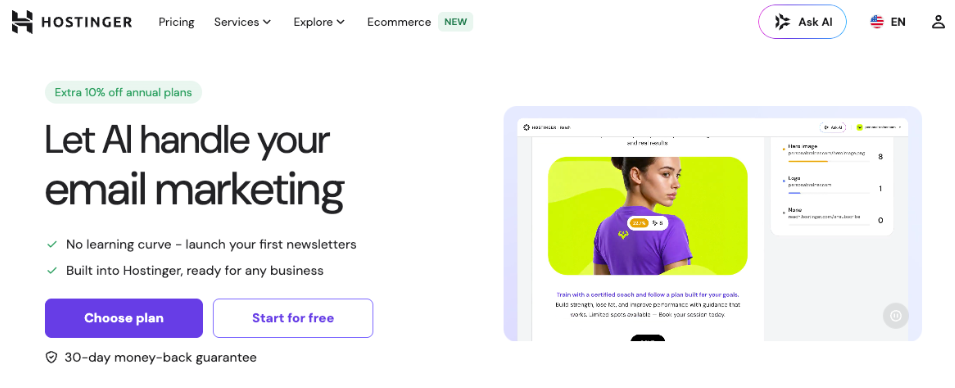
-
You’ll be asked to log in to your Hostinger account or create a new one.
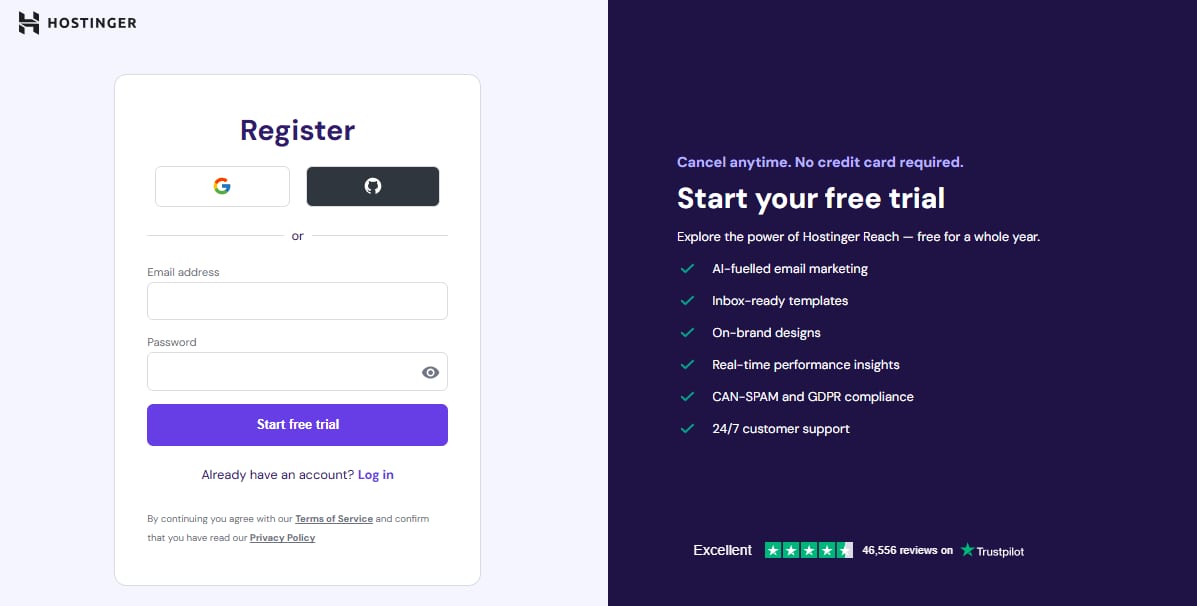
-
After you successfully log in, you’ll be taken to the home page of Reach.
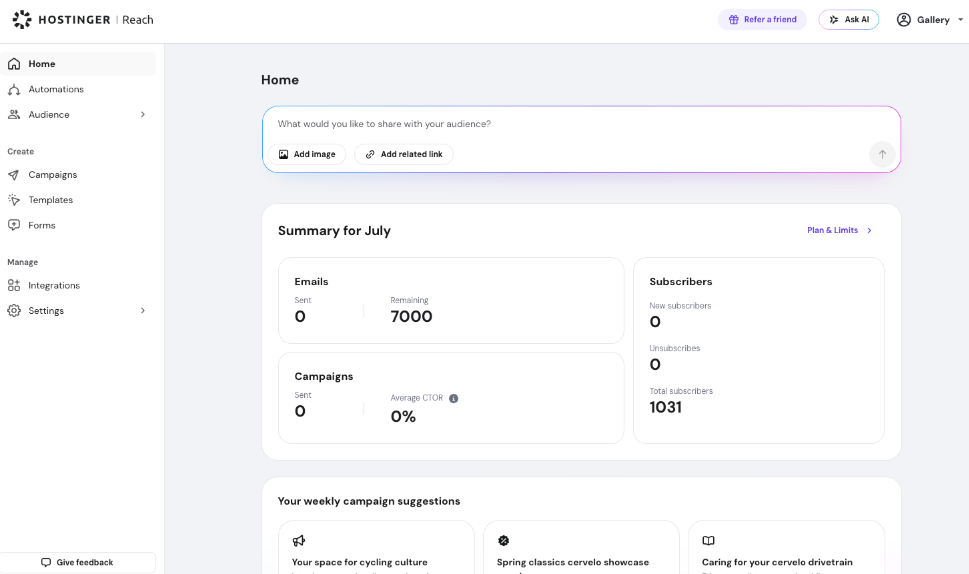
You can find all the step-by-step instructions on how to get started with Hostinger Reach here.