The Hostinger API enables you to interact with your services programmatically. This allows you to automate repetitive tasks, fetch real-time VPS performance metrics, and integrate hosting management directly into custom dashboards or third-party applications.
Key benefits include:
-
Seamless Integration: Connect Hostinger services to other applications, helping you create a more cohesive workflow.
-
Automation: Whether it’s restarting a server or fetching performance data, the API does it for you.
-
Real-Time Insights: Easily monitor your VPS metrics like CPU, RAM, disk space, and network traffic.
Generate a Hostinger API Token
To interact with the API, you must first create a secure authentication token within your hosting management panel.
1. Obtain Your API Key from hPanel
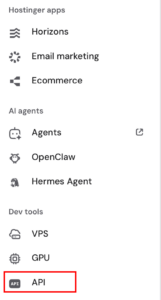
From your hPanel dashboard sidebar, under Dev Tools, select API
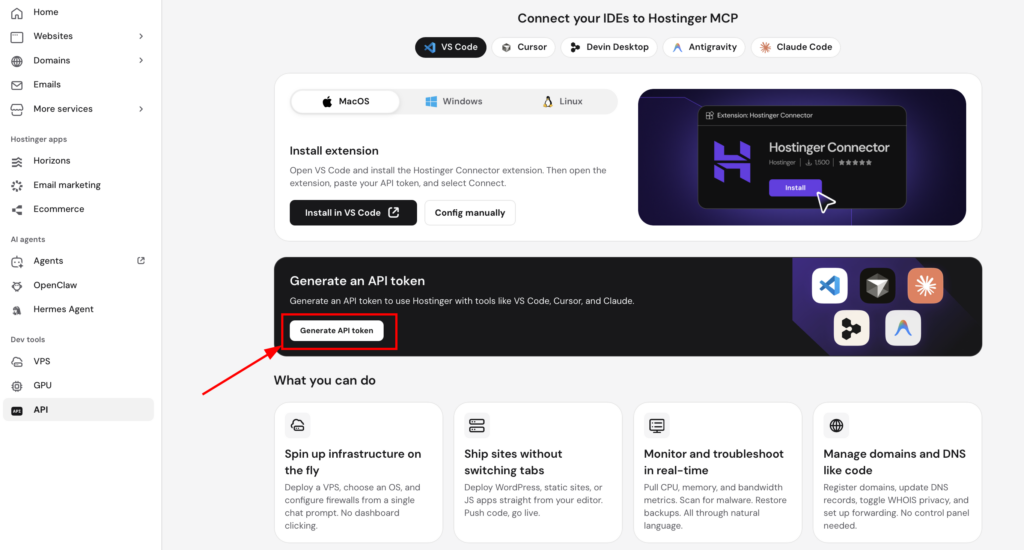
Next, click on Generate Token:
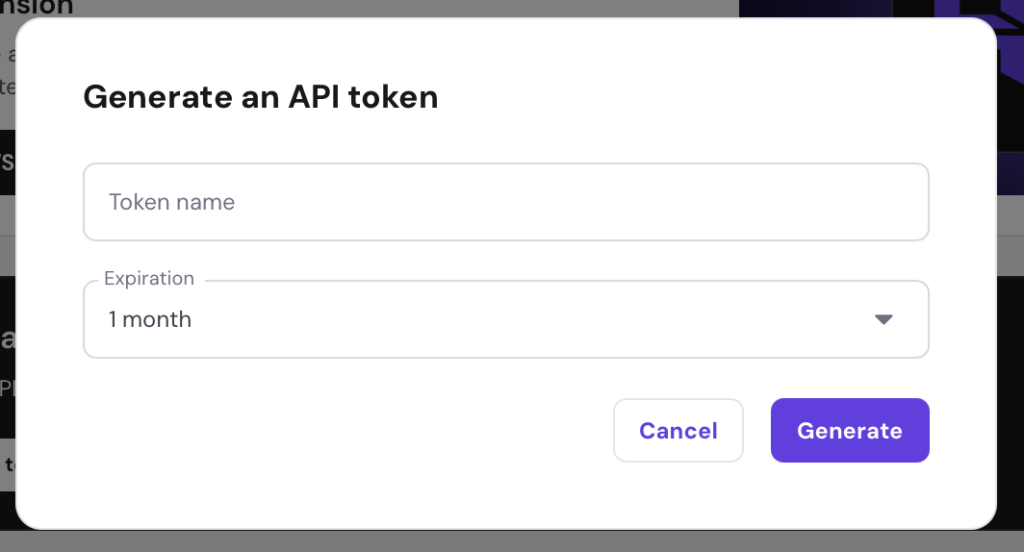
Then, enter a descriptive name for your new token and select your preferred expiration date. Click on Generate.
Once generated, Copy the generated API token and save it in a secure location.
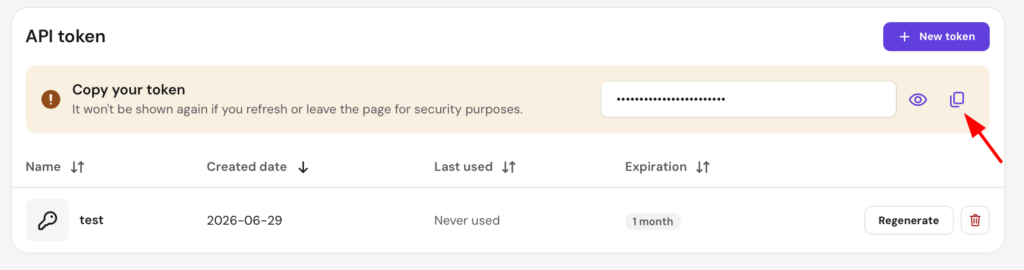
Note: your API key will not be shown after a page refresh for security reasons.
2. Explore the API and Its Features
Test and explore Hostinger API features
After securing your token, familiarize yourself with the available endpoints and testing tools to understand how data is processed.
-
Review the official API documentation to learn about the structure of available endpoints.
-
Use Postman to send test requests and inspect API responses without writing custom code.
Integrate the API into your workflows
Start with basic requests to establish your workflow before building complex integrations.
-
Use commands to fetch performance data for your VPS, including CPU, RAM, disk space, and network traffic.
-
Incorporate these commands into automated alerts or custom monitoring scripts.
-
Connect the API to your daily operational software to manage your hosting ecosystem programmatically.
The Hostinger API is currently in beta, and community feedback is welcome to help improve its features.
You can now programmatically monitor and manage your Hostinger VPS using your new API token.
Our API is in beta, and we welcome your feedback. Whether you’re reporting an issue or suggesting a new feature, your input is invaluable.