Inside Hostinger Website Builder, you are able to set individual URL links for each product that you already have created inside your Online Store.
The product pages URL can be edited inside the SEO Settings, which can be found in the left toolbar following as below:
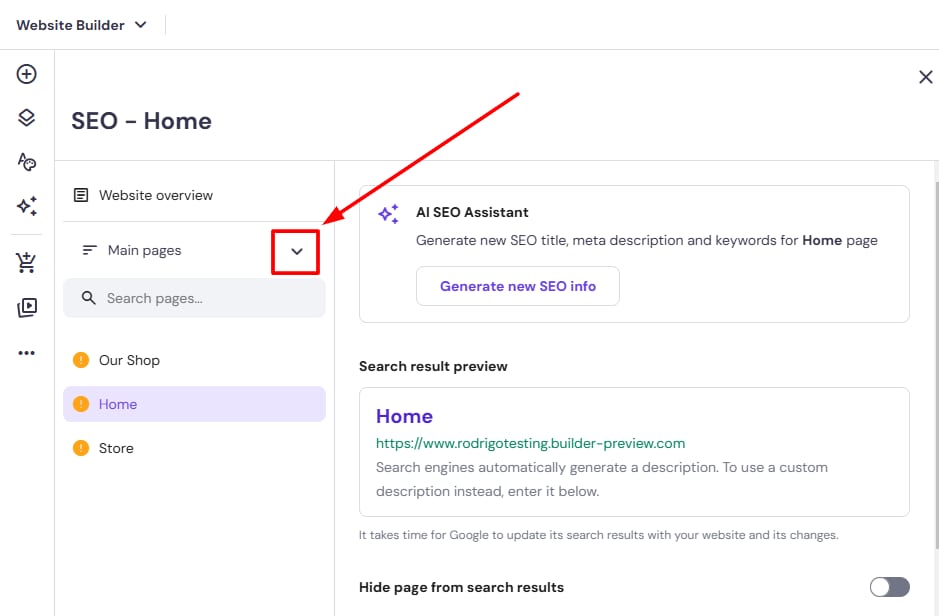
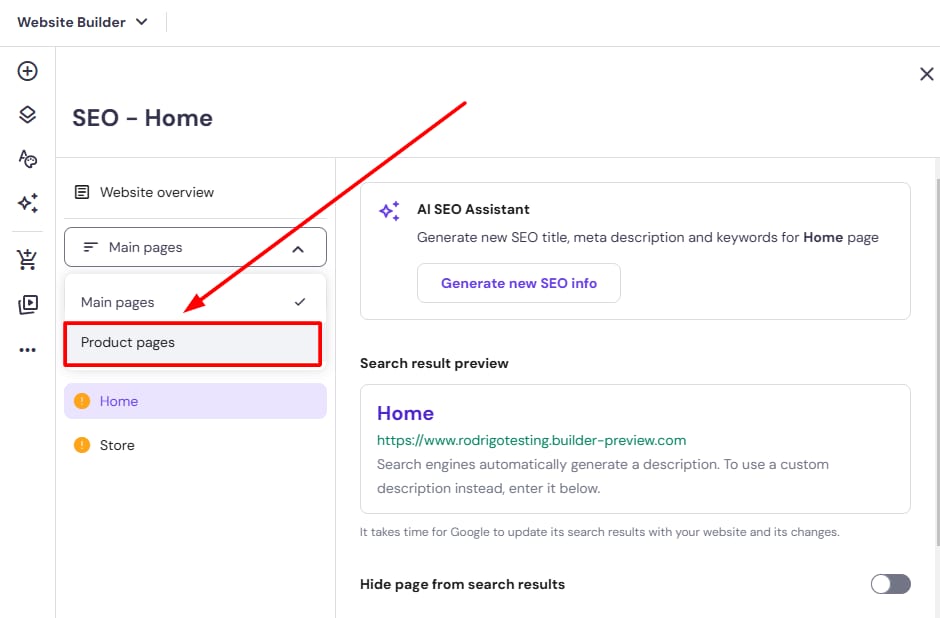
Inside the dropdown, you will find the Product Pages option:
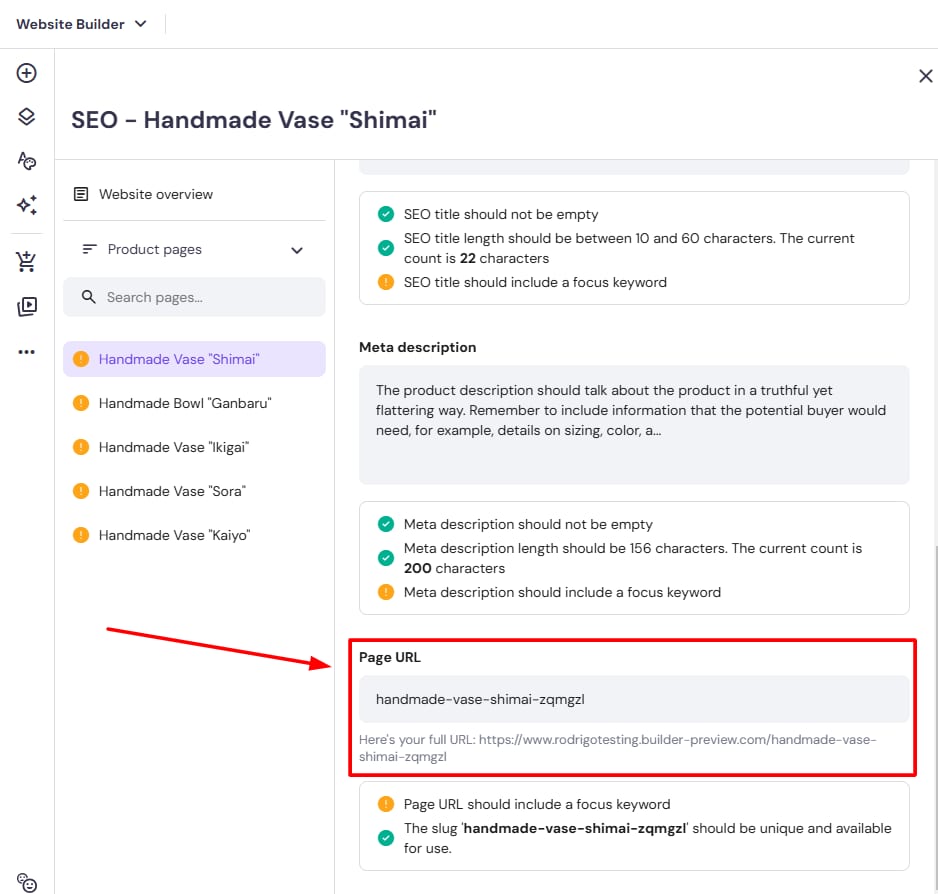
Select the respective product you want to the change the URL, and scroll inside the settings until you find the “Page URL” field:
Once you edit the product URL, update your website to get the changes applied to the live version.