Protecting your Joomla website data and ensuring a fast recovery is crucial. This guide provides the best methods for easily creating .jpa backups.
-
Login to your Joomla backend.
-
Verify your configuration file before proceeding, ensure your Joomla site has a working and valid configuration.php file. If you’re unsure where your configuration file is located refer to How to find the website’s configuration file
-
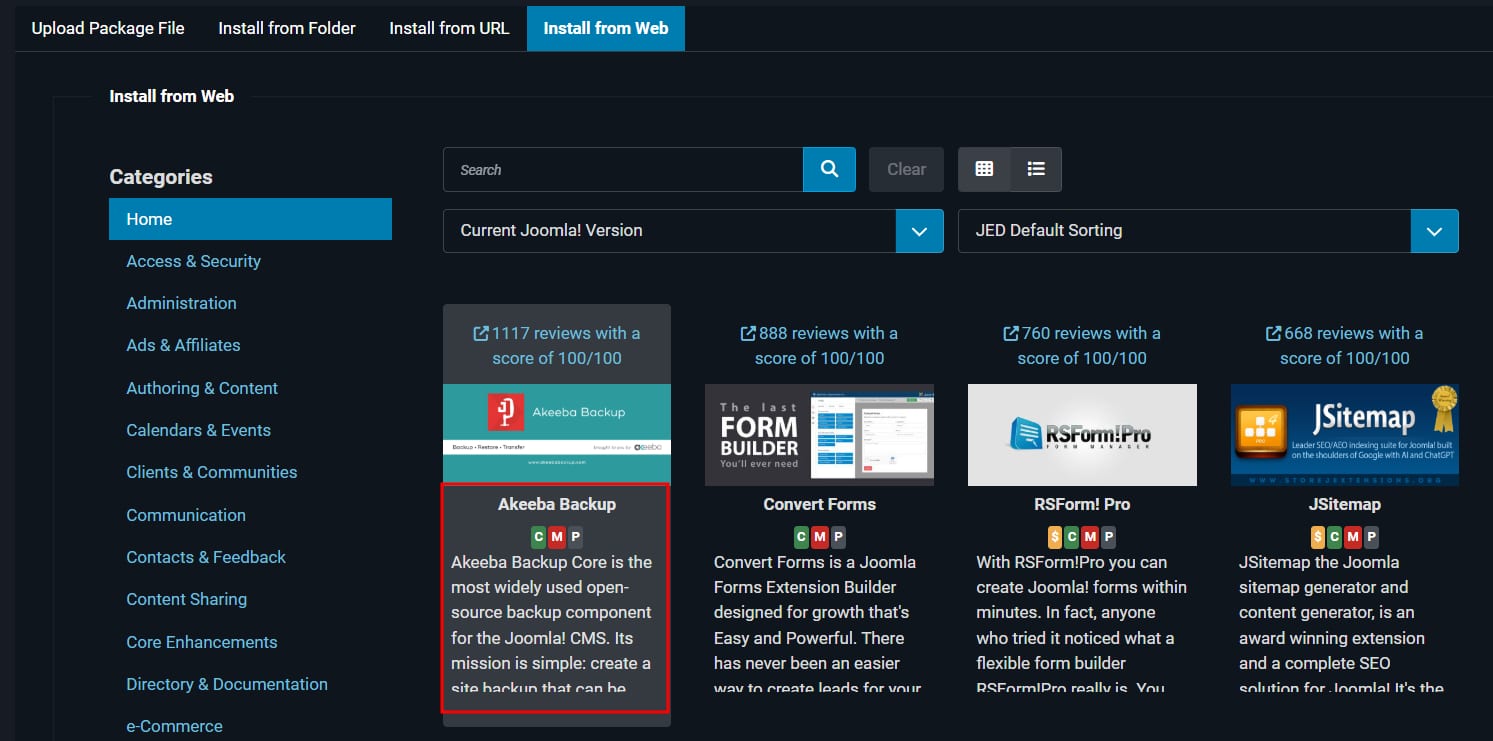
Go to System → Install → Extension → Install from Web.
-
Go to Akeeba Backup Extension if it’s available, or use the search bar to find it.
-
Click Install;
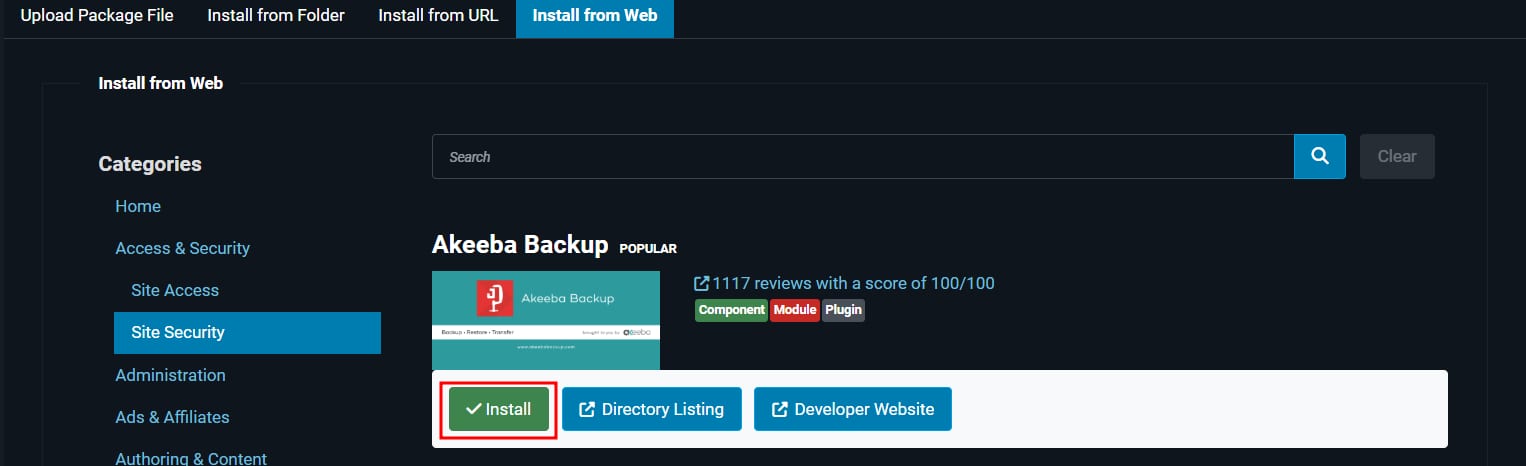
After the installation, you’ll receive a message “Installation of the package was successful.”
-
Next, navigate to Components → Akeeba Backup → Backup Now.
-
If you’re launching Akeeba Backup for the first time, a Configuration Wizard pop up will appear. Otherwise, proceed to click Backup Now.
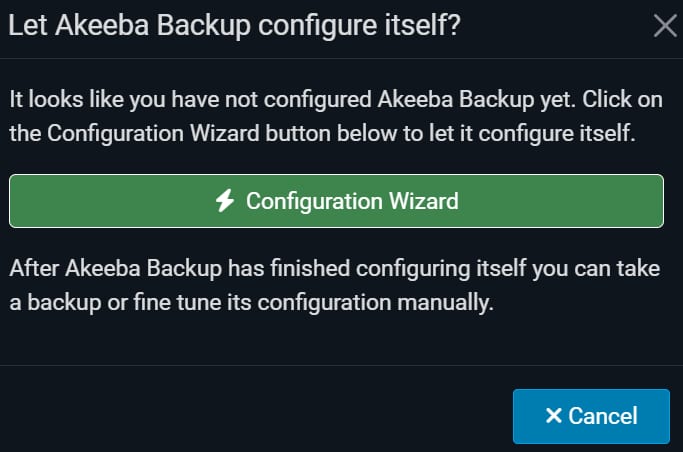
When you click on it, it will run a series of benchmarks and will take a few minutes to complete.
-
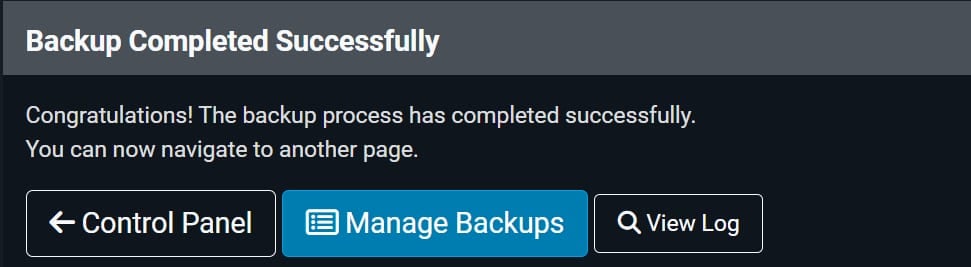
After clicking Backup Now, a backup progress section will be displayed. Then, a message that you can start managing your backups. Stay on this page and keep the browser open until the process finishes. If interrupted, the backup may fail or be incomplete.
-
After being created, the .jpa backup file can be downloaded on Components → Akeeba Backup → Manage Backups.
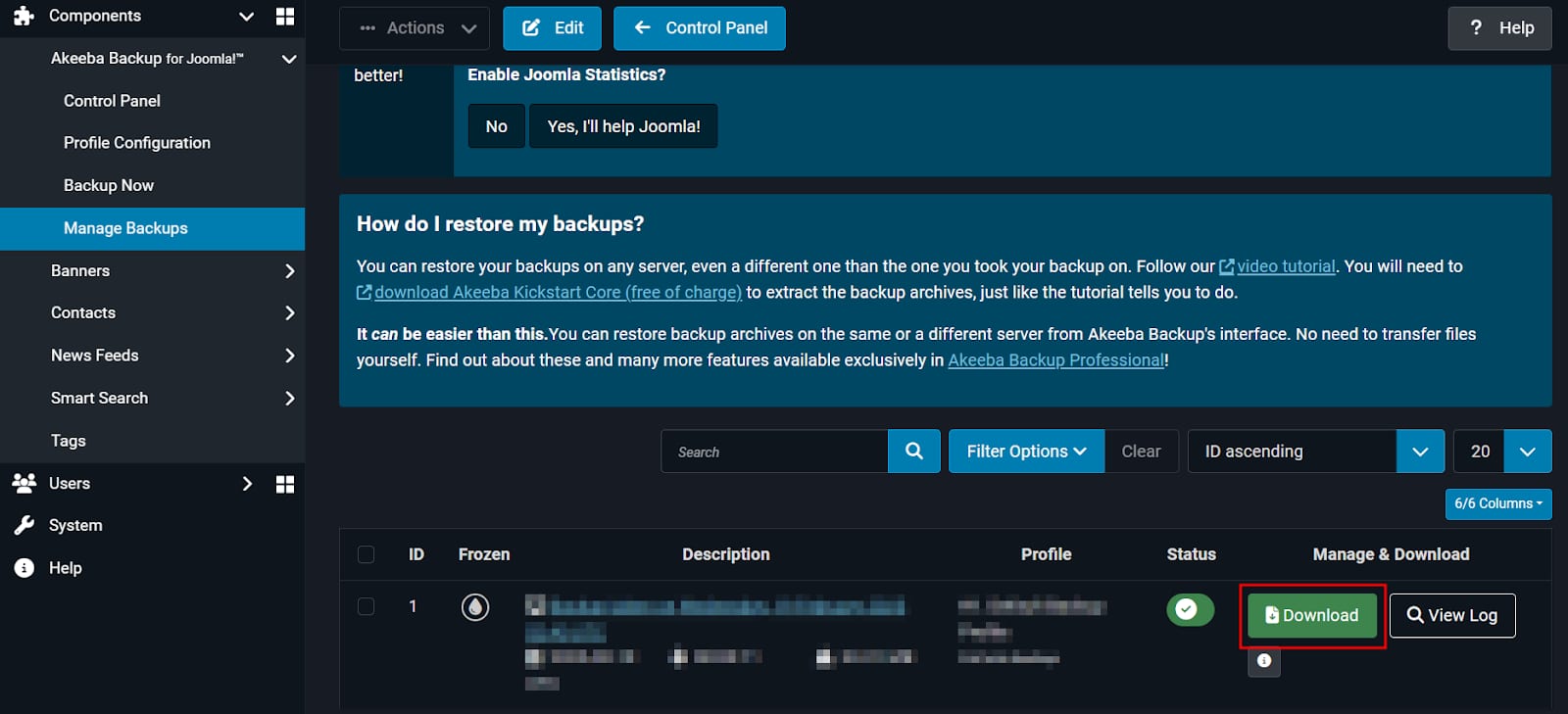
Download the .jpa file and store it securely. This practice helps keep your site secure and ensures you always have a recent copy available.
Additional Resources
-
If you’re migrating your website to Hostinger, here’s a full guide on how to start: How to migrate a website to Hostinger