/tmp file permissions
During the CyberPanel upgrade, you may encounter an error related to file permissions:
error: [Errno 13] Permission denied: '/tmp/pip-build-v7_dcwz_/pynacl/src/libsodium/configure'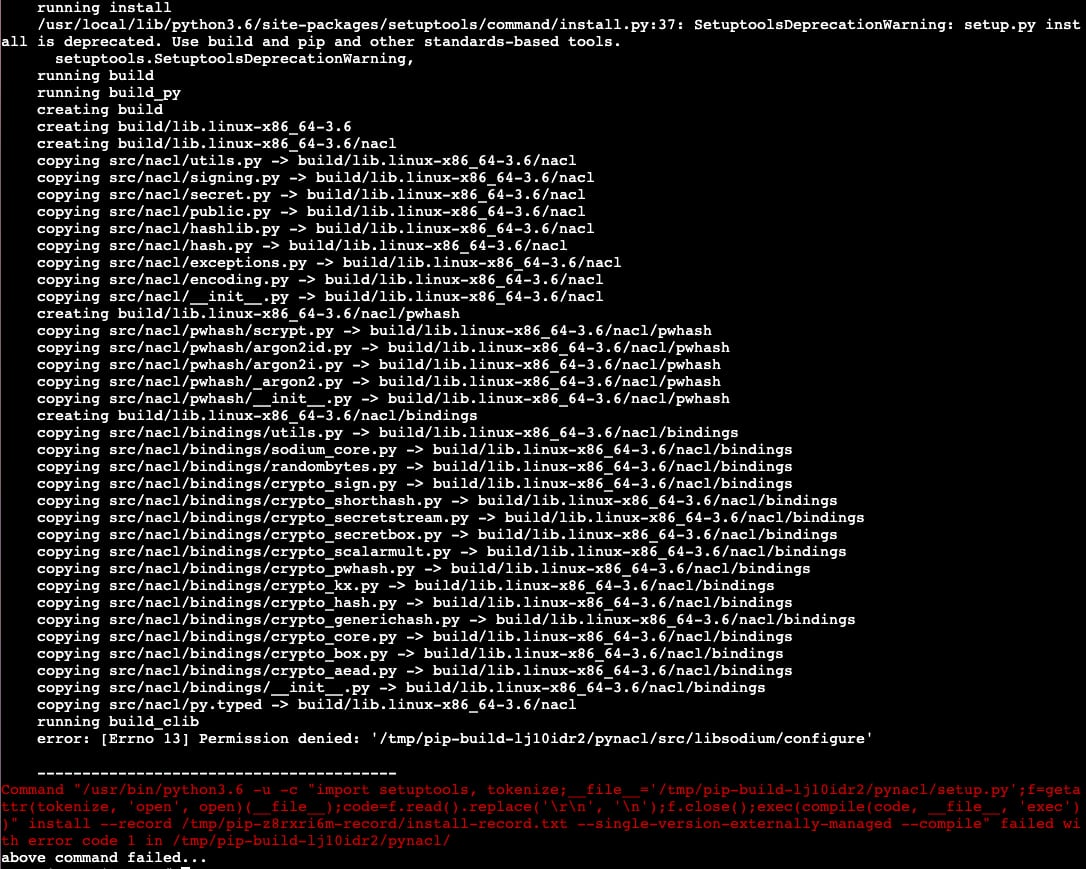
In such cases, you must check to see if the /tmp directory is mounted with noexec by running the following command from a command window:
mount | grep /tmpYou will see the results:

If noexec is present, edit /etc/fstab as root and remove noexec from the mount options of /tmp.
Reboot the system or run the following command
mount -o remount /tmpAfter these changes, the CyberPanel upgrade should succeed.