Reinstalling Monarx can quickly resolve issues with your VPS malware scanner. This article provides a short, straightforward process for reinstalling Monarx through hPanel.
To reinstall Monarx on your VPS:
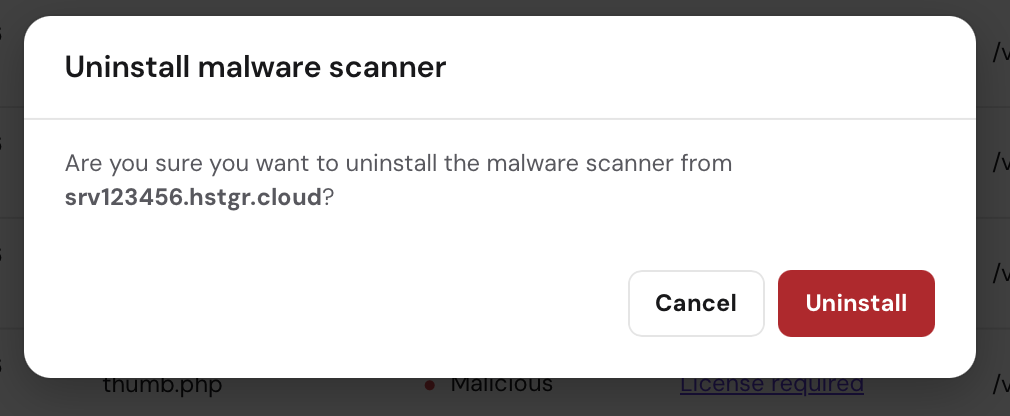
Uninstall Monarx: Go to the Malware Scanner section in hPanel, click on Uninstall, and follow the prompts to complete the removal.

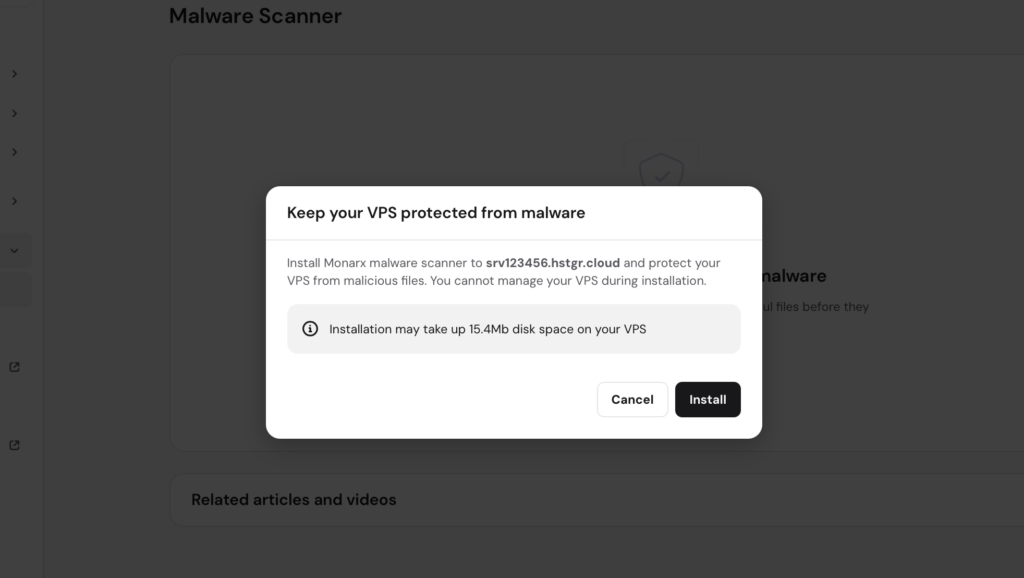
Reinstall Monarx: After uninstallation, navigate back to the Malware Scanner section, click on the banner, and follow the instructions to reinstall Monarx.
If you have previously purchased a license, it will automatically be reattached after reinstallation. If you don’t have a license, the auto-removal feature will remain inactive, and you will need to remove malicious files manually. After these steps, the Monarx malware scanner should be working again.