Top WooCommerce alternatives for ecommerce: Key features and pricing
May 05, 2026
/
Simon L. & Marco C.
/
13 min Read

WooCommerce is a free, open-source WordPress plugin that turns any WordPress site into a fully functional online store. It powers a massive share of online shops thanks to its flexibility, huge extension library, and the fact that it piggybacks on the world’s most popular content management system.
That said, WooCommerce isn’t perfect for everyone. Since it’s self-hosted, you’re responsible for your own hosting environment, security patches, plugin compatibility, and performance optimization.
Costs also creep up once you start adding premium themes, paid extensions, payment gateway fees, and dedicated hosting. And if you’re building a store from scratch without an existing WordPress site, the setup process has a steeper learning curve than many hosted alternatives.
Those pain points push a lot of store owners to explore other options. Some want a simpler, all-in-one platform where hosting and security are handled for them. Others need better scalability for high-volume B2B operations. And some just want to get a small shop online quickly without wrestling with PHP updates and plugin conflicts.
Whatever your situation, here are ten strong alternatives worth considering:
- Hostinger Website Builder bundles AI-powered site creation, hosting, and ecommerce into one of the most budget-friendly packages on the market.
- Shopify handles everything from hosting to payments so you can focus on selling, though the app costs add up faster than most people expect.
- Magento (Adobe Commerce) gives developers and large enterprises the deepest customization available, at a price tag to match.
- BigCommerce packs more features into its base plans than any other SaaS competitor, with zero transaction fees across the board.
- Wix Ecommerce pairs one of the best drag-and-drop editors with solid ecommerce basics for store owners who want full creative control.
- Squarespace Commerce produces the most visually polished stores of any builder, especially if brand aesthetics are a top priority.
- Ecwid lets you bolt a fully functional store onto any website you already have, without rebuilding a thing.
- PrestaShop is the open-source ecommerce platform that European merchants swear by, with multilingual and multi-currency support baked into the core.
- OpenCart runs a simple, no-frills store on minimal server resources for merchants who want self-hosting without the WordPress overhead.
- Big Cartel strips ecommerce down to its essentials for artists and makers who sell small catalogs and want zero complexity.
1. Hostinger Website Builder
If WooCommerce’s setup process feels like assembling furniture without instructions, Hostinger Website Builder is the version that comes pre-assembled. When you look at the differences between WordPress and a website builder, Hostinger’s AI Website Builder sits firmly on the “less hassle, faster launch” side of that spectrum.
It bundles hosting, a drag-and-drop editor, and ecommerce functionality into a single affordable package, so there’s no juggling separate hosting accounts, WordPress installations, or plugin compatibility issues.
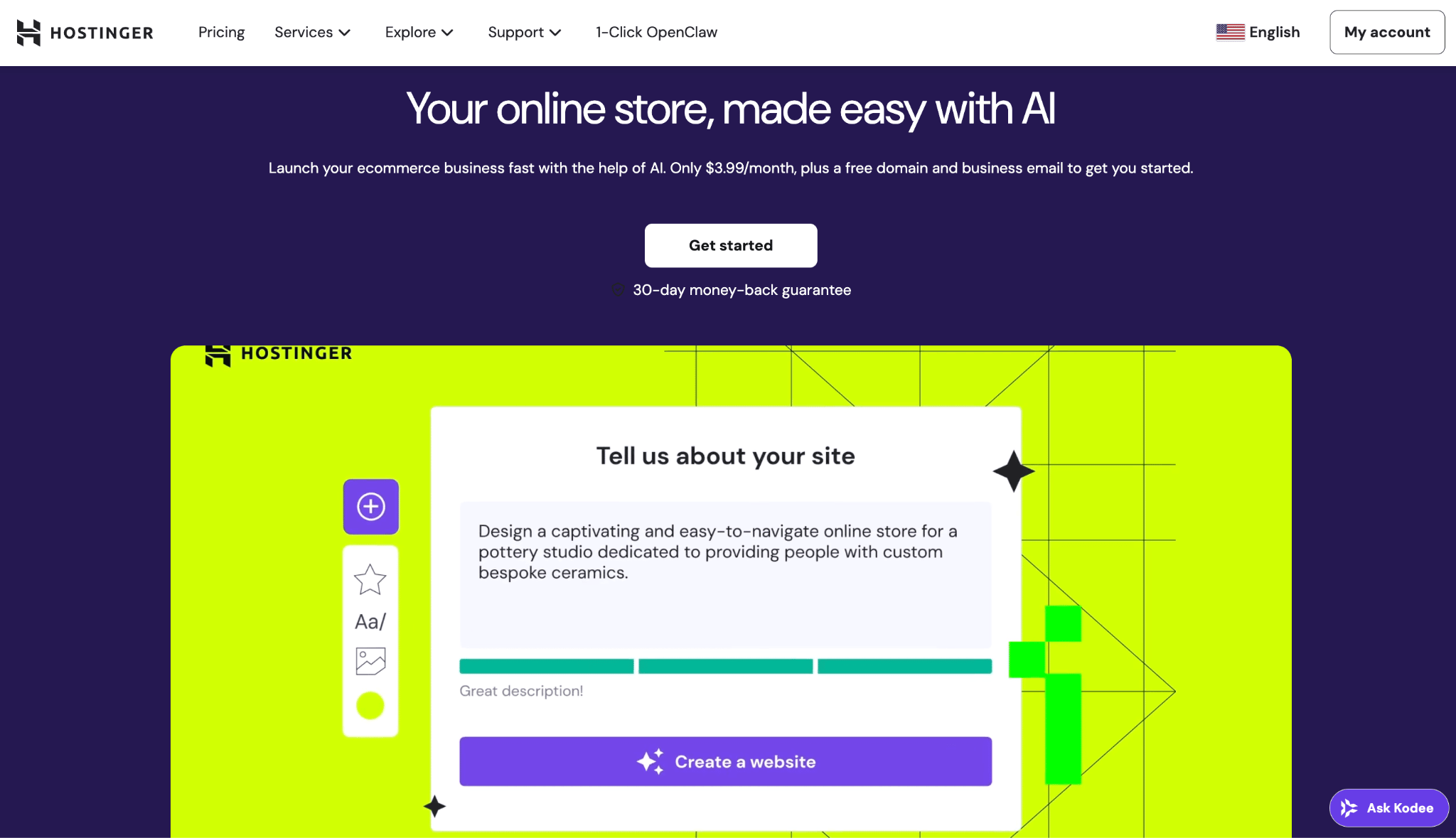
What makes Hostinger Website Builder stand out is its AI-powered builder. Feed it a description about your business, and it generates a complete site layout with images and copy. From there, you fine-tune everything visually.
Hostinger’s ecommerce website builder supports product management, multiple payment methods with zero transaction fees, shipping configuration, and both physical and digital products.
There’s also built-in integration for dropshipping and print-on-demand through partners like Printful, which makes it genuinely useful for testing a business idea without heavy upfront investment.
The trade-off is you’ll outgrow the website builder if your store needs complex product filtering, membership tiers, or deep third-party integrations. You also can’t export your site and take it to another platform, so switching later means rebuilding from scratch. But for the price, it punches well above its weight.
Hostinger Website Builder pros:
- AI tools generate a working site layout in minutes, which no other builder at this price point matches.
- All-in-one pricing bundles hosting, SSL security certificates, domain, and the builder, so there are no surprise costs from separate services.
- Over 300 designer-crafted templates optimized for mobile, noticeably more modern than many free WordPress themes.
- Built-in dropshipping and print-on-demand integrations let you start selling without inventory.
Hostinger Website Builder cons:
- No plugins or third-party code like WooCommerce allows, so you’re limited to what the platform offers natively.
- Ecommerce doesn’t go deep on complex variants, subscription products, or wholesale pricing.
- Switching platforms later means starting from zero.
Pricing:
You need the Business plan for ecommerce, which starts at RM16.99/month and includes zero transaction fees and up to 1,000 products. All plans include hosting, a free domain for the first year, and SSL. It’s a value-packed option compared to running WooCommerce on comparable hosting with a premium theme and paid extensions.

2. Shopify

Shopify is a popular platform that a lot of people think of when they consider leaving WooCommerce. It handles hosting, security, payment processing, and updates, which means you can focus on selling instead of troubleshooting plugin conflicts at 2am.
When comparing WooCommerce vs Shopify, the trade-off is straightforward: WooCommerce gives you full backend access but demands more technical management, while Shopify keeps things locked down in exchange for reliability.
The app store is where Shopify really shines and simultaneously creates problems. There are thousands of apps for everything from email marketing to fulfillment automation. The catch is that many store owners end up paying $50–$200/month in app subscriptions on top of their plan, which can quietly double or triple the actual cost.
Checkout customization is also locked down unless you’re on Shopify Plus at $2,300+/month, and migrating away from Shopify is more painful than leaving most open-source platforms.
Shopify pros:
- The app ecosystem is unmatched, with solutions for virtually any ecommerce problem you’ll encounter.
- Shopify Payments eliminates the need for a separate gateway and avoids the extra 0.5%–2% fee that third-party processors trigger.
- The admin interface is clean enough that someone with zero technical experience can have a store live within a day.
Shopify cons:
- Real monthly cost is often 2–3x the subscription price once you add paid apps, a premium theme ($100–$420), and processing fees.
- Checkout customization is restricted to Shopify Plus, which prices out most small businesses.
- Shopify owns the infrastructure, and leaving means a full migration.
Pricing:
Plans range from $29/month for a basic store up to $360/month for advanced reporting and the lowest transaction fees, with Shopify Plus starting at $2,300/month for enterprise needs. Once you factor in WooCommerce’s hosting, security, and extension costs, the gap between the two narrows more than you’d expect.
3. Magento (Adobe Commerce)
If WooCommerce is a Swiss army knife, Magento is a full machine shop. It’s the platform you graduate to, not the one you start with.
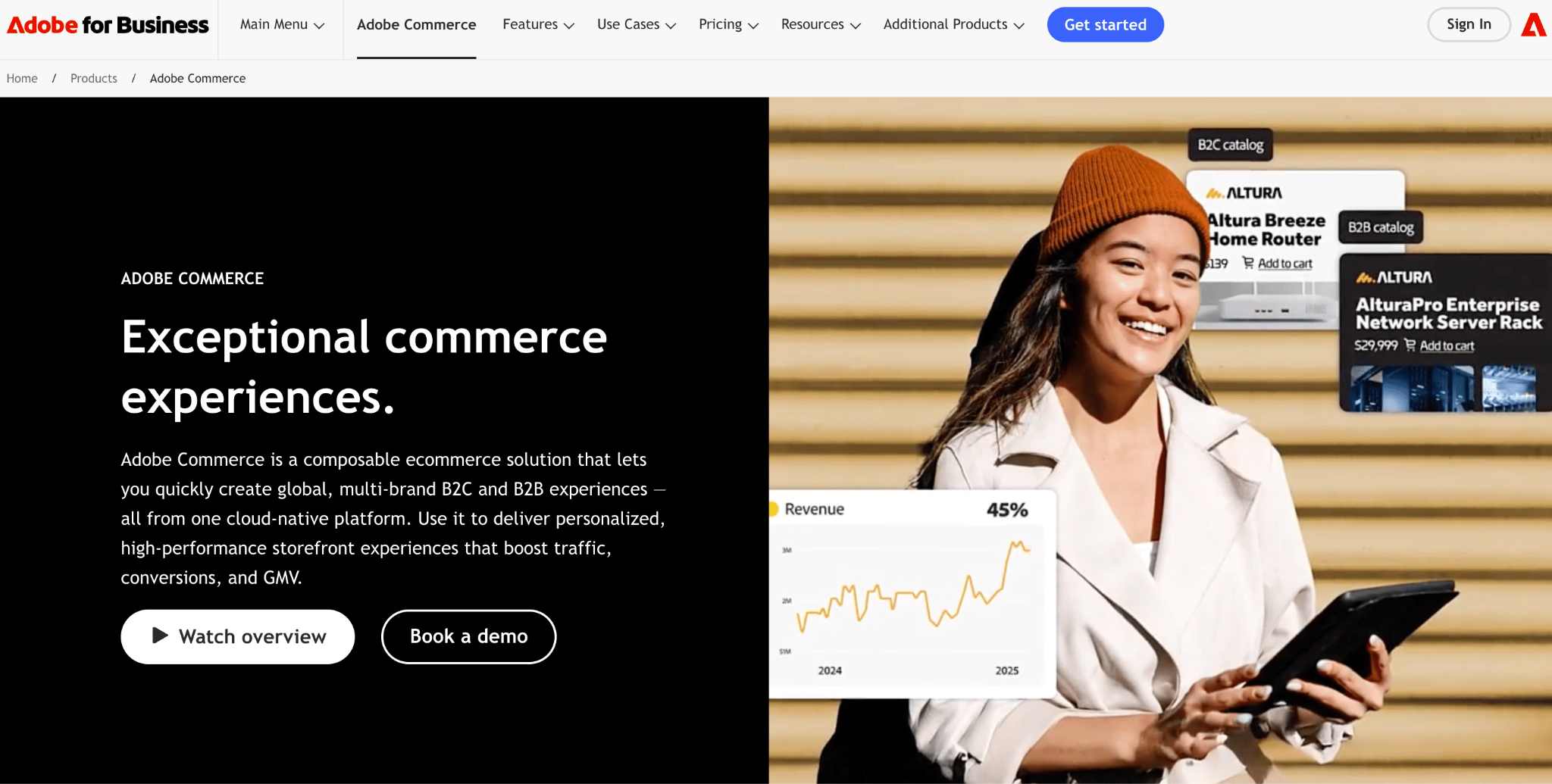
The free Magento Open Source edition gives you complete control over your store’s code, while Adobe Commerce (the paid enterprise version) adds B2B functionality, customer segmentation, content staging, and AI-powered product recommendations.
Where Magento genuinely excels is with multi-store setups across different regions, custom pricing for thousands of B2B accounts, deep CRM integrations, and product catalogs with hundreds of thousands of SKUs. WooCommerce can technically do some of this with enough plugins, but it starts to buckle under the weight.
The flip side is that Magento is expensive and demanding. You need developers, serious hosting infrastructure, and patience. Even simple tasks like updating a banner can feel cumbersome compared to Hostinger Website Builder.
Magento pros:
- The most customizable ecommerce platform available, capable of handling catalogs and traffic that would crash most competitors.
- Native B2B features (company accounts, quote management, custom catalogs, tiered pricing) that WooCommerce can only approximate through multiple plugins.
- A mature developer ecosystem with enterprise support from Adobe for Commerce customers.
Magento cons:
- Total first-year cost for a mid-level store runs $30,000–$80,000, making it impractical unless you’re already generating significant revenue.
- The admin panel trades simplicity for power, and non-technical team members will struggle with day-to-day updates.
- Adobe’s platform direction increasingly favors enterprise SaaS, which can leave open-source users feeling left behind.
Pricing:
Magento Open Source is free to download, but hosting runs $10–$500/month, themes cost $25–$499, and extensions range from $25 to six figures. Adobe Commerce starts at approximately $22,000/year and scales with your gross merchandise value. Realistically, this platform is for businesses doing $1M+ in annual revenue.
4. BigCommerce
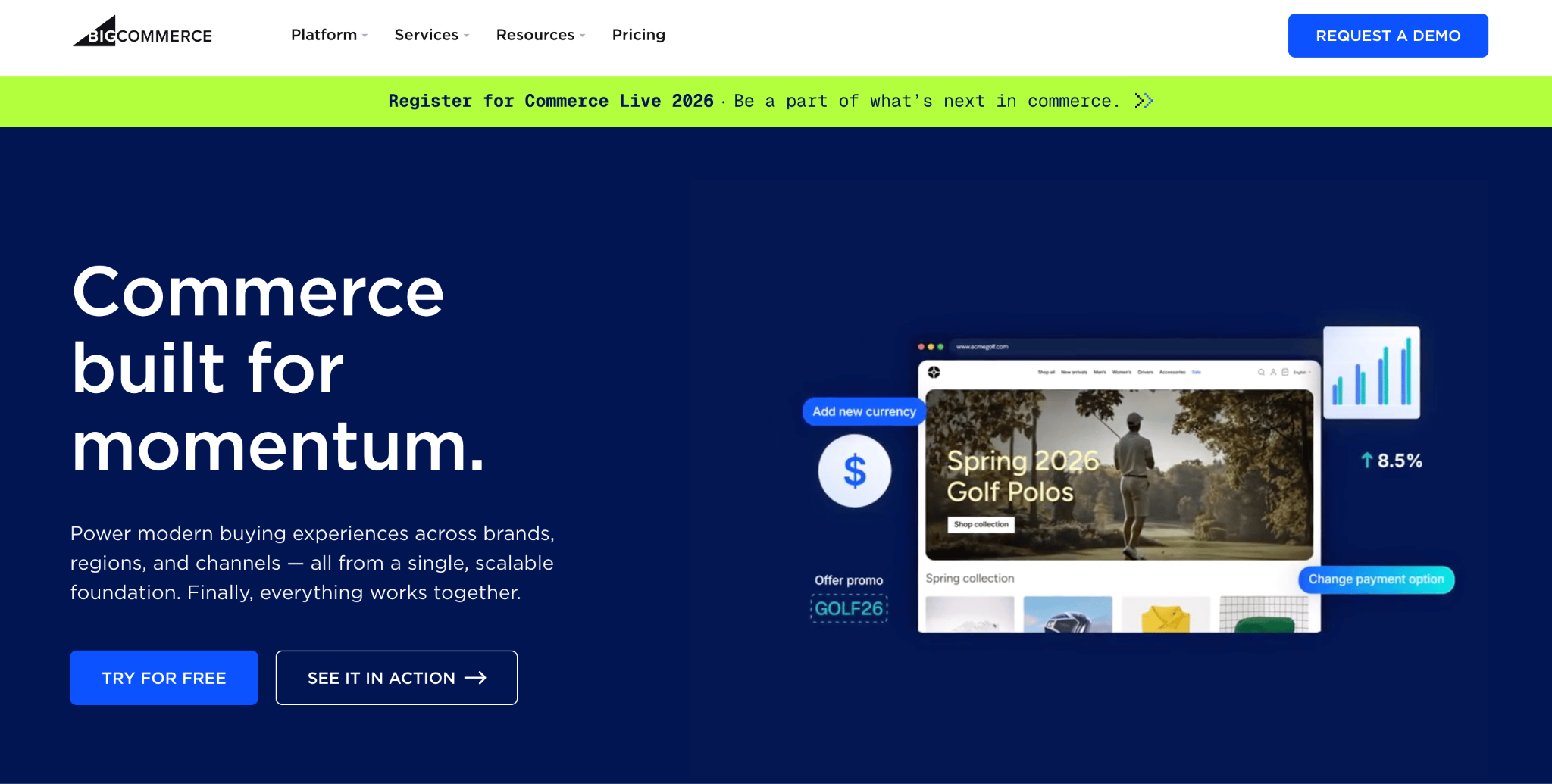
BigCommerce is an underrated platform, but it includes features in its base plans that Shopify charges extra for through apps: product reviews, real-time shipping quotes, multi-currency support, and advanced product filtering all come standard.
When you look at WooCommerce vs BigCommerce side by side, BigCommerce wins on out-of-the-box capabilities, while WooCommerce still takes the crown for granular customization.
The zero-transaction-fee policy is a real advantage. BigCommerce doesn’t charge its own fee on any plan, regardless of which payment gateway you use. That’s meaningful if you process high volumes or prefer a specific provider over the platform default.
The catch is that BigCommerce has annual sales thresholds. Hit $50K on Standard, and you’re bumped to Plus. Exceed $180K on Plus, and you’re moved to Pro. This feels punishing at the boundary, essentially paying more just because your business is succeeding.
Combined with a theming framework that’s more restrictive than WordPress, BigCommerce demands patience in exchange for more capability out of the box.
BigCommerce pros:
- More built-in features than any other SaaS platform at comparable price points, reducing dependence on paid add-ons.
- Zero platform transaction fees on all plans, saving hundreds or thousands monthly at scale versus Shopify’s third-party gateway surcharges.
- Genuine multi-channel selling from one dashboard (Amazon, eBay, Facebook, Instagram, Google Shopping) without separate apps.
BigCommerce cons:
- Annual sales caps force automatic plan upgrades as revenue grows, whether you need extra features or not.
- Theme customization is more restrictive and less intuitive than editing a WordPress theme.
- Steeper learning curve than Hostinger Website Builder, especially for store owners who just want to list products and start selling.
Pricing:
Plans range from $29/month to $299/month depending on your annual revenue tier. Enterprise is custom-quoted. Every plan includes hosting, security, unlimited products, and zero transaction fees.
5. Wix Ecommerce
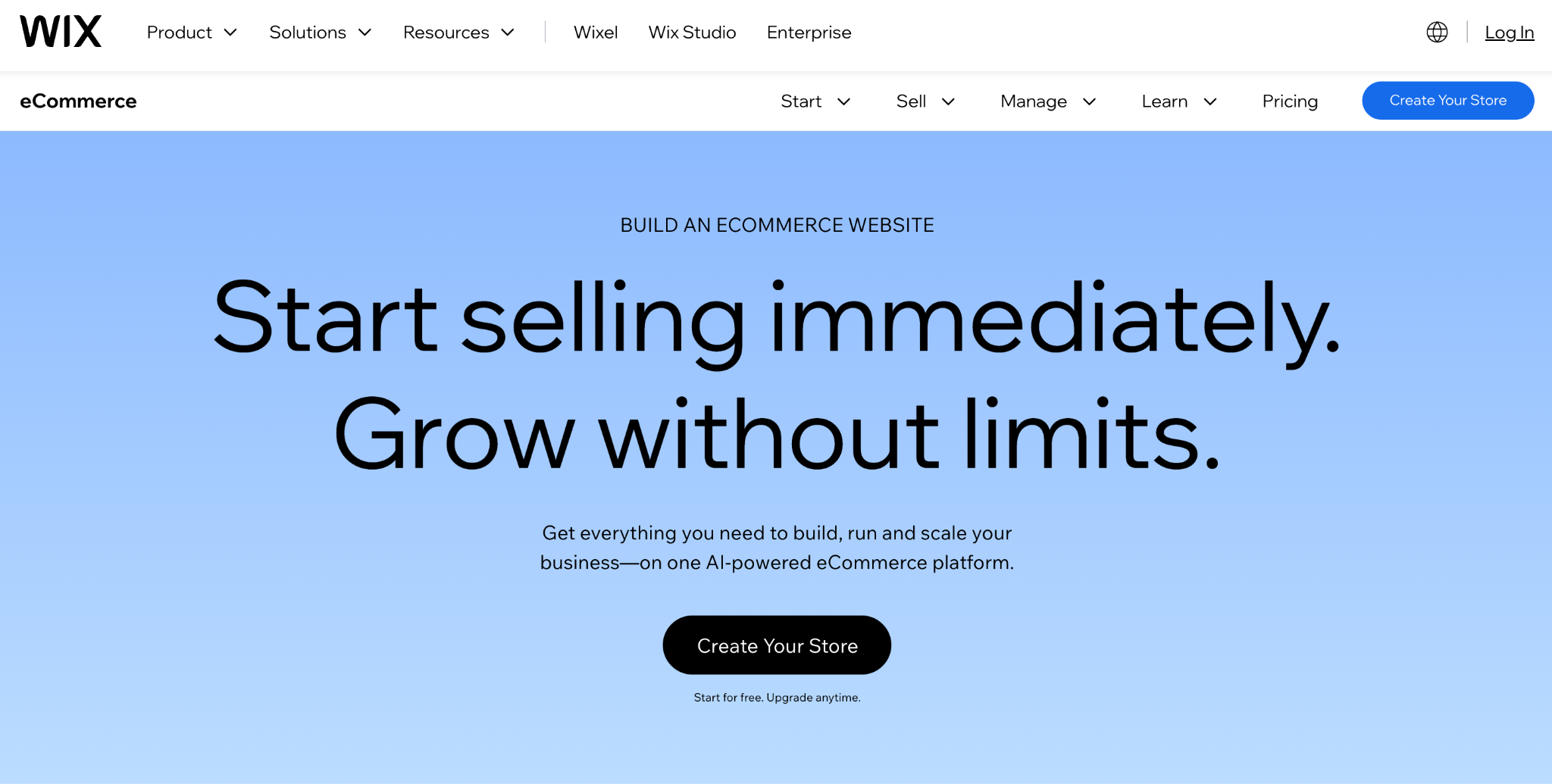
Wix is the platform for people who care deeply about how their store looks and refuse to learn CSS to get there.
The drag-and-drop editor gives you genuine creative freedom over layout, not just the ability to swap colors in a pre-built template. For store owners who see their website as a direct extension of their brand identity, that matters more than an extra shipping integration.
The ecommerce features are competent without being exceptional, but Wix earns its keep in the supporting cast: the built-in email marketing tools, SEO assistant, social media posting, and booking system are more capable than what most competitors bundle at the same price.
Where Wix falls flat is scalability and commitment. Stores with more than a couple hundred products start to feel sluggish. More frustratingly, you can’t switch templates without rebuilding your entire site, which is an odd limitation for a platform that attracts people with its visual flexibility.
Wix Ecommerce pros:
- Practical drag-and-drop editor with 2,000+ templates and full creative control over page layout.
- Built-in marketing suite is more robust than what Shopify or BigCommerce include at similar tiers.
- No platform transaction fees beyond standard payment processor charges.
Wix Ecommerce cons:
- Performance degrades noticeably with large product catalogs, and there’s no real fix short of moving platforms.
- Switching your site’s design means rebuilding from scratch.
- Advanced ecommerce features (complex tax rules, wholesale pricing, multi-location inventory) are thin compared to WooCommerce’s plugin ecosystem.
Pricing:
Ecommerce starts at $29/month and goes up to $159/month for unlimited storage and priority support. Compared to WooCommerce, Wix is simpler to budget for, but once your store outgrows the entry-level plan’s capabilities, you’re paying more for less ecommerce depth.
6. Squarespace Commerce
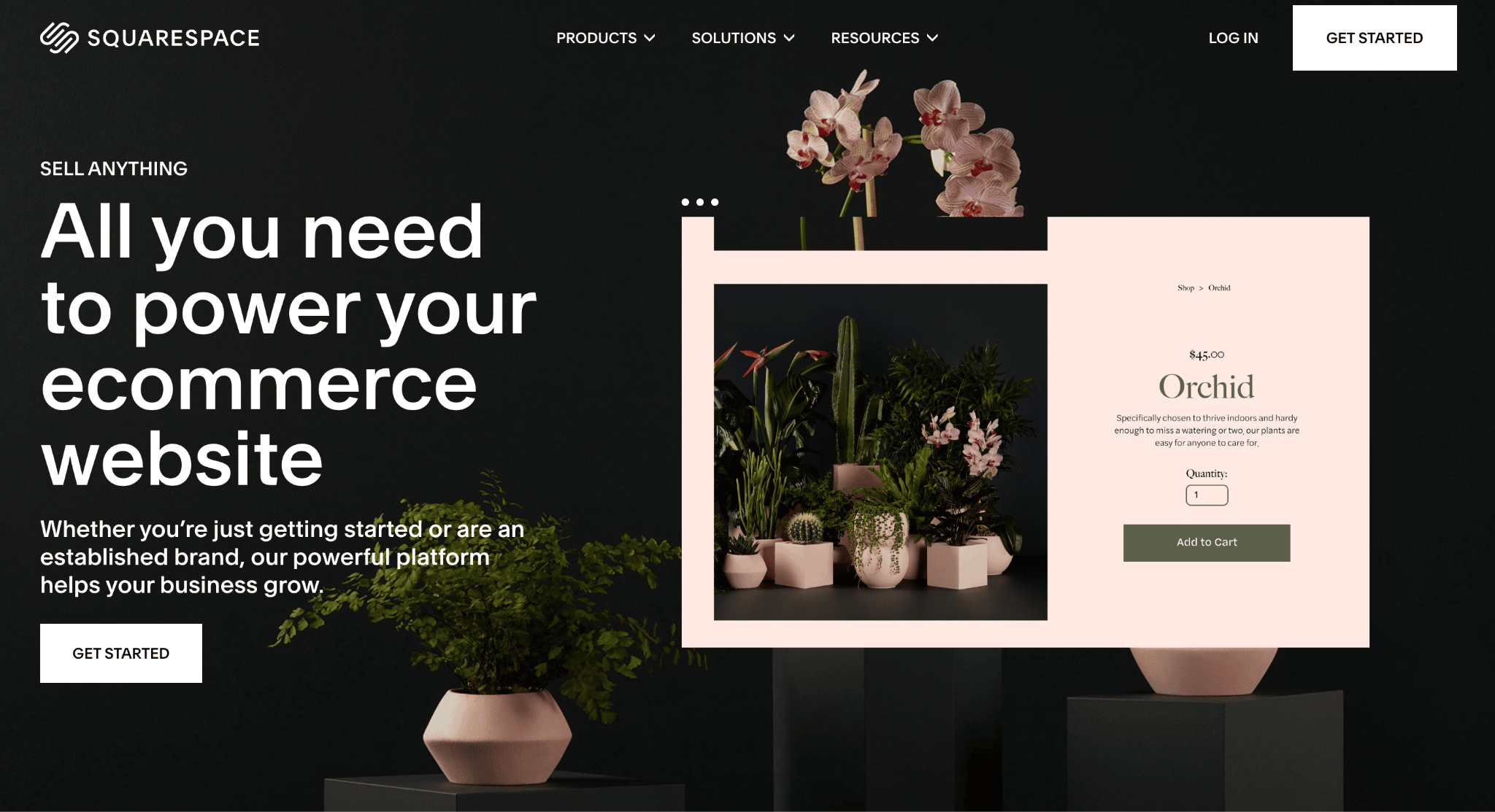
Squarespace is a platform where the design quality of the default templates is a genuine competitive advantage, not just a marketing talking point. The templates are polished in ways that most WooCommerce themes simply aren’t without significant custom CSS work.
But Squarespace also has strong ideas about how a store should look and function, and going along with those ideas produces beautiful results. Fighting against them produces frustration.
There’s no plugin ecosystem to extend functionality, and payment processing is limited primarily to Squarespace Payments and PayPal. If you need advanced product filtering, complex variant configurations, or integration with a specific service, Squarespace will frustrate you.
What it does well, it does very well. Physical products, digital downloads, subscriptions, gift cards, appointment booking, and member areas all work smoothly. Abandoned cart recovery is now included on all plans.
The platform falls short once you push beyond a few hundred products or start processing high order volumes.
Squarespace Commerce pros:
- Templates are in a league of their own for visual polish, making any store look premium without custom design work.
- The Core plan combines 0% transaction fees, unlimited products, and advanced analytics at a price that undercuts most competitors.
- All-in-one subscription covers hosting, SSL, domain (first year), and analytics.
Squarespace Commerce cons:
- No plugin ecosystem means you can’t extend the platform the way you can with WooCommerce.
- Scaling beyond a few hundred products exposes performance ceilings that dedicated ecommerce platforms handle better.
- The Basic plan’s 2% transaction fee and 7% digital product fee make it impractical for serious selling.
Pricing:
The Core plan at $23/month is where most stores should start, with 0% transaction fees on physical products. Higher tiers lower processing fees and remove digital product surcharges. Abandoned cart recovery is available on all plans, including Basic.
7. Ecwid
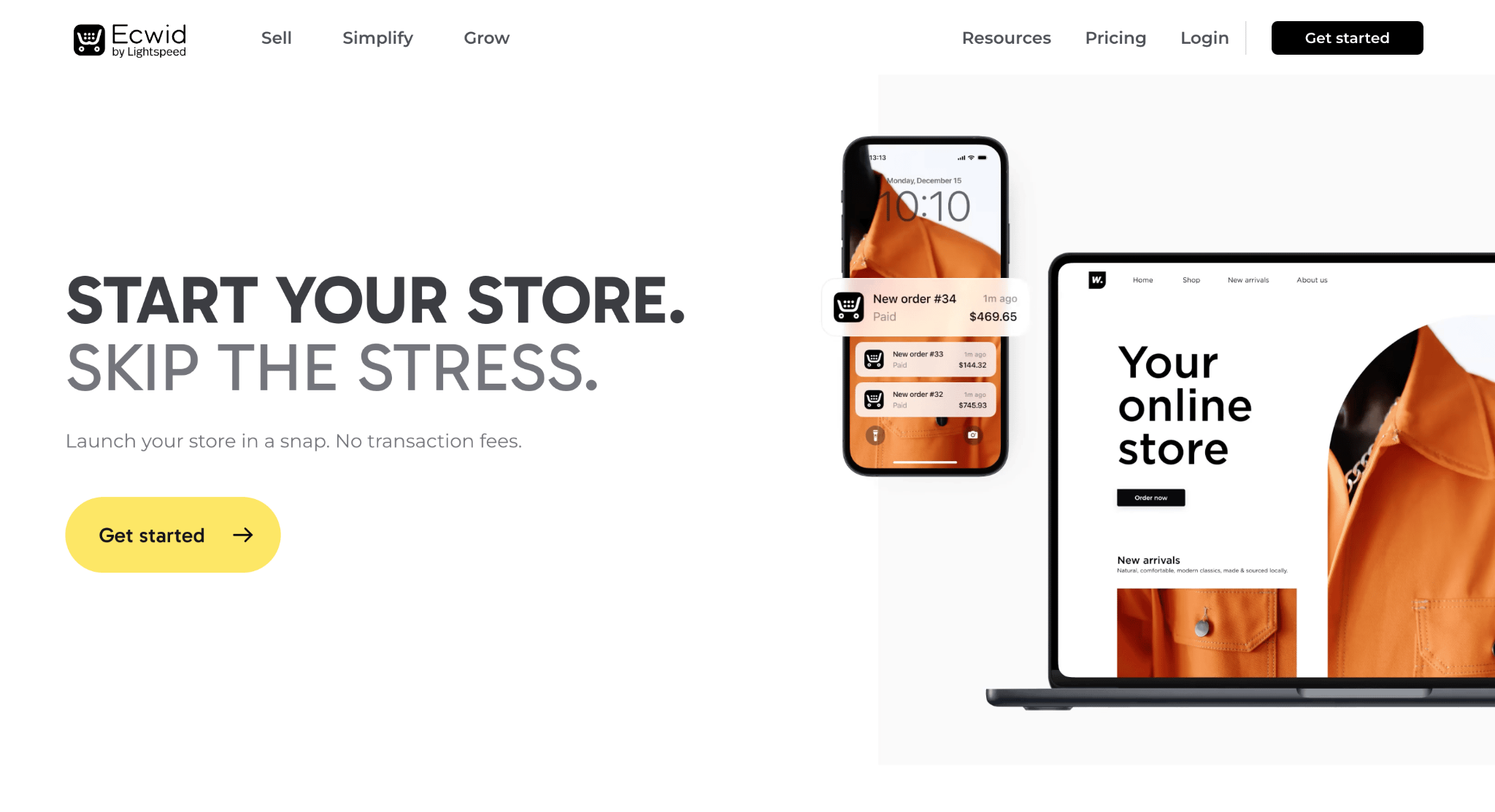
Every other platform on this list assumes you’re building a store from scratch or replacing what you already have. Ecwid is the only one that says: keep your current website, and just add a store to it.
It embeds a fully functional shop into any site built on WordPress, Wix, Squarespace, Joomla, or even a static HTML page. A restaurant adding online ordering to their existing site, a blogger selling merch without overhauling their blog, a brick-and-mortar shop adding ecommerce to their current website: these are Ecwid’s ideal scenarios.
That’s a fundamentally different value proposition than WooCommerce, which requires WordPress and becomes the center of your site. Ecwid works alongside whatever you’re already using, and the Facebook and Instagram shop syncing works better than most dedicated social commerce apps.
The problem shows up once your ambitions grow beyond “I want to sell some stuff on my existing site.” Ecwid is a widget, not a full CMS. Essential features like product variants, advanced filtering, and detailed product pages are locked behind higher-tier plans.
Ecwid pros:
- The only platform that adds ecommerce to an existing website without requiring a platform change or rebuild.
- Lets you sell across more channels than most competitors, including social media (Facebook, Instagram, TikTok, Pinterest, Snapchat), marketplaces, and in-person.
Ecwid cons:
- Essential features are paywalled behind mid-tier plans, making the entry-level experience limited.
- The app market is a fraction of WooCommerce’s library.
Pricing:
Paid plans start at $5/month (up to 10 products) and go up to $119/month. No setup or transaction fees on any plan. Ecwid makes sense when you need ecommerce on something that already exists. If you’re building from scratch, other platforms give you more for your money.
8. PrestaShop
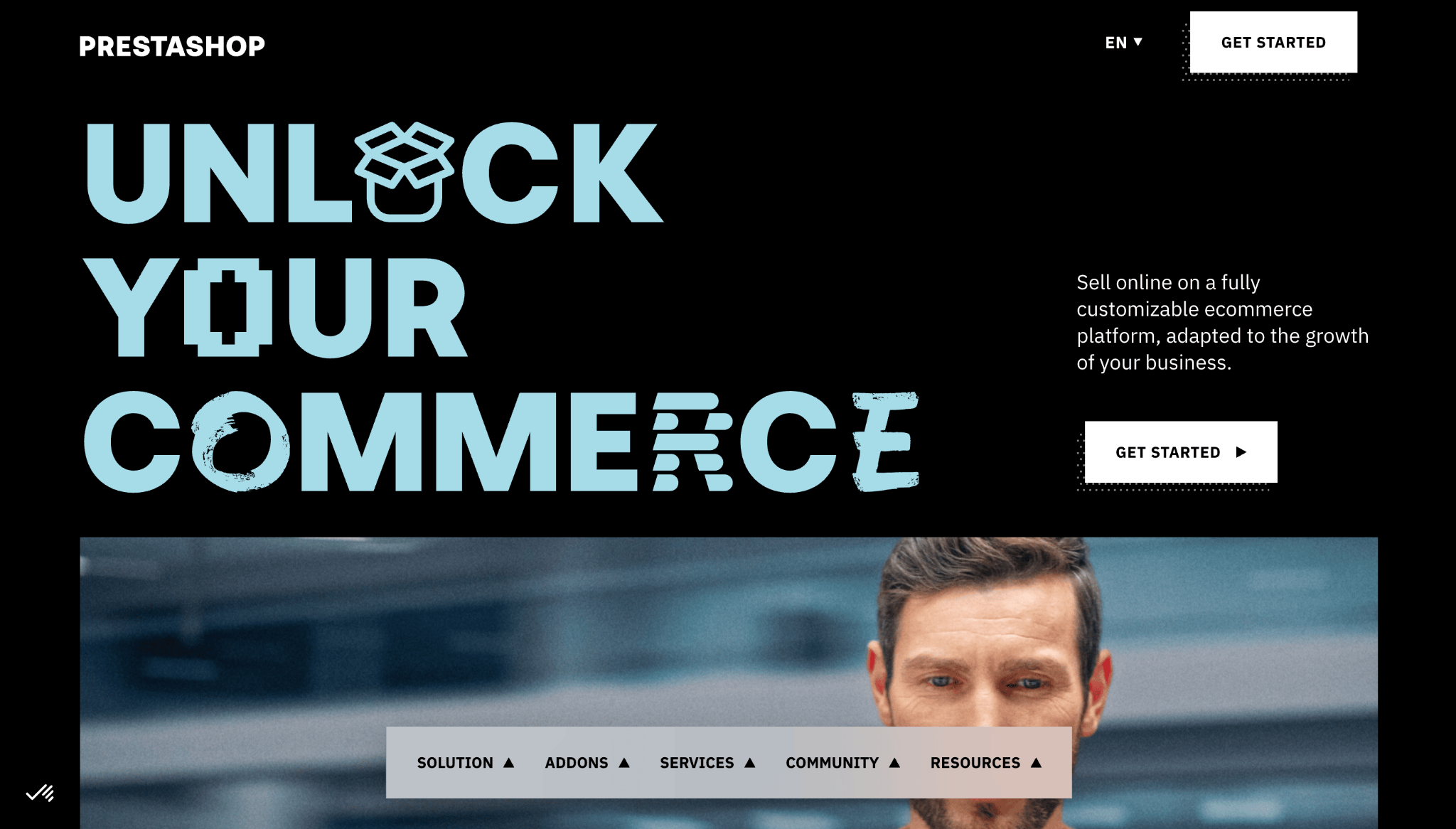
PrestaShop is the WooCommerce alternative that North American store owners almost never consider, and European merchants rarely leave. That geographic divide exists for a reason: PrestaShop was built from the ground up for cross-border European commerce.
Multilingual storefronts, multi-currency pricing, EU VAT compliance, and region-specific payment methods aren’t add-ons here. They’re core features that work out of the box.
When comparing WooCommerce vs PrestaShop, the meaningful difference is that PrestaShop is a dedicated ecommerce system, while WooCommerce is a plugin on top of a content management system. If your store doesn’t need WordPress’s content capabilities, running PrestaShop eliminates an entire layer of complexity.
The module marketplace has over 3,700 add-ons, and the platform ships with hundreds of built-in features. The developer community is large in France, Spain, and Italy, but thinner in English-speaking markets.
PrestaShop pros:
- Great multilingual and multi-currency framework purpose-built for cross-border European selling.
- Free and open-source with more ecommerce features out of the box than WooCommerce’s free plugin.
PrestaShop cons:
- Premium modules typically cost €50–€300 (about $55–$340) each, and you’ll need several to match BigCommerce’s included functionality.
- Developer community is strong in southern Europe but thinner in English-speaking markets.
Pricing:
The core software is free. Hosting runs $5–$50/month, themes typically cost about $55 or more, and modules range from free to several hundred euros. Total first-year costs for a basic store typically land between $500 and $2,000.
9. OpenCart
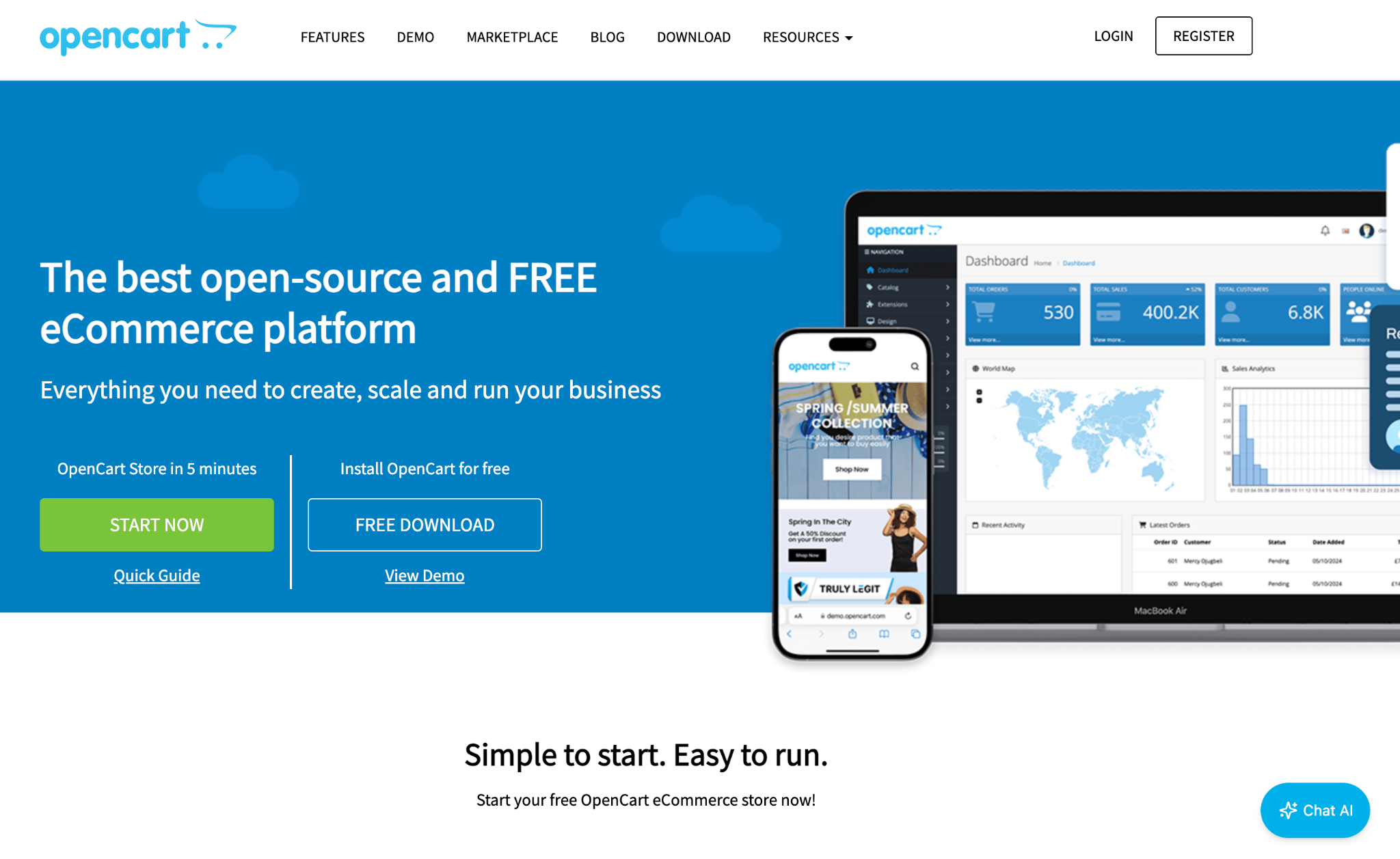
OpenCart is the quiet option for merchants who want self-hosted simplicity without the WordPress ecosystem attached. It’s lightweight, straightforward to install, and doesn’t demand much from your server.
OpenCart does what it does competently, but “what it does” hasn’t expanded much. The platform hasn’t evolved at the same pace as its competitors. Themes feel dated, the extension marketplace is smaller and less maintained than WooCommerce’s, and modern features like AI-powered recommendations or advanced personalization are largely absent.
That said, for a straightforward store with standard product types and conventional payment processing, OpenCart works and costs very little. It’s the Honda Civic of ecommerce platforms: not exciting, but reliable and cheap to maintain.
The admin panel is refreshingly clean, server requirements are modest, and it includes basic multi-store support, which is unusual for something this simple.
OpenCart pros:
- Dead simple installation and clean admin panel that doesn’t overwhelm with unused options.
- Runs smoothly on budget hosting, making it one of the cheapest self-hosted options to operate.
OpenCart cons:
- The ecosystem feels stagnant with fewer extensions, fewer active developers, and less community support than WooCommerce.
- If you need modern ecommerce capabilities (personalization, advanced analytics, marketing automation), you’ll hit walls quickly.
Pricing:
Free core software. Third-party hosting costs $5–$50/month, with themes typically $30–$100 and extensions varying similarly. If your requirements are genuinely simple and will stay that way, that’s great value. If you anticipate growing, starting on a more future-proof platform saves a migration headache later.
10. Big Cartel

Big Cartel exists for one specific audience: independent artists, makers, and creators selling a small number of products.
If you’re a painter selling prints, a band selling merch, or a ceramicist selling handmade pieces, Big Cartel’s laser focus on simplicity is its greatest asset. There’s no bloat, no overwhelming dashboards, and no features you’ll never touch.
This is the anti-WooCommerce. Where WooCommerce lets you build anything with enough plugins and patience, Big Cartel intentionally limits what you can do so that what remains is effortless.
There’s no app store, no plugins, about 18 templates (though most require a paid plan), simple product listings, and a checkout that works. The learning curve is essentially zero, and the clean templates genuinely look better than what most non-designers would produce on a more complex platform.
Big Cartel is perfect if you sell fewer than 50 products and your needs will stay simple. The moment you need meaningful analytics, complex shipping, or more than 500 listings, you’ve outgrown it.
Big Cartel pros:
- Zero learning curve and a genuinely useful free tier (5 products, no monthly fee, no platform transaction fees).
- Purpose-built for artists and makers, with no unnecessary complexity cluttering the experience.
Big Cartel cons:
- Hard product limits on every plan with no way around them.
- No app store, no plugin ecosystem, and extremely basic analytics, SEO, and marketing tools.
Pricing:
There’s a free plan for up to 5 products, with paid plans ranging from $15/month to $30/month depending on how many products you need. Paid plans unlock discount codes, inventory tracking, custom domains, and abandoned cart recovery. No platform transaction fees.
Factors to consider when choosing a WooCommerce alternative
The biggest mistake people make when switching from WooCommerce is choosing a new platform based on what frustrated them about the old one, without thinking about what they actually need going forward. Here’s a more useful framework.
Start with your technical reality, not your aspirations. If you’re not a developer, self-hosted platforms (Magento, PrestaShop, OpenCart) will eventually create the same frustrations you had with WooCommerce. A hosted platform like Hostinger Website Builder removes that burden entirely.
Match the platform to your catalog complexity. Big Cartel and Ecwid work beautifully for tiny catalogs. Shopify and BigCommerce handle mid-range complexity well. Magento is where you go when your product logic is too complex for anyone else. Squarespace and Hostinger Website Builder sit in the sweet spot for small to medium stores where visual presentation matters as much as the catalog.
Think about where you’ll be in two years. Migrating ecommerce platforms is painful. BigCommerce’s forced upgrades and Big Cartel’s product limits are fine if you’ll stay within the boundaries, but they become expensive problems if you don’t.
Compare total cost, not sticker price. A platform that costs $0/month but requires $5,000 in developer setup or third-party add-ons isn’t cheaper than one that charges $39/month and works out of the box. Add up subscription, hosting, themes, extensions, transaction fees, and developer costs at your actual or projected sales volume.
Understanding pricing models in ecommerce platforms
Ecommerce platform pricing is where most new store owners get tripped up, because the number on the pricing page is almost never the number you’ll actually pay.
Understanding the models helps you avoid sticker shock, since ecommerce website costs extend well beyond a subscription fee.
Subscription-based platforms (Shopify, BigCommerce, Wix, Squarespace) charge a flat monthly fee covering hosting, security, and platform access. This feels predictable until you start adding paid apps. A Shopify store with five or six essential apps easily adds $100–$200/month on top of the subscription.
Bundled builder platforms like Hostinger Website Builder take a different approach by rolling hosting, the builder, security, a domain, and ecommerce tools into one price with no add-on marketplace to tempt you. What you see on the pricing page is genuinely what you pay, which makes it the most value-packed model for stores that don’t need extensive third-party integrations.
Open-source models (WooCommerce, Magento, PrestaShop, OpenCart) offer free software, but hosting, themes, extensions, and developer time are on you. A simple store might run $20/month. A complex one can easily hit $500–$1,000/month.
Freemium models (Ecwid, Big Cartel) let you start for free and pay as you grow. The risk is that free tiers are too limited for real business use, and the price jumps between tiers can feel steep.
Before you commit, estimate your monthly costs at three revenue levels: your current volume, double that, and five times that. A platform that’s cheapest at $5,000/month in sales might be the most expensive at $50,000/month.
Write those numbers down, compare them side by side, and let the math make the decision for you.
All of the tutorial content on this website is subject to Hostinger's rigorous editorial standards and values.

Simon is a dynamic Content Writer who loves helping people transform their creative ideas into thriving businesses. With extensive marketing experience, he constantly strives to connect the right message with the right audience. In his spare time, Simon enjoys long runs, nurturing his chilli plants, and hiking through forests. Follow him on LinkedIn.

Marco Chiesi is the Head of WordPress at Hostinger, with over 20 years of experience as a software engineer in the web industry. He specializes in open-source technologies and the WordPress ecosystem, where he has contributed in different areas: Plugin Developer (with over 10 million downloads), WordCamp speaker and organizer, Meetup organizer, Translator, and Core Contributor. He is passionate about leading his team to create innovative solutions for Hostinger's web hosting product, which hosts over 5 million WordPress installations. Follow him on LinkedIn.