The 15 best dropshipping website builder options for 2026
Jul 10, 2026
/
Ariffud M.
/
21 min Read
A dropshipping website builder is a platform that lets you create an online store, list products from third-party suppliers, and process customer orders without holding inventory.
Choosing the right one affects how quickly you launch, how efficiently you manage supplier relationships, and how well your checkout converts visitors into customers.
Some dropshipping website builders offer hands-off automation with built-in supplier catalogs and one-click order forwarding to fulfillment partners. Others provide full code-level control over your store’s design and hosting, offering more flexibility at the cost of convenience.
Pricing ranges from free, open-source software, where you arrange your own hosting, to bundled SaaS subscriptions that include hosting, payment processing, and marketing tools for a single monthly fee.
The differences between dropshipping builders go beyond pricing. They also include app ecosystem size, supplier integrations, checkout performance, and customization options.
Here are the 15 dropshipping website builders covered in this list:
- Hostinger Website Builder. Suits budget-conscious sellers who want AI-powered store generation, support for up to 1,000 products, and zero transaction fees.
- GetResponse Website Builder. A good fit for sellers who want email automation, webinars, and a storefront in one dashboard.
- Square Online. Suits sellers who want a free online store with built-in point-of-sale (POS) integration for online and in-person sales.
- Squarespace. A strong choice if visual design and product photography are top priorities for your brand.
- Network Solutions (formerly Web.com). Suitable for first-time store owners who want AI-guided setup with bundled domain registration and hosting.
- Sell The Trend. Built for dropshippers who want AI-powered product research, ad spy tools, and a store builder in one subscription.
- Wix. Ideal for sellers who want a flexible visual editor with built-in supplier catalogs through Modalyst.
- Shopify. A popular choice for serious dropshippers who want a large app ecosystem, multi-channel selling, and Agentic Storefronts.
- AliDropship. Designed for WordPress users building an AliExpress-powered store with automated pricing and order fulfillment.
- PrestaShop. Fits technically skilled sellers who want free, open-source ecommerce with full code access.
- Shift4Shop. Worth considering if you want enterprise-level ecommerce features, including unlimited products, real-time shipping, and Kount fraud protection.
- WooCommerce. A strong option for WordPress users who want open-source ecommerce backed by thousands of plugins and extensions.
- Ecwid. Works well for sellers who want to add online checkout to an existing website or blog without rebuilding it.
- BigCommerce. Suits growing stores that need multi-channel selling and no platform transaction fees on supported payment gateways.
- Magento (Adobe Commerce). Built for large-scale businesses with in-house developers who need extensive customization.
1. Hostinger Website Builder
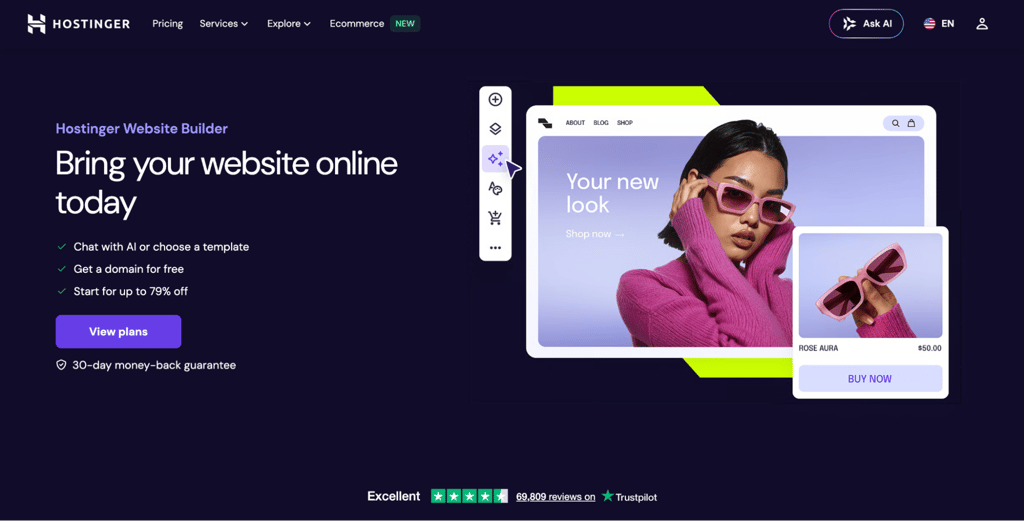
Hostinger Website Builder combines AI-powered store generation with some of the lowest ecommerce pricing available. Describe your business in a prompt, and the AI creates a full storefront with product pages, images, and starter copy in under a minute.
The platform supports up to 1,000 products on the Business plan, with zero transaction fees on every sale. Built-in SEO tools, Google Ads integration, and 24/7 support complete the package.
For dropshipping, Hostinger Website Builder works well for manual product management and smaller catalogs. However, it doesn’t have an app marketplace for connecting automated supplier tools like DSers or Spocket, so you’ll need to forward orders to suppliers manually.
Hostinger Website Builder pros
- Zero transaction fees on all plans. You keep your full margin on every sale. At $10,000/month in revenue, that saves you $200 to $500/month compared to platforms that charge 2% to 5% per transaction.
- 300+ designer-made templates. Templates cover a wide range of store types, so you can start with a layout built for your niche instead of a blank page. Each template is mobile-responsive, so your store adapts seamlessly to any screen size.
- 100+ payment methods with global coverage. Customers can pay with PayPal, Stripe, major credit cards, and region-specific options, regardless of their location.
- Built-in SEO and marketing tools. An AI SEO assistant, heatmap tool, Google Analytics integration, and email marketing through Hostinger Reach help drive traffic without extra third-party subscriptions.
Hostinger Website Builder cons
- No app marketplace for dropshipping suppliers. Connecting to fulfillment providers like AliExpress or CJDropshipping requires manual order handling.
- 1,000-product ceiling. Stores with very large catalogs will outgrow this limit. If you plan to list thousands of SKUs, choose a platform with unlimited product support.
- Steep renewal pricing. The rate increases to $16.99/month after your initial term ends. Consider budgeting for the renewal rate from the start so the jump doesn’t catch you off guard.
Hostinger Website Builder pricing
The Business plan, which is required for ecommerce, starts at RM16.99/month on a 48-month cycle. It includes hosting, a free domain for the first year, SSL, and zero transaction fees.
There’s a 30-day money-back guarantee, which gives you enough time to set up your store, list your first products, and test the editor before committing long-term.
2. GetResponse Website Builder
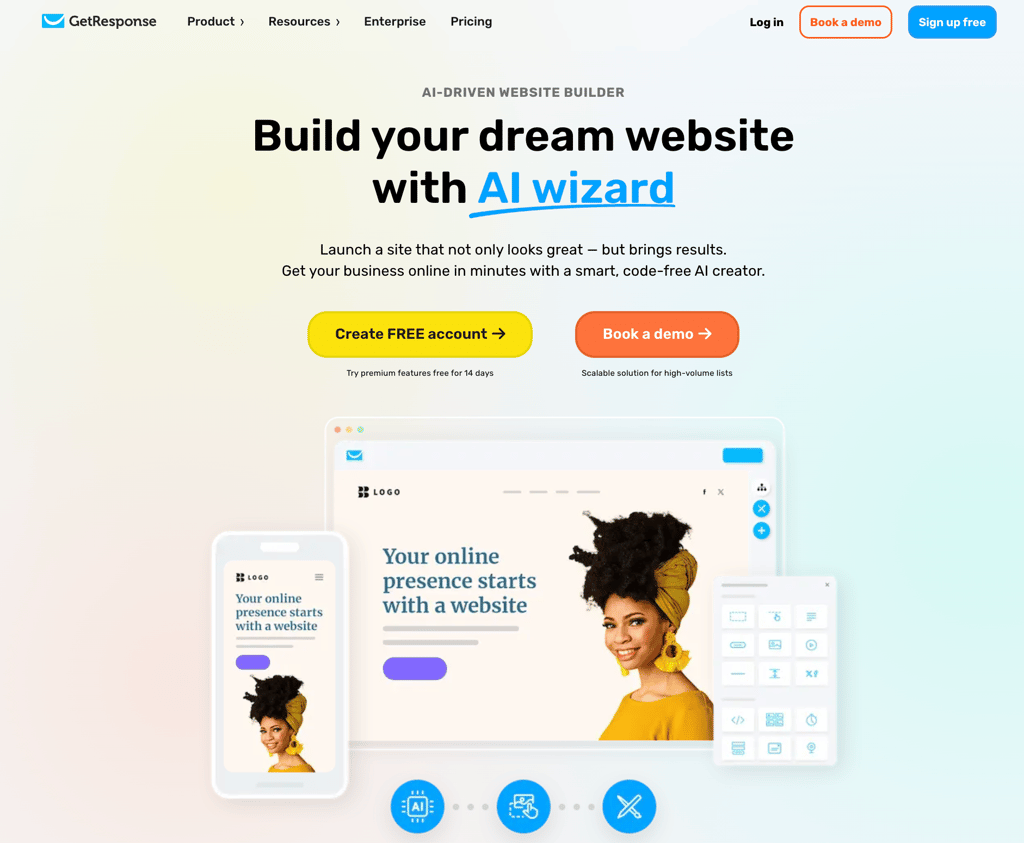
GetResponse started as an email marketing platform, and that background shows. The website builder comes with the Creator plan, alongside email campaigns, landing pages, webinars, courses, and marketing automation workflows.
The AI wizard asks a few questions about your business needs and visual preferences, then generates three personalized website drafts to choose from.
For dropshipping, the main value is the integrated marketing stack. Instead of paying separately for email automation and landing page tools, you get them in one subscription.
GetResponse pros
- One subscription replaces multiple tools. A single GetResponse account can cover tools you’d otherwise need separate Mailchimp, Klaviyo, and Unbounce subscriptions for. This setup saves money and reduces the friction of managing logins across platforms.
- 100+ customizable templates with ready-made industry solutions. Templates cover various industries out of the box, which saves setup time. Native popups, forms, and web push notifications help capture leads from day one.
- Free hosting and built-in SEO tools. GetResponse hosts your website at no extra cost, whether you use a free subdomain or connect a domain you already own. Built-in metadata editing helps your pages appear in search results.
GetResponse cons
- Website builder requires the Creator plan. The Starter and Marketer plans don’t include it. Only Creator and Enterprise unlock the builder, making it one of the more expensive options on this list for store-only sellers.
- Limited ecommerce depth. GetResponse is a marketing platform with a website builder attached, not a dedicated ecommerce solution. Product management, checkout customization, and supplier integrations are basic compared to Shopify, Wix, or BigCommerce.
- Interface built around marketing workflows. The dashboard prioritizes email campaigns, automations, and landing pages. Sellers who only need a storefront may find the layout overwhelming.
GetResponse pricing
The Creator plan, at $56.58/month for 1,000 contacts when billed annually, unlocks the website builder, webinars, courses, and premium newsletter subscriptions. Pricing scales with your contact list size.
There’s a 14-day free trial that gives you access to all features, including the website builder. After the trial, a free account lets you publish one landing page, not a full website, and send unlimited newsletters with basic features.
3. Square Online
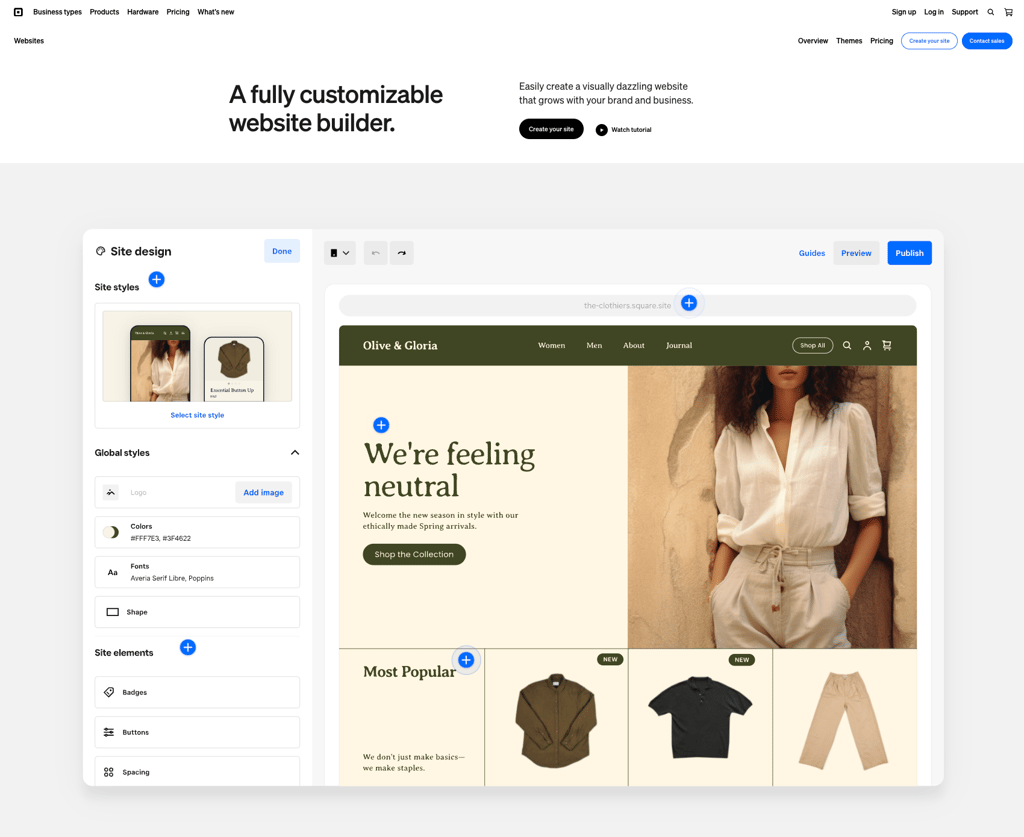
Square Online is Square’s ecommerce website builder. It’s part of the unified Square platform, alongside POS, payments, invoicing, and marketing.
Square actively developed it as the successor to Weebly, which it acquired in 2018 and has since discontinued.
The platform syncs with Square’s point-of-sale system. Square uses three unified pricing tiers across its products: Free, Plus, and Premium.
Square Online pros
- Free plan with no monthly fees. You can list products, accept payments, and run a basic online store for $0/month, paying only processing fees per transaction. Pickup, local delivery, and shipping with discounted label printing are included even on the free tier.
- Online and in-store sales in one system. Managing both channels from one system eliminates double data entry. Changes to pricing, inventory, or product details update everywhere automatically.
- Wix integration for AI-powered store setup. Square now connects with Wix’s AI onboarding to generate a storefront linked to your Square catalog, combining Wix’s design tools with Square’s payment and fulfillment infrastructure.
Square Online cons
- Free plan is very limited for branding. You get a Square subdomain and a basic editor. Custom domains, expanded layouts, dynamic banners, customizable buttons, and mega menus all require Plus.
- Large feature gap between Free and Plus. Abandoned cart emails, product reviews, loyalty rewards, and email marketing are locked behind the $49/month tier, with nothing in between. Real-time shipping rates require Premium at $149/month.
- No dropshipping supplier integrations. Square doesn’t connect to third-party supplier catalogs or automate order forwarding to fulfillment partners. You handle supplier orders manually.
Square Online pricing
The Free plan charges 3.3% + 30¢ per online transaction with no monthly fee. Plus costs $49/month per location, drops the online rate to 2.9% + 30¢, and unlocks abandoned cart emails, product reviews, loyalty, email marketing, expanded site customization, and a custom domain.
Premium costs $149/month per location and adds real-time shipping rates, 24/7 phone support, and no gift card load fees. Free 30-day trials are available for both Plus and Premium.
4. Squarespace
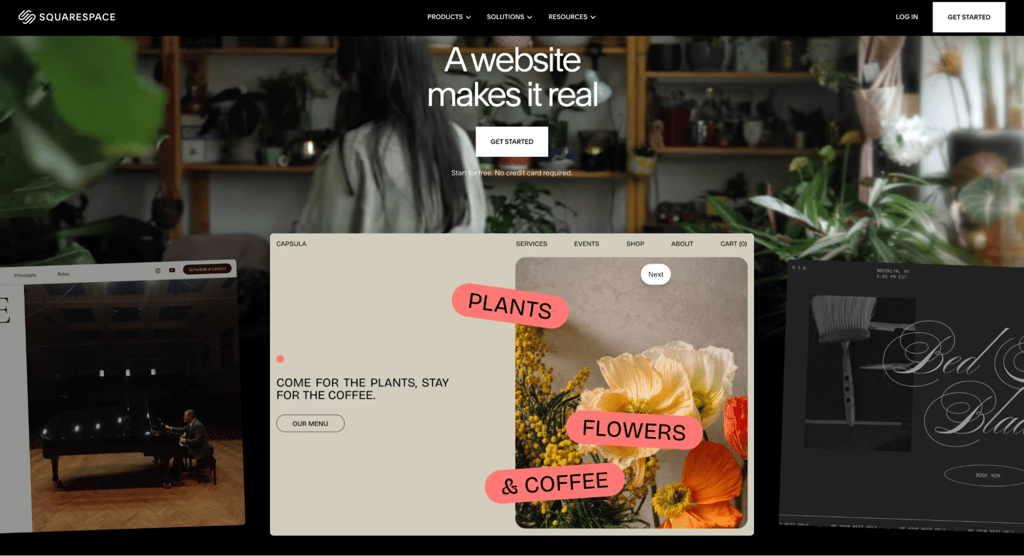
Squarespace offers some of the best-looking ecommerce templates on the market. Its drag-and-drop editor keeps designs consistent without requiring CSS knowledge.
Blueprint AI Builder lets you answer a few questions and generate a personalized dropshipping site draft. TIME named it one of the Best Inventions of 2025. Design Intelligence, Squarespace’s AI creative partner, generates images, layouts, and copy tailored to your brand.
The platform uses four plan tiers: Basic, Core, Plus, and Advanced. All plans support unlimited products, with transaction fees and feature depth scaling by tier.
Squarespace pros
- Hundreds of mobile-responsive templates. The visual quality consistently stands out in side-by-side comparisons. Each template works as a fully customizable starting point, not a rigid structure.
- Unlimited products even on the cheapest plan. The $16/month Basic tier has no product caps, so your catalog can grow without forced upgrades.
- Shipping, tax, and payment tools built in. USPS label printing, automated sales tax calculation, real-time tracking, and local pickup are included. The platform integrates with Stripe, PayPal, Apple Pay, Afterpay, and Klarna.
Squarespace cons
- No automated dropshipping supplier connections. Forwarding orders to third-party suppliers requires manual processes or third-party extensions. The extension ecosystem is smaller than Shopify’s or Wix’s app markets.
- Transaction fees on lower tiers. Basic charges 2% on online store sales and 7% on digital content. Core removes the store fee but still charges 5% on digital content. Only Advanced reaches 0% across the board.
- Customization ceiling for complex stores. The editor handles standard store layouts well, but sellers who need highly custom product pages or unique checkout flows may hit design limits faster than they would on Wix or WooCommerce.
Squarespace pricing
Squarespace’s plans range from $16/month for Basic to $99/month for Advanced on annual billing, with Core at $23/month and Plus at $39/month. Core is the recommended starting point for dropshipping.
Annual plans include a free custom domain for the first year, and all tiers offer a 14-day free trial.
5. Network Solutions (formerly Web.com)
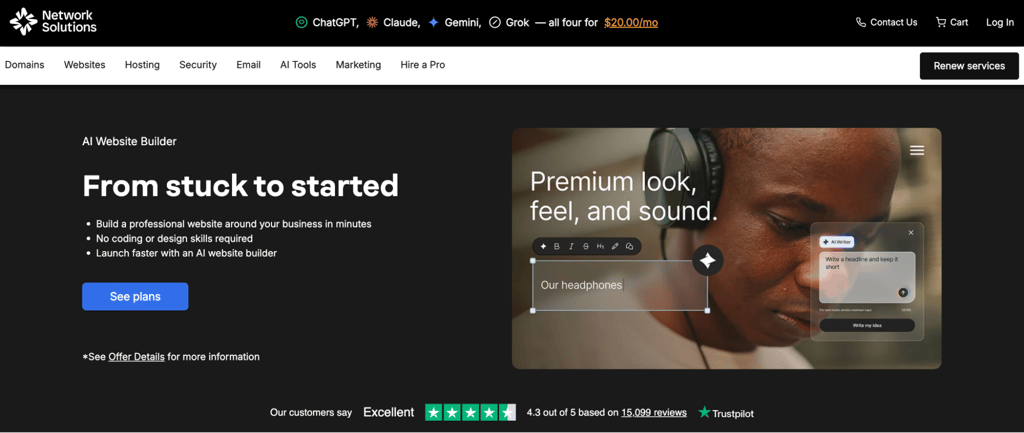
Web.com merged into Network Solutions in 2025, combining Web.com’s AI website technology with Network Solutions’ 40+ years in domain registration and hosting. The merged platform now operates under the Network Solutions brand.
The AI-powered setup asks about your business, goals, and style preferences. Then, it generates a complete website draft with pages, layout, and starter content. You can customize the result with a drag-and-drop editor and publish when you’re ready.
For dropshipping, the eCommerce plan, at $13.99/month, is the only tier that supports product sales. The lower Website and Website + Marketing plans cover business sites and appointments but don’t include checkout or inventory features.
Network Solutions pros
- Multichannel selling on the eCommerce plan. Sell on Facebook, Instagram, Amazon, and eBay alongside your website. You can manage inventory and orders from one dashboard.
- Domain, hosting, and expert support bundled. All plans include the AI website builder, a free domain with domain privacy for the first year, and one hour of expert design support to help you get started.
- Built-in email marketing and social media scheduling. The eCommerce plan includes email marketing and social media scheduling tools, so you can promote your products without paying for third-party marketing subscriptions.
Network Solutions cons
- No dropshipping supplier connections. The platform doesn’t support automated order forwarding to fulfillment partners or product imports from supplier catalogs.
- Small template library. The platform leans heavily on AI generation instead of a browsable template gallery, which limits your options if you prefer to start from a specific layout.
- Confusing SSL terms. The pricing page advertises a one-month free SSL certificate, but the terms and conditions extend coverage to one annual term. Either way, SSL isn’t permanently included. Most competitors bundle it on all plans at no extra cost.
Network Solutions pricing
The eCommerce plan costs $13.99/month on a one-year term and includes secure checkout, multichannel selling, and inventory management.
Professional design services are available for businesses that prefer a hands-off build.
6. Sell The Trend
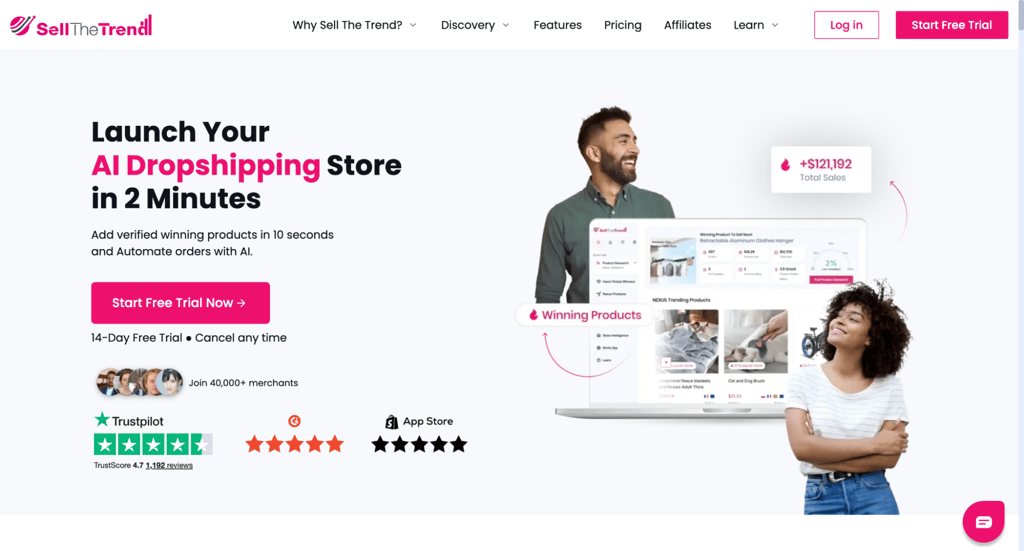
Sell The Trend helps you find products that may sell well before the market gets saturated. Its NEXUS AI scans order data, ad activity, and social signals across AliExpress, Amazon, Shopify stores, and TikTok to identify trending dropshipping products.
Ad spy and competitor analysis tools depend on your plan. Essential unlocks the Facebook Ads Finder and Store Intelligence, while Pro adds the TikTok Viral Ads Finder and advanced product filters.
Sell The Trend connects to Shopify, WooCommerce, Wix, eBay, Amazon, and TikTok Shop, with automated order fulfillment through AliExpress and CJDropshipping. It also offers its own store builder, SellShop, though most users connect it to an existing storefront for better design control.
Sell The Trend pros
- AI-powered product discovery. NEXUS surfaces items based on demand, competition level, and margin potential, reducing research time from hours to minutes.
- One-click import and automated fulfillment. Push products to your store in one action and automate order forwarding to suppliers. Import limits scale by plan: 25 on Lite, 500 on Essential, and 1,000 on Pro.
- Multi-platform selling. Manage your website, eBay, Amazon, and TikTok Shop listings from one dashboard with synchronized inventory and orders.
Sell The Trend cons
- Higher monthly cost than basic website builders. Plans start at $29.97/month, reflecting the bundled research and automation tools rather than store hosting alone.
- Research tools are heavily limited on Lite. Lite includes only 10 NEXUS searches per day, 25 product imports, and no access to ad spy tools or Store Intelligence. It works better as a trial-grade plan than a full toolset.
- SellShop store builder is basic. Most serious sellers connect Sell The Trend to an external Shopify or WooCommerce store for a stronger checkout experience and more design control.
Sell The Trend pricing
Sell The Trend’s Lite plan costs $29.97/month with basic NEXUS access and one connected store. Essential costs $49.97/month and adds the Facebook Ads Finder, Store Intelligence, SellShop, and up to 500 product imports.
Pro costs $99.97/month and unlocks the TikTok Viral Ads Finder, advanced filters, up to three connected stores, and 1,000 product imports. Yearly billing offers a 33% discount, and a 14-day free trial is also available.
7. Wix
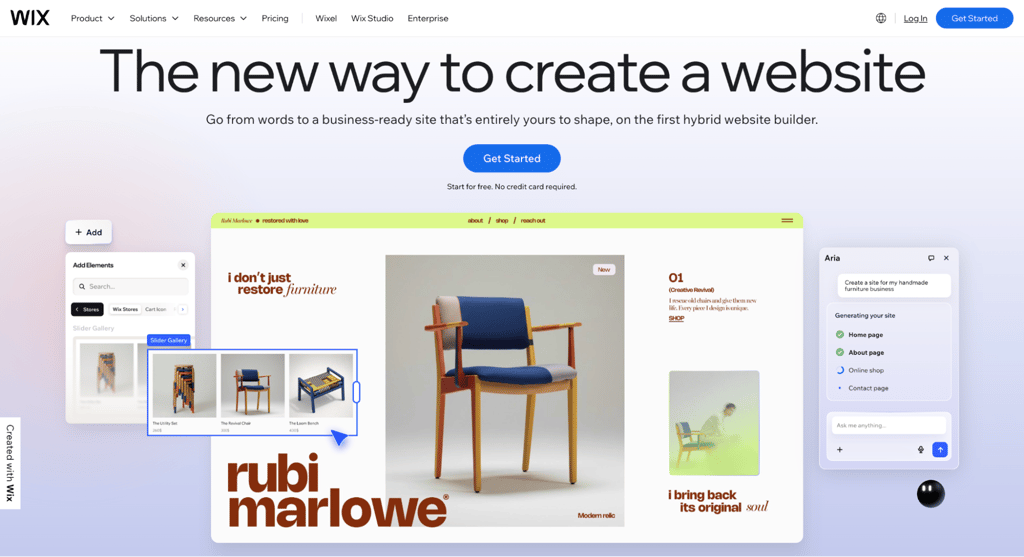
Wix gives you one of the most flexible visual editors among hosted website builders. Elements move freely on a fluid canvas with pixel-level precision, so you can place products, images, text, and CTAs anywhere on the page without a rigid template structure.
For dropshipping, Wix connects to supplier catalogs through Modalyst, which is now part of Wix. You can browse products from verified suppliers, check reviews, and import items directly into your store. Modalyst product limits vary by plan: 25 on Core, 250 on Business, and 50,000 on Business Elite.
Wix charges zero platform transaction fees on standard product sales across all ecommerce plans, with standard processing through Wix Payments.
The AI website builder lets you describe your business and generate a full site layout in minutes. Aria, the platform’s AI assistant, helps you refine designs, write content, and manage your site.
Wix pros
- Over 2,000 templates as starting points. Each template is fully customizable without locking you into a rigid structure. This library is the largest among hosted builders.
- Built-in dropshipping through Modalyst. You don’t need a third-party app or separate account. Supplier products appear directly in your Wix product catalog, with reviews visible before you import.
- Up to 50,000 products on all ecommerce plans. Core, Business, and Business Elite all support the same catalog size, so your product range can grow without forced upgrades.
Wix cons
- Ecommerce locked behind the Core plan. The free tier and Light plan at $17/month don’t support payments. You need Core at $29/month minimum to sell online.
- Limited Modalyst dropshipping cap on Core. Sellers who plan to list more than a handful of supplier products need at least the Business plan at $39/month, which raises the limit to 250.
- Third-party app costs add up. Many apps in the Wix App Market charge $3 to $20/month on their own. A store running five paid apps can add $50 to $100/month to your operating costs.
Wix pricing
Wix paid plans range from $17/month for Light, which doesn’t include ecommerce, to $159/month for Business Elite. Business, at $39/month, is the practical minimum for dropshipping because of the Modalyst cap on Core.
All paid plans include a free domain for the first year, and first-time upgrades qualify for a 14-day money-back guarantee. A free plan is available for testing but doesn’t support payments.
8. Shopify
Shopify is the largest dedicated ecommerce platform, with over 21,000 apps and themes designed specifically for selling.
For dropshipping, apps like DSers, the official AliExpress partner, Spocket, Zendrop, and AutoDS handle product imports, price syncing, and order fulfillment at scale.
As of 2026, every Shopify store can sell through Agentic Storefronts. This means AI shopping assistants like ChatGPT, Google, and Microsoft Copilot can surface your products and complete purchases for customers at no extra monthly cost.
The platform supports multi-channel selling across social media, marketplaces, and in-person locations. All plans include abandoned cart recovery, unlimited products, Shopify Collective for sourcing products from other Shopify brands, and a checkout that converts 15% better on average than competing platforms.
Shopify pros
- Largest dropshipping app ecosystem. No other platform matches the depth of available supplier integration apps. Product sourcing, price syncing, and automated order forwarding are all covered without custom development.
- Shopify Collective for brand-to-brand sourcing. Source products directly from other Shopify merchants and sell them without holding inventory. This gives you a native alternative to third-party supplier apps.
- Sidekick AI assistant with millions of tokens. Sidekick handles content generation, store management tasks, analytics insights, and operational recommendations from inside your admin panel.
- Checkout that converts 15% better on average. Shopify’s checkout outperforms competing platforms by 15% on average. For a dropshipping store processing 1,000 orders a month, that difference alone can mean dozens of extra sales without changing your traffic or ad spend.
Shopify cons
- Higher starting price. The Basic plan costs $29/month, roughly seven times the cost of Hostinger’s Business plan. The value can justify the price for growing stores, but it’s steep for testing a first product.
- Transaction fees on third-party gateways. If you skip Shopify Payments, you pay an additional 0.6% to 2% per sale on top of your payment processor’s rate.
- App subscription costs compound quickly. Many popular apps charge $10 to $100/month. A typical dropshipping store running DSers, a review app, and an email tool can add $50 to $150/month to the base plan cost.
Shopify pricing
Shopify’s annual billing plans start at $29/month for Basic, scaling to $79/month (Grow), $299/month (Advanced), and $2,300+/month (Plus). Monthly billing runs about 25% higher across all tiers.
The platform frequently runs a promotion that gives new stores three months at $1/month after a 3-day free trial. Using Shopify Payments eliminates platform transaction fees, while third-party gateways add 0.2% to 2% per transaction, depending on your plan.
9. AliDropship
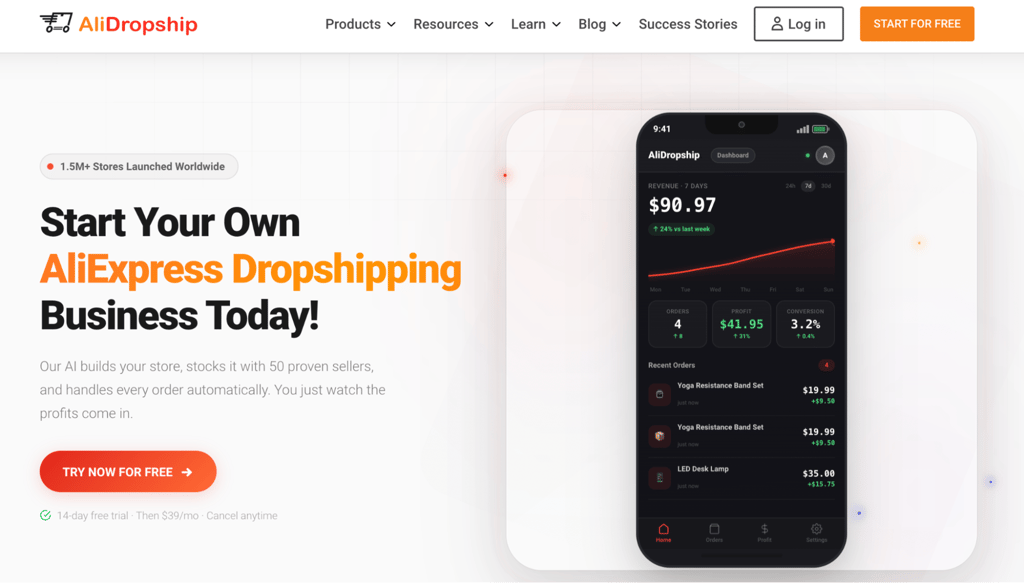
AliDropship focuses entirely on AliExpress-sourced dropshipping stores. Its AI builds your store, stocks it with 50 proven best-sellers, and automates order fulfillment. Every feature supports the AliExpress supplier model.
The platform offers two versions. The hosted option asks about your niche preferences, then AI generates a store with product listings, layout, and hosting included. A personal manager guides you through the setup.
The WordPress plugin installs on any self-hosted WordPress site and adds AliExpress product imports, bulk pricing automation, and order tracking. It costs a one-time fee of $89 and gives you full control over themes, plugins, and hosting.
AliDropship pros
- No product limits, sales caps, or extra fees. You can list tens of thousands of products and process unlimited orders without hitting a ceiling or paying overage charges.
- Two paths for different skill levels. The hosted option handles everything for you with AI and a personal manager. The WordPress plugin gives you full ownership of your store files, themes, and hosting environment.
- Bulk pricing automation. Set markup rules once, for example, cost × 2.5 for all products under $10, and AliDropship applies them across your entire catalog.
AliDropship cons
- Primarily AliExpress-sourced. The platform’s core fulfillment runs through AliExpress, where shipping times from Chinese suppliers typically take 7 to 20+ days. Sellvia integration adds US-based fulfillment with faster delivery for domestic orders, but the product selection is smaller.
- WordPress plugin requires technical maintenance. You handle hosting, WordPress updates, plugin compatibility, backups, and security yourself. Troubleshooting plugin conflicts can take hours.
- Hosted store design options are limited. You choose from pre-built niches and layouts instead of designing from scratch. Sellers who want full creative control should choose the WordPress plugin path instead.
AliDropship pricing
The hosted store includes a 14-day free trial, followed by a $39/month subscription that covers hosting, domain, and SSL. The WordPress plugin costs a one-time fee of $89, but you’ll need to buy a domain and hosting separately.
10. PrestaShop
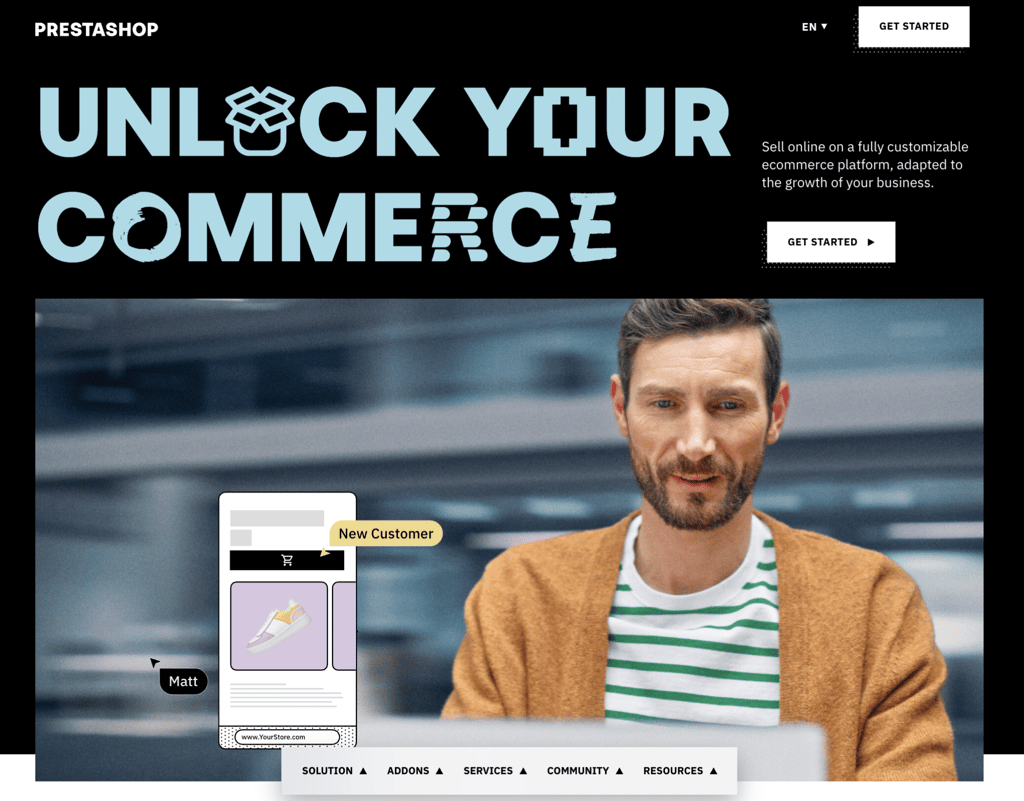
PrestaShop is a free, open-source ecommerce platform that gives you full access to the source code. You control every detail of your store, from checkout flow logic and product page markup to server configuration.
PrestaShop offers two setup methods. The Classic version is a free download that you install on your own server. The Hosted version, at $27.45/month when billed annually, includes hosting, store installation, a guided setup tour, and six-day support.
Branded essentials like PrestaShop Checkout (built with PayPal), PrestaShop Marketing for Google channels, and PrestaShop Social for Facebook and Instagram catalog sync come pre-integrated or are available as add-ons through the Addons marketplace.
PrestaShop pros
- Free and fully open-source on the Classic path. Your only required expenses are hosting, a domain, and any premium modules or themes you choose.
- Full code-level customization. You can modify checkout flows, create custom product page layouts, build unique shipping rules, and integrate with any third-party API. All versions support unlimited products.
- Hosted option removes the server setup barrier. Included hosting, installation, and guided onboarding make it accessible to non-technical sellers. A 14-day free trial lets you test the platform before committing.
PrestaShop cons
- Classic version requires developer skills. On some hosts, especially self-managed ones, you’re responsible for server setup, PHP configuration, database management, and ongoing security patching. The Hosted version reduces that workload but limits your control over the server environment.
- Premium modules carry real costs. Many useful add-ons in the Addons marketplace are paid. A store that uses several premium modules can spend hundreds of dollars before launch.
- Smaller English-language ecosystem. PrestaShop is strongest in France and Southern Europe. English-language documentation, community support, and agency availability are more limited than they are for WooCommerce or Shopify.
PrestaShop pricing
The Classic version of PrestaShop is a free download. You provide your own hosting, domain, and SSL.
Hostinger offers PrestaShop hosting with one-click setup, LiteSpeed caching, and a free domain starting at RM16.99/month. Plans include daily backups, unlimited SSL, and 24/7 support.
The Hosted version costs $27.45/month when billed annually or $33.17/month when billed monthly. It includes hosting, installation, support, and GDPR compliance tools. Premium themes and modules are priced separately through the Addons marketplace.
11. Shift4Shop
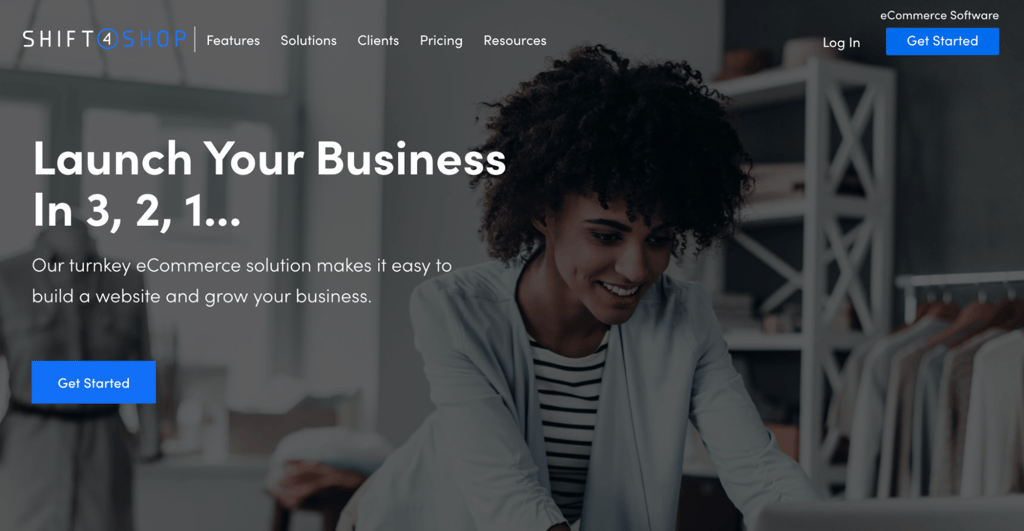
Shift4Shop, originally 3dcart, is a full-featured ecommerce platform built around a single $41/month plan. For that price, you get features that competing platforms often reserve for $229/month standard tiers or $2,000+/month enterprise plans.
It includes over 100 mobile-responsive themes, with new designs added regularly. The plan comes with unlimited products, unlimited staff users, unlimited bandwidth, and no revenue caps.
You also get abandoned cart recovery, a built-in blog, CRM, real-time shipping, and SEO tools, all included in the same plan.
Shift4Shop pros
- No revenue caps or product limits. Scale your sales volume, add unlimited staff, and list as many products as you want without forced plan upgrades or overage fees.
- AI-driven fraud protection by Kount. Industry-leading fraud detection comes built in. Most competing platforms either lack fraud protection or charge extra for it.
- Free SSL and domain with privacy included. SSL comes standard with no setup, and the first year of domain registration and domain privacy are included at no extra cost.
Shift4Shop cons
- No lower entry point for testing. At $41/month, there’s no cheaper plan to start with. Shopify offers a $1/month trial period, and Square Online has a free tier.
- Payment processing locked to PayPal integration. The platform uses PayPal as its integrated processor. Sellers who prefer Stripe or other gateways have fewer options.
- Smaller ecosystem than Shopify or Wix. The app store and theme selection, with 100+ themes, are functional but limited compared to Shopify’s 21,000+ apps or Wix’s 2,000+ templates.
Shift4Shop pricing
A single End-to-End plan costs $41/month with no add-on charges. It includes free SSL, a free domain with privacy for the first year, and 24/7 US-based support.
12. WooCommerce
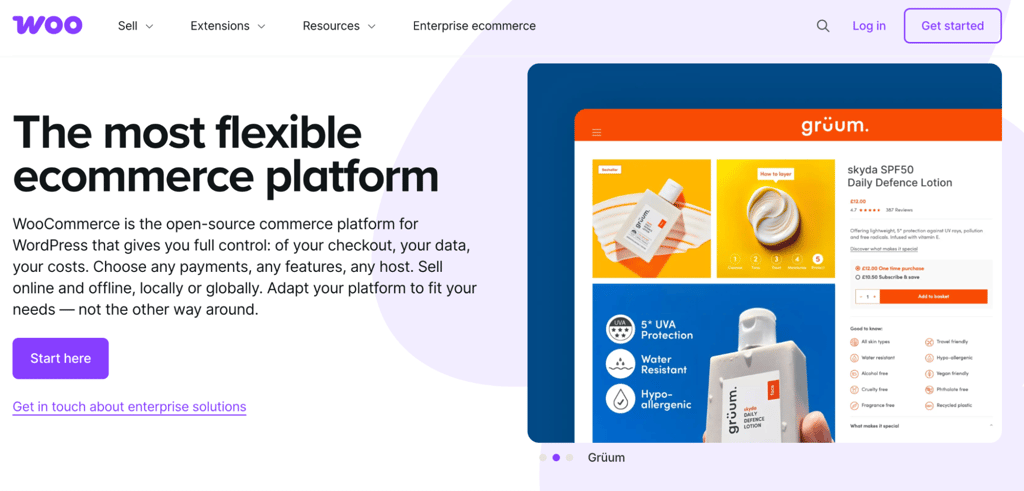
WooCommerce turns any WordPress site into an online store. The plugin is free and open-source, with over four million stores built on the platform, according to Store Leads reports.
For dropshipping, WooCommerce’s strength is its plugin ecosystem. AliDropship, DSers for WooCommerce, Spocket, and dozens of other plugins add automated product imports, order forwarding, and supplier management.
You can combine these with WordPress themes, page builders, and SEO plugins to build a store tailored to your workflow. The free core platform includes unlimited products, unlimited orders, and zero revenue share.
WooCommerce pros
- Full store ownership with no platform lock-in. You control your code, data, and hosting. You can migrate to any WordPress host at any time, and WooCommerce never takes a percentage of your sales.
- Any payment gateway without penalties. Use Stripe, PayPal, Square, WooPayments, or any other processor without extra transaction fees from WooCommerce. You can also run multiple gateways at once to improve checkout conversion.
- Hundreds of official extensions plus thousands of third-party plugins. The extension library covers nearly any feature you need, from subscriptions and memberships to advanced shipping and tax automation.
WooCommerce cons
- Requires WordPress management skills. Hosting, updates, security, backups, and plugin conflicts are your responsibility. A misconfigured plugin or missed update can break your checkout.
- Total costs stack up. WooCommerce itself is free, but hosting, extensions, and premium themes add up. Annual costs can reach $500 to $3,000+, depending on your needs.
- Store performance depends entirely on your host. A cheap shared host can slow page loads and hurt conversions. Managed WooCommerce hosting is the practical minimum for a real store.
WooCommerce pricing
The WooCommerce plugin is free. Hosting is the main cost, with WooCommerce’s own estimate at $25 to $350/month for most stores.
On Hostinger, Managed WooCommerce hosting starts at RM16.99/month. It includes one-click WooCommerce setup, a free domain, daily backups, and free store migration.
Official extensions cost $29 to $299/year per extension. WooPayments charges approximately 2.50% to 2.90% + 30¢ per transaction with no additional platform fee.
13. Ecwid
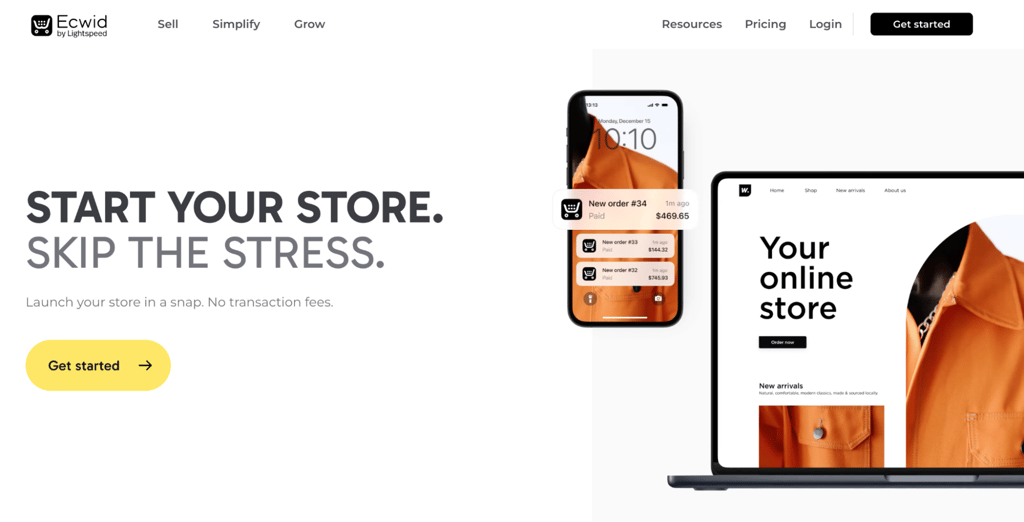
Ecwid, short for “ecommerce widget,” embeds a store into any existing website, whether it’s a WordPress blog, a Wix portfolio, or a Squarespace landing page. You don’t need to migrate platforms.
If you don’t have an existing site, Ecwid’s Instant Site builder lets you create a standalone storefront with 70+ templates. Lightspeed acquired Ecwid in 2021, expanding the platform’s POS and multi-channel capabilities.
Ecwid charges zero platform transaction fees on every tier. Selling on Facebook and Instagram starts with the Venture plan at $29/month, while marketplace selling on Amazon and eBay requires the Business plan at $49/month.
Ecwid pros
- Low-cost entry point. The Starter plan at $5/month gives you 10 products and basic store features, making it one of the cheapest ways to test whether dropshipping fits your business.
- Sell on multiple sites from one dashboard. Venture and higher plans let you embed your store on several websites at once, while managing all products and orders from a single account.
- Zero platform transaction fees on all tiers. You only pay your payment processor’s standard rate. Ecwid doesn’t take a cut of your sales on any plan.
Ecwid cons
- Weaker standalone SEO. Ecwid loads as an embedded widget, which means search engines may not index your product pages as effectively as they would with a native storefront. Stores that depend heavily on organic search traffic should consider a platform with full SEO control.
- Key features locked behind higher tiers. Product variations, product filters, and abandoned cart emails all require the Business plan. Marketplace selling on Amazon and eBay is also Business-only.
- Smaller app market than competitors. The extension library is limited compared to Shopify’s 21,000+ apps. Finding niche dropshipping or marketing tools can be difficult.
Ecwid pricing
When billed annually, Ecwid plans break down as follows: Starter at $5/month for 10 products, Venture at $29/month for 100 products, Business at $49/month for 2,500 products, and Unlimited at $119/month for unlimited products.
Although Starter is the cheapest plan, Business is the practical minimum for a proper dropshipping business since it adds product variations, marketplace selling, and abandoned cart recovery. Unlimited adds Lightspeed Retail POS integration and priority support.
14. BigCommerce
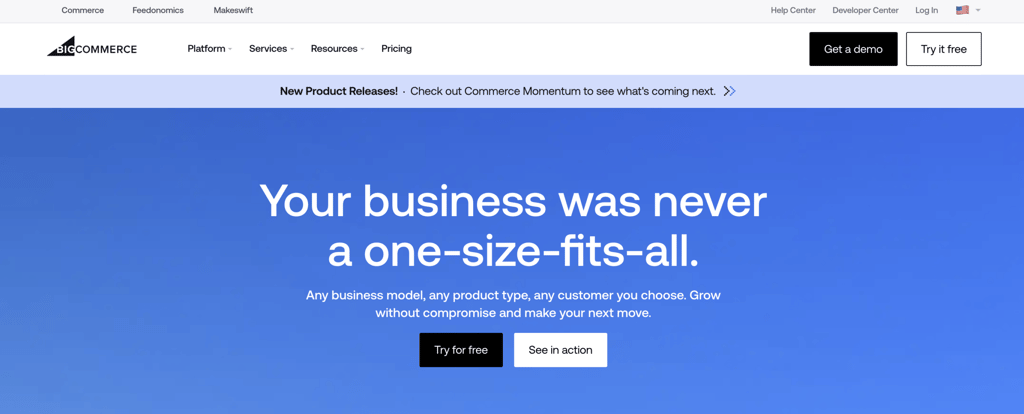
BigCommerce packs advanced ecommerce features into its base plans that competitors often reserve for higher tiers or paid add-ons. Product reviews, gift cards, unlimited staff accounts, real-time shipping quotes, and multi-channel selling come standard across all tiers.
The platform renamed its plans to Core, Growth, Scale, and Performance, effective June 1, 2026. GMV thresholds trigger automatic plan upgrades on Core and Growth, while Scale uses an overage model instead of forcing a tier jump.
For dropshipping, BigCommerce relies on its app ecosystem. Apps like Spocket, Inventory Source, and Modalyst connect to supplier catalogs and automate order forwarding.
The 1,200+ app library and zero fees on Embedded Payment Providers make it a strong foundation, though you’ll need third-party apps for the supplier side.
BigCommerce pros
- Feedonomics Surface free on all plans. Product feed management across Google, Meta, TikTok, Pinterest, and Microsoft for up to 100,000 SKUs is included at no extra cost. This automates catalog syncing across advertising channels.
- 1,200+ apps and zero fees on Embedded Payment Providers. You can use Stripe, PayPal/Braintree, Adyen, Checkout.com, Klarna, Afterpay, or any other provider on the Embedded list. BigCommerce adds nothing on top of your processor’s rate.
- Advanced features without paid apps. Real-time carrier shipping rates, product reviews, gift cards, and unlimited staff accounts are built in from the first tier. On Shopify, each of those features typically requires a separate subscription.
BigCommerce cons
- Revenue-based plan escalation. Core auto-upgrades to Growth at $30,000 TTM GMV, and Growth auto-upgrades to Scale at $100,000. Scale uses a softer 0.9% overage on GMV above the monthly cap, but auto-upgrades to Performance at $2M TTM GMV.
- Abandoned cart saver not on Core. Abandoned cart emails, customer groups, and stored credit cards all require the Growth plan, at $79/month when billed annually, or higher. Core covers the basics but misses key conversion tools.
- Open Payment Provider Fee on non-approved gateways. Orders processed outside the Embedded list incur a 0.6% to 2% fee, depending on your plan. Performance merchants pay 0% with a contract.
BigCommerce pricing
BigCommerce’s annual billing starts at $29/month for Core and scales to $79/month for Growth, $299/month for Scale, and from $1,499/month for Performance with custom terms. Monthly billing costs about 25% more across all tiers. A 15-day free trial is available.
If you need multiple storefronts, you can add them for $30/month each on Core (up to 3), $50/month each on Growth (up to 5), or $100/month each on Scale (up to 8).
15. Magento (Adobe Commerce)
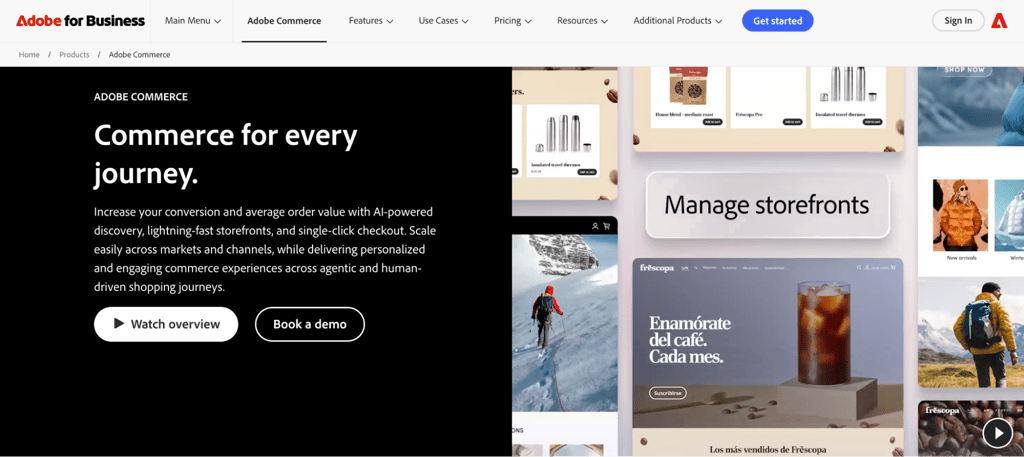
Magento gives you more customization power than any other platform on this list, but running it usually requires PHP development, server management, and ongoing technical maintenance.
Adobe acquired Magento in 2018 and now offers the free Magento Open Source edition alongside multiple paid Adobe Commerce products.
Magento Open Source gives you the essential tools to create and manage a digital storefront, with full source code access and thousands of extensions available through the Magento Marketplace. You self-host it, which means you control the server environment, codebase, and data.
Adobe Commerce adds AI-powered search and product recommendations, agentic commerce protocol support, Adobe Brand Concierge for conversational shopping, and managed cloud infrastructure.
It’s available as multi-tenant SaaS, single-tenant PaaS, or Adobe Commerce Optimizer for storefronts paired with an existing ecommerce engine.
Magento pros
- Maximum customization. Complex B2B pricing, custom checkout logic, multi-warehouse inventory, and multi-region stores with separate catalogs are all within reach. No other platform on this list offers this level of code-level control.
- AI-powered commerce on Adobe Commerce. Thirteen types of product recommendations, conversational shopping through Brand Concierge, and support for agentic commerce protocols from Google and OpenAI put Adobe Commerce alongside Shopify in the AI commerce space.
- Built for scale. The platform handles massive product catalogs, high concurrent traffic, 200,000+ orders per hour on Adobe Commerce, and complex inventory setups that lighter platforms can’t support.
Magento cons
- Not a DIY project. Building and maintaining a Magento store typically requires PHP developers or an agency, whether you choose Open Source or Adobe Commerce. If you don’t have technical experience, you’ll likely find it challenging to manage on your own.
- Slow time to launch. A basic Magento store can take weeks or months to go live, while SaaS platforms can launch the same day.
- High total cost of ownership. For Open Source, hosting, development, extensions, and maintenance add up quickly. Adobe Commerce requires a custom quote and a much higher investment.
Magento pricing
Magento Open Source is a free download. You provide your own hosting, domain, and SSL.
Hostinger offers Magento VPS hosting with one-click deployment starting at RM25.99/month. The recommended starting plan, KVM 2, costs RM35.99/month and includes two vCPU cores, 8 GB RAM, and 100 GB NVMe storage.
Adobe Commerce pricing requires a custom quote. Estimates start around $22,000/year for the on-premise edition and $40,000/year for the cloud-hosted version, scaling with your store’s size and feature requirements.

What to look for in a dropshipping website builder
When choosing a dropshipping website builder, prioritize ease of setup, supplier integrations, transparent pricing, scalability, and reliable support. How each platform handles these five areas determines whether it fits your business or becomes a bottleneck.
- Ease of use. A visual editor that lets you build and update your store without coding saves days of setup and ongoing maintenance. Platforms like Hostinger, Wix, and Shopify lead here, each offering AI-powered site generation that creates a working storefront from a text prompt. If you’re comfortable with WordPress, WooCommerce gives you more control but requires more hands-on management.
- Dropshipping-specific tools. General ecommerce features like inventory tracking, shipping rates, and tax rules are table stakes. For dropshipping, check whether the platform connects to supplier catalogs, automates order forwarding, and syncs product pricing with your margins. Shopify’s app ecosystem offers the deepest support through DSers, Spocket, and Zendrop, while Wix connects to Modalyst. Most general-purpose builders, including Hostinger, Squarespace, and Network Solutions, require manual order management for dropshipping.
- Pricing model and hidden costs. Compare the base subscription, transaction fees, app costs, and renewal rates before committing. A low introductory price can hide steep renewal jumps, while platforms advertising zero monthly fees may require a specific payment processor or charge higher processing rates. Understanding whether dropshipping is worth it helps you set realistic budget expectations before picking a plan.
- Scalability and upgrade triggers. Some platforms move you into higher-priced tiers when your revenue crosses a threshold. BigCommerce auto-upgrades at $30,000 annual GMV on the Core plan, while Shopify doesn’t. If you expect fast revenue growth, check how pricing changes as your sales increase.
- Support and documentation. A 24/7 support team, detailed knowledge base, and active community forums reduce the time you spend troubleshooting. Hostinger, Shopify, and Wix offer round-the-clock support across multiple channels. Open-source platforms like WooCommerce, PrestaShop, and Magento rely more on community forums and paid developer support.
Is Hostinger a good website builder for dropshipping?
Hostinger is a strong option for beginners and budget-conscious dropshippers who source their own products or work with a small number of suppliers.
Hostinger Website Builder’s AI store generator, zero transaction fees, 1,000-product capacity, and 100+ payment methods cover the core needs of a new dropshipping operation at RM16.99/month.
The builder offers excellent value for sellers who want to start making money with dropshipping at the lowest possible monthly cost.
The main limitation is that it doesn’t have an app marketplace for connecting automated supplier tools. You’ll need to manage supplier communication and order placement manually, which works well for smaller catalogs but becomes time-consuming as order volume grows.
Sellers who need automated product imports and order forwarding should consider combining Hostinger’s Managed WooCommerce hosting with a dropshipping plugin like DSers or Spocket instead.
Next steps: Start your dropshipping business
After choosing your dropshipping website builder, set up your store, source products from reliable suppliers, configure payment processing, and define your shipping rules.
Your platform choice directly affects store speed, checkout conversion rates, payment flexibility, and how smoothly operations scale when order volume spikes.
A builder with strong supplier integrations can save hours of manual work every week compared to a generic website tool that requires you to forward each order by hand.
Once the store is live, your work shifts to driving traffic, testing products, and optimizing your sales funnel. Sellers who invest in solid product research, competitive pricing, and realistic shipping time expectations tend to outperform those who focus only on store design.
For a step-by-step roadmap covering the entire process from product selection to your first sale, follow the guide on how to start a dropshipping business.
All of the tutorial content on this website is subject to Hostinger's rigorous editorial standards and values.


Ariffud is a Technical Content Writer with an educational background in Informatics. He has extensive expertise in Linux and VPS, authoring over 200 articles on server management and web development. Follow him on LinkedIn.