All Hostinger Tutorials
Learn more about web hosting, VPS, domain names, SSL, and more with our newest releases.
How to build a website with WordPress –video tutorial
Tired of reading? watch our video tutorial on how to build a website with WordPress instead.Learning how to build a website with WordPress is great...
Cumulative Layout Shift (cls): what it is and how to improve it
Cumulative Layout Shift (CLS) is a metric that evaluates site experience by measuring how much your site’s pages shift unexpectedly.Even though...
How to fix ERR_CACHE_MISS – video tutorial
The ERR_CACHE_MISS error mostly happens on the Google Chrome browser, preventing visitors from accessing your content.This error usually indicates...
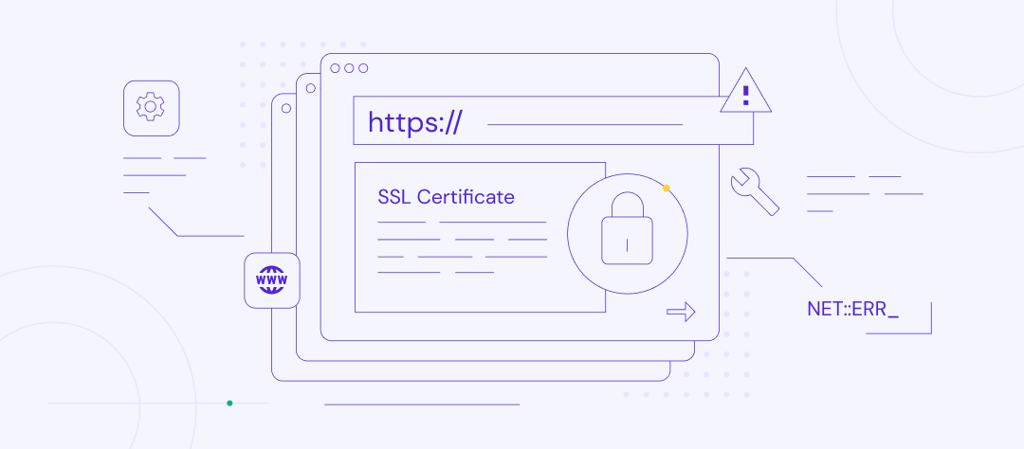
How to fix “NET::ERR_CERT_COMMON_NAME_INVALID” Error
When accessing a website, the browser usually has to verify the website’s SSL certificate to establish a secure connection. A website with a...
How to fix the ERR_CONNECTION_REFUSED error
ERR_CONNECTION_REFUSED is a Google Chrome error that prevents your browser from connecting to a website’s server. You can use one of the...
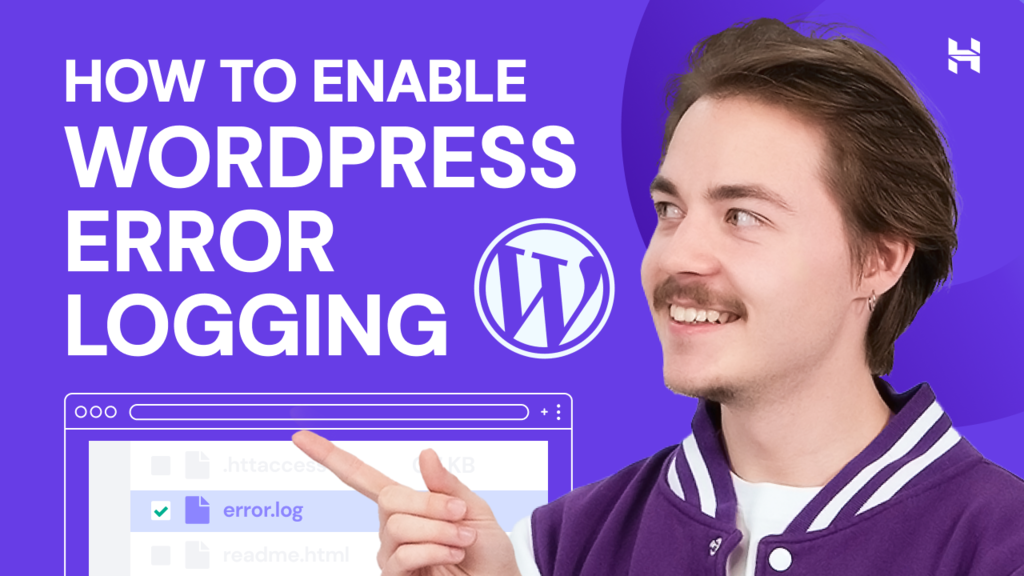
How to check your WordPress Error log – video tutorial
Checking your WordPress error log helps you troubleshoot issues and fix them right away. In this video tutorial, we explain how to check your...
How to migrate a WordPress site in 2026
There are various reasons for migrating a WordPress website, such as switching to another hosting provider for better performance and security....
Prestashop vs Shopify: two modern ecommerce platforms compared
Choosing the right platform is essential to simplify the setup and maintenance of an online store.PrestaShop and Shopify are top ecommerce platforms...
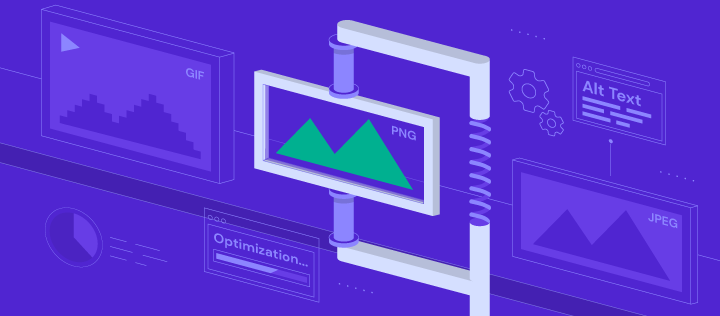
Complete guide to image optimization for better website performance
Image optimization, in general, aims at making images more efficient for web use. Properly optimized images lead to faster page load times, ensuring...

How to create a landing page – video tutorial
A landing page is a static web page that focuses on getting leads – for example, asking visitors to sign up for a free trial or a weekly...
How to fix ERR_CONNECTION_TIMED_OUT – video tutorial
If you come across the ERR_CONNECTION_TIMED_OUT error message, you won’t be able to visit the desired website unless you repair the issue. Find...

What is a blog? Your guide to blogging
A blog (short for “web log”) is an online platform run by an individual, group, or business that shares regularly updated posts on a...
How to create a shortcode in WordPress (in 7 steps)
Learning how to create a shortcode in WordPress can be an efficient way to customize your posts and pages. However, if you’re new to the...
What is WordPress Multisite: A complete guide to setting up a WordPress website network
WordPress Multisite is a feature that lets you create and manage a network of multiple websites from a single WordPress installation. It’s ideal...
What is HTML? – video guide
Hypertext Markup Language (HTML) is the standard markup language used to design web pages and applications. Learning HTML will help you create and...
What is NVMe: A beginner’s guide to the new industry standard in storage
It’s currently the era of solid-state drives (SSD) as consumer mechanical hard disk drives (HDD) are becoming outdated. One of the significant...
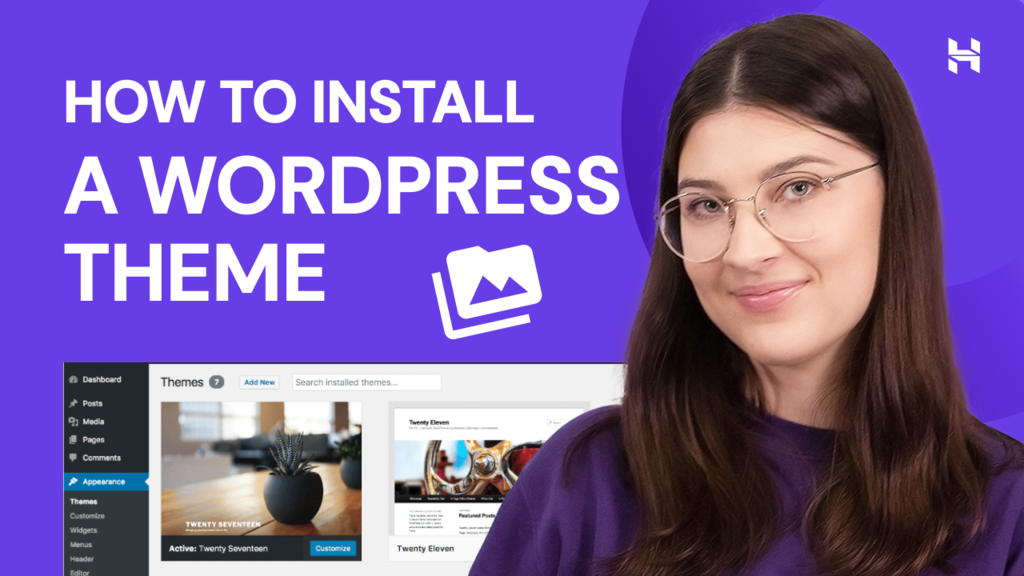
How to install a WordPress theme? – video tutorial
Thousands of WordPress themes are available to help you create an appealing website design. In this video, learn the steps on how to install a...

Ecommerce trends: top 15 to watch in 2026
The global eCommerce industry is changing rapidly. Online businesses must keep up with the latest eCommerce trends and ever-changing consumer demand...
30 best WordPress plugins to level up your website
Thanks to the wealth of WordPress plugins, you can add any feature you can think of to your website. However, choosing between thousands of plugin...
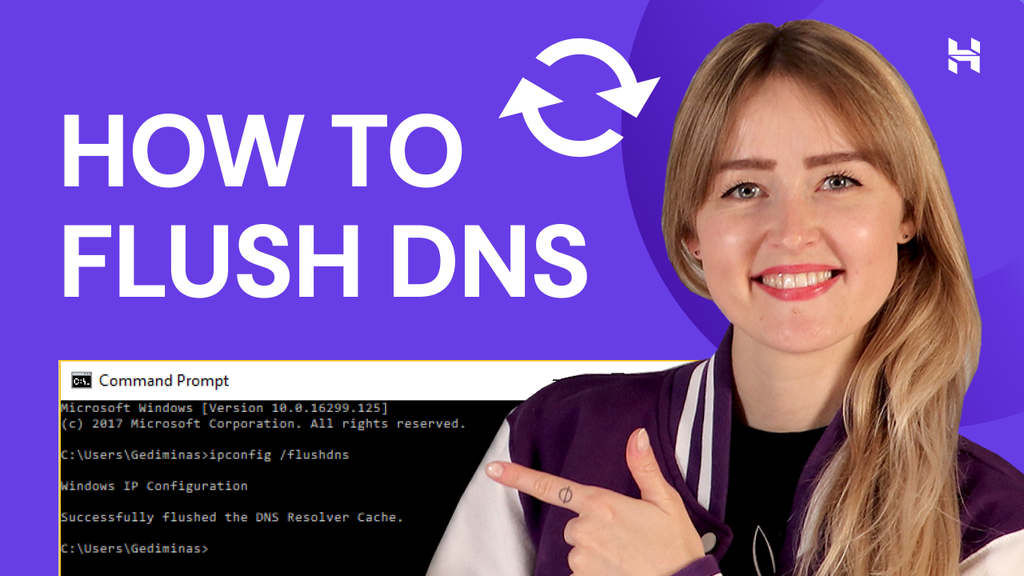
How to flush your DNS cache? – video tutorial
Learning how to flush your DNS cache will help you fix connection issues and prevent security attacks on your site.Operating systems store cache files...

Small business statistics 2026: Key data, trends, and insights
If you are starting your own venture, small business statistics reveal what works and what doesn’t. These numbers show you the real success...
How to create a WordPress child theme + customization tips
One of the biggest perks of using WordPress is that it has tons of themes to choose from. However, if you plan to customize your theme’s design...