8 best Palworld server hosting providers for a lag-free gaming experience
Jun 23, 2026
/
Paulius Z. & Valentinas C.
/
12 min Read
The best Palworld server hosting depends on what kind of experience you’re building.
For larger communities that need consistent performance and room to grow, Hostinger’s scalable VPS-based plans or Sparked Host’s high-performance hardware tiers are stronger fits.
If you’re running a small private world for a few friends on a tight budget, a slot-based provider like Indifferent Broccoli or Zap Hosting keeps costs low without sacrificing ease of use.
And if mod support is a priority, Citadel Servers and DatHost both offer one-click mod installers with enough configuration depth to satisfy more advanced setups.
Here’s a quick look at the eight best Palworld server hosting and what each does best:
- Hostinger. Best for players who want a scalable, beginner-friendly setup backed by 24/7 support and a 30-day money-back guarantee.
- Shockbyte. Best for mod-focused players who want broad configuration control across a global server network.
- Citadel Servers. Best for players who want instant setup, deep customization options, and flexible per-slot pricing.
- Indifferent Broccoli. Best for small groups looking for the simplest possible setup, with uncapped RAM and a 2-day free trial to test before committing.
- Sparked Host. Best for performance-focused players who want high-end hardware, a feature-rich control panel, and a risk-free trial period.
- DatHost. Best for players who want unrestricted CPU and RAM on a single all-inclusive plan with no upgrade tiers to navigate.
- Zap Hosting. Best for budget-conscious players who want a pre-configured server up and running in minutes, with a lifetime purchase option available.
- Pine Hosting. Best for smaller communities that prioritize personalized support and a straightforward hosting experience over a large game library.
Choose based on your player count, budget, and how much control you want over your server – the breakdown below covers everything you need to make the right call.
1. Hostinger
Hostinger is a strong option for Palworld server hosting, particularly for players who want a reliable, well-supported setup without a steep learning curve. Its game hosting plans are powered by CubeCoders AMP – a widely used game server management platform – paired with AMD EPYC processors and NVMe SSD storage, ensuring smooth gameplay even during active multiplayer sessions.
Because Hostinger operates data centers across Asia, Europe, North America, and South America, you can place your server closer to your players, reducing latency. That geographic flexibility makes it a viable choice whether you’re hosting a small private world for friends or a larger public server with room to grow.
Hostinger’s game server hosting plans include four options. For a comfortable 32-player server, Hostinger officially recommends Game Panel 4. For smaller player groups, the Game Panel 2 (8 GB RAM and 100 GB NVMe storage) is ideal, with a price that starts at $9.49/month on a 24-month commitment.
Every plan tier includes DDoS protection, automatic weekly backups, and a 30-day money-back guarantee.
Hostinger key features
- CubeCoders AMP game panel. A widely trusted game server management platform that streamlines installing, configuring, and updating Palworld servers. It keeps common tasks – from adjusting game settings to installing mods – accessible for both beginners and advanced users without needing command-line experience.
- AMD EPYC processors and NVMe SSD storage. Server-grade hardware built for consistent performance under load, helping maintain stable, low-latency gameplay even during busy multiplayer sessions.
- Kodee AI agent. Server management is much easier with Hostinger’s AI agent, powered by MCP (Model Context Protocol), which can execute tasks on your behalf.
- DDoS protection on all plans. Built-in protection across every plan tier, keeping your server online without requiring a separate purchase or add-on.
- Automatic weekly backups. World data is backed up automatically every week on all plans, so you’re not starting from scratch if something goes wrong.
- Four data center regions. Servers available across Asia, Europe, North America, and South America, giving you broad placement flexibility to reduce latency for geographically distributed players.
- 30-day money-back guarantee. One of the longest refund windows in this list, giving you a full month to evaluate the service before committing.
- 24/7 support. A round-the-clock support team available to help with technical issues, configuration questions, and troubleshooting whenever needed.
Hostinger drawbacks
- Steam-only dedicated server support. Hostinger’s Palworld hosting is currently limited to Steam – Xbox players can’t host or join through this setup.
- No game-only billing granularity. Hosting is built on a virtual private server (VPS) rather than a per-slot game server.

2. Shockbyte
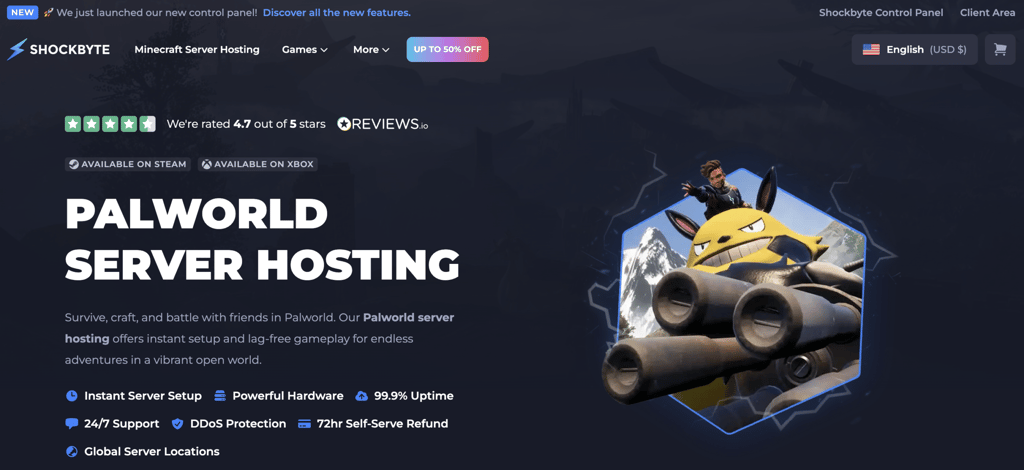
Shockbyte is a game server hosting provider that supports a wide range of popular multiplayer titles, including Palworld. It focuses on reliable performance and dedicated server resources for players who want a smoother multiplayer experience.
One of Shockbyte’s biggest strengths is its broad mod support, making it a strong fit for players who want deeper control over their server configuration and gameplay experience. It also offers a global network of locations, which can help reduce latency for geographically distributed players.
For Palworld players, plans start at $16.99/month for up to 10 players, scaling up to 32 players on the top-tier plan. For your first monthly billing cycle, Shockbyte applies a 40% discount, lowering the cost to $8.49.
Shockbyte key features
- Scheduled restarts. Automatically restarts the server on a set schedule to maintain performance. This is especially useful for Palworld, where long sessions can cause memory buildup over time.
- Full sFTP access. Gives you direct access to your server’s file system through a secure connection, so you can upload mod files, edit configuration files, and manage save data without going through a web interface every time.
- Redesigned control panel. Shockbyte recently launched a new control panel that lets you manage server settings, monitor status, and trigger restarts from one place.
- Global server locations. Shockbyte operates servers across multiple regions, so you can choose a location closest to where most of your players are.
Shockbyte drawbacks
- Support response times can vary. Shockbyte offers 24/7 customer support, but some users report delays in getting replies, particularly for more complex issues.
- Limited plan options. Palworld hosting comes in only three fixed plans, which may not suit servers with very specific resource needs.
3. Citadel Servers
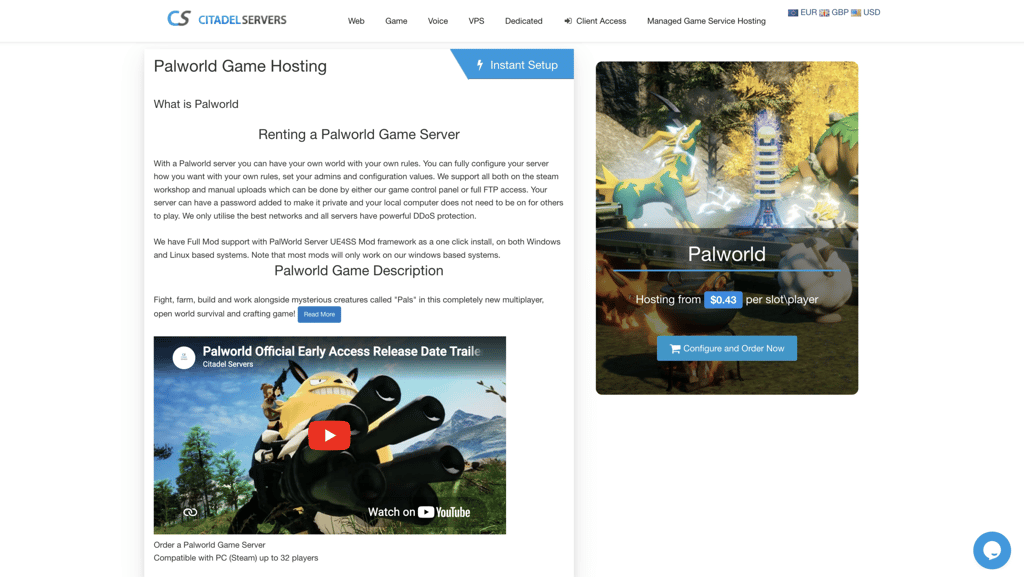
Citadel Servers is a game server hosting provider that supports Palworld and 200+ other multiplayer titles, with an emphasis on instant deployment and a self-service control panel experience.
Its main appeal is ease of use, with the TCAdmin control panel keeping common tasks like mod installs, backups, and configuration changes accessible without requiring much technical know-how. It also offers more customization depth than its straightforward interface might suggest, including full FTP access, custom launch parameters, and one-click mod support.
Citadel Servers uses per-slot pricing rather than fixed plans, starting at $0.43/slot/player with a minimum spend of around $20.00/month. The total cost varies based on your server configuration, including factors such as server location, selected add-ons, and billing cycle.
Citadel Servers key features
- Instant server setup. Citadel Servers activates your Palworld server immediately after purchase, so there’s no waiting period before you can start playing.
- Customized TCAdmin control panel. Built on TCAdmin – a widely used third-party game server management platform that Citadel Servers has customized for their setup – the panel puts server management, mod installs, backups, and configuration in one place.
- Full FTP access. Gives you direct access to your server’s file system, so you can upload custom mods, edit configuration files, and manage server data without going through the control panel every time.
- 16+ global server locations. Servers are available across America, Europe, Asia, and Australia, giving you a wide range of placement options to reduce latency for your players regardless of where they’re based.
Citadel Servers drawbacks
- Pricing transparency. RAM specs aren’t publicly listed by configuration, so it can be harder to compare resource costs directly with other providers before committing.
- Mod compatibility limited to Windows instances. Most mods only work on Windows-based server instances, so check before you commit to a configuration if mod support is a priority.
4. Indifferent Broccoli
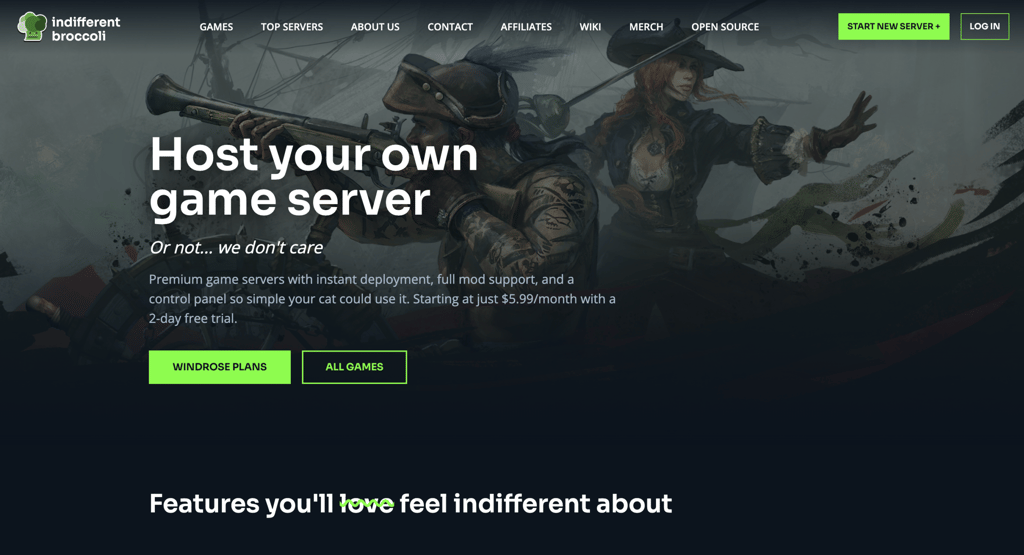
Indifferent Broccoli is a game server hosting provider that offers Palworld hosting with a focus on simplicity, affordability, and personal support. It prioritizes ease of use and hands-on customer care over enterprise-scale features, making it a good fit for smaller groups that want a low-friction way to run a dedicated server.
Its custom-built control panel keeps server management straightforward, and all plans are priced by player count with no per-plan RAM ceiling – so you’re not hitting arbitrary resource limits as your sessions get more active.
Palworld plans start at $5.99/month for a single player, scaling up to $24.99/month for 32 players. All plans come with a 2-day free trial and a 7-day refund policy if the service isn’t the right fit.
Indifferent Broccoli key features
- Instant server setup. Servers go live in under 60 seconds after purchase, so you’re not waiting around before you can start playing.
- Custom control panel. A purpose-built panel designed to keep server management simple from day one, supporting mod installs, subusers, and server configuration without any command-line experience.
- Discord bot for server management. A convenient option for communities that already coordinate through Discord.
- Full FTP access. Direct access to your server’s file system for uploading mods, editing configuration files, and managing save data outside the control panel.
Indifferent Broccoli drawbacks
- Smaller game library. With 25+ supported titles, Indifferent Broccoli covers fewer games than larger hosts that support 60-100+ titles, which matters if you’re planning to run servers for multiple games.
- Regional coverage limited to NA, EU, and Asia. Server locations don’t extend to South America, Africa, or Oceania, so players in those regions may experience higher latency than with providers that have broader global coverage.
5. Sparked Host
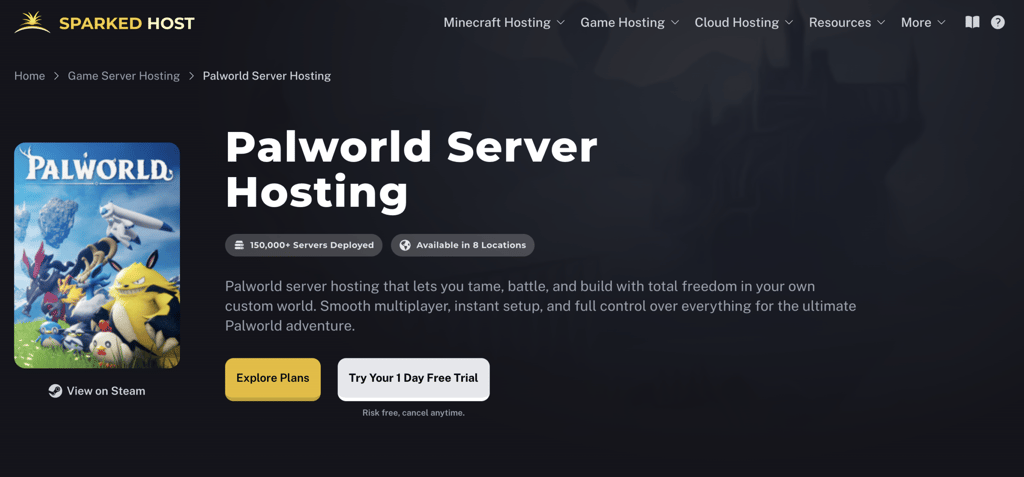
Sparked Host is a game server hosting provider that caters to a variety of gaming communities, including Palworld. Its hosting infrastructure is built around stable performance, with 99.99%+ uptime advertised across two hardware tiers – Enterprise (Ryzen 9 7900) and Extreme (Ryzen 9 9900X).
Despite its performance-first positioning, Sparked Host is designed to be accessible from the start. It offers instant setup, a detailed knowledge base with 500+ guides, a 24-hour free trial, and a separate 48-hour refund guarantee.
For Palworld players, plans with at least 8 GB of RAM start at $17.60/month on the Direhowl plan, making it a mid-range option for a comfortable multiplayer setup.
Sparked Host key features
- Two hardware tiers. Sparked Host offers Enterprise and Extreme configurations, allowing you to choose the performance level that best fits your server’s needs.
- Apollo Panel. Sparked Host’s proprietary control panel includes a modern file manager, one-click mod installer, one-click plugin installer, server importer tool, server splitter, and a secure reverse proxy.
- 8+ global server locations. With locations across North America, Europe, Asia, and Oceania, you can place your server close to where your players are, which directly reduces ping and improves the in-game experience.
- DDoS protection. Enterprise-grade protection with one-second mitigation time and terabit-scale capacity, helping keep your server online even under heavy malicious traffic.
Sparked Host drawbacks
- Limited game library. With 30+ supported titles, Sparked Host covers fewer games than some larger competitors, which may matter if you plan to run servers for multiple games.
- Entry-level plan suited for small groups. The base plan is recommended for 1-4 players, so larger communities will need to step up to a higher tier from the start.
6. DatHost
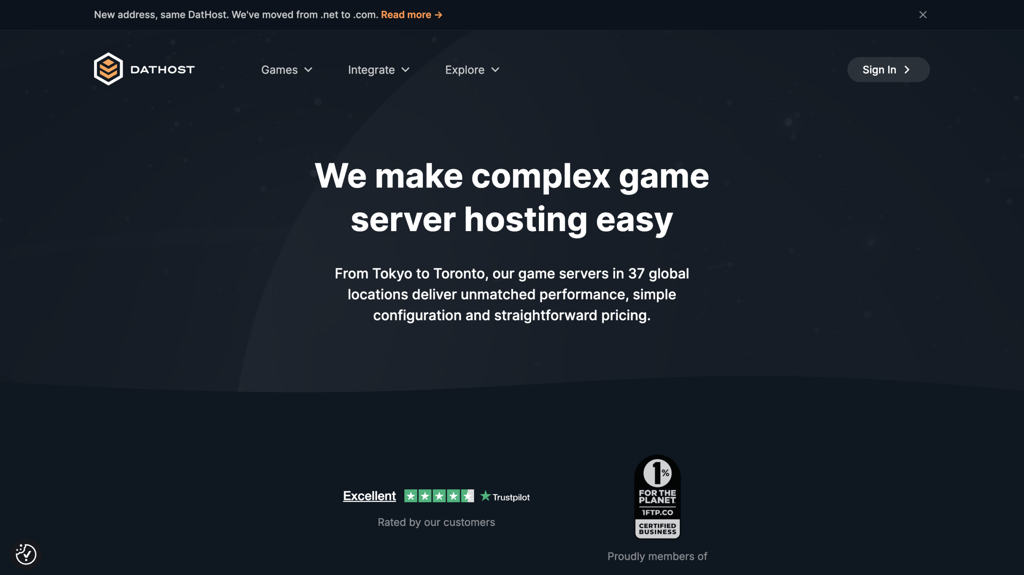
DatHost is a game server hosting provider that supports Palworld and 19+ other multiplayer titles. Rather than offering tiered resource plans, it takes a single, all-inclusive approach: every server runs with unrestricted CPU and RAM at full capacity from day one, with no throttling or upgrade tiers to navigate.
Its hardware is built around AMD Ryzen 9 7950X3D processors, DDR5 RAM, and enterprise SSDs, and it operates across 34 locations spanning Europe, North America, Asia-Pacific, Latin America, the Middle East, and Africa. Mod support is also a highlight – a one-click mod installer keeps the process straightforward without requiring technical expertise.
DatHost offers a single all-inclusive Palworld plan starting at $17.04/month billed monthly, or as low as $7.89/month on a 12-month plan. All plans include unrestricted CPU and RAM.
DatHost key features
- All-inclusive performance. Every plan comes with unrestricted CPU and RAM. Your server runs at full capacity regardless of which plan billing cycle you choose.
- One-click mod installer. Install mods and plugins directly from the control panel without any manual file management, making customization accessible even if you’re not comfortable with server administration.
- Unlimited game switching. Swap your server between any of DatHost’s 19+ supported games without losing progress or paying for a separate instance.
- 34 global server locations. With locations across Europe, North America, Asia-Pacific, Latin America, the Middle East, and Africa, DatHost offers one of the widest geographic footprints of any provider in this list.
- 14-day money-back guarantee. Try the service risk-free for two weeks — a longer trial window than the 24-hour options some competitors offer.
DatHost drawbacks
- Higher month-to-month pricing. At $17.09/month, DatHost costs more upfront than other competitors with the same billing cycle.
- Less flexibility for advanced users. The single flat plan works well for most setups, but users who want granular control over specific resource allocations won’t find that option here.
7. Zap Hosting
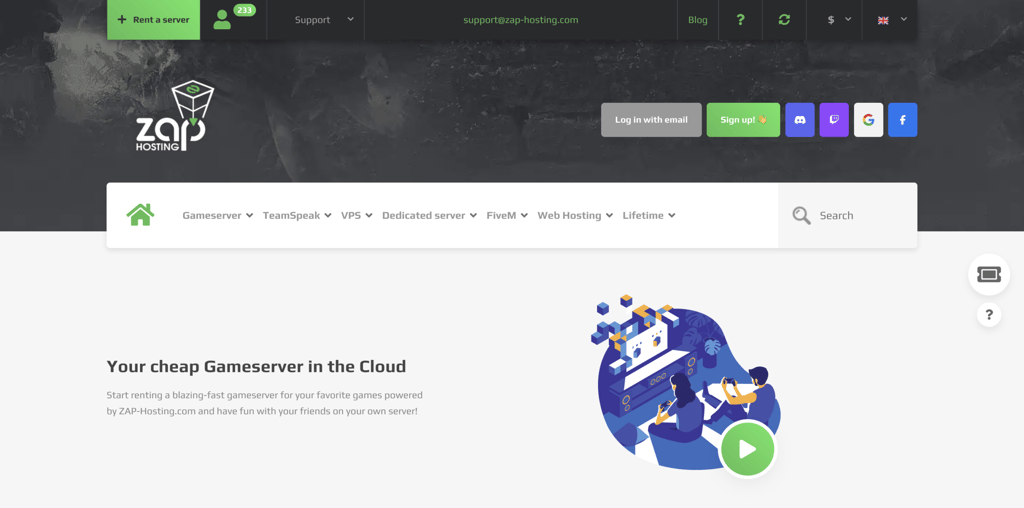
Zap Hosting is a game server hosting provider that supports Palworld and 100+ other multiplayer titles. Its beginner-friendly approach makes server hosting accessible to both new players and more experienced administrators.
One of Zap Hosting’s biggest strengths is its quick setup process: servers go live in about 5 minutes with automatic configuration. Its resource-based pricing model also lets you configure your own RAM, CPU, and disk space at checkout rather than being locked into fixed tiers.
The trade-off for that convenience is reduced flexibility – the pre-configured environment means fewer options for deeply customizing your server settings. Some players also report uneven performance during busy periods, which can affect stability.
Palworld servers start at $8.14/month, with resources like RAM, CPU, and disk space configurable at checkout. A Lifetime Server option is also available for $68.40 as a one-time purchase.
Zap Hosting key features
- Automatic server setup. Servers are pre-configured and ready to play in minutes, with no manual installation required.
- ZAP Panel. Zap Hosting’s proprietary web interface includes an InGame console for running commands directly and a Config Editor for adjusting server settings without manually editing files, keeping common management tasks accessible from one place.
- Game Cloud switching. Switch between 100+ supported games and 150+ Minecraft modpacks – at any time, without losing your server IP or port, which is useful if your community plays multiple titles.
- Free FTP access. Gives you direct access to your server files for uploading mods, editing configuration files, and managing save data outside the control panel.
- Palworld Lifetime Server option. A one-time purchase starting at $68.40 specific to Palworld servers, removing the monthly billing cycle for players who plan to run a server long-term.
Zap Hosting drawbacks
- Older-generation hardware. Zap Hosting runs on Intel E5-2650v4 processors and DDR4 RAM, which is less powerful than the Ryzen 9 and DDR5 setups offered by several competitors in this list.
- Limited customization. The pre-configured setup simplifies getting started but leaves less room for deep server tuning compared to more flexible providers.
- Inconsistent performance. Some players report performance dips and resource limitations during peak hours, which can affect gameplay stability on busier servers.
8. Pine Hosting
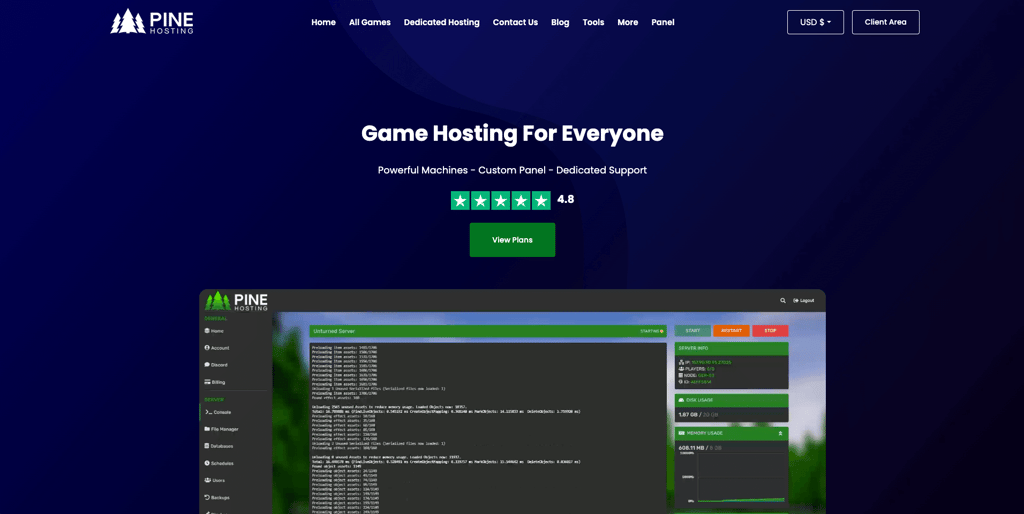
Pine Hosting is a game server hosting provider focused on delivering a simple and reliable hosting experience for multiplayer games like Palworld. Its services are geared toward players who want a straightforward way to host and manage their own game servers without unnecessary complexity.
Pine Hosting’s support-first approach means users benefit from attentive, fast, and personalized assistance. It backs that up with latest-generation hardware, 99.99% uptime, and a control panel built to work for all experience levels.
Pine Hosting offers three Palworld plans. The Essential plan starts at $14.99/month for 12 player slots and 8 GB of RAM. Annual billing reduces costs by up to 30%, with the Essential plan dropping to around $10.49/month with a yearly commitment. Dedicated server options are also available for higher-demand use cases.
Pine Hosting key features
- PC or Xbox server support. Pine Hosting supports both PC and Xbox players – you can switch between platform modes directly from the control panel. Note that crossplay between PC and Xbox is not currently supported; the server runs in one mode at a time.
- Workshop and plugin installer. Install mods and plugins directly from the control panel without manual file management, keeping the customization process accessible for players at all experience levels.
- Task scheduling. Automate restarts, updates, and backups on a set schedule so your server stays up to date without requiring you to step in manually.
- Automatic updates. Pine Hosting automatically keeps your Palworld server up to date, so you don’t have to manually apply patches every time a new version is released.
Pine Hosting drawbacks
- Smaller game library. With 20+ supported titles, Pine Hosting covers fewer games than larger providers that host 60-100+. That matters if your community plays across multiple games.
- Limited regional coverage for some players. Server locations currently span Europe, North America, and Australia. Players in Asia or South America may experience higher latency than with providers that have broader global coverage.
Key features to look for in Palworld server hosting
When exploring Palworld game server hosting options, prioritizing VPS hosting can offer a strategic advantage for a tailored gaming experience.
Server performance
The ideal hosting should guarantee minimal downtime and have hardware specifications that meet or exceed Palworld’s requirements. Opting for VPS hosting can provide the dedicated resources needed for a speedy Palworld server, ensuring little to no downtime and efficiently meeting the game’s system requirements.
Hostinger’s VPS plans are designed to handle the demands of gaming servers like Palworld, providing dedicated resources to ensure smooth and lag-free gameplay. With a high-speed network and SSD storage, you can expect reliable server performance and quick loading times.
Server location
Select a VPS provider with server locations nearest to your player base. This strategic choice significantly reduces ping times, enhancing the gaming experience. Many VPS hosts offer a wide range of locations globally, allowing you to pinpoint the ideal geographic position for your server.
With multiple data centers worldwide, Hostinger allows you to choose a server location close to your friends. This geographical flexibility ensures optimal connection speeds for players, significantly reducing latency and improving the gaming experience.
Scalability
Ensure your VPS hosting plan can grow with your server. As more users join your Palworld server, you’ll need more resources, and the right VPS host should offer seamless scaling options.
This means you can upgrade your server plan without downtime or service interruptions, ensuring a consistent gaming environment for your players.
Hostinger’s VPS hosting can quickly and easily scale up to meet your increasing demands. With a range of plans, upgrading your resources is simple and can be done without any downtime, ensuring your server remains available and responsive.
Security
Prioritize VPS hosts that provide comprehensive security measures, including DDoS protection and a regular automated backup. This not only secures your Palworld server against attacks but also ensures your game data is safely backed up, preventing data loss.
Hostinger offers secure Palworld server hosting with robust protection measures, including advanced DDoS protection and regular backups. These ensure that your server and game data are safeguarded against external threats and that data loss is minimized.
Control Panel features
Choose a web hosting provider with a feature-rich control panel. This will help simplify your game server setup and management, as you can use a graphical user interface instead of commands.
At Hostinger, our Game Panel provides a centralized dashboard for tasks like starting your custom Palworld servers, configuring in-game settings, and checking logs.
Our custom control panel, hPanel, also has a built-in monitoring tool, allowing users to check their VPS performance via a web browser.
Interested in some Palworld fun facts?
Explore our Palworld statistics to gain more data-driven insights about Palworld.
Build a dedicated server in Palworld
To set up a dedicated Palworld server, open Game Panel by clicking the Manage panel button at the top of the VPS Overview menu. Click Create New Instance and select Palworld from the drop-down list.
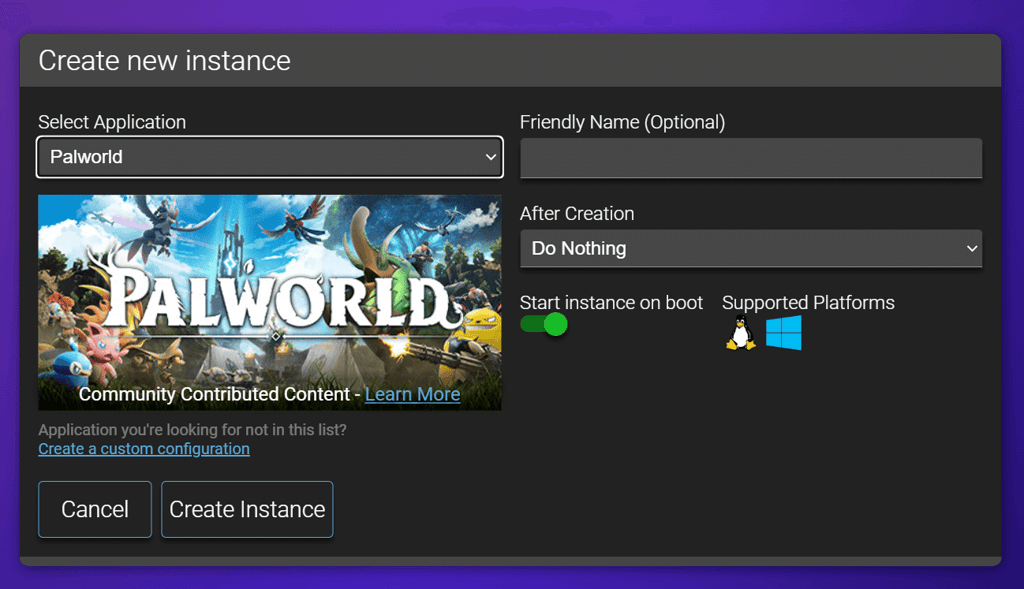
Wait until the server download completes. Once ready, you can invite your friends to play Palworld by entering your server’s IP address and port.
Additionally, you can customize your server settings through the Configuration menu.
You can also start your Palworld dedicated server by manually setting up a VPS. Here’s how to get started:
- Choose your Hostinger Palworld plan
- Set up your VPS
- Connect to your VPS with an SSH client
- Install SteamCMD and game server dependencies
- Download and install the Palworld server files
- Configure your server via the .ini file
- Launch your Palworld server
- Maintain and manage your server
Once your server is up and running, creating a gaming website for your Palworld community is a good next step. It gives you a dedicated space to share server rules, announce events, and attract new players – especially useful if you’re running a public server and want to grow beyond your immediate circle.


Paulius is as a Content Editor who excels in creating engaging technology-based content, while his keen eye for detail ensures accuracy in all aspects of his work. In addition to his role, Paulius brings 4+ years of valuable experience to the team, with a particular knack for crafting YouTube-related content. Beyond his professional know-how, he is more than willing to talk to you about everything board games.

Valentinas Čirba, Hostinger's Head of VPS, is a seasoned product leader specializing in VPS products with over ten years of experience. He's an expert at setting product strategy, leading cross-functional teams, and making smart decisions to deliver innovative solutions. Valentinas is committed to creating products that not only meet business objectives but also truly serve the customer. Follow him on LinkedIn.